AI Tools for Note Taking

Discover the best Note Taking AI tools to enhance your productivity and creativity.

Page 8 of 13 • 145 total tools

Taking notes is a really important skill today, especially with how fast things move and how much information we deal with. Whether it’s for lectures, meetings, or just jotting down personal thoughts, good note-taking can totally change how we remember and use information. But honestly, handwritten notes can get messy, and typing sometimes feels like a race to get your thoughts down before they disappear.

That’s where AI note-taking tools come in. These aren’t just apps that type for you; they use artificial intelligence to help you organize, pull together information, and even find key insights on their own. If you find the right AI tool, you can easily move from messy notes to neat, digital ones.

I’ve spent the last few weeks checking out different options, and I’ve put together a list of the best AI note-taking tools out there right now. Each one has its own special features for different needs, from recording audio to summarizing long articles. So, whether you’re a student, a professional, or just someone who likes to stay organized, there’s likely something here for you.

If you’re ready to make your note-taking experience much better and get some valuable time back, let’s look at the top AI note-taking tools.

The best AI Note Takers

  1. Otter.ai for making team meetings smoother with AI notes.
  2. Tactiq to automatically capture meeting notes without any effort.
  3. Fireflies AI for easy automation of meeting recaps.
  4. Fathom AI for simple meeting summaries and action items.
  5. PLAUD for help transcribing lectures efficiently.
  6. Tldv to make meeting note-taking much smoother.
  7. Notta for making meeting summaries simple.
  8. Klangio for turning lectures into music notes.
  9. Supernormal for making meeting summaries easier.
  10. Jamie AI for generating meeting summaries with ease.
  11. Blu Dot to improve how efficiently you document meetings.
  12. Voicenotes for summarizing lectures into clear action items.
  13. Bubbles Notetaker for smoother meeting notes and action items.
  14. Mentalyc for automatically summarizing therapy sessions.
  15. Sembly AI to automate meeting notes and follow-ups.

How do AI note takers work?

AI note takers have become really helpful for managing information better. Basically, these apps use advanced natural language processing (NLP) to look at spoken or written text. They turn words into a structured format, which helps them spot main ideas, organize thoughts, and summarize content easily.

Most AI note takers use large language models (LLMs). These models have learned from tons of data, like articles, books, and conversations. This training helps them understand context, see how topics connect, and even guess what information is most important.

When you use an AI note taker, it processes what you input right away, whether you’re speaking notes during a meeting or typing ideas while studying. As it captures the information, it uses algorithms to break down sentences, pull out key points, and suggest insights. This lets you focus on your thoughts without worrying about missing anything important.

Lots of popular apps can connect with other tools, making it simple to manage your knowledge. For example, notes you take in an AI tool can sync with project management apps or cloud storage. This connection boosts productivity, making it easy to find and share information when you need it.

AI note takers are also flexible because they can handle different ways of inputting information, from typing to voice. You can speak notes for them to transcribe later, which makes them accessible and convenient. All in all, AI note takers are changing how we record and interact with information by using the latest technology.

Our best AI note takers at a glance

RankNameBest forPlans and PricingRating
1Otter.aiMaking team meetings smoother with AI notes.Paid plans start at $13.59/month.4.73 (11 reviews)
2TactiqAutomating meeting notes effortlessly.N/A4.64 (11 reviews)
3Fireflies AIEffortless meeting recap automationPaid plans start at $10/month.4.67 (12 reviews)
4Fathom AIEffortless meeting summaries and action itemsPaid plans start at $19/month.4.33 (24 reviews)
5PLAUDEfficient lecture transcription helpPaid plans start at Free/N/A.4.40 (15 reviews)
6TldvMaking meeting note-taking much smoother.N/A4.31 (13 reviews)
7NottaMaking meeting summaries simple.N/A4.72 (29 reviews)
8KlangioTurning lectures into music notesN/A4.74 (34 reviews)
9SupernormalMaking meeting summaries easier.Paid plans start at $18/month.4.79 (19 reviews)
10Jamie AIGenerating meeting summaries with ease.N/A4.33 (15 reviews)
11Blu DotImproving how efficiently you document meetings.N/A4.60 (25 reviews)
12VoicenotesSummarizing lectures into clear action items.N/A4.64 (11 reviews)
13Bubbles NotetakerMaking meeting notes and action items smoother.Paid plans start at $Free/month.4.64 (11 reviews)
14MentalycAutomatically summarizing therapy sessions.Paid plans start at $39.99/month.4.75 (12 reviews)
15Sembly AIAutomating meeting notes and follow-ups.Paid plans start at $20/month.4.64 (11 reviews)
Screenshot of Nexel

Nexel

Freemium

Nexel is a handy tool designed to automate your workflow. It uses AI to make those repetitive tasks much simpler and faster. It is your digital assistant for things like summarizing text or doing web searches. Nexel fits right in with apps you probably already use, like Gmail, LinkedIn, Asana, and Github.

Screenshot of Noota

Noota

Freemium

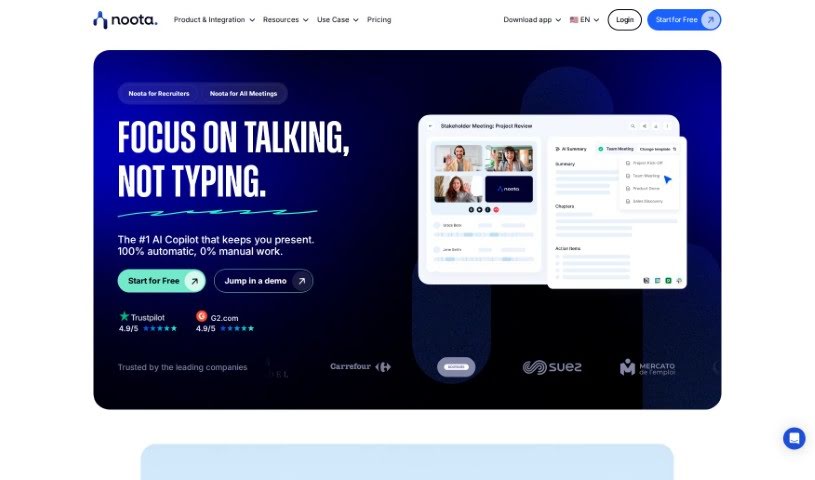
Noota is a smart tool that acts like an AI assistant for your meetings, automatically handling the note-taking for you. It's packed with features like taking notes in real-time, using conversation intelligence to really dig into and capture the key insights from discussions, and even offering transcription and screen recording. Noota can be a real game-changer for professionals in all sorts of fields – think Sales, Academic & Research, Recruiting, Management, Consulting & Call Centers, Media & Podcasting, and even Medical professionals. It helps by sending your meeting notes straight to your CRM, making team training much smoother, improving how you recruit, and helping you close deals faster.

Screenshot of Notability

Notability

Freemium

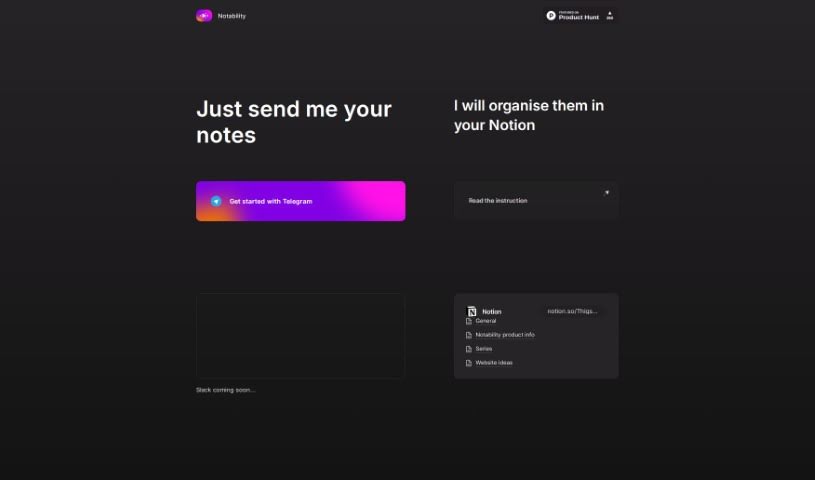
Notability is a handy tool designed to help you keep your notes organized and easy to manage. It works well with platforms like Telegram and Slack, making it simple to share your notes. The interface is really user-friendly, and the instructions are clear, so you can start using it right away. With Notability, you can organize your notes more smoothly, connect them with different platforms without a hitch, and keep everything in one convenient spot, like Notion.

Screenshot of Notedly.ai

Notedly.ai

Freemium

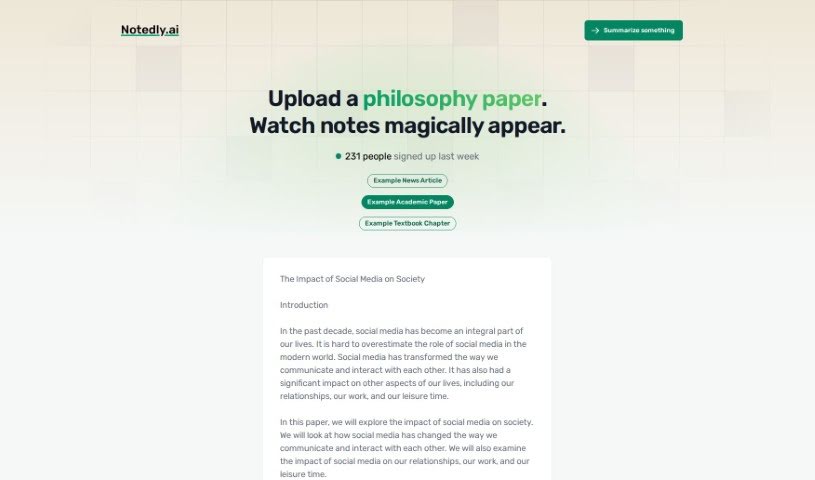
Notedly.ai is a really smart platform built to help you manage your notes and information better, whether you're working alone or with a team. It uses artificial intelligence to make taking notes much simpler. It is a tool that helps you organize, find, and actually use your data more easily. The people behind Notedly.ai made sure it's easy for anyone to use, no matter their tech skills. This means you can take advantage of AI features to get more done and manage your information more effectively. It's pretty adaptable, too – whether you're a student, a busy professional, or somewhere in between, Notedly.ai can fit your specific needs. Ultimately, it saves you time so you can concentrate on the important stuff. Key features include AI-powered tools, a super user-friendly interface, ways to organize things just how you like them, smooth connections with other apps, and a powerful search function. It really offers a complete package for handling information efficiently.

Screenshot of NoteGenie

NoteGenie

Freemium

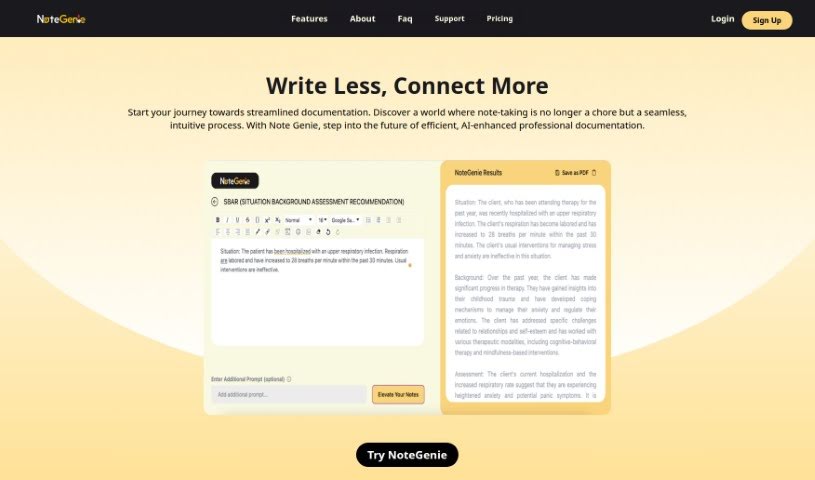
NoteGenie is a smart AI tool designed to completely change how you take notes and boost your productivity. It uses advanced technology and machine learning to handle the note-taking for you, which saves you time and makes sure your notes are more accurate. Forget about typing mistakes or missing those crucial details – NoteGenie makes note-taking much smoother and more effective.

Screenshot of Notesgpt

Notesgpt

Freemium

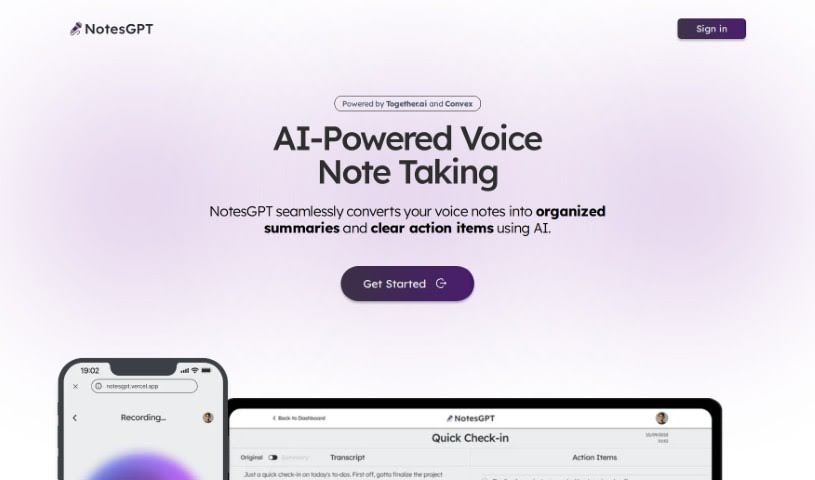
NotesGPT is a smart tool that uses AI to turn your voice notes into neat summaries and clear to-do lists. It's built on advanced AI language models that can understand and process what you say, then turn it into organized text. What's really cool is that it also pulls out the key tasks from those summaries, presenting them as easy-to-follow action items. The AI is the secret sauce here, really figuring out the details in your voice notes and translating them into readable summaries and tasks. Basically, NotesGPT makes your workflow much smoother by automatically handling the conversion of voice notes, pulling out tasks, and helping you generate them instantly. This means you save time and get more done. It's a team effort, bringing together tech from Together.ai, Convex, and Replicate, all wrapped up in an easy-to-use interface that works across different platforms. Plus, its open-source code is on GitHub, so you can see exactly how it works and even tweak it if you want.

Screenshot of Notesollama

Notesollama

Freemium

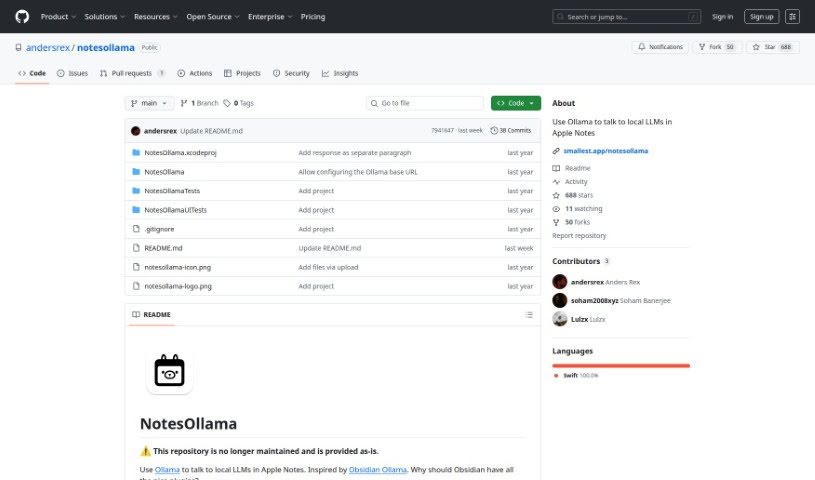
NotesOllama is a handy tool that really boosts Apple Notes' capabilities. It makes it easy to chat with Local Learning Modules (LLMs) right inside your notes. It is a way to quickly summarize your notes, ask specific questions about them, or even create your own custom prompts. The goal here is to help you get more done without sacrificing your data privacy. You can use the nine prompts that come built-in, or if you're feeling creative, you can add your own! Just a heads-up, NotesOllama is made for macOS and you'll need to have Ollama installed on macOS 13 or a newer version.

Screenshot of Notta

Notta

Freemium

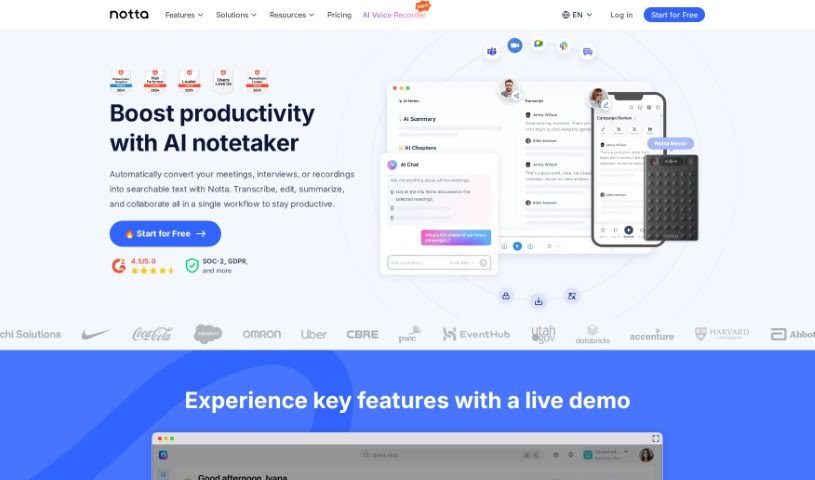
Notta is a really handy tool that blends human ingenuity with Artificial Intelligence to offer automated note-taking. It is your personal assistant for meetings and conversations. It can automatically create summaries of your meetings, share those notes easily, turn key moments into shareable clips, and export everything into formats like TXT, Word Doc, PDF, and SRT. The main idea behind Notta is to help you and your team save precious time, stay focused during discussions, and ultimately boost your productivity and get better results.

Screenshot of Olly

Olly

Freemium

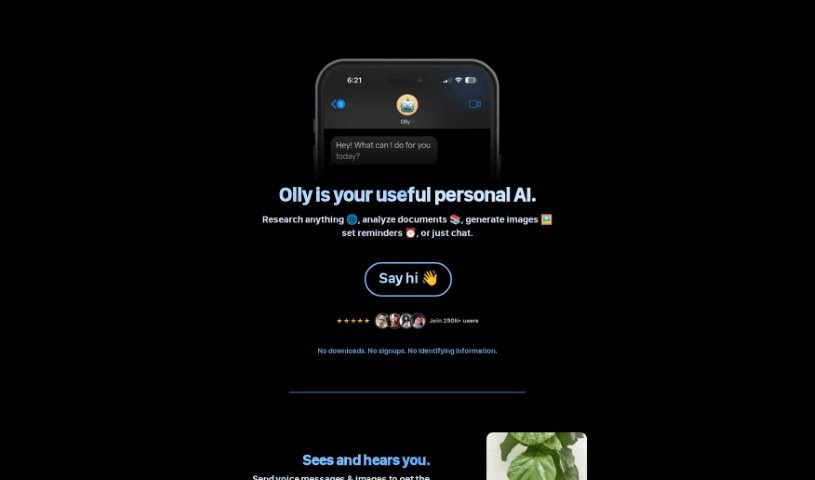
Olly is your personal AI assistant, designed to work smoothly across all your Apple devices – your iPhone, MacBook, Apple Watch, and even in your car with CarPlay. It taps into web-based tools to give you quick help right inside iMessage. This means you can get answers powered by the web, generate images, and have chat conversations that can even include documents. What really makes Olly stand out is how it handles voice messages and images you send it, making it super easy to interact with. It also helps you keep track of things by sending text reminders, so you can stay organized. Plus, a really handy feature is its ability to read through PDFs and articles, then give you a summary of the main points. Olly also gets smarter over time by learning from how you use it, tailoring its features to you without needing any downloads or asking for your personal info.

Screenshot of Operator App

Operator App

Freemium

Operator is your personal assistant for getting your thoughts and to-dos in order. It’s built to help you capture those fleeting ideas and turn them into actual, manageable tasks. The app helps you figure out what’s most important by looking at both the impact a task will have and how much effort it’ll take. To keep things clear, it sorts your tasks into different lists, so your work life doesn't get mixed up with your personal life. There’s even a handy action button that lets you quickly jot down tasks using just your voice. Ultimately, Operator aims to take your scattered thoughts and shape them into a clear, organized agenda, making sure nothing important slips through the cracks.

Screenshot of Otter.ai

Otter.ai

Freemium

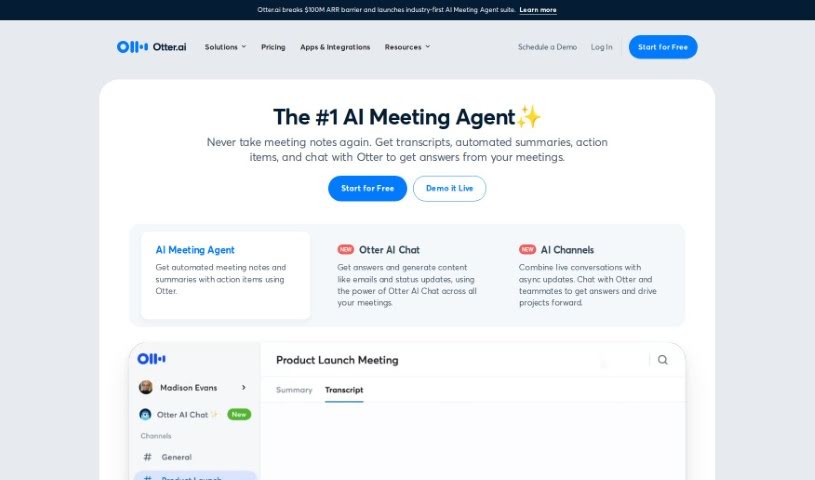
Otter.ai is a smart AI Meeting Assistant that's really good at transcribing meetings in real-time, taking notes automatically, and even creating summaries. It is your personal meeting helper! It can transcribe conversations live on platforms you probably already use, like Zoom, Google Meet, and Microsoft Teams. Plus, it's clever enough to pull out action items and can connect with tools like Salesforce and Hubspot, making your workflow much smoother. You can use Otter.ai pretty much anywhere – on your computer, or through its apps for iOS and Android. They also have a special version called OtterPilot for Sales, which is designed to pull out key sales insights, help write follow-up emails, and generally make things easier for businesses, schools, media folks, and sales teams. Otter.ai offers different pricing options, and there's even a discount for students and teachers with eligible email addresses. Some of its standout features include that live transcription, those handy AI Meeting Summaries, easy integration with CRM systems, and compatibility with popular video conferencing tools.

Screenshot of Paper

Paper

Freemium

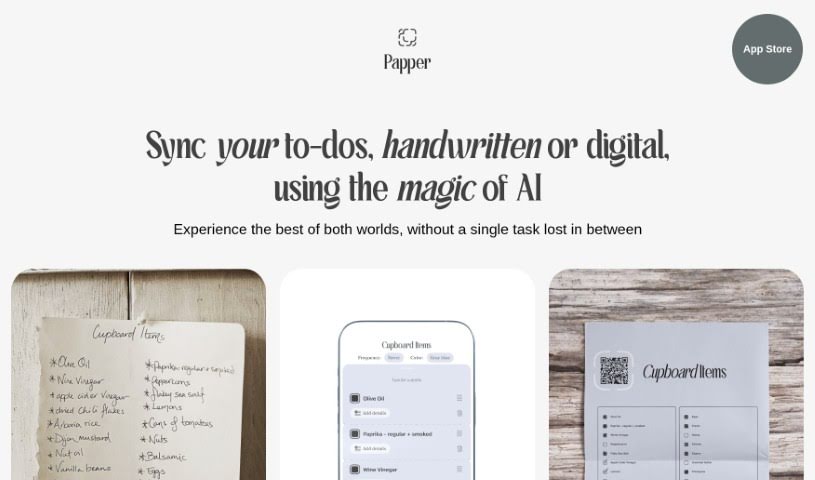
Paper is the best of both worlds: the familiar, tactile feel of pen and paper combined with the ease of digital convenience. It offers a really smooth way to manage your tasks. Paper uses smart AI technology to make sure your tasks are easily transformed and kept all in one place, so you won't miss anything important. It’s a neat tool that brings together the simple pleasure of handwriting with the efficiency of digital organization, making task management feel stylish, organized, and even enjoyable. Plus, it turns your digital tasks into attractive printouts, which really helps you get through your to-do lists with a fresh take on staying productive.

Stay Updated with AI Tools

Get weekly updates on the latest AI tools, trends, and insights delivered to your inbox

Join 25,000+ AI enthusiasts. No spam, unsubscribe anytime.