P
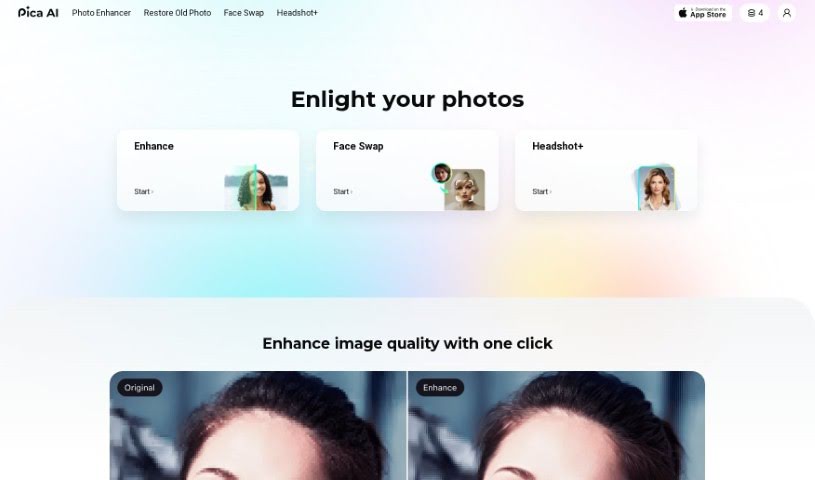
Pica AI
FreemiumPica AI is a versatile tool that combines two main functions: anime art generation and image enhancement.
Image Enhancement
View Tool →
Discover the best Image Enhancement AI tools to enhance your productivity and creativity.
Pica AI is a versatile tool that combines two main functions: anime art generation and image enhancement.
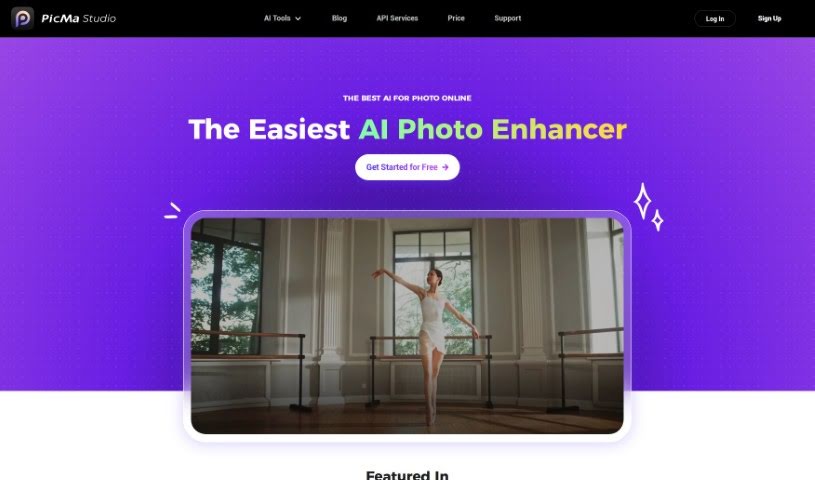
PicMa Photo Enhancer is an AI tool for improving photos. It boosts resolution, fixes blurry images, restores old or damaged photos, and adds color to black and white shots. Enhancement runs with one click, and the tool also handles batch processing, noise removal, and sharpening. Dedicated apps are available for iOS and Android, with multi-language support and API services for developers. The team emphasizes privacy and offers membership perks.

Pictura is an AI photo enhancement tool built natively for macOS. It sharpens and clarifies photos and anime visuals, increasing resolution by up to 4x and bringing out finer detail. Images are added via drag-and-drop, and built-in encryption keeps them private.

Pixelcut is an online design tool that uses AI to create product photos, ads, and other visuals for online stores. It runs in the browser and as mobile apps on the App Store and Google Play.

Pixelhunter is an AI-powered tool for resizing images for social media. Its AI analyzes your image's content and structure to resize it intelligently, so photos fit each platform's dimensions while maintaining quality. Beyond resizing, it includes filters, brightness adjustments, text overlays, and collage creation, letting you customize images for platforms like Instagram, Facebook, and Twitter.

PixelPet is a cloud-based AI image generation tool that runs inside Photoshop via a plugin, letting you create images without leaving your existing workflow. It offers more than 20 image generation models, includes inpainting, and uses pay-as-you-go pricing so you only pay for the images you generate. The interface requires no prior AI knowledge.

Prisma Labs is a photo and video editing company that aims to make editing simple and fun for everyone, regardless of skill level. It launched the Prisma app in 2016, which quickly became one of the most downloaded apps worldwide and earned the "App of the Year" award from both the AppStore and GooglePlay. In late 2018, the company launched Lensa, which has also attracted millions of users.
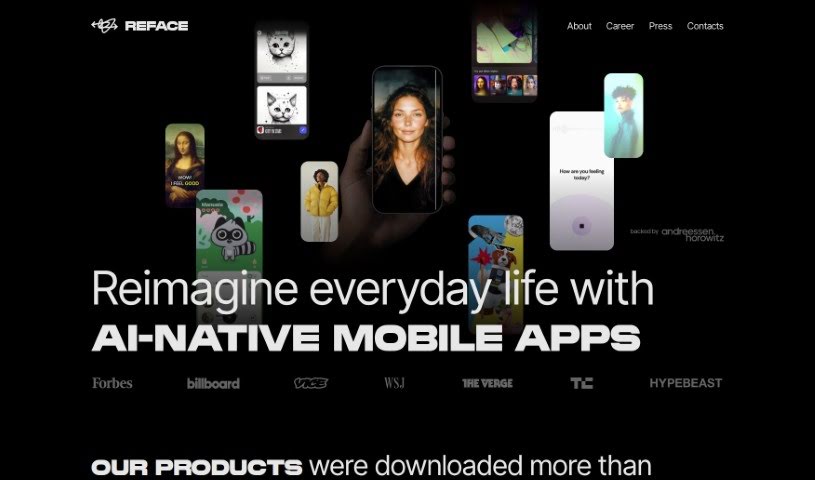
Reface is an AI-powered app that lets you swap faces in videos and GIFs using a single selfie. Developed by a Ukrainian company, it lets you put your face onto someone else's, create entertaining content, animate photos, and turn them into cartoons. The app includes a large library of ready-to-use videos and GIFs, or you can upload your own media for more personalized swaps. It's available on both iOS and Android with a user-friendly interface.
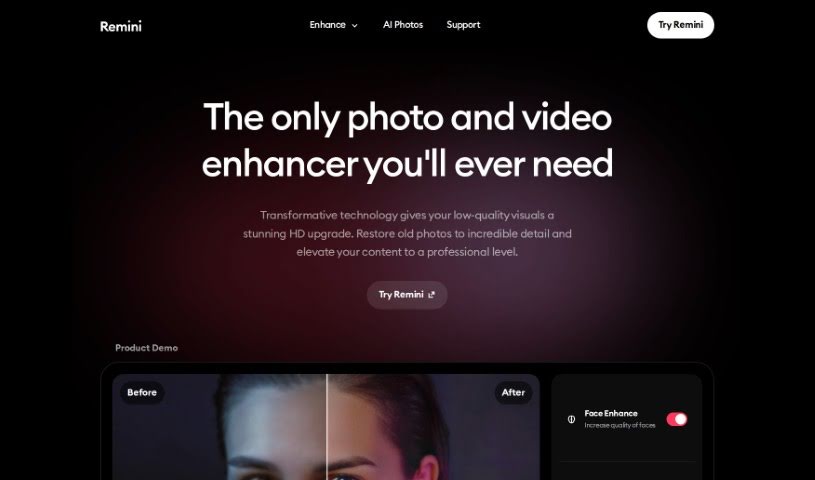
Remini AI is a photo enhancement tool that uses artificial intelligence to restore old, faded, grainy, or low-quality pictures and turn them into sharp, vibrant HD images. It analyzes each pixel to fix flaws, reduce noise, and bring out finer details, using machine learning and deep neural networks to restore colors, sharpen edges, and improve textures. The result is high-resolution photos that look freshly taken.
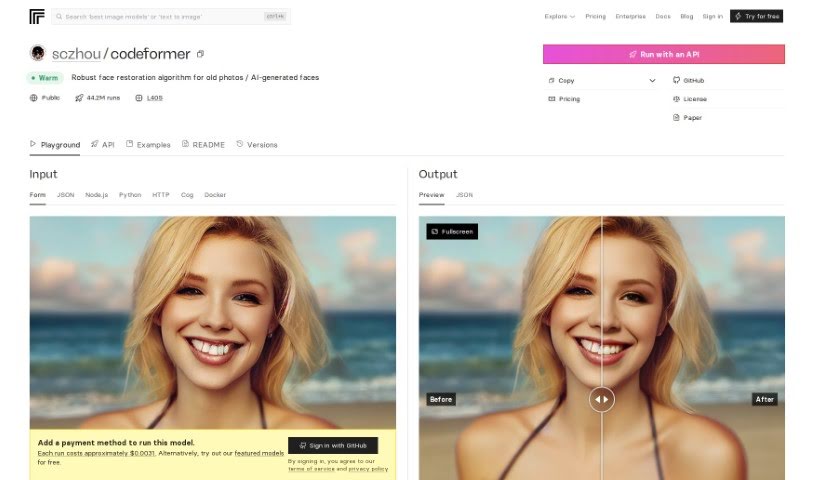
CodeFormer is an open source face restoration algorithm designed to improve old photos and refine faces generated by AI. It uses a Codebook Lookup Transformer to reliably find and restore faces, especially in images produced by stable-diffusion generation. The algorithm was developed for research purposes and can be run on your own computer, including via Docker.

Retouch4me is a photo retouching tool built on AI-powered plugins that work like a professional retoucher. It delivers precise, polished results while preserving real skin texture, so photos keep a natural look. You upload your pictures, click a button, and the software handles the rest — no complicated settings required.

Rupert AI uses artificial intelligence to improve product photography. It offers AI product photography services that generate professional-looking images designed to grab attention and boost conversion rates across product categories such as clothing and electronics.
Dealing with blurry, pixelated, or poorly lit photos is a common headache. Whether you’re scaling up an old family scan, cleaning low-res product shots for an online shop, or fixing a noisy low-light photo, traditional editing takes tedious manual effort. Spending hours with clone stamps, sharpening filters, and noise sliders can quickly drain your momentum.
Instead of replacing a photographer’s eye or saving a completely ruined shot, the restoration tools in this category act as high-speed editing helpers. They sharpen soft details, clean up digital grain, and boost file resolution in seconds.
Standard digital scaling simply stretches existing pixels, creating blurry edges and blocky shapes. Smart upscaling models analyze image structures, infer missing texture details, and enlarge low-resolution files up to several times their original size while keeping edges crisp.
Fixing low-light noise and motion blur used to mean sacrificing sharpness. Pushing traditional noise reduction sliders too far often left photos looking plastic and flat. AI image tools distinguish unwanted sensor noise from true subject detail, stripping away grain while preserving fine hair, fabric textures, and sharp edges.
Restoring vintage prints or compressed web photos becomes far simpler, too. Scanned portraits often suffer from dust scratches, color fading, and heavy compression artifacts. Specialized detail-recovery models restore natural facial features, balance skin tones, and correct lighting without over-smoothing, giving old memories a second life.
Useful Features to Look For:
- Generative upscaling: Tools that enlarge low-resolution images without creating pixelation or blurry edges.
- Smart noise reduction: Features that remove grain from high-ISO or low-light shots while keeping fine textures intact.
- Facial feature recovery: Models designed to restore facial clarity, eye detail, and natural skin textures in compressed portraits.
- Old photo restoration: Tools that automatically repair scratches, fix color fading, and clean up scanned prints.
- Batch processing: Systems that let you apply restoration settings across hundreds of catalog photos at once.
Lighting, composition, and human perspective will always drive great photography. Software can scale up pixels and clean up sensor noise, but recognizing what makes a photo special still requires your visual judgment.
Check out the image editing tools below to polish your photo collection.
Weekly picks of the best AI tools we've researched and added — no spam, unsubscribe anytime.
Join 25,000+ AI enthusiasts. No spam, unsubscribe anytime.