AI Documentation Tools

AI Tools for Documentation

Discover the best Documentation AI tools to enhance your productivity and creativity.

Page 9 of 14 • 165 total tools
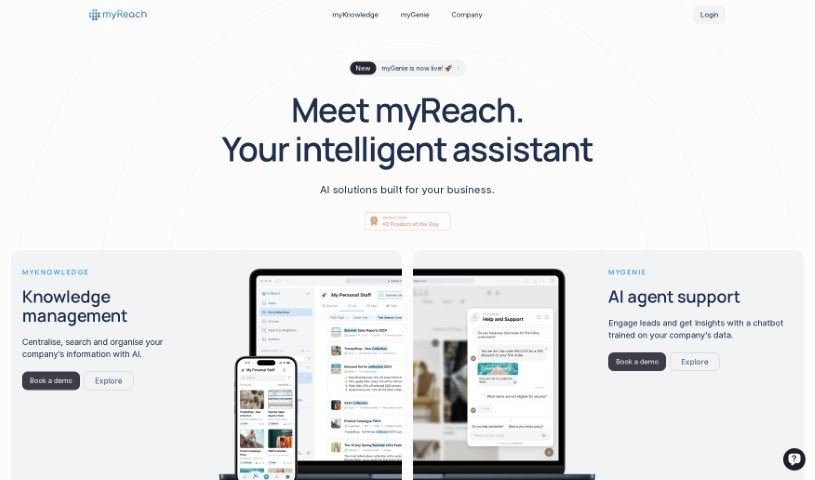
Screenshot of myReach

myReach

Freemium

myReach is a personal knowledge management tool that uses AI to help you store, organize, and find your information more easily. It works as a second brain: it learns and arranges everything you save, making it simple to access later. Data is kept safe with encryption and GDPR compliance. You can transcribe audio and video files, and use its AI assistant, Rich, for quick access to saved data and useful insights.

Documentation View Tool →
Screenshot of Notability

Notability

Freemium

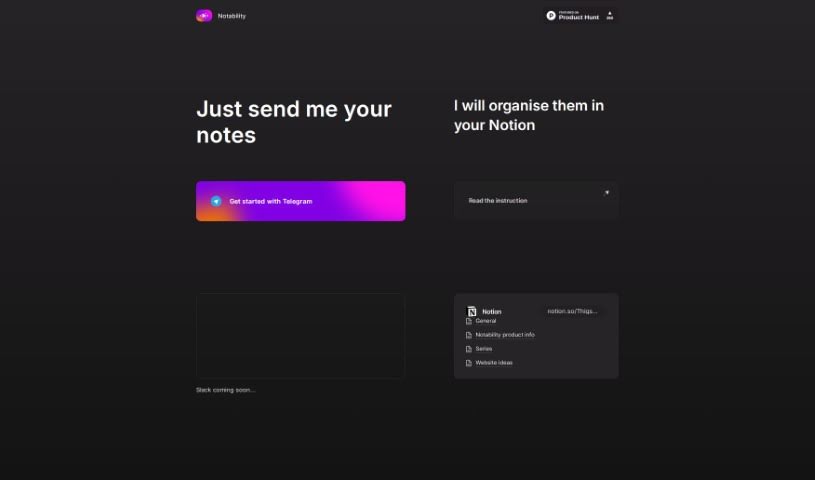
Notability is a note organization tool designed to keep your notes organized and easy to manage. It integrates with platforms like Telegram and Slack, making it simple to share notes, and supports consolidating everything in one place, such as Notion. The interface is user-friendly and the instructions are clear, so you can get started quickly.

Documentation View Tool →
Screenshot of NoteGenie

NoteGenie

Freemium

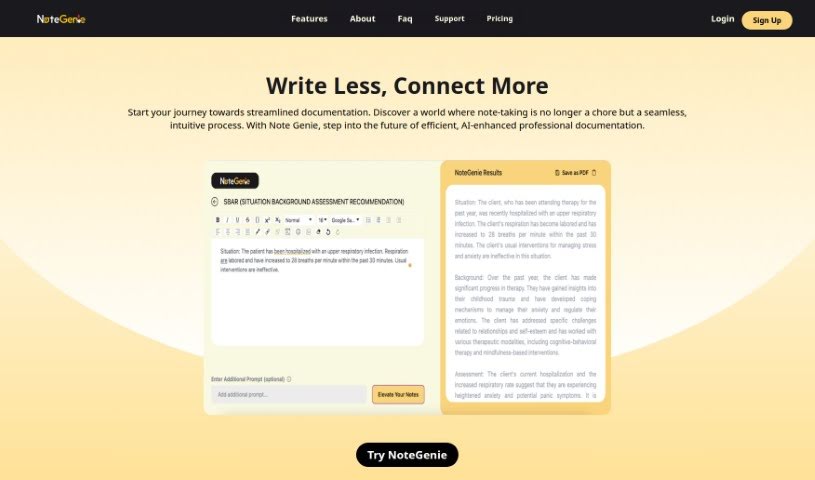
NoteGenie is an AI-powered note-taking tool that automates capturing and refining notes. It reduces typing errors, helps ensure important details aren't missed, and improves the accuracy and structure of professional documentation.

Documentation View Tool →
Screenshot of Notesollama

Notesollama

Freemium

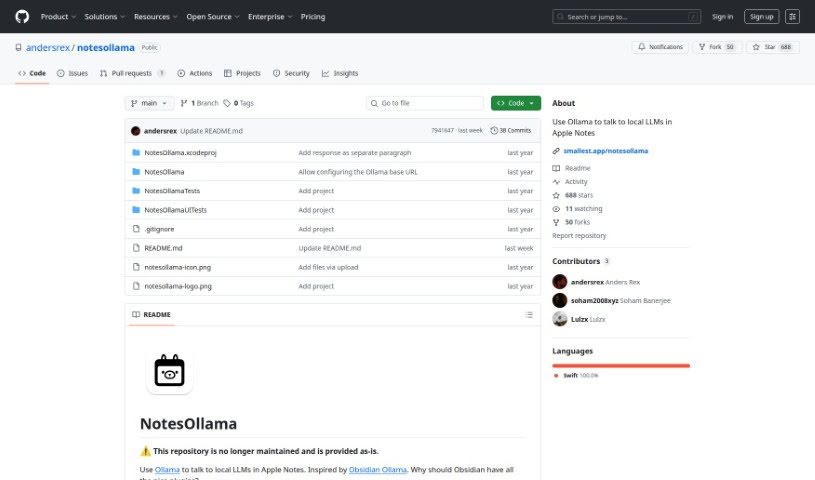
Notesollama is a macOS app that connects Apple Notes to local LLMs. It lets you summarize notes, ask questions about them, and create custom prompts without leaving Apple Notes. Because it runs on local models through Ollama, your data stays on your own setup. It ships with nine built-in prompts, and you can add your own.

Documentation View Tool →
Screenshot of Omniscience

Omniscience

Freemium

Omniscience gives you instant access to relevant information from a wide range of sources. It pulls up content from your documents, websites, and team knowledge, helping you avoid repeating work and making it easier to share what you know with your team.

Documentation View Tool →
Screenshot of Onoco App

Onoco App

Freemium

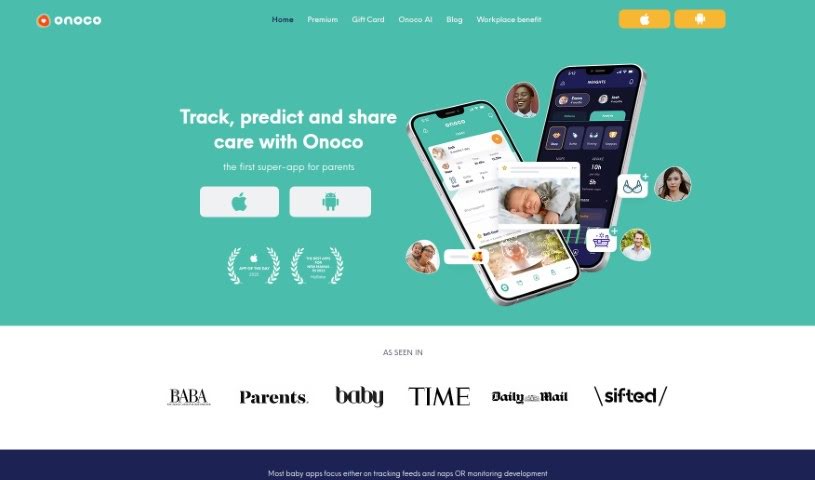
Onoco App is a parenting tool that helps you predict your baby's sleep schedule, support their development, send shared notifications, and integrate with other tools. Its core goals are to give parents science-based education, let them build routines that fit their family, track milestones using the Early Years Foundation Stage (EYFS) framework, and share information easily with other caregivers — all while focusing on what makes each child unique.

Documentation View Tool →
Screenshot of OpsBerry AI

OpsBerry AI

Freemium

OpsBerry AI is a Copilot tool that turns your team's collective knowledge into clear, step-by-step guides. It captures "tribal knowledge" and uses AI to transform Confluence articles into easy-to-follow how-to guides that can be shared with team members and customers.

Documentation View Tool →
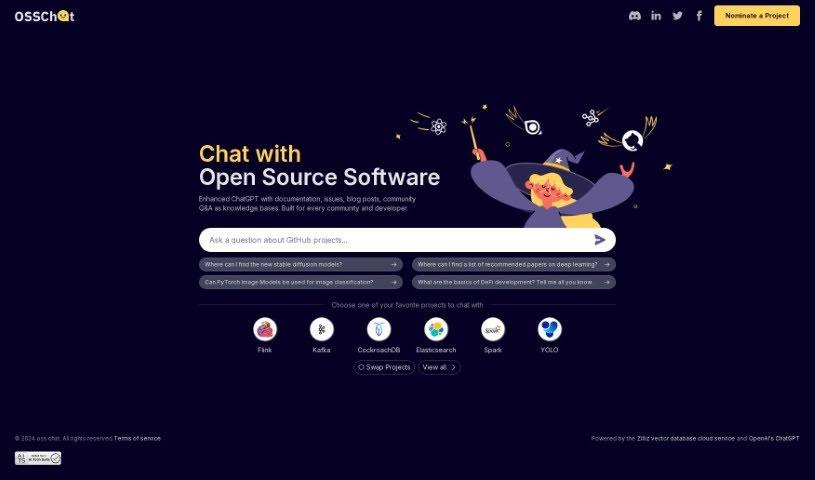
Screenshot of Oss Chat

Oss Chat

Freemium

Oss Chat is a platform that brings documentation, blog posts, community Q&A, and project issues together into a single knowledge base. Built for developers and tech communities, it serves as a central hub for topics like deep learning, image classification, and DeFi development, and connects users with open-source projects including Flink, Kafka, CockroachDB, Elasticsearch, Spark, and YOLO.

Documentation View Tool →
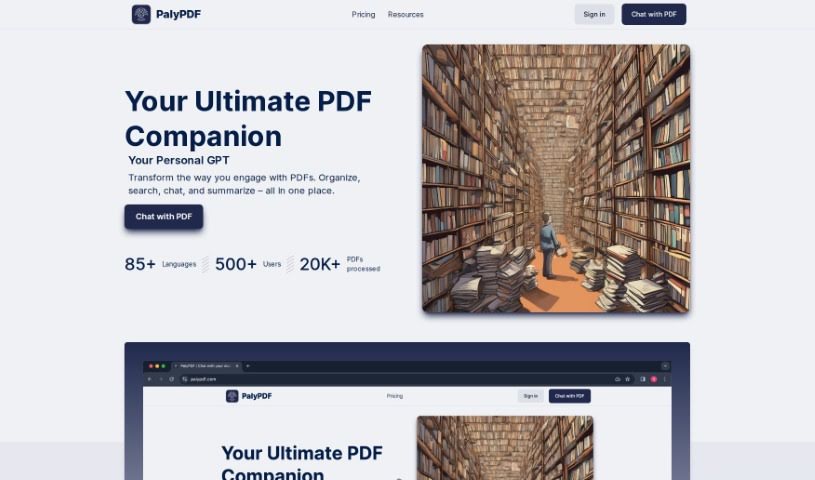
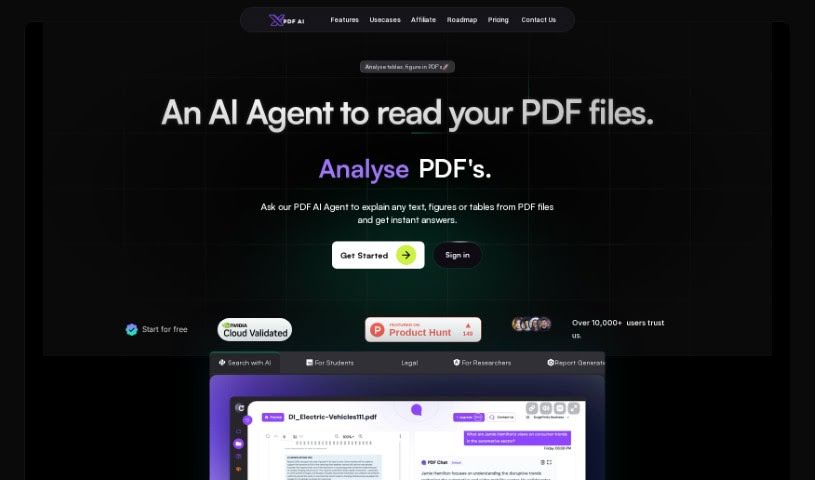
Screenshot of PalyPDF

PalyPDF

Freemium

PalyPDF is an AI assistant for PDF documents. You can chat directly with your files, get real-time answers, and pull together insights from multiple documents in a single conversation. It summarizes long PDFs, and its built-in OCR (Optical Character Recognition) reads both text and images. Files stay organized in a dedicated workspace, and subscription plans are available for different needs and budgets.

Documentation View Tool →
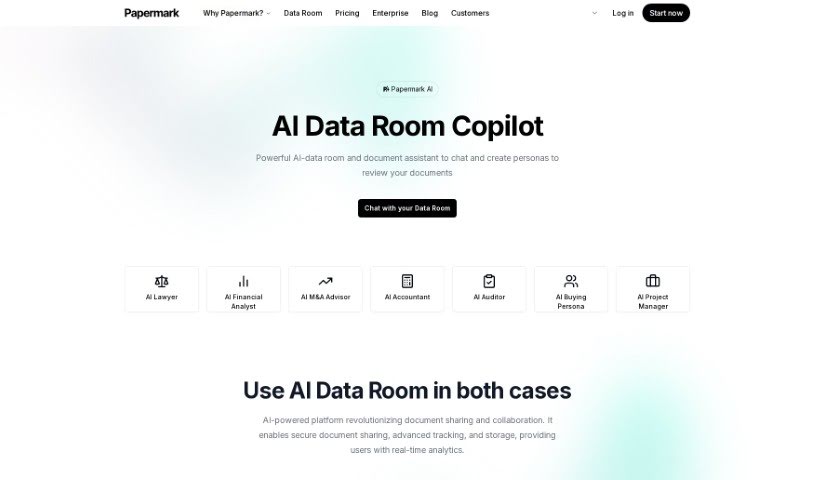
Screenshot of Papermark AI

Papermark AI

Freemium

Papermark AI is an AI document assistant for managing and sharing documents. It provides secure document sharing, real-time analytics on how documents are used, custom sharing links, and AI-powered insights — all on an open-source platform backed by a collaborative community. It works with pitch decks, PDFs, and other important files.

Documentation View Tool →
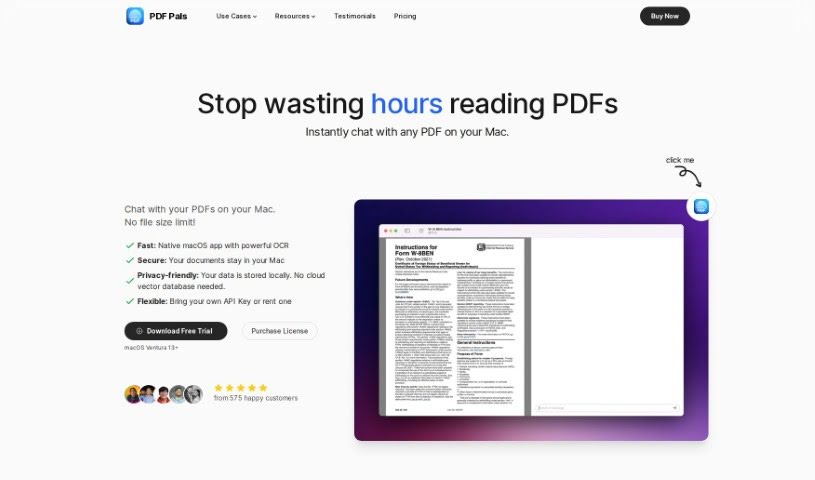
Screenshot of PDF Pals

PDF Pals

Freemium

PDF Pals is a tool for working with PDFs, built to make you more productive. It lets you chat with multiple PDFs at once, right on your Mac. You don't have to upload anything, and there are no file size limits. Since it's made specifically for macOS, it's fast and keeps your data safe. It handles scanned documents and forms thanks to a built-in OCR engine, so it works with many document types. PDF Pals respects your privacy — all your data stays on your computer. You can also tweak the AI settings and system prompts to customize the experience. It's useful for researchers, lawyers, and software developers who need to quickly pull key information from academic papers, legal briefs, or technical manuals.

Documentation View Tool →
Screenshot of PDFchat

PDFchat

Freemium

PDFchat is an AI tool that lets you have a conversation with your PDFs. It is built to understand, extract, and analyze information from PDFs in any language. You upload a file and start chatting, getting quick, accurate answers drawn directly from the document instead of sifting through pages manually.

Documentation View Tool →

About Documentation tools

Writing technical documentation is often the last thing developers, product managers, or team leads want to tackle. After spending weeks building a feature or mapping out an internal process, writing user guides, API references, or wiki pages feels like a slog. Yet missing or outdated docs lead to confused users, onboarding bottlenecks, and endless support tickets.

Think of the platforms in this section as specialized technical writers. They don’t invent technical specs out of thin air, but they quickly turn raw code, screen recordings, and rough notes into clean, readable guides.

Automating Guides and Knowledge Bases

Generating technical guides straight from code repositories saves massive amounts of development time. Software engineers rarely want to pause their workflow to write comments or update API endpoints. Modern documentation assistants scan pull requests and codebases, generating clear, structured explanations of functions and endpoint changes automatically. Your technical references stay current without pulling developers away from writing code.

Creating standard operating procedures (SOPs) for internal workflows gets much faster, too. Instead of manually taking screenshots and writing step-by-step instructions for routine tasks, video-capture AI tools watch your screen while you work. They capture screenshots, write descriptive step titles, and build complete visual guides in minutes.

Keeping documentation updated is usually harder than writing it the first time. When a feature changes or a company policy updates, old docs become misleading. AI documentation platforms monitor your updated codebase or modified workflows, flagging outdated pages and suggesting quick revisions so your knowledge base remains accurate.

Useful Features for Teams:

  • Automated code parsing: Tools that read repositories and pull requests to generate API guides and technical references automatically.
  • Screen capture step building: Software that turns screen recordings into step-by-step visual guides with screenshots.
  • Knowledge base integration: Connectors that link directly to platforms like Notion, Confluence, or GitHub to keep docs updated across workspaces.
  • Multi-language translation: Features that translate user guides and help articles into dozens of languages while preserving formatting.
  • Natural language search: Search assistants that let users ask plain-English questions and get direct answers sourced straight from your docs.

Clear, helpful documentation will always depend on human context and real product understanding. While software parses code and captures screenshots, keeping guides intuitive for actual readers requires your direction.

Explore the documentation tools below to clean up your team’s knowledge base.

The Best AI Documentation Tools

  1. Tenorshare: Great for easily summarizing PDFs for research.
  2. Mermaid Chart: Perfect for creating code architecture diagrams.
  3. Git Book: A platform for editing documentation collaboratively.
  4. Craft Docs: Ideal for team collaboration and communication.
  5. Slite: Use it to centralize all your company’s knowledge.
  6. Macro.com: Helps you streamline document editing tasks.
  7. Supernormal: Makes meeting notes easy to access.
  8. Writingmate.ai: Offers automated documentation with AI help.
  9. Mentalyc: Provides seamless note-taking for therapists.
  10. Sembly AI: Generates meeting notes automatically.
  11. Document360: Helps create user-friendly product manuals.
  12. Mintlify: Streamlines the creation of developer documentation.
  13. Trickle AI: Manages project notes more efficiently.
  14. Single Store: For searching and analyzing documents in real-time.
  15. 20Paths: Creates how-to guides, interactive demos and synced help centres.
New tools, in your inbox.

Weekly picks of the best AI tools we've researched and added — no spam, unsubscribe anytime.

Join 25,000+ AI enthusiasts. No spam, unsubscribe anytime.