AI Documentation Tools

AI Tools for Documentation

Discover the best Documentation AI tools to enhance your productivity and creativity.

Page 4 of 14 • 165 total tools
Screenshot of DocsDNA

DocsDNA

Freemium

DocsDNA is an AI-powered platform for deep document analysis and information retrieval. It is designed to simplify working with business documents: teams can collaborate on the same documents simultaneously, manage user permissions, and generate quick summaries. The platform handles documents in multiple languages and offers custom solutions for businesses with unique needs. DocsDNA emphasizes ease of use, security, reliability, and adaptability to different industries, aiming to save time and increase team productivity.

Documentation View Tool →
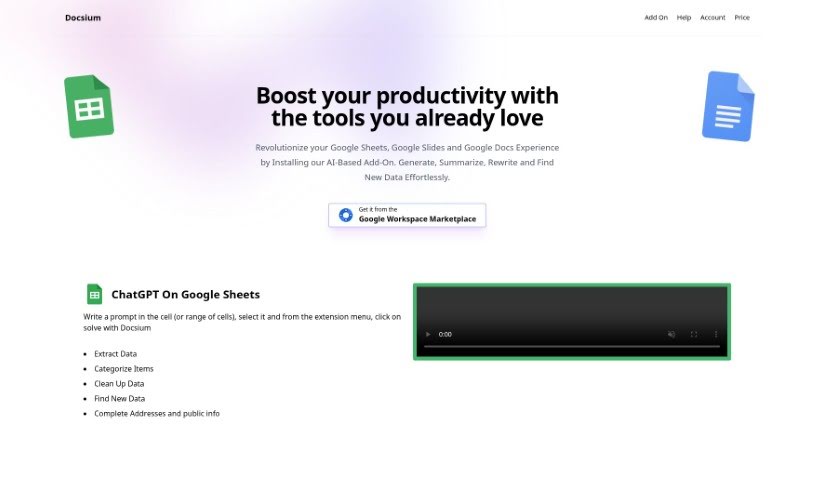
Screenshot of Docsium

Docsium

Freemium

Docsium is an AI add-on for Google Sheets, Google Docs, and Google Slides. Built on GPT-3, it generates data, summarizes long texts, rewrites content, and finds information. It installs from the Google Workspace Marketplace in a few clicks and works directly inside each app.

Documentation View Tool →
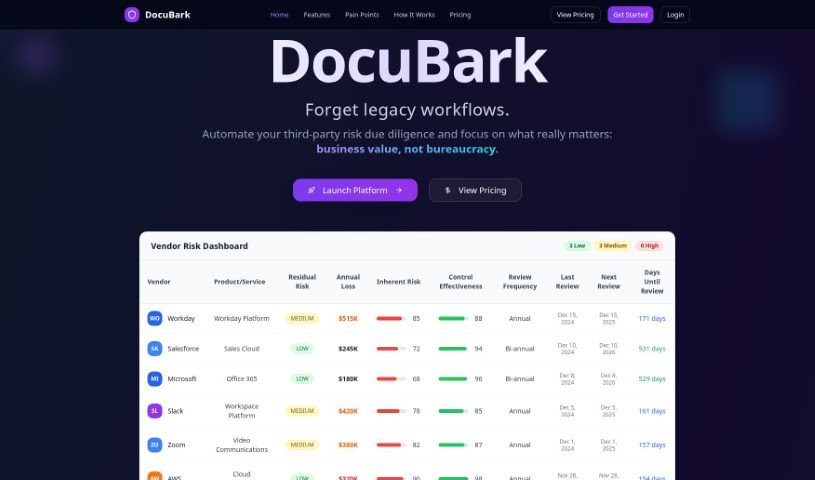
Screenshot of Docubank

Docubank

Freemium

Docubank, listed as "DocuBark" on its website, is a generative AI tool for finding answers in your documents. It uses a FAISS-based search engine for fast, precise queries across one or multiple documents, with responses powered by OpenAI. It can also extract insights from documents using generative AI.

Documentation View Tool →
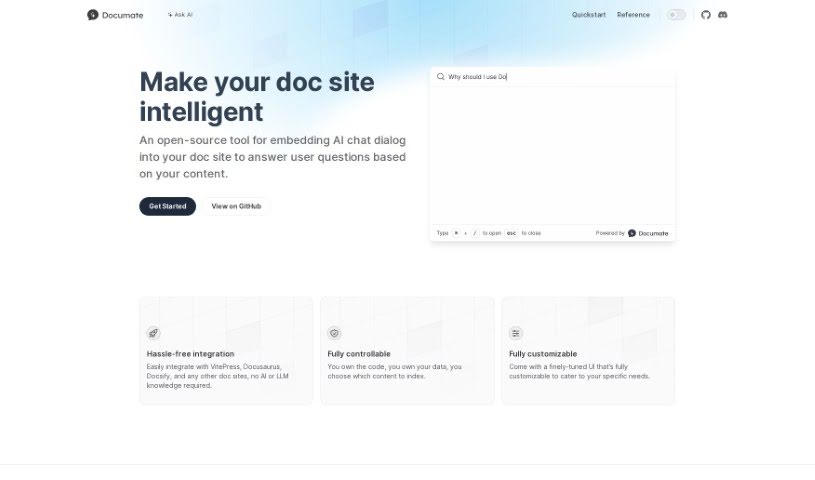
Screenshot of Documate

Documate

Freemium

Documate is an open-source tool that adds AI chat to documentation websites. Visitors can ask questions directly and get answers based on the site's own content. The interface is fully customizable, and Documate integrates with popular platforms like VitePress, Docusaurus, and Docsify — no AI or language model expertise required. You keep complete control over your code and data, deciding exactly what information the AI uses to answer questions.

Documentation View Tool →
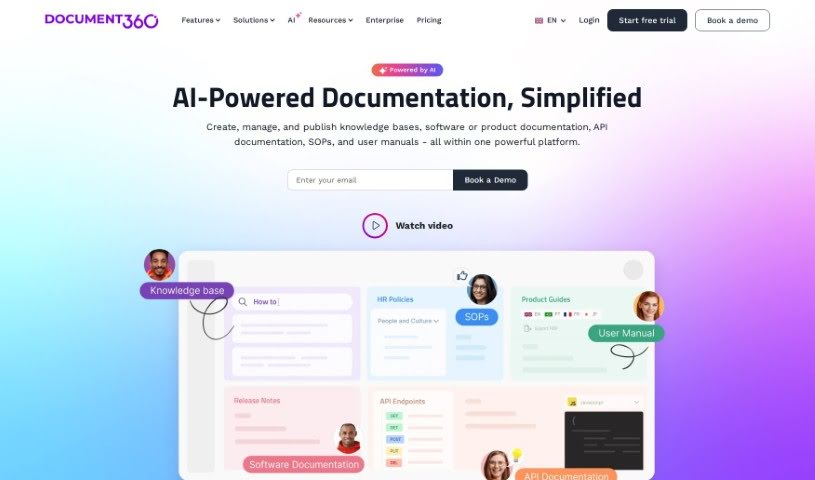
Screenshot of Document360

Document360

Freemium

Document360 is a knowledge base software designed to help you create self-service knowledge bases for your customers. It serves as a central hub for building FAQs, step-by-step user guides, product documentation, and standard operating procedures.

Documentation View Tool →
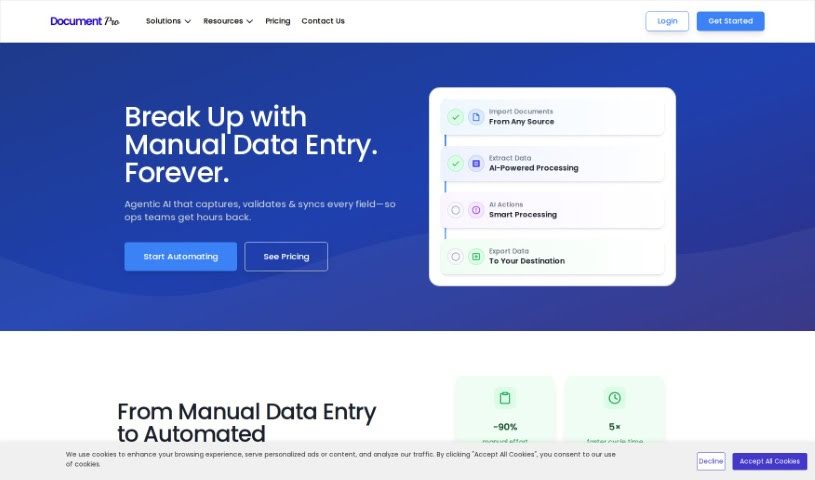
Screenshot of DocumentPro

DocumentPro

Freemium

DocumentPro is a cloud-based document processing tool for small and medium-sized businesses. It uses AI to extract data from invoices, resumes, contracts, and other documents and export it to structured formats like CSV. The drag-and-drop interface supports PDF, PNG, and JPG files, with batch processing for multiple documents at once. Compared to traditional OCR, it delivers higher accuracy and reduces the time and errors associated with manual data entry. It suits industries such as business services, logistics, transportation, and retail, and includes upload guidance and sample invoices for reference.

Documentation View Tool →
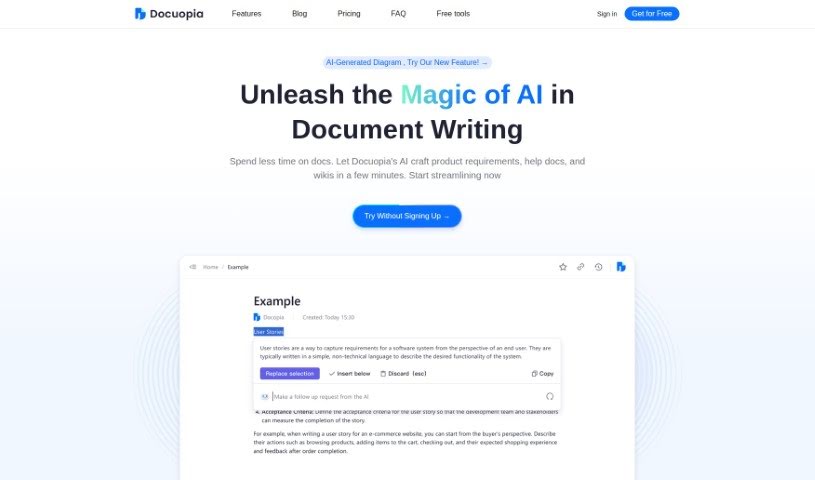
Screenshot of Docuopia

Docuopia

Freemium

Docuopia is an AI-powered assistant that helps teams write documents faster. You describe what you need or the problem you're solving, and Docuopia generates a well-organized Product Requirements Document (PRD). It also handles help guides, wiki pages, and other structured content.

Documentation View Tool →
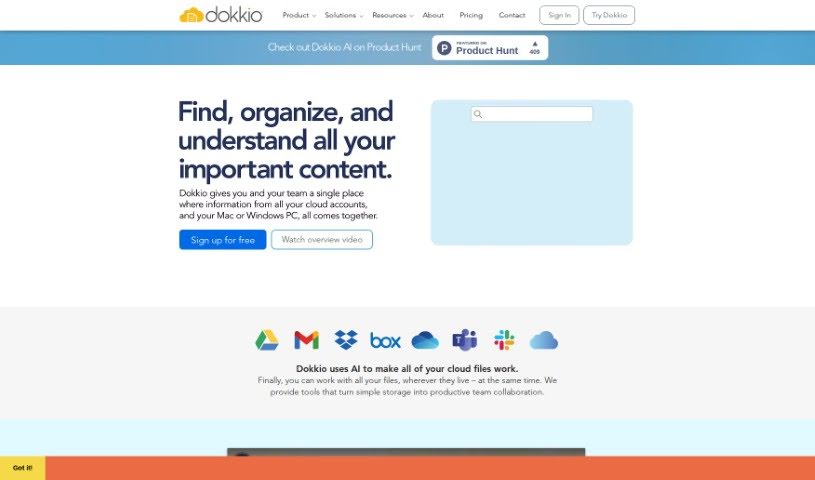
Screenshot of Dokkio

Dokkio

Freemium

Dokkio is an AI-powered tool that manages and organizes online files across multiple storage services, including Dropbox, Google Drive, Gmail, Box, Slack, and OneDrive. It pulls content from these sources into one central hub and adds powerful search, automatic tagging, and the ability to flag important web content.

Documentation View Tool →
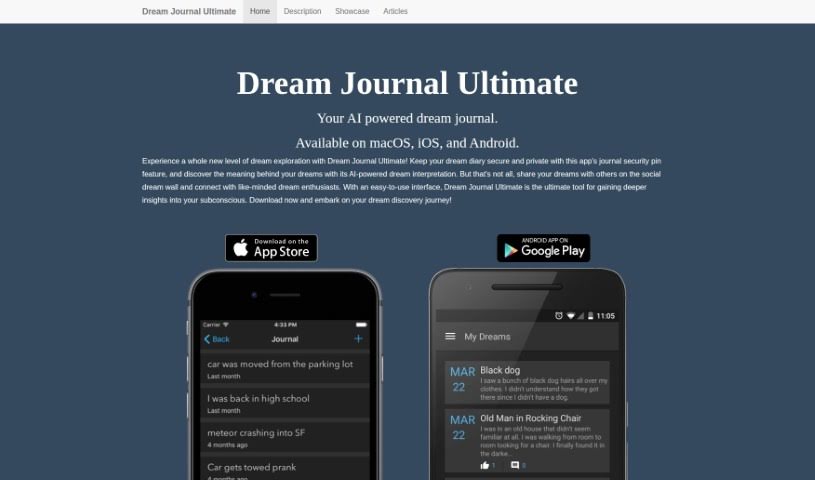
Screenshot of Dream Journal

Dream Journal

Freemium

Dream Journal is a private space to record your dreams, thoughts, and reflections. It pairs standard journaling with AI-powered analysis that highlights recurring themes and patterns, with an emphasis on privacy and self-discovery.

Documentation View Tool →
Screenshot of Dubble

Dubble

Freemium

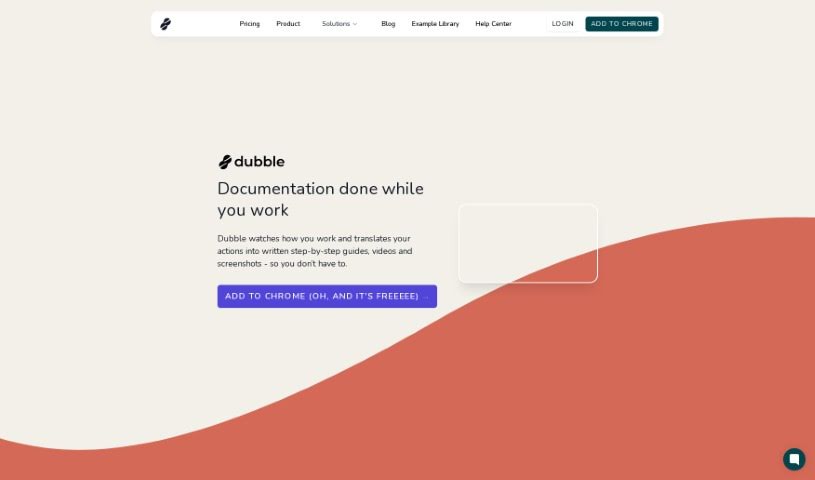
Dubble is an AI-powered documentation tool that records what you do on your computer and turns those actions into step-by-step guides, videos, and screenshots. Guides are editable and can be shared with your team or published on any platform that supports rich content or markdown. A Chrome extension provides quick access to recording.

Documentation View Tool →
Screenshot of Eesel

Eesel

Freemium

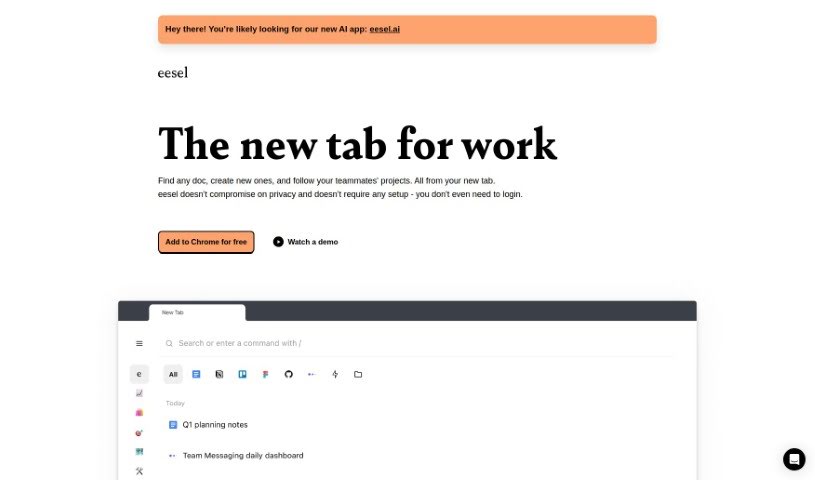
Eesel is a productivity tool that makes accessing work-related links simple. Instead of digging through bookmarks or searching, it shows the documents, designs, and other content you need right when you open a new browser tab. It requires no setup or login and works automatically, sorting your work into folders so you can quickly reach project-specific pages or customer information without manual organizing. Eesel also works with any application you open in your browser, letting you switch between tools and platforms easily.

Documentation View Tool →
Screenshot of EnhanceDocs

EnhanceDocs

Freemium

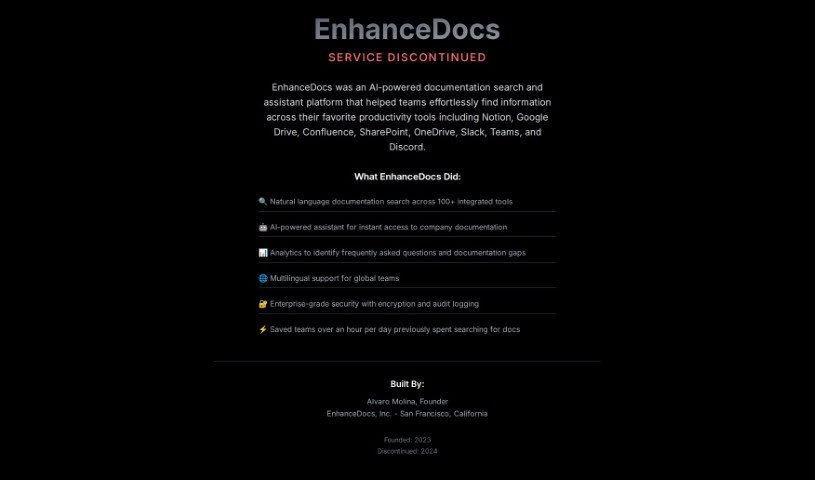
EnhanceDocs is an AI-powered search tool that helps you find information across all your platforms, including Notion, Google Drive, Confluence, SharePoint, and OneDrive. It uses natural language understanding so you can ask questions conversationally instead of digging through folders. Key capabilities include:

Documentation View Tool →

About Documentation tools

Writing technical documentation is often the last thing developers, product managers, or team leads want to tackle. After spending weeks building a feature or mapping out an internal process, writing user guides, API references, or wiki pages feels like a slog. Yet missing or outdated docs lead to confused users, onboarding bottlenecks, and endless support tickets.

Think of the platforms in this section as specialized technical writers. They don’t invent technical specs out of thin air, but they quickly turn raw code, screen recordings, and rough notes into clean, readable guides.

Automating Guides and Knowledge Bases

Generating technical guides straight from code repositories saves massive amounts of development time. Software engineers rarely want to pause their workflow to write comments or update API endpoints. Modern documentation assistants scan pull requests and codebases, generating clear, structured explanations of functions and endpoint changes automatically. Your technical references stay current without pulling developers away from writing code.

Creating standard operating procedures (SOPs) for internal workflows gets much faster, too. Instead of manually taking screenshots and writing step-by-step instructions for routine tasks, video-capture AI tools watch your screen while you work. They capture screenshots, write descriptive step titles, and build complete visual guides in minutes.

Keeping documentation updated is usually harder than writing it the first time. When a feature changes or a company policy updates, old docs become misleading. AI documentation platforms monitor your updated codebase or modified workflows, flagging outdated pages and suggesting quick revisions so your knowledge base remains accurate.

Useful Features for Teams:

  • Automated code parsing: Tools that read repositories and pull requests to generate API guides and technical references automatically.
  • Screen capture step building: Software that turns screen recordings into step-by-step visual guides with screenshots.
  • Knowledge base integration: Connectors that link directly to platforms like Notion, Confluence, or GitHub to keep docs updated across workspaces.
  • Multi-language translation: Features that translate user guides and help articles into dozens of languages while preserving formatting.
  • Natural language search: Search assistants that let users ask plain-English questions and get direct answers sourced straight from your docs.

Clear, helpful documentation will always depend on human context and real product understanding. While software parses code and captures screenshots, keeping guides intuitive for actual readers requires your direction.

Explore the documentation tools below to clean up your team’s knowledge base.

The Best AI Documentation Tools

  1. Tenorshare: Great for easily summarizing PDFs for research.
  2. Mermaid Chart: Perfect for creating code architecture diagrams.
  3. Git Book: A platform for editing documentation collaboratively.
  4. Craft Docs: Ideal for team collaboration and communication.
  5. Slite: Use it to centralize all your company’s knowledge.
  6. Macro.com: Helps you streamline document editing tasks.
  7. Supernormal: Makes meeting notes easy to access.
  8. Writingmate.ai: Offers automated documentation with AI help.
  9. Mentalyc: Provides seamless note-taking for therapists.
  10. Sembly AI: Generates meeting notes automatically.
  11. Document360: Helps create user-friendly product manuals.
  12. Mintlify: Streamlines the creation of developer documentation.
  13. Trickle AI: Manages project notes more efficiently.
  14. Single Store: For searching and analyzing documents in real-time.
  15. 20Paths: Creates how-to guides, interactive demos and synced help centres.
New tools, in your inbox.

Weekly picks of the best AI tools we've researched and added — no spam, unsubscribe anytime.

Join 25,000+ AI enthusiasts. No spam, unsubscribe anytime.