AI Documentation Tools

AI Tools for Documentation

Discover the best Documentation AI tools to enhance your productivity and creativity.

Page 10 of 14 • 165 total tools
Screenshot of Playroom Booom.ai

Playroom Booom.ai

Freemium

Playroom Booom.ai is a platform focused on 'playroom' functionalities, built for creating playful, interactive environments. It provides documentation and pricing information so users can understand its features and costs before getting started. It's aimed at anyone interested in activities and services related to building playful environments.

Documentation View Tool →
Screenshot of Proddy.io

Proddy.io

Freemium

Proddy.io is an AI-powered platform for product management. It turns rough ideas into polished, professional documents, aiming to save time and simplify the product development process. The platform targets Product Managers, founders, entrepreneurs, and small businesses.

Documentation View Tool →
Screenshot of Productbot AI

Productbot AI

Freemium

Productbot AI is an AI-powered platform designed to speed up product development. It uses generative AI to gather and analyze information from multiple sources, giving teams clearer insights across the entire product lifecycle—from initial idea to launch. The platform aims to reduce the time and cost of product discovery, helping teams move from concept to launch faster and manage products more efficiently.

Documentation View Tool →
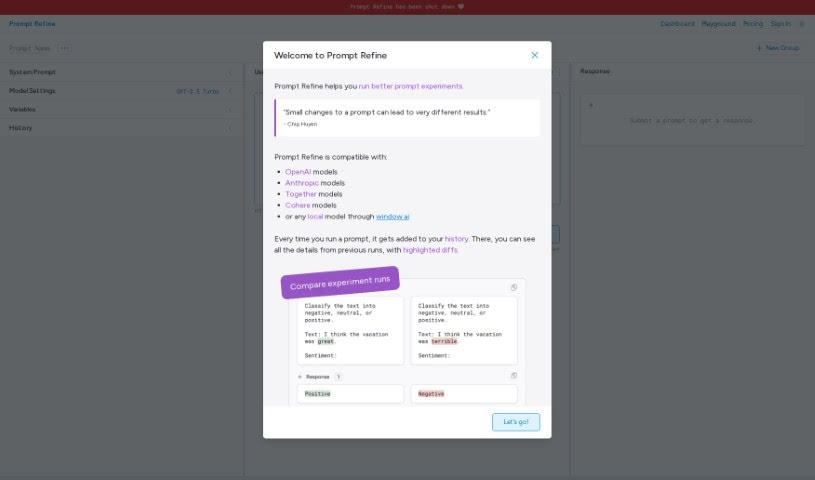
Screenshot of Prompt Refine

Prompt Refine

Freemium

Prompt Refine is a tool for systematically improving the prompts you use with language models (LLMs). You can generate and manage prompt variations, run experiments, track performance, and compare results against previous attempts. Variables let you isolate exactly how specific changes affect a model's responses.

Documentation View Tool →
Screenshot of Qlerify

Qlerify

Freemium

Qlerify is an AI-powered tool for modeling business processes. It helps IT transformation teams define, design, and document business domains in a shared online workspace where everyone can co-edit, regardless of location.

Documentation View Tool →
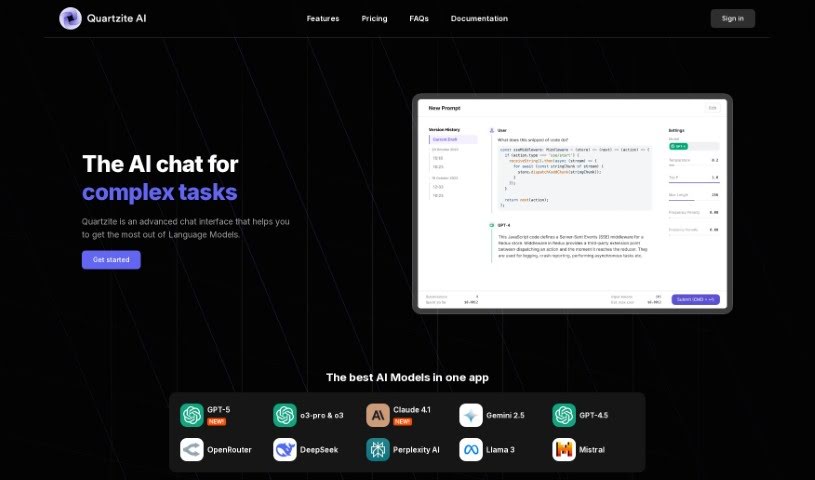
Screenshot of Quartzite AI

Quartzite AI

Freemium

Quartzite is a prompt development platform built by CMD Shift Studio. It helps users draft, refine, and improve prompts for language models, with support for popular AI models including GPT-4/3.5, DALL-E 3, and Gemini PRO, as well as models from third-party providers.

Documentation View Tool →
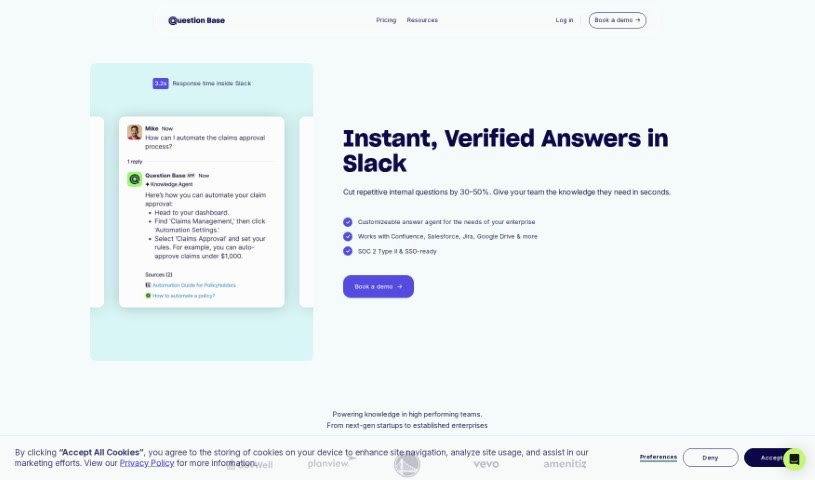
Screenshot of Question Base

Question Base

Freemium

Question Base is an assistant that helps teams answer questions faster inside communication channels like Slack. It tracks every question asked, can respond automatically, and captures new answers as they emerge. By generating answers from ongoing discussions and surfacing knowledge the team already has, it reduces how often people need to interrupt resident experts and supports shared learning.

Documentation View Tool →
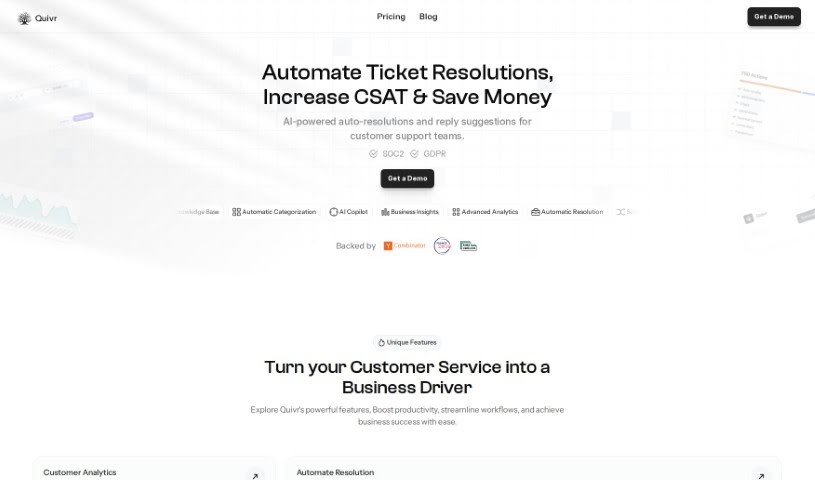
Screenshot of Quivr

Quivr

Freemium

Quivr is a personal AI-powered second brain that lives in the cloud. New users get 100 message credits and 3 "brains" — separate storage spaces, each with 50MB capacity — making it easy to test the platform. A free plan is also available. For those who prioritize privacy, Quivr can be run locally on your own system. Data stored on Quivr's servers is kept confidential, encrypted, and accessible only by you. Credits are refreshed at the start of each month after you activate your subscription.

Documentation View Tool →
Screenshot of Recital

Recital

Freemium

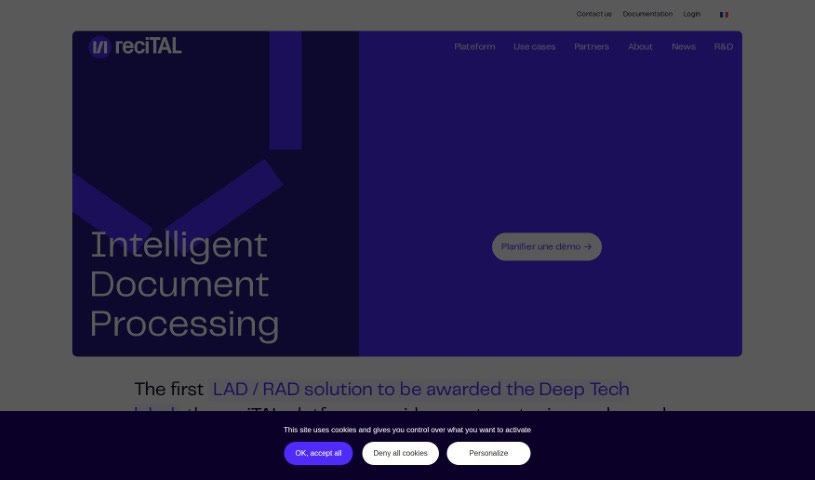
Recital is a platform that helps you capture, classify, and search through documents and emails. Founded in 2017, the team behind it was one of the first international groups to use large pre-trained language models for document processing. These models help computers understand the meaning behind words and phrases, so they need less data to learn. Recital combines text and layout analysis with language models to handle complex documents efficiently.

Documentation View Tool →
Screenshot of Released

Released

Freemium

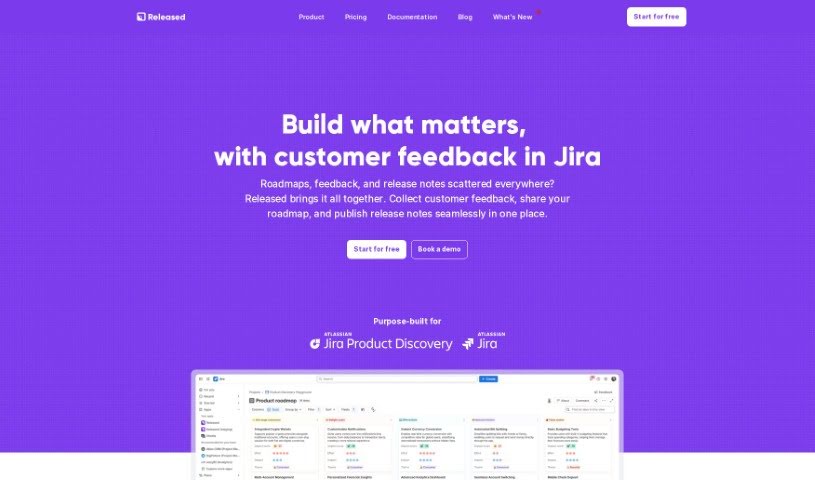
Released is a platform that simplifies product communication by turning Jira tickets into customizable release notes and roadmaps. It automates much of the creation process, supports images, lists, and code snippets, and connects directly with Jira so your workflow stays streamlined. It was built to simplify how product teams share updates with customers and stakeholders, with a focus on ease of use and tight integration with Atlassian's ecosystem.

Documentation View Tool →
Screenshot of Releaso

Releaso

Freemium

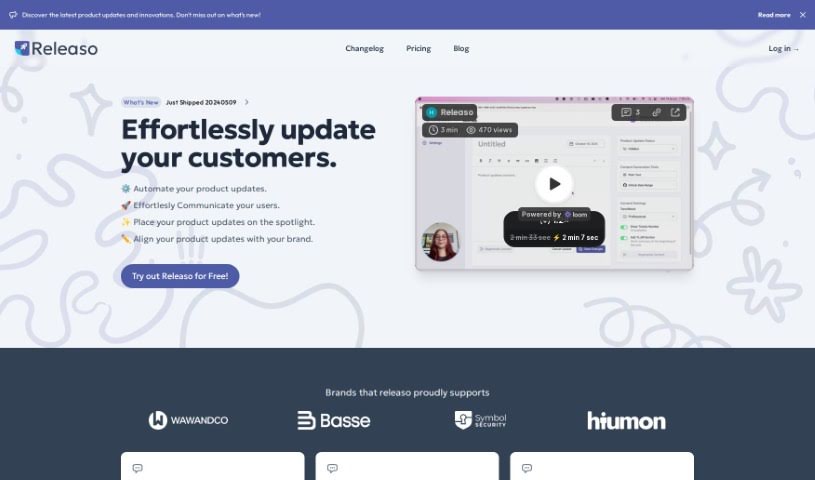
Releaso is a communication tool that automates product updates. It connects with development tools like GitHub to generate AI-powered release notes, removing the manual work of writing and distributing changelogs. Updates can be published directly to your website with one click, helping keep brand messaging consistent.

Documentation View Tool →
Screenshot of ScreenshotAI By Fabric

ScreenshotAI By Fabric

Freemium

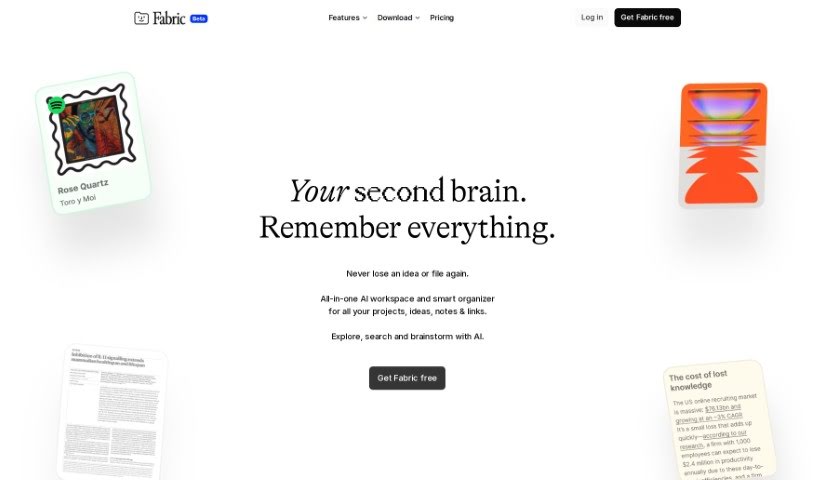
ScreenshotAI by Fabric is a tool designed for analyzing screenshots. It uses AI to extract text, identify objects, and recognize image types, helping you understand and organize the information you capture. It is useful for pulling data, sorting content, and recognizing images.

Documentation View Tool →

About Documentation tools

Writing technical documentation is often the last thing developers, product managers, or team leads want to tackle. After spending weeks building a feature or mapping out an internal process, writing user guides, API references, or wiki pages feels like a slog. Yet missing or outdated docs lead to confused users, onboarding bottlenecks, and endless support tickets.

Think of the platforms in this section as specialized technical writers. They don’t invent technical specs out of thin air, but they quickly turn raw code, screen recordings, and rough notes into clean, readable guides.

Automating Guides and Knowledge Bases

Generating technical guides straight from code repositories saves massive amounts of development time. Software engineers rarely want to pause their workflow to write comments or update API endpoints. Modern documentation assistants scan pull requests and codebases, generating clear, structured explanations of functions and endpoint changes automatically. Your technical references stay current without pulling developers away from writing code.

Creating standard operating procedures (SOPs) for internal workflows gets much faster, too. Instead of manually taking screenshots and writing step-by-step instructions for routine tasks, video-capture AI tools watch your screen while you work. They capture screenshots, write descriptive step titles, and build complete visual guides in minutes.

Keeping documentation updated is usually harder than writing it the first time. When a feature changes or a company policy updates, old docs become misleading. AI documentation platforms monitor your updated codebase or modified workflows, flagging outdated pages and suggesting quick revisions so your knowledge base remains accurate.

Useful Features for Teams:

  • Automated code parsing: Tools that read repositories and pull requests to generate API guides and technical references automatically.
  • Screen capture step building: Software that turns screen recordings into step-by-step visual guides with screenshots.
  • Knowledge base integration: Connectors that link directly to platforms like Notion, Confluence, or GitHub to keep docs updated across workspaces.
  • Multi-language translation: Features that translate user guides and help articles into dozens of languages while preserving formatting.
  • Natural language search: Search assistants that let users ask plain-English questions and get direct answers sourced straight from your docs.

Clear, helpful documentation will always depend on human context and real product understanding. While software parses code and captures screenshots, keeping guides intuitive for actual readers requires your direction.

Explore the documentation tools below to clean up your team’s knowledge base.

The Best AI Documentation Tools

  1. Tenorshare: Great for easily summarizing PDFs for research.
  2. Mermaid Chart: Perfect for creating code architecture diagrams.
  3. Git Book: A platform for editing documentation collaboratively.
  4. Craft Docs: Ideal for team collaboration and communication.
  5. Slite: Use it to centralize all your company’s knowledge.
  6. Macro.com: Helps you streamline document editing tasks.
  7. Supernormal: Makes meeting notes easy to access.
  8. Writingmate.ai: Offers automated documentation with AI help.
  9. Mentalyc: Provides seamless note-taking for therapists.
  10. Sembly AI: Generates meeting notes automatically.
  11. Document360: Helps create user-friendly product manuals.
  12. Mintlify: Streamlines the creation of developer documentation.
  13. Trickle AI: Manages project notes more efficiently.
  14. Single Store: For searching and analyzing documents in real-time.
  15. 20Paths: Creates how-to guides, interactive demos and synced help centres.

New tools, in your inbox.

Weekly picks of the best AI tools we've researched and added — no spam, unsubscribe anytime.

Join 25,000+ AI enthusiasts. No spam, unsubscribe anytime.