AI Web Development Tools

AI Tools for Web Development

Discover the best Web Development AI tools to enhance your productivity and creativity.

Page 14 of 55 • 655 total tools
Screenshot of Databutton

Databutton

Freemium

Databutton is a data tool that simplifies data-related tasks. It acts as a shortcut for accessing and working with data, letting you grab or modify data sets through a simple, button-like action. The focus is on smoother data handling and a better overall software experience.

Web Development View Tool →
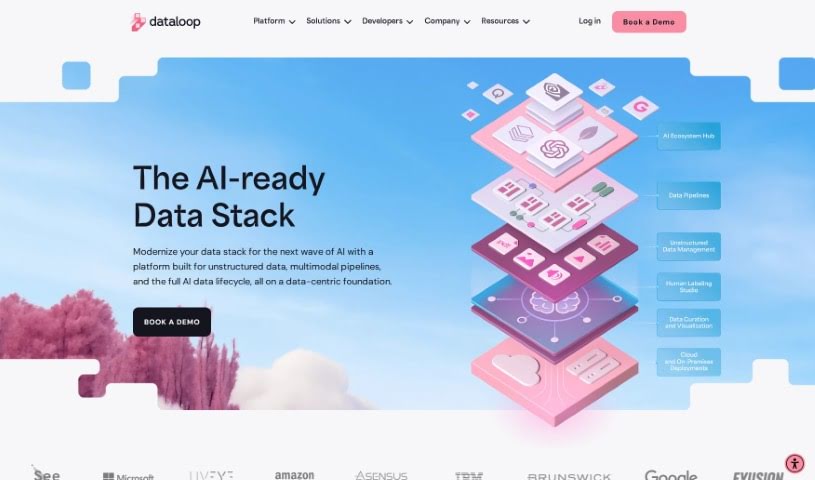
Screenshot of Dataloop

Dataloop

Freemium

Dataloop is an AI development platform designed to make building AI accessible and collaborative for data scientists, model managers, and engineers. It combines data models, applications, and human expertise, keeping human input central to AI development. The platform addresses common challenges like complex data, tight deadlines, and repetitive manual work by simplifying data management, speeding up development, and automating time-consuming tasks.

Web Development View Tool →
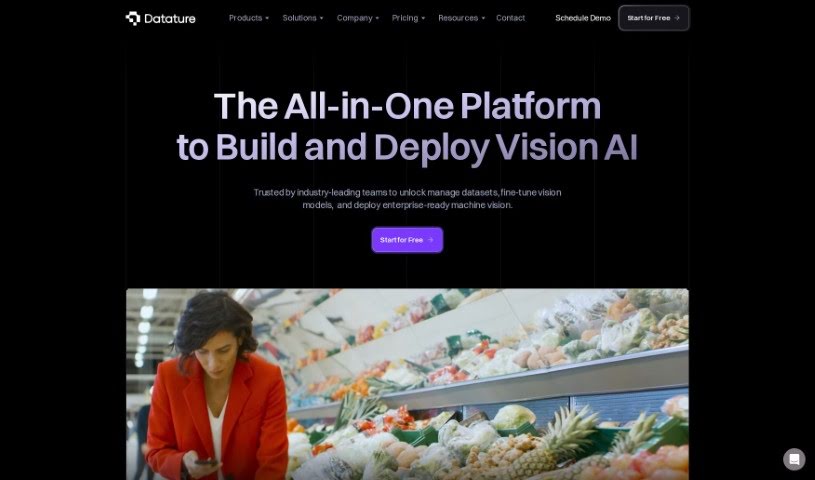
Screenshot of Datature

Datature

Freemium

Datature is an all-in-one platform for building computer vision applications. It covers the full workflow: dataset management, image and video labeling, model training with customizable algorithms, automated hyperparameter tuning, and deployment. Teams can collaborate on projects and track versions, and most of the workflow requires little to no code.

Web Development View Tool →
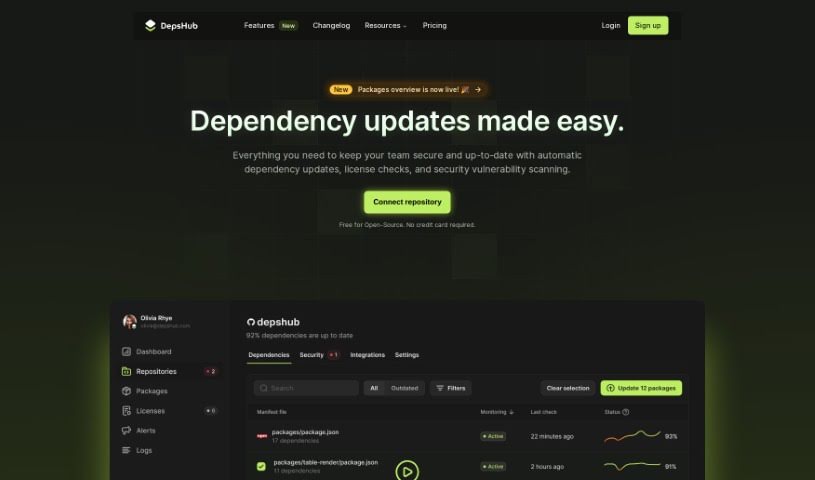
Screenshot of DepsHub

DepsHub

Freemium

DepsHub tracks and updates software dependencies. It supports JavaScript, Python, Go, PHP, Java, Swift, Ruby, Docker, C#, and C++, with more languages being added.

Web Development View Tool →
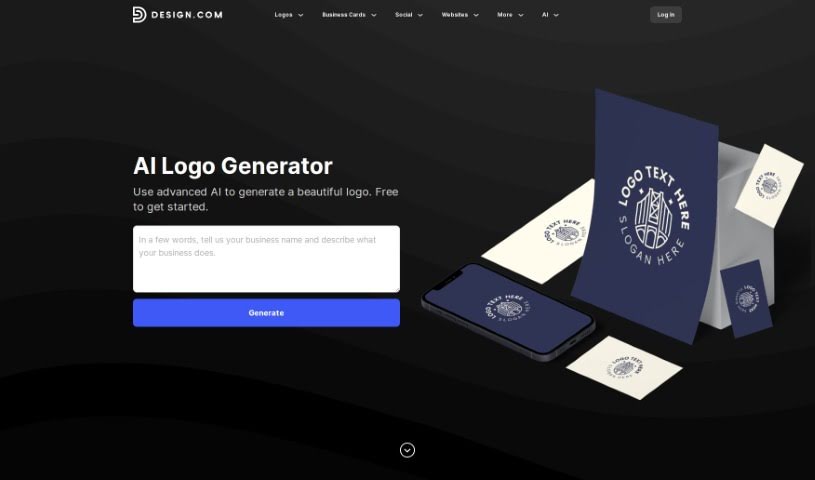
Screenshot of Design.com AI Logo Generator

Design.com AI Logo Generator

Freemium

Design.com's AI Logo Generator offers over 145,000 unique logo designs, all created by artificial intelligence and tailored to your business name. Access is free, with no limits on how many designs you can browse or tweak. The tool is built for speed: pick a design and start editing within seconds, producing a custom logo in minutes. Its core value is a large library of AI-generated designs that are easy to customize to match your brand.

Web Development View Tool →
Screenshot of Designhill Logo Maker

Designhill Logo Maker

Freemium

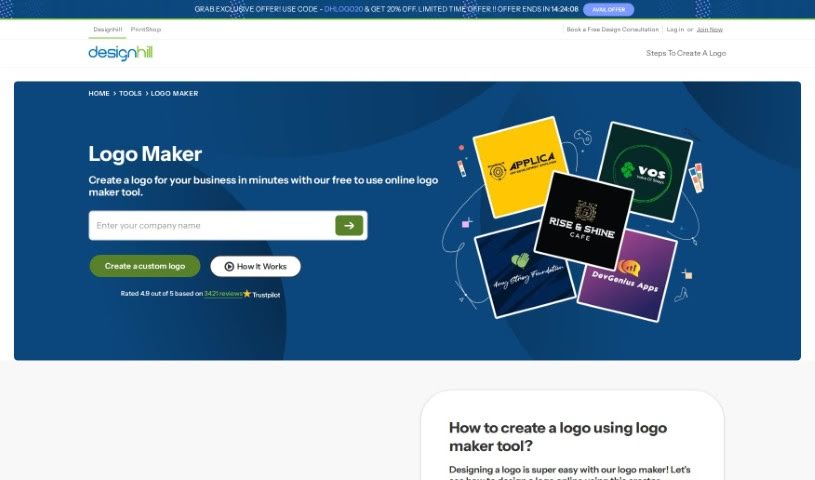
Designhill Logo Maker is an AI-powered design tool that helps businesses create custom logos without design experience. You provide details about your business — industry, name, and optionally a tagline — and the tool generates multiple logo ideas. It includes a large library of templates and styles, and you can customize the layout, fonts, and colors directly on the platform. Finished logos can be downloaded in different file formats for use across websites, social media, and print.

Web Development View Tool →
Screenshot of Designpro

Designpro

Freemium

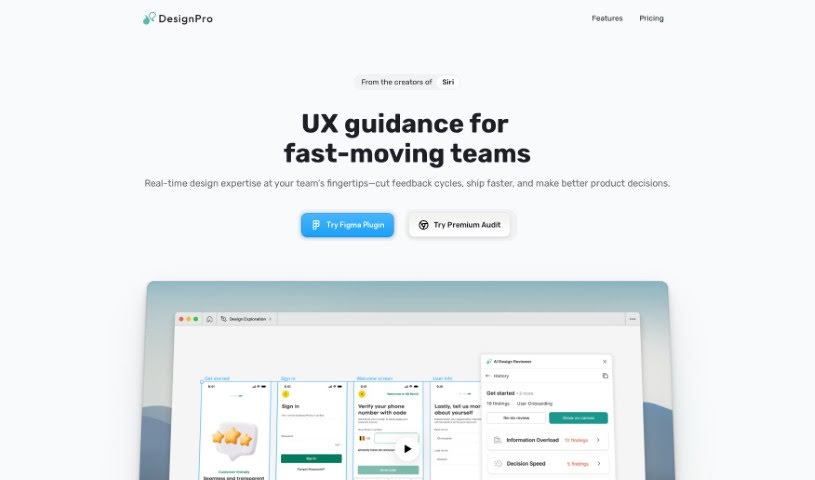
DesignPro is an AI tool built to improve design reviews. It works inside Figma and delivers fast, specific feedback: copy suggestions for websites and app microcopy, detection of UI bugs and other issues, and recommendations for tweaking website designs to improve conversion. Its AI is trained on frameworks from Nielsen Norman and IDEO, so feedback reflects established best practices.

Web Development View Tool →
Screenshot of Dev Radar

Dev Radar

Freemium

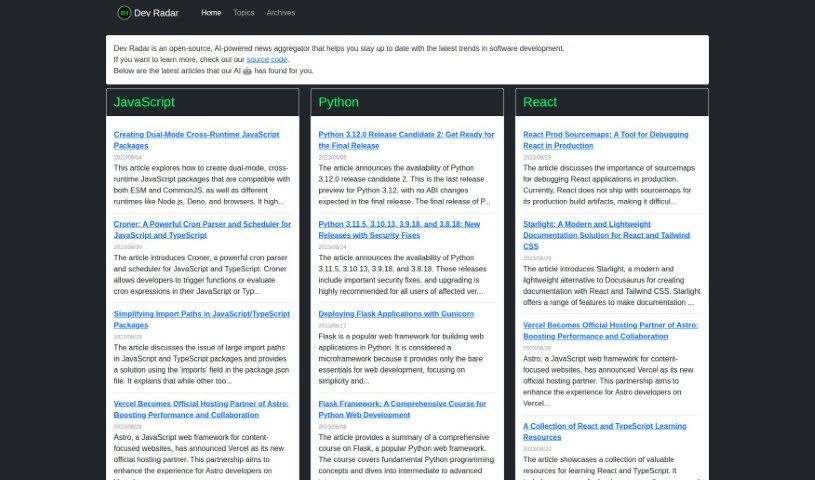
Dev Radar is an open-source, AI-powered news aggregator focused on software development. It scans the web for articles on popular programming languages such as JavaScript, Python, Rust, and React, then uses AI to sort them by topic and language for easy browsing on the website.

Web Development View Tool →
Screenshot of Devassistant

Devassistant

Freemium

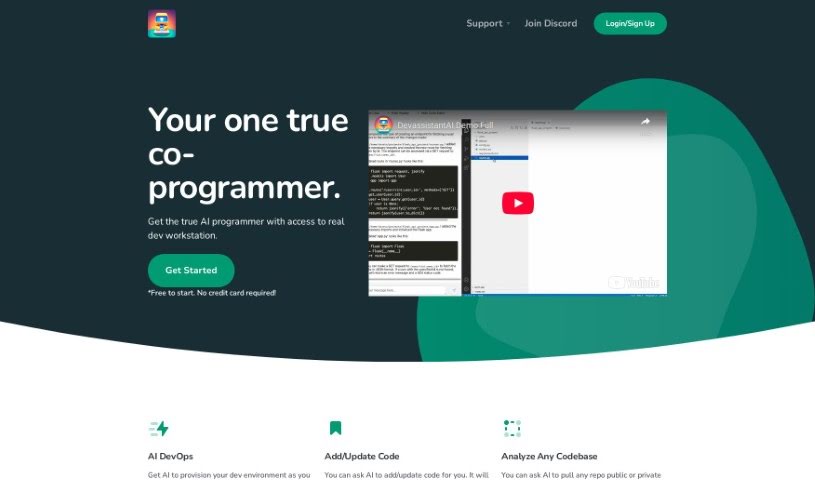
Devassistant is an AI coding assistant that acts as a co-programmer for developers, powered by GPT-4. It includes a command line and a code editor, so you can interact with the AI directly while you work. You can create custom workflows, automate repetitive tasks, analyze codebases, ask questions about your code, make changes to it, and view code side-by-side in a cloud-based VS Code editor. It also automates DevOps tasks and helps provision your developer environment. Pricing plans include GPT-4 credits, VCPUs, memory, and storage.

Web Development View Tool →
Screenshot of Devprompt

Devprompt

Freemium

DevPromptAi is an AI-powered assistant for software developers. It lets you create, reuse, and share prompts for common software engineering tasks, and provides suggestions for generating and updating code. Its debugging support helps you find and fix bugs, and it can explain and document complex code snippets and algorithms.

Web Development View Tool →
Screenshot of Devwares

Devwares

Freemium

Devwares is a platform that provides tools and resources for developers and designers. It offers ready-to-use UI kits, admin dashboards, and comprehensive design systems built for popular frameworks such as Bootstrap, React, and Angular. The platform focuses on high-quality, flexible assets that save time during web and app development, with both free and premium resources available.

Web Development View Tool →
Screenshot of Dify

Dify

Freemium

Dify is an open-source platform for LLMOps that simplifies building AI applications powered by large language models. Every part of an AI application — prompts, contexts, and plugins — is defined using declarative YAML files. Dify also provides visual tools for managing prompts, operations, and datasets, so you can build AI apps from scratch quickly or integrate LLMs into existing applications to improve them over time.

Web Development View Tool →

About Web Development tools

Struggling with cryptic error messages, writing repetitive boilerplate code, or debugging complex API integrations can slow down even the most experienced developers. Whether you’re building full-stack web applications, maintaining backend databases, or configuring deployment pipelines, turning technical requirements into functional code takes significant time. It’s easy to spend hours hunting down missing syntax or setting up project configurations before writing core logic.

Built for web developers and software engineers, these tools act as intelligent coding partners. They autocomplete functions, speed up routine boilerplate creation, and catch subtle bugs before you commit your code.

Inline Completion, Error Debugging, and Test Generation

Generating routine code structures and API endpoints used to require typing out repetitive boilerplate line by line. Smart coding assistants analyze your project context and comments to suggest full function blocks, database schemas, and API handlers in real time. Instead of searching documentation for basic syntax or setup code, you get inline code completion right in your editor to keep you in flow.

Debugging complex logic and fixing broken build pipelines becomes far less frustrating, as well. Tracking down memory leaks, asynchronous execution issues, or obscure framework errors can burn hours of development time. Modern developer tools analyze stack traces and source code to identify root causes, suggest precise bug fixes, and explain complicated error messages in plain language.

Maintaining legacy codebases and writing comprehensive test suites also gets much simpler. Creating unit tests and writing inline documentation often gets pushed aside when project deadlines are tight. AI development platforms scan your code to auto-generate unit tests, create clear README files, and help refactor outdated code to modern standards without breaking existing application features.

Useful Capabilities for Developers:

  • Real-time inline code completion: Systems that suggest accurate code snippets, functions, and line completions inside your code editor as you type.
  • Automated bug detection and debugging: Features that analyze error logs and source files to pinpoint bugs and offer quick-fix solutions.
  • Test suite generation: Tools that automatically write comprehensive unit, integration, and end-to-end tests based on your codebase.
  • Code refactoring and modernization: Settings that clean up legacy code, convert syntax between programming languages, and apply best practices.
  • Documentation generation: Capabilities that automatically create clear inline comments, function docstrings, and project documentation from source code.

Building high-performing, secure web applications will always depend on your logical reasoning, system design, and software architecture skills. Software cannot replace critical thinking or design scalable system architectures for you. But letting smart tools handle routine boilerplate, test generation, and bug hunting gives you back the focus needed to solve tough engineering challenges.

Explore the web development tools below to upgrade your stack.

The Best AI Web Development Tools

  1. Lovable: Great for making frontend design work smoother.
  2. Cursor: Helps with real-time code collaboration.
  3. Replit AI: Generates code snippets for web apps.
  4. Supabase: For teams to manage databases together.
  5. v0 by Vercel: Quickly creates UI kits for web projects.
  6. Replicate AI: Automates code generation for web apps.
  7. Carrd: Perfect for a single-page site to promote an event.
  8. AI Dungeon: Lets you create interactive web stories with code.
  9. Ollama: For quickly building early versions of web interfaces.
  10. Jimdo: Makes building and managing websites easy.
  11. Code Sandbox: Simplifies CSS preprocessor workflows.
  12. Tilda: Lets you create websites easily without coding.
  13. Bubble: A drag-and-drop tool for building web applications.
  14. Weights & Biases: Streamlines integrating ML models into web apps.
  15. Warp Terminal: Helps deploy web apps quickly.
New tools, in your inbox.

Weekly picks of the best AI tools we've researched and added — no spam, unsubscribe anytime.

Join 25,000+ AI enthusiasts. No spam, unsubscribe anytime.