AI Tools for Web Development

Discover the best Web Development AI tools to enhance your productivity and creativity.

Page 15 of 58 • 694 total tools

Web development has really changed lately, and AI tools are a big part of that. What used to take a lot of coding and design skill can now be made much simpler with smart programs that speed things up. Today, AI-assisted development tools are changing how we build websites, making it easier for newcomers and more efficient for experienced pros.

These tools offer everything from easy design features to help with writing code, letting you create great-looking, functional sites more quickly. Developers don’t have to start from scratch or fix every single line of code manually anymore. Instead, AI can offer suggestions and even create whole parts of a website based on what you need.

Having worked in web development for years, I’ve seen firsthand how AI can make tasks simpler and more efficient. But with so many options out there, picking the right tool can feel overwhelming.

In this article, I’ll share the best AI web development tools you can find right now. Whether you want to improve your coding, automate routine jobs, or make your design process better, there’s something here for you. Let’s explore the tools that can really change your web development experience.

The best AI Web Development Tools

  1. Lovable: Great for making frontend design work smoother.
  2. Cursor: Helps with real-time code collaboration.
  3. Replit AI: Generates code snippets for web apps.
  4. Supabase: For teams to manage databases together.
  5. v0 by Vercel: Quickly creates UI kits for web projects.
  6. Replicate AI: Automates code generation for web apps.
  7. Carrd: Perfect for a single-page site to promote an event.
  8. AI Dungeon: Lets you create interactive web stories with code.
  9. Ollama: For quickly building early versions of web interfaces.
  10. Jimdo: Makes building and managing websites easy.
  11. Code Sandbox: Simplifies CSS preprocessor workflows.
  12. Tilda: Lets you create websites easily without coding.
  13. Bubble: A drag-and-drop tool for building web applications.
  14. Weights & Biases: Streamlines integrating ML models into web apps.
  15. Warp Terminal: Helps deploy web apps quickly.

How do AI web development tools work?

AI web development tools use smart algorithms to handle different parts of designing and building websites. These tools often use large language models, much like AI writing software, to look at coding patterns and make things more efficient. They offer suggestions, code pieces, or even build whole sections of code based on what you tell them.

Basically, these tools understand what you’re asking for, so you can describe what you want in simple terms. For example, you could say, “Create a navigation bar,” and the AI will generate the HTML, CSS, or JavaScript code needed. This makes web development more accessible, even if you don’t have a lot of programming experience.

Many AI web development platforms connect with popular coding environments and content management systems. This means they can improve tools like WordPress, Wix, or GitHub by offering smart code completions or finding errors as you type. With these connections, users can really smooth out their development process.

The data these AI systems learn from usually includes tons of source code, guides, and content created by users on sites like GitHub. This helps them learn different coding styles and the best ways to do things. Their effectiveness comes from spotting patterns and suggesting the best solutions based on what the user needs.

In short, AI web development tools make coding simpler, letting developers focus on creativity and solving problems instead of getting stuck on syntax. As technology keeps changing, these tools are expected to get even better, likely changing how web developers work.

Our best AI web development tools at a glance

RankNameBest forPlans and PricingRating
1LovableMaking frontend design work smoother.N/A4.84 (43 reviews)
2CursorReal-time collaboration on code projects.Paid plans start at $20/Month.4.83 (6 reviews)
3Replit AIGenerating code snippets for web apps.N/A4.70 (44 reviews)
4SupabaseCollaborative database management for dev teamsN/A5.00 (32 reviews)
5v0 by VercelQuickly creating UI kits for web projects.N/A4.73 (11 reviews)
6Replicate AIAutomating code generation for web apps.N/A4.82 (11 reviews)
7CarrdA single-page site for event promotion.Paid plans start at $19/year.4.72 (29 reviews)
8AI DungeonCreating interactive web story experiences.N/A4.54 (39 reviews)
9OllamaRapid prototyping of web interfaces.N/A4.63 (8 reviews)
10JimdoBuilding and maintaining websites easily.N/A4.64 (11 reviews)
11CodeSandboxSimplifying CSS preprocessor workflows.N/A4.45 (11 reviews)
12TildaEffortless website creation without coding.N/A4.75 (20 reviews)
13BubbleA drag-and-drop web applications builder.N/A4.73 (11 reviews)
14Weights & BiasesStreamlining ML model integration in web apps.N/A4.50 (12 reviews)
15Warp TerminalDeploying web apps swiftly.N/A4.79 (28 reviews)
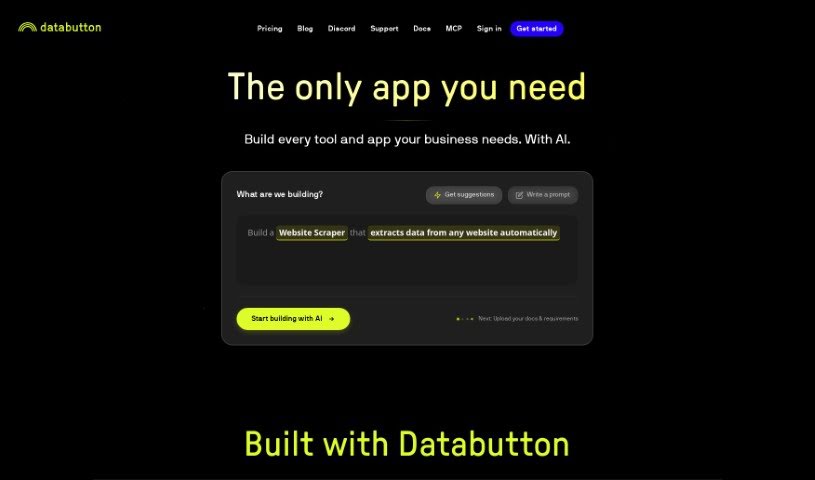
Screenshot of Databutton

Databutton

Freemium

While the term "Databutton" doesn't show up directly in the files I have, based on what's common in the software world, it sounds like a really handy tool or feature built into an application. It is a quick way for users to get to or work with data without a lot of fuss. It probably acts like a shortcut, letting you grab or change specific data sets really easily within a system. The name itself suggests a simple, button-like action for handling data tasks efficiently and in a way that just makes sense. Basically, Databutton seems to be all about making data-related jobs smoother and improving how you use a software program or platform.

Web Development View Tool →
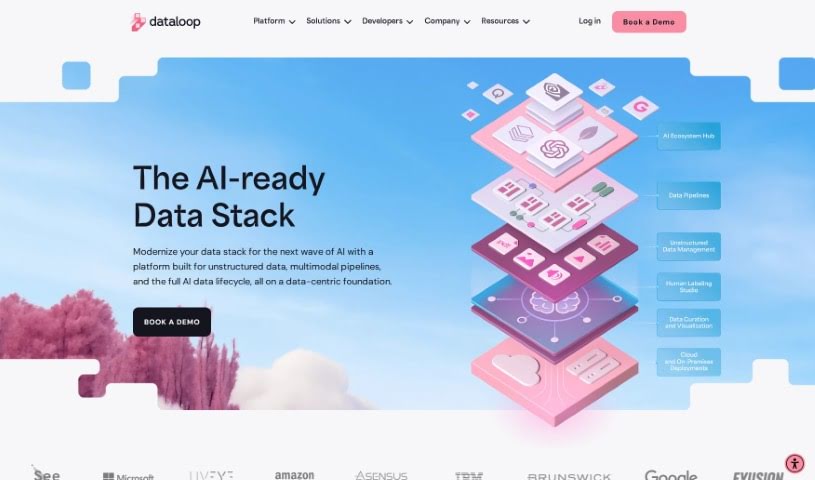
Screenshot of Dataloop

Dataloop

Freemium

Dataloop is an AI development platform designed to make building AI accessible, intuitive, and collaborative for everyone, whether you're a data scientist, managing models, or working as an engineer. It brings together data models, applications, and human expertise, ensuring that human input is always at the heart of AI development and application. Dataloop tackles common challenges like complex data, tight deadlines, and repetitive manual work by simplifying how you manage data, speeding up the AI development process, and automating those time-consuming tasks. The platform really champions a data-centric approach and encourages teamwork between data specialists and developers to really boost innovation and creativity in AI.

Web Development View Tool →
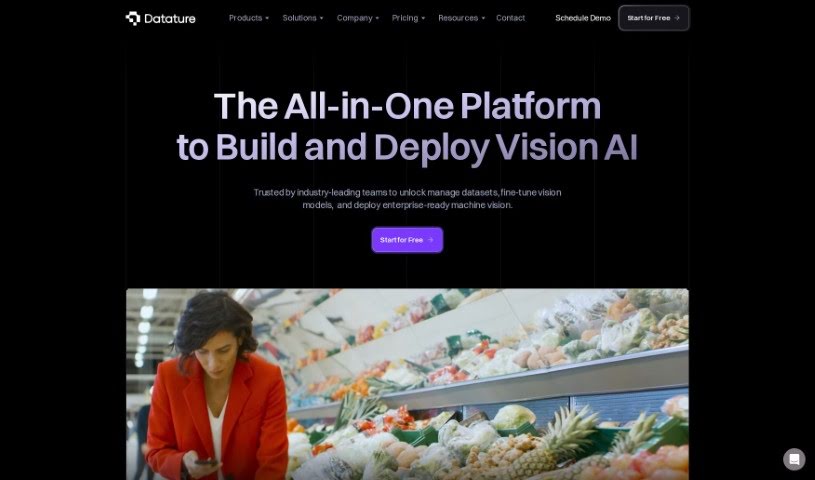
Screenshot of Datature

Datature

Freemium

Datature is a platform built to make creating computer vision applications much simpler for teams and businesses. It is your all-in-one toolkit. It helps you manage your data efficiently, offers flexible tools for labeling images and videos, lets you train models using algorithms you can customize, automatically fine-tunes settings for the best results, and makes deploying your finished applications a breeze. Plus, it’s great for teamwork! Your team can collaborate on projects, keep track of different versions, and generally get more done together.

Web Development View Tool →
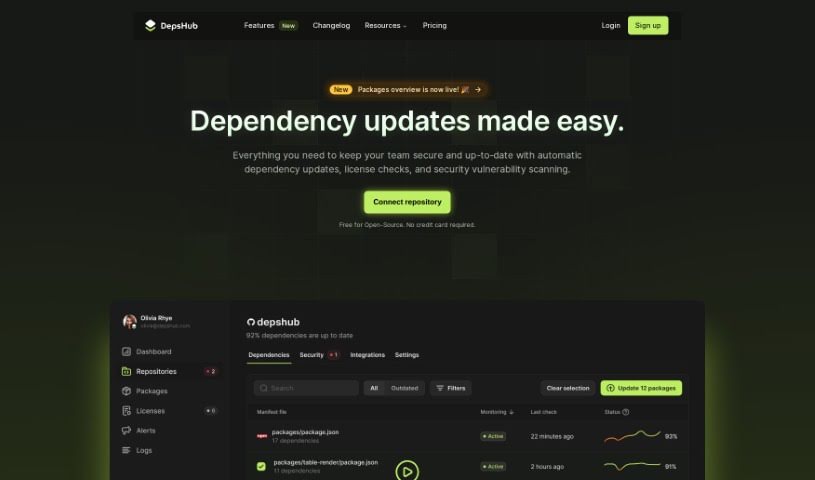
Screenshot of DepsHub

DepsHub

Freemium

DepsHub is a handy tool designed to save you time by making it much simpler to keep track of and update your software dependencies. It works with a bunch of different languages and frameworks, like Javascript, Python, Go, PHP, Java, Swift, Ruby, Docker, C#, and C++. Plus, they're adding support for even more soon!

Web Development View Tool →
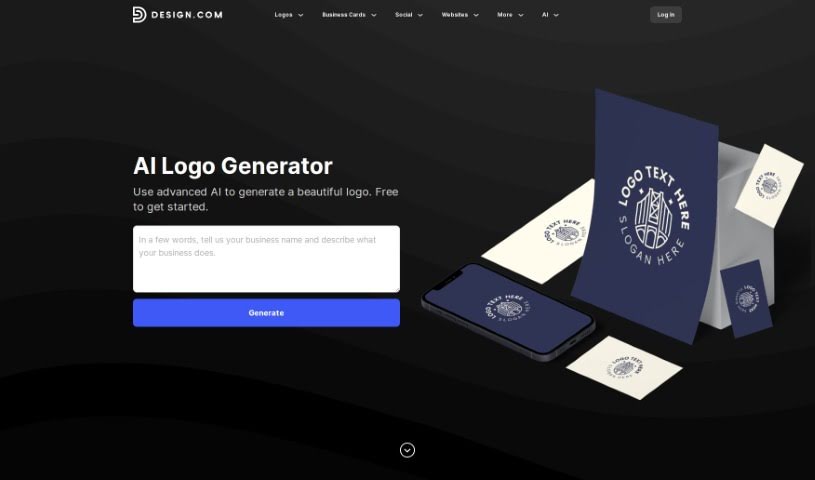
Screenshot of Design.com AI Logo Generator

Design.com AI Logo Generator

Freemium

Design.com's AI Logo Generator is pretty neat – it's packed with over 145,000 unique logo designs, all created by advanced artificial intelligence. The best part? You can access it for free! This means you can browse and tweak as many logo designs as you want, with absolutely no limits. It's designed for super-fast logo creation. You can pick a design you like and start editing it in mere seconds, meaning you'll have a custom logo ready in just a few minutes. Essentially, this tool makes creating a logo much simpler by giving you a huge variety of AI-generated designs that are easy to customize to perfectly match your brand.

Web Development View Tool →
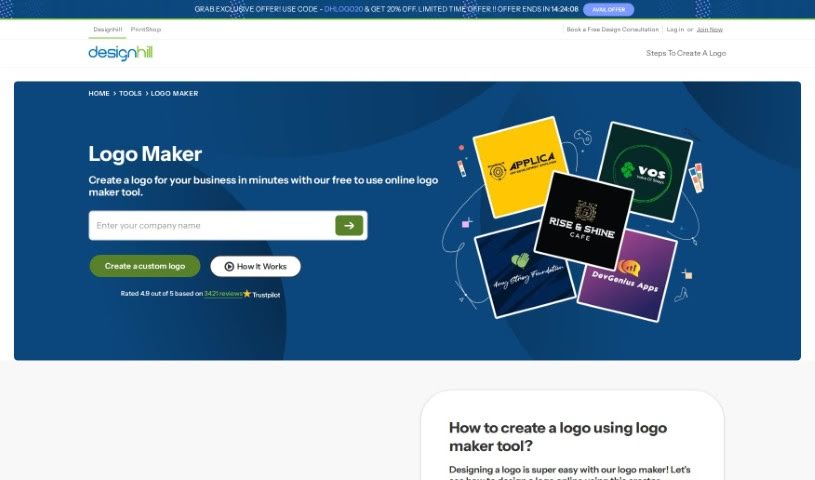
Screenshot of Designhill Logo Maker

Designhill Logo Maker

Freemium

A Logo Maker, like the one Designhill offers, is your personal AI-powered design assistant. It's built to help anyone, whether you're just starting a business or already running one, create a custom logo without needing to be a design pro. You simply tell it a bit about your business – like your industry, the name, and maybe a tagline – and the tool gets to work, generating a bunch of different logo ideas for you. It's got a huge library of templates and styles, so whether you're a seasoned designer or just dipping your toes into branding, you'll find something that fits. Plus, you can tweak things like the layout, fonts, and colors right there on the platform. The whole point is to make logo creation straightforward and convenient, even offering different file formats so your new logo looks great everywhere you use it.

Web Development View Tool →
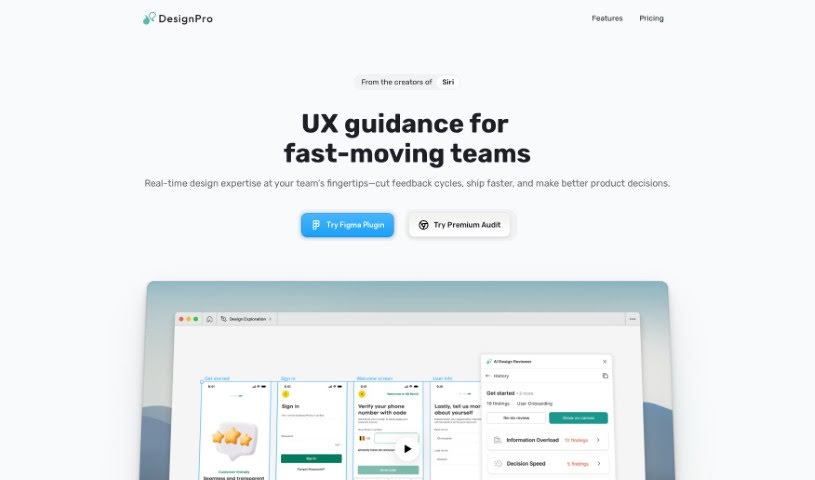
Screenshot of Designpro

Designpro

Freemium

DesignPro is an AI tool built to make design reviews much better. It gives super-fast feedback and suggestions right inside tools like Figma. It is a helpful assistant that can offer specific copy ideas, spot UI bugs and other issues, and even help tweak your website designs to encourage more people to take action. The AI behind DesignPro has learned from the best, using frameworks from Nielson Norman and IDEO. This means your design team can easily put best practices into play. What does this mean for you? You'll get feedback much faster, see your tasks laid out clearly, generate transcriptions automatically, and even send tasks straight to project management tools like Jira or Notion. Basically, DesignPro makes collaboration smoother, saving you both time and money.

Web Development View Tool →
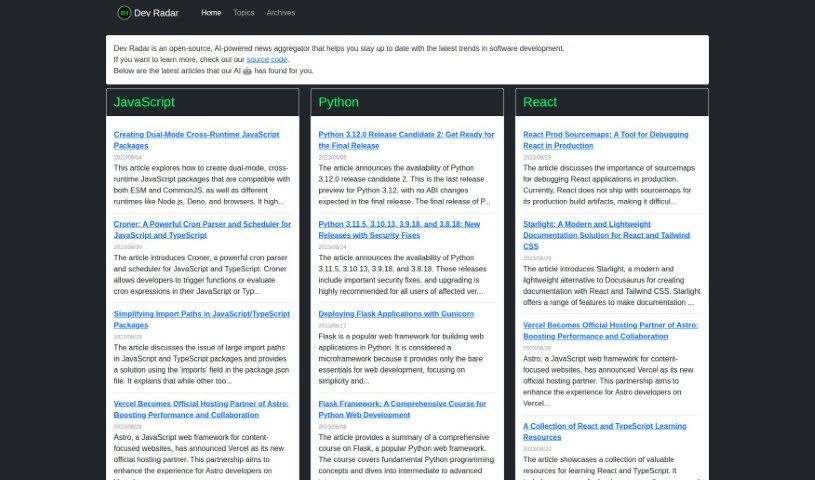
Screenshot of Dev Radar

Dev Radar

Freemium

Dev Radar is a neat, open-source tool that uses AI to gather news for developers. It is a smart news aggregator focused specifically on software development. It's designed to keep you in the loop about all the latest trends. What's cool is how it scans the web for articles on popular programming languages like JavaScript, Python, Rust, and React, plus a whole lot more. The AI helps sort these articles by topic and language, making it super easy to find what you're looking for on their website. But it's not just about code; Dev Radar also covers important stuff like development methodologies, what's new in open-source, and the latest tech. By pulling together useful articles from all over, Dev Radar really helps developers save time and effort. It means you can stay up-to-date on industry trends without having to dig through countless sources yourself, going beyond just the programming languages themselves.

Web Development View Tool →
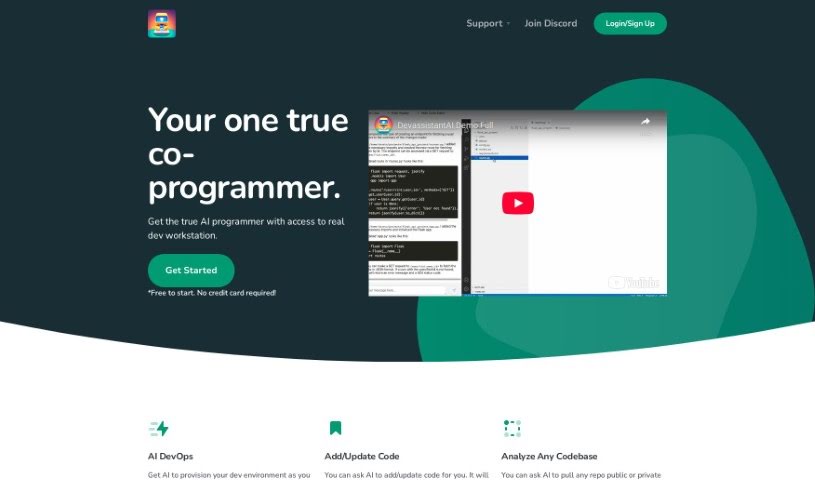
Screenshot of Devassistant

Devassistant

Freemium

Devassistant is an AI tool built to help developers with all sorts of programming tasks. It is having a co-programmer right there with you, powered by GPT-4. It includes a command line and a code editor, making it easy to interact with. With Devassistant, you can set up your own custom workflows, automate repetitive tasks, dive deep into analyzing your codebases, ask questions about your code, make changes to it, and even see code side-by-side in a cloud-based VS Code editor. It also helps with automating DevOps tasks and setting up your developer environment. They offer different pricing plans that include things like GPT-4 credits, VCPUs, memory, and storage. Basically, you can talk to the AI co-programmer directly through the tool's command line and code editor, which really helps streamline how you code and get things done.

Web Development View Tool →
Screenshot of Devprompt

Devprompt

Freemium

DevPromptAi is an AI-powered application designed to really boost how efficient software developers are. It is a smart assistant that helps developers create, reuse, and share prompts for all those common software engineering tasks. It offers intelligent suggestions and recommendations, making it smoother for developers to create and update their code. Plus, it's got AI-powered debugging support to help find and fix bugs much more efficiently. It also provides clear explanations and documentation for tricky code snippets and algorithms, which is a huge help for understanding and documenting your code properly.

Web Development View Tool →
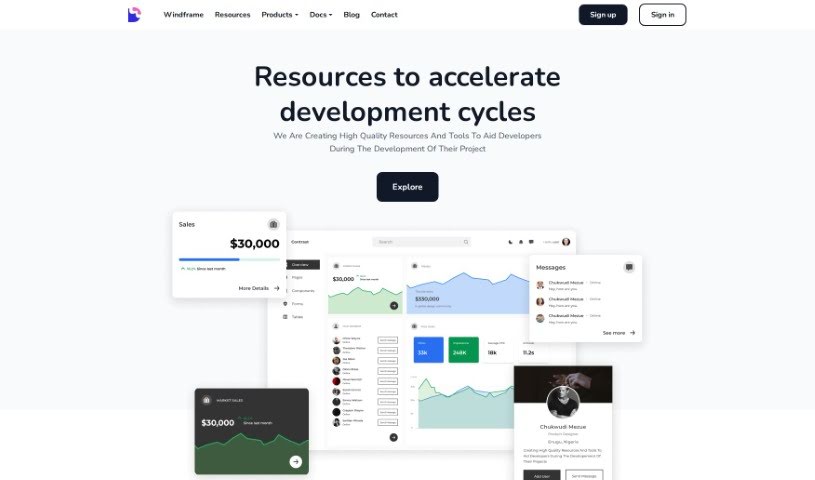
Screenshot of Devwares

Devwares

Freemium

Devwares is a really useful platform packed with tools and resources specifically made for developers and designers. It is a one-stop shop to make your project development process smoother and faster. They offer things like ready-to-use UI kits, admin dashboards, and comprehensive design systems. These are all built for popular frameworks such as Bootstrap, React, and Angular. Devwares really focuses on providing high-quality assets that save you time and are super flexible, which is exactly what you need for modern web and app development. You can find both free and premium resources here, so it's accessible whether you're a seasoned pro or just starting out. The components and templates they offer are carefully put together, designed to give your projects a great head start and really speed up your creative work.

Web Development View Tool →
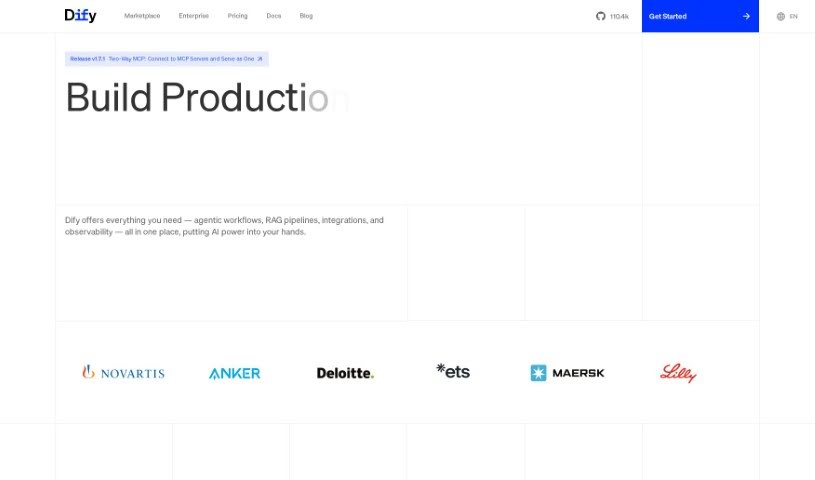
Screenshot of Dify

Dify

Freemium

Dify is an open-source platform designed for LLMOps, making it much simpler and faster to build AI applications powered by various large language models. The core idea behind Dify is to define every part of an AI application – like prompts, contexts, and plugins – using straightforward YAML files. It provides a visual way to manage prompts, operations, and datasets, which means you can either build AI apps from scratch really quickly or integrate LLMs to keep improving your existing applications. With Dify.AI, you can create text generation tools for all sorts of things, such as AI chatbots for websites, question-answering bots, tools that summarize long texts, or even generators for marketing copy.

Web Development View Tool →

Stay Updated with AI Tools

Get weekly updates on the latest AI tools, trends, and insights delivered to your inbox

Join 25,000+ AI enthusiasts. No spam, unsubscribe anytime.