10Web
Web Development Website Builders
Learn more
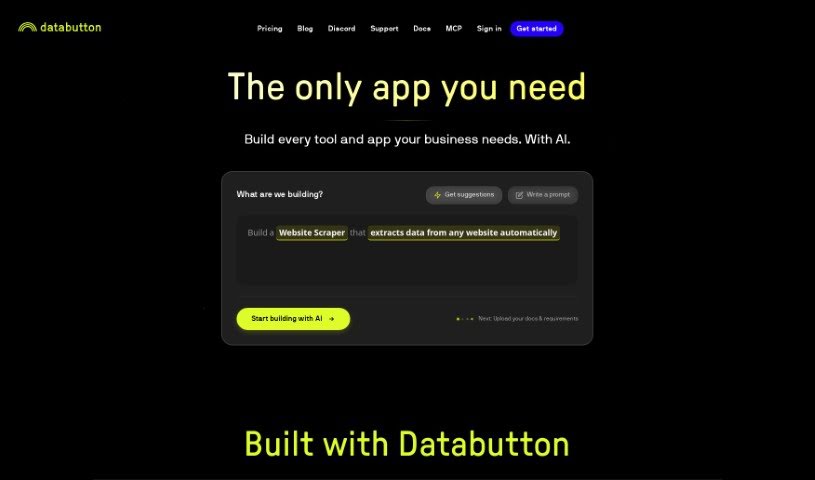
Databutton is a browser extension for selecting, saving, and analyzing data from any webpage. Highlight the data you need, then copy, save, or analyze it
Databutton is a data tool that simplifies data-related tasks. It acts as a shortcut for accessing and working with data, letting you grab or modify data sets through a simple, button-like action. The focus is on smoother data handling and a better overall software experience.
The founder prefers to remain anonymous, and little other information is available about the company behind Databutton.
Databutton suits professionals who work with data, including data analysts, business analysts, data scientists, software developers, database administrators, product managers, digital marketers, financial analysts, healthcare administrators, and research scientists.
Databutton runs as a browser extension. After installing it, activate it from the toolbar icon, select the data you want on any webpage, then right-click the selection to choose an action: copy the data, save it to a cloud service, or start analyzing it right away.
Beyond the basics, Databutton offers customization settings to match your workflow, automation for repetitive data tasks, and integrations with other tools and services for broader data management. Updates add new features over time, and support resources are available if you need help.
Related
Discover more tools in similar categories
Weekly picks of the best AI tools we've researched and added — no spam, unsubscribe anytime.
Join 25,000+ AI enthusiasts. No spam, unsubscribe anytime.