AI Video Generation Tools

AI Tools for Video Generation

Discover the best Video Generation AI tools to enhance your productivity and creativity.

Page 23 of 27 • 316 total tools
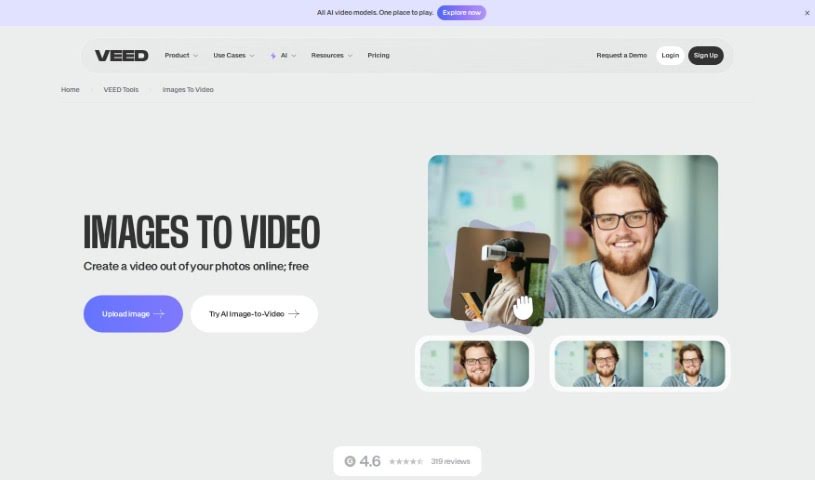
Screenshot of VEED Image to Video

VEED Image to Video

Freemium

VEED's Image to Video tool lets you turn a series of pictures into a video entirely in your browser — no software downloads required. You upload your images, arrange them in the order you like, and enhance the result with music, text, animations, and transitions.

Video Generation View Tool →
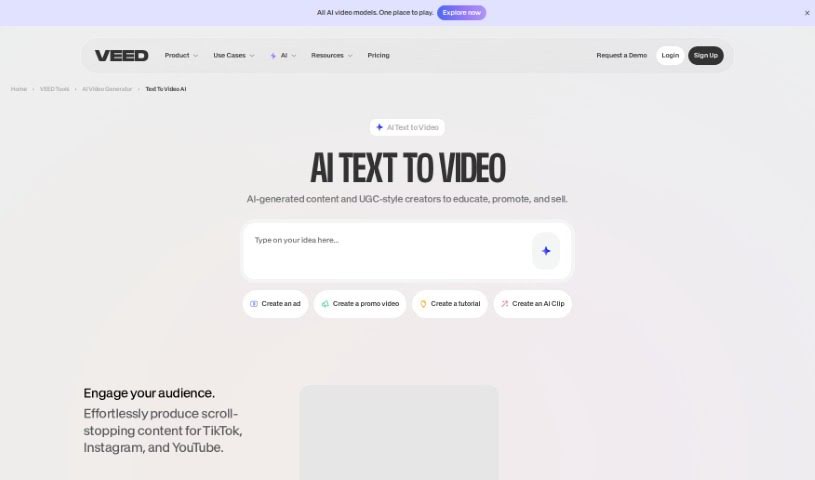
Screenshot of VEED Text to Video

VEED Text to Video

Freemium

VEED's Text to Video is an AI tool that turns written text into videos. You describe what you want, and the tool generates a video complete with voiceovers, music, and relevant footage. It includes text-to-speech conversion, a library of royalty-free stock media, and background music options.

Video Generation View Tool →
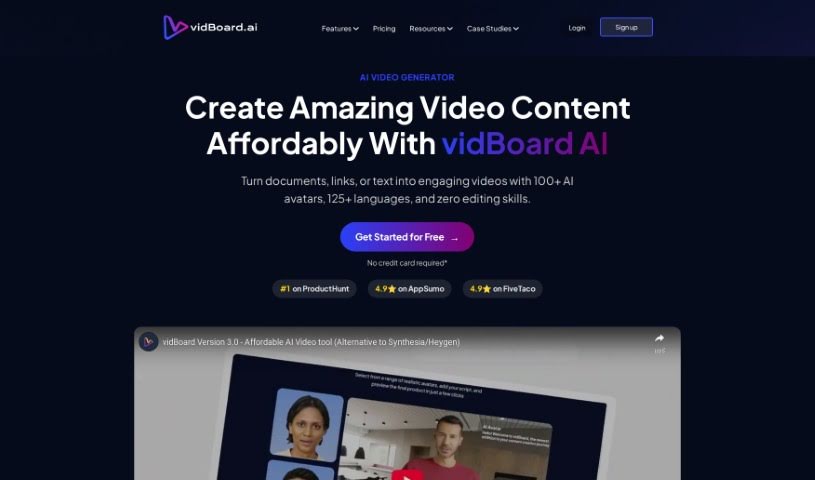
Screenshot of Vidboard Ai

Vidboard Ai

Freemium

Vidboard Ai is a platform that uses AI to simplify video creation, particularly for personalized marketing, learning materials, and news updates. It automates video production from text, ChatGPT output, and audio scripts, and features a "Creative AI Presenter" that can represent your digital identity on screen.

Video Generation View Tool →
Screenshot of Viddyoze AI Video Generator

Viddyoze AI Video Generator

Freemium

Viddyoze AI Video Generator is an AI-powered tool that helps businesses and brands create video content quickly. It offers fast video creation, an easy-to-use interface, and support for multiple video styles, including formats suited to social media. It also handles video editing, lets you add intros and outros, and provides customization so videos can be tailored to specific business needs.

Video Generation View Tool →
Screenshot of Video Ai Hug

Video Ai Hug

Freemium

Video Ai Hug is an AI-powered tool for creating personalized video messages that simulate a warm hug. It is designed to help people share feelings of care, support, or affection when they are physically apart, helping maintain emotional connections over distance.

Video Generation View Tool →
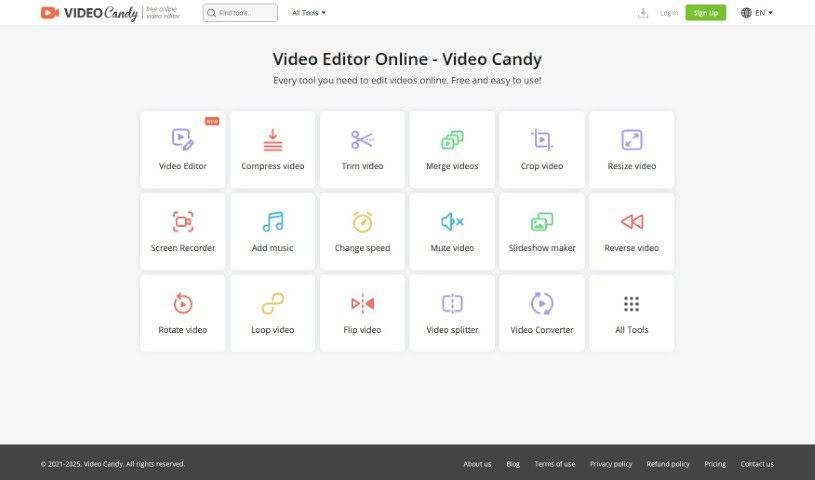
Screenshot of Video Candy

Video Candy

Freemium

Video Candy is an online platform offering a collection of free video editing tools. It covers trimming, merging clips, compressing videos, cropping, resizing, screen recording, adding music, changing video speed, removing audio, creating slideshows, and converting video and audio files. The interface is designed to be easy to use, whether you're new to editing or experienced. Every tool is free, and finished projects have no watermark.

Video Generation View Tool →
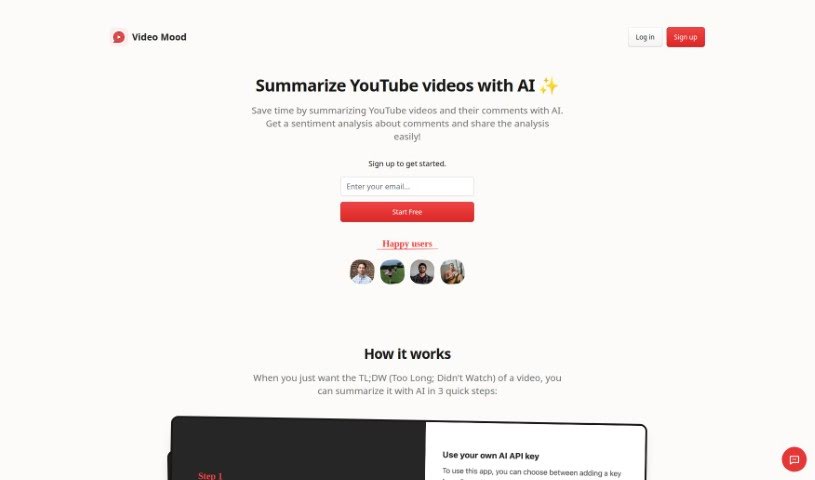
Screenshot of Video Mood

Video Mood

Freemium

Video Mood is an AI tool that summarizes YouTube videos and analyzes the sentiment of their comments. It provides a condensed overview alongside insights into viewer reactions, helping users determine whether a video is worth their time and understand audience feedback.

Video Generation View Tool →
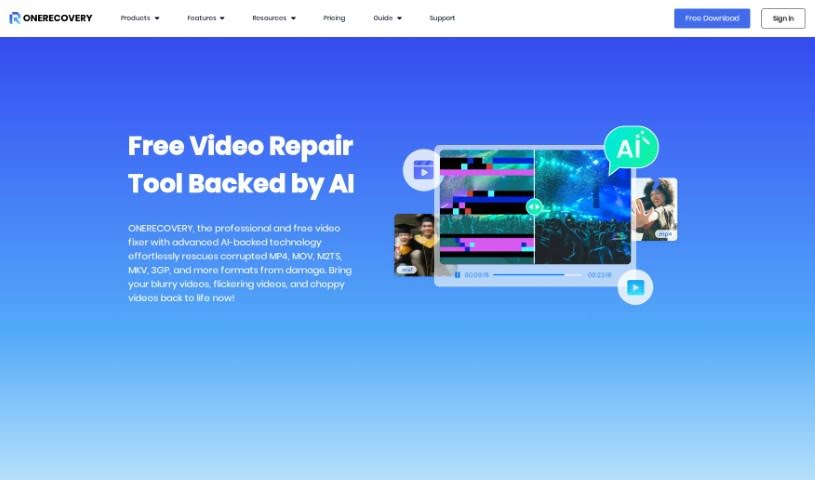
Screenshot of Video Repair By Onerecovery

Video Repair By Onerecovery

Freemium

Video Repair by ONERECOVERY is an AI-powered tool that fixes damaged, corrupted, or blurry videos. Damage typically comes from bad file transfers, recording errors, computer crashes, or viruses. It supports MP4, MOV, M2TS, and MKV files and works with footage from cameras, drones, phones, and computers.

Video Generation View Tool →
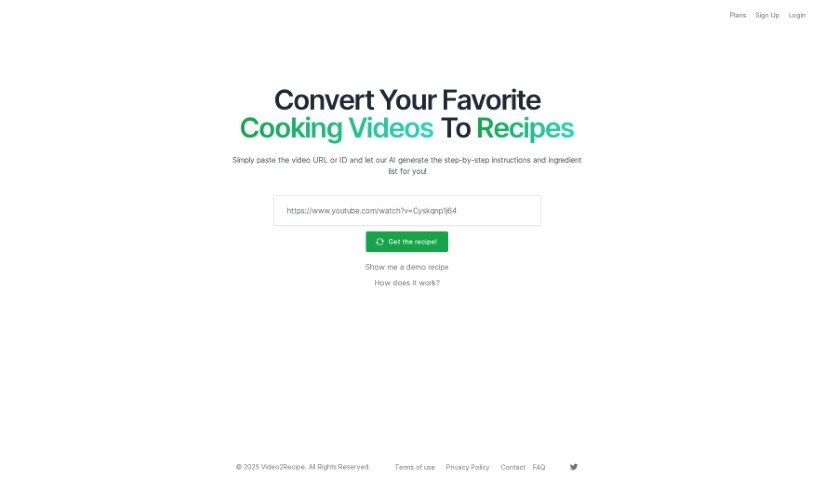
Screenshot of Video2Recipe

Video2Recipe

Freemium

Video2Recipe converts cooking videos into easy-to-follow recipes. Paste a video's URL or ID, and the tool's AI generates step-by-step instructions and an ingredient list — no manual transcription required. It's useful for anyone who cooks along with tutorials and wants to spend more time cooking and less time pausing and taking notes. The platform aims to make it easier to try new dishes and save recipes from videos you like.

Video Generation View Tool →
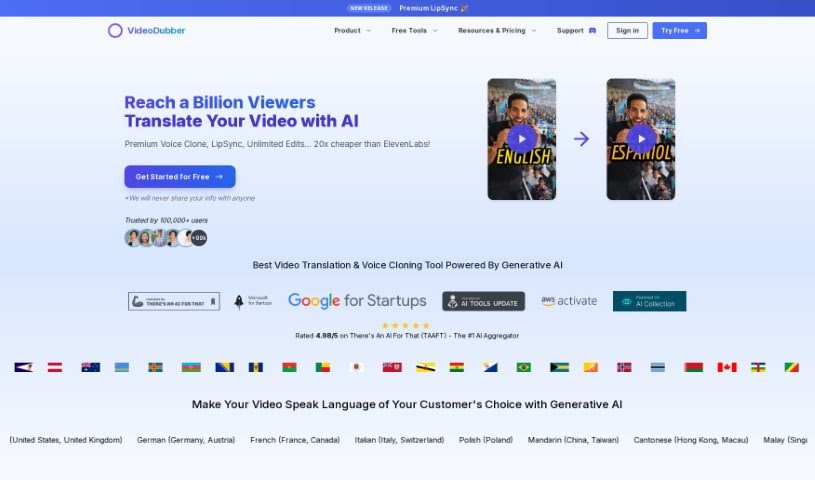
Screenshot of VideoDubber

VideoDubber

Freemium

VideoDubber.ai is an AI-powered platform for video translation, dubbing, voice cloning, and text-to-speech. It automates voiceovers and dubbing across many languages, letting creators reach international audiences without lengthy post-production. Services include video translation, voice cloning, text-to-speech, subtitle editing, and direct YouTube integration. The platform targets YouTubers, businesses, and content creators expanding internationally.

Video Generation View Tool →
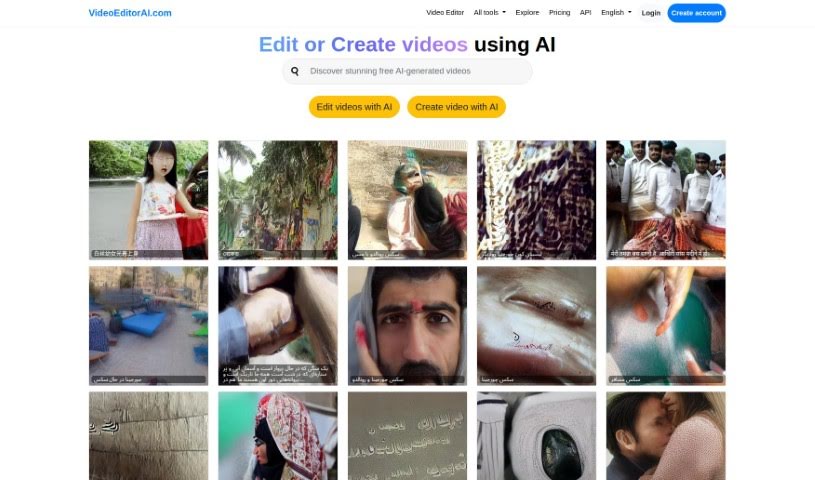
Screenshot of Videoeditorai.com

Videoeditorai.com

Freemium

VideoEditorAI.com is a platform that uses AI to simplify video creation and editing. You describe what you want, and the AI carries it out. The platform supports many languages and offers a range of creative AI tools beyond editing. With flexible pricing plans and an API, it suits both professionals and hobbyists.

Video Generation View Tool →
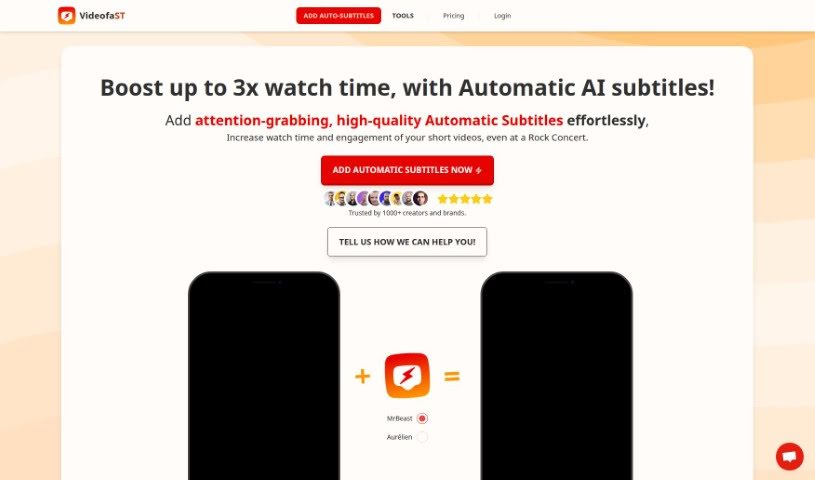
Screenshot of Videofa.st Automatic Subtitles

Videofa.st Automatic Subtitles

Freemium

Videofa.st's Automatic Subtitles feature automatically generates subtitles for short videos. Key capabilities include:

Video Generation View Tool →

About Video Generation tools

Setting up physical camera rigs, arranging scene lighting, hiring actors, and waiting for long video renders can make video production an expensive, time-consuming effort. Whether you need custom visual clips for a marketing campaign, animated scenes for a digital story, or background b-roll for a presentation, turning abstract ideas into moving images takes serious work. It’s easy to stall creative projects when traditional video shoots require big budgets and full production crews.

These generative video platforms act as capable creative partners. They convert written prompts and reference images into fluid video scenes, helping you test visual directions faster and produce high-quality video content without a full crew.

Text-to-Video, Image Animation, and Style Consistency

Creating custom video scenes without a physical camera crew used to be nearly impossible for small teams. Generative video tools take descriptive text prompts, script outlines, or static images and turn them into realistic motion clips, digital animations, and cinematic sequences in seconds. Instead of starting with a blank project timeline or searching through generic stock libraries, you get custom video drafts ready to edit, polish, and include in your final export.

Maintaining visual consistency across multiple shots and scenes gets much easier, as well. Early generative video tools often suffered from sudden visual shifts between clips, making long-form content feel disjointed. Advanced video platforms allow you to lock in character appearances, lighting conditions, and art styles across sequential generations, helping you build coherent multi-shot stories or product showcases that keep a unified visual identity.

Prototyping visual ideas and producing custom b-roll also becomes far more practical. Developing storyboards or testing different aesthetic styles for a commercial project used to take extensive pre-production work. AI video platforms let you quickly generate dozens of concept clips, experiment with dynamic camera angles, and build interactive visual previews before spending time on full-scale edits.

Practical Features to Look For:

  • Text-to-video rendering: Systems that convert written prompts and script outlines into realistic video clips and animated scenes.
  • Image-to-video animation: Tools that take static photos, artwork, or product shots and add realistic camera motion and subject movement.
  • Style and camera movement controls: Settings that let you specify camera angles, movement speed, lighting styles, and visual aesthetics.
  • Character and visual consistency: Features that preserve key subject traits, facial features, and clothing across multiple generated clips.
  • Multi-format aspect ratio exports: Options for generating footage sized specifically for widescreen displays, square social posts, or vertical mobile feeds.

Creating high-impact video content will always depend on your imagination, emotional intuition, and director’s eye. Software can’t replace original human vision or an understanding of what moves an audience, but handing off initial scene rendering and rapid video drafting gives you back the time needed to shape a great story.

Take a look through the video generation tools below to turn your written ideas into dynamic video clips.

The Best AI Video Generators

  1. VEED: for creating custom thumbnails for videos
  2. Wondershare: for video content creation and editing.
  3. Runway: for dynamic video content creation
  4. Invideo AI: for effortless content creation for brands
  5. Pix Verse AI: for text-to-video creation with style options
  6. Hey Gen: for effortless personalized video outreach
  7. Vidnoz AI: for creating engaging social media videos fast
  8. Media.io: for engaging video content creation
  9. 10LevelUp: Turns long videos into short captioned clips automatically.
  10. Digen AI: for creating targeted marketing videos.
  11. Vmake: for video ad creation for social media campaigns
  12. Descript: for video content creation with ease
  13. Pictory: for generating videos from scripts effortlessly.
  14. Synthesia: for creating training videos with AI avatars
  15. Napkin AI: for dynamic visuals for engaging videos
New tools, in your inbox.

Weekly picks of the best AI tools we've researched and added — no spam, unsubscribe anytime.

Join 25,000+ AI enthusiasts. No spam, unsubscribe anytime.