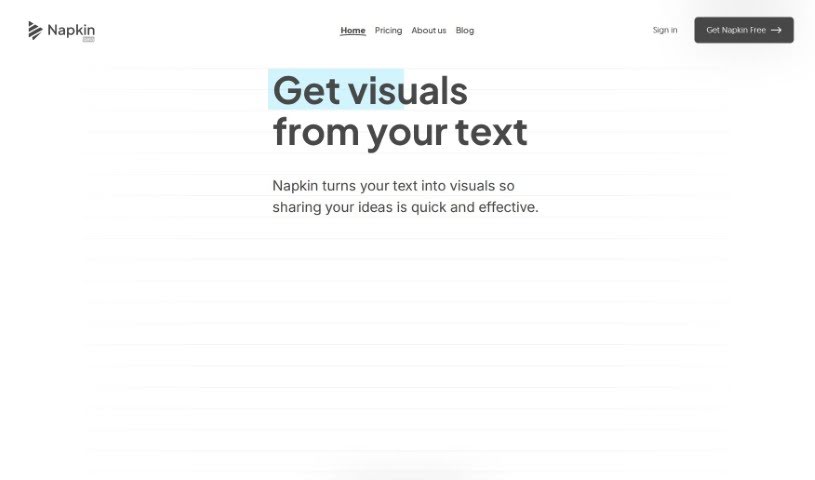
Screenshot of Napkin AI

Napkin AI

Discover Napkin AI in 2025! Learn what it is, how to use its features effectively, and how it stacks up against other Text-to-Video tools.

Screenshot

What is Napkin AI?

Napkin AI is a document editor that uses AI to help you create content that’s both engaging and visually appealing. It really simplifies things by letting you easily add visual elements like icons, charts, diagrams, and even short recorded videos right into your documents. Plus, it offers features like noise reduction to make your stories clearer, lets you share documents collaboratively, and can even suggest visuals based on what your content is about. Essentially, Napkin AI aims to boost how engaging and visually attractive your documents are for everyone, no matter their skill level, making visual communication much more straightforward without needing design expertise.

Who created Napkin AI?

Pramod Sharma created Napkin. He’s also one of the people behind Osmo, an AI gaming company. Napkin launched on August 17, 2022. The whole idea behind Napkin is to make visual communication accessible to everyone, so people can tell stories dynamically through visuals. The team is made up of dreamers, designers, and developers from the US, France, and India, all focused on making business communication better visually.

What is Napkin AI used for?

  • Presentations: You can really captivate your audience by automatically generating infographics, diagrams, flowcharts, and more.
  • Social Media Engagement: Boost how people interact with your content.
  • Document Creation: Craft documents with ease.
  • Visuals from Text: Create visuals like diagrams, charts, scenes, and images directly from your existing text content.
  • Generative Tools: Use image generation and flow diagrams for presentations, notes, and even video content.
  • Content Improvement: Enhance your writing and publishing with visual suggestions and a user-friendly interface.
  • Content Curation: Support your content curation by transforming text into visuals.
  • Storytelling: Improve storytelling in your documents with expressive drawing tools.
  • Adding Visuals: Easily add elements like icons, drawings, charts, and diagrams to your documents.

Who is Napkin AI for?

  • Designers
  • Educators
  • Business Development Executives
  • Learning & Development Professionals

How to use Napkin AI?

Here’s how you can use Napkin to create visually engaging content:

  1. Start with Your Text: Just paste your text directly into Napkin. You don’t need to write special prompts.
  2. Generate Visuals: Click the Spark icon. Napkin will create visuals based on your text.
  3. Customize and Edit: Make the visuals your own. You can swap icons, add decorators for emphasis, connect elements with dynamic lines, pick your colors, and choose fonts.
  4. Export Your Work: Once you’re happy, you can export your visuals as PNG, SVG, or PDF files, ready for whatever you need them for.
  5. Share Your Creations: You can export the whole document as a PDF or share a link to your Napkin. This lets others view it, and you can even collaborate in real-time.
  6. Collaborate with Others: Multiple people can edit a Napkin at the same time. You can also leave comments and feedback easily using highlighting features.
  7. Get Help: Use the built-in Intercom tool if you need assistance or have questions while using Napkin.

Following these steps will help you effectively turn your text into great-looking diagrams, charts, scenes, and images with Napkin.ai, making your communication and storytelling much smoother.

Related AI Tools

Discover more tools in similar categories that might interest you

Stay Updated with AI Tools

Get weekly updates on the latest AI tools, trends, and insights delivered to your inbox

Join 25,000+ AI enthusiasts. No spam, unsubscribe anytime.