AI Tools for Video Generation

Discover the best Video Generation AI tools to enhance your productivity and creativity.

Page 24 of 28 β€’ 333 total tools
Screenshot of Vatic AI

Vatic AI

Freemium

Vatic AI is a platform designed to make video creation super simple. It uses smart AI technology to turn your text into engaging videos, no sweat involved. You just type in what you want, and the AI whips up dynamic videos with a single click. It's perfect for anyone creative – marketers, storytellers, you name it – who wants to bring their ideas to life without getting bogged down in complicated video production. You can grab it from the App Store or Play Store, so it's really easy for everyone to use. With features like one-click video generation and no editing experience needed, plus constant updates, Vatic AI is definitely a strong player in the AI video creation space. You can even start making videos for free and easily bring your creative visions to life!

Video Generation View Tool β†’
Screenshot of VEED

VEED

Freemium

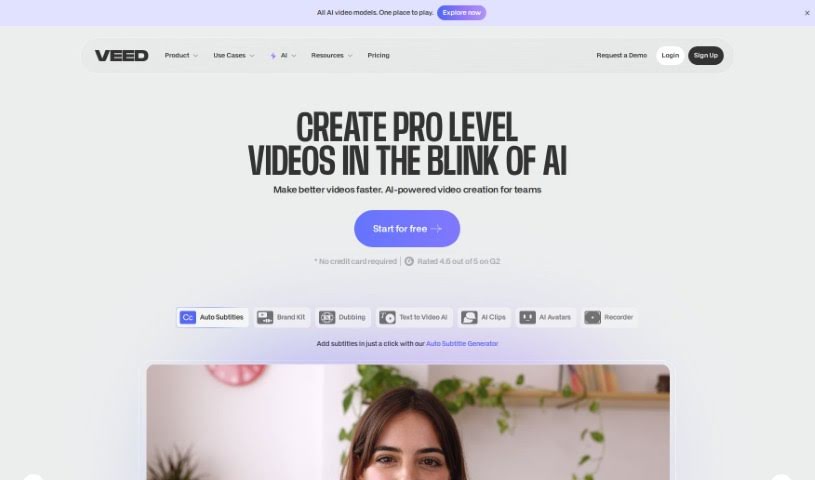
VEED offers a really neat AI Thumbnail Maker that lets you whip up thumbnail images for your videos. It's a free tool, so you can just type in what you're looking for, and the AI will generate an image for you. You can then download it or, even better, tweak it further using VEED's own video editor. This editor lets you add text, cool effects, and music right onto your thumbnail. Plus, VEED's AI can actually look at your existing videos and suggest thumbnails that really fit the theme, which is a fantastic way to make your video content pop and grab more attention.

Video Generation View Tool β†’
Screenshot of VEED AI Avatars

VEED AI Avatars

Freemium

VEED AI Avatars is an online platform designed to make video production much simpler. It uses artificial intelligence to turn your text into videos, which is pretty neat! You get features like digital actors you can customize, support for over 75 languages, a bunch of video templates, animation tools, transitions, and you can even pick your own backgrounds. Basically, you can create professional-looking videos without needing to schedule shoots or have fancy editing skills. It’s great for all sorts of things – business presentations, promotional videos, training materials, sales outreach, and even just for internal company updates. Plus, you can add subtitles, get rid of background noise, and use text-to-speech. The whole idea is to make videos better, more engaging, and easier for everyone to access. They really aim to simplify the whole video creation process, break down language barriers, and give you lots of options, like those digital actors, different backgrounds, fonts, and graphics.

Video Generation View Tool β†’
Screenshot of VEED Image to Video

VEED Image to Video

Freemium

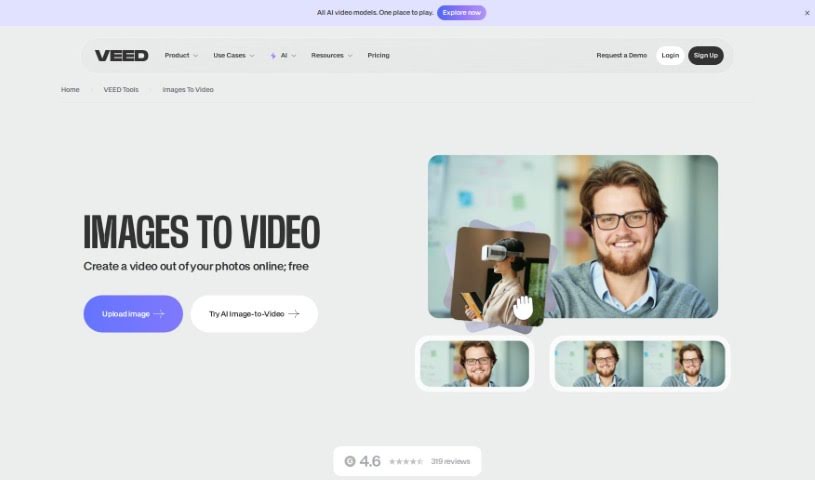
Turning a series of pictures into a video is what we mean by 'Image to Video.' You can do this easily with online tools like VEED. They let you put your images together into a video without needing to download any software. You just upload your pictures, arrange them how you like, and then add things like music, text, animations, and transitions to make them look even better. You can also add subtitles, pick from a music library, and animate text. The final video is really eye-catching and great for telling stories, marketing, or just for personal use.

Video Generation View Tool β†’
Screenshot of VEED Text to Video

VEED Text to Video

Freemium

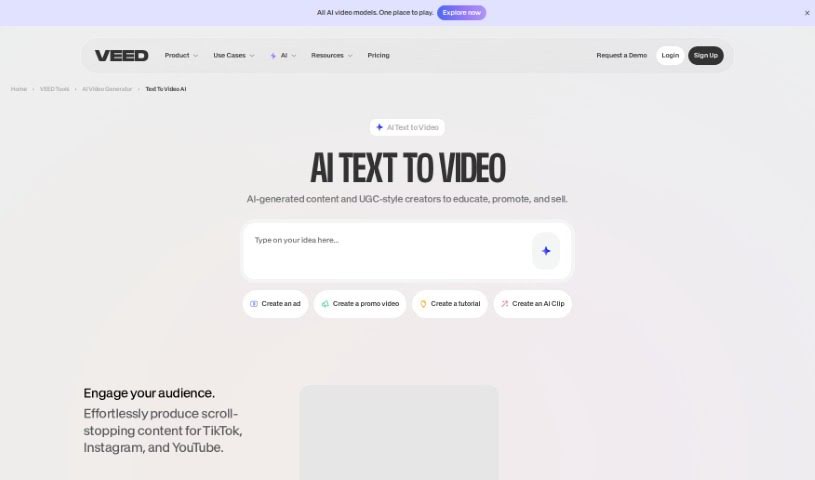
Text to Video is essentially a way to turn written words into engaging videos, all thanks to AI. VEED's text-to-video AI tool, for instance, lets you take your ideas and messages and transform them into visually appealing videos. It's pretty neat because it includes features like turning text into speech, a library of stock footage, and background music. You just type in what you want, and the AI system whips up professional-looking videos complete with voiceovers, music, and relevant footage. Plus, you get access to video editing tools to really polish your generated videos – think adding subtitles, dubbing in different languages, or adding your own branding. All in all, tools like VEED's Text to Video make it super straightforward to create impactful visual content from just text.

Video Generation View Tool β†’
Screenshot of Vidboard Ai

Vidboard Ai

Freemium

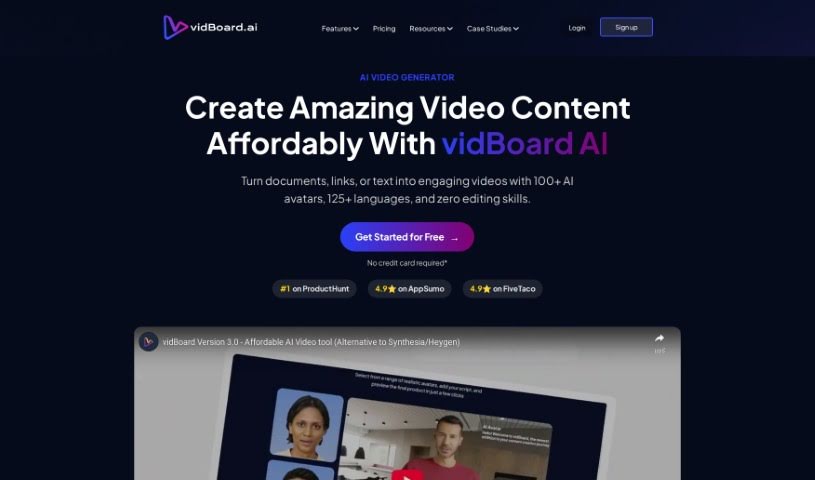
Vidboard Ai is a platform that uses AI to make creating videos much simpler, especially for personalized marketing, learning materials, and news updates. It is a way to automate and improve how you make videos, using text, chat GPT, and even audio scripts. It also features a "Creative AI Presenter" that can give your digital identity a really immersive feel. Essentially, Vidboard Ai is looking to lead the charge in changing the digital content world by using AI-generated videos to spark new ideas and make things more inclusive for everyone.

Video Generation View Tool β†’
Screenshot of Viddyoze AI Video Generator

Viddyoze AI Video Generator

Freemium

Viddyoze AI Video Generator is an AI-powered tool designed to help businesses and brands create all sorts of video content, and do it quickly and efficiently. It's packed with features like super-fast video creation, a really easy-to-use interface, and support for different video styles, including those perfect for social media. Plus, it makes video editing a breeze, lets you add intros and outros, and offers customization so you can really tailor videos to what your business needs. You can use it to generate animations, montages, trailers, business videos, explainer videos, marketing videos, educational videos, and much more. The magic behind it is advanced AI technology that simplifies the whole video creation and editing process. This means you don't need to be a video editing pro to get great results. Essentially, Viddyoze AI Video Generator offers a complete package for making videos, fitting a wide range of industries and content needs.

Video Generation View Tool β†’
Screenshot of Video Ai Hug

Video Ai Hug

Freemium

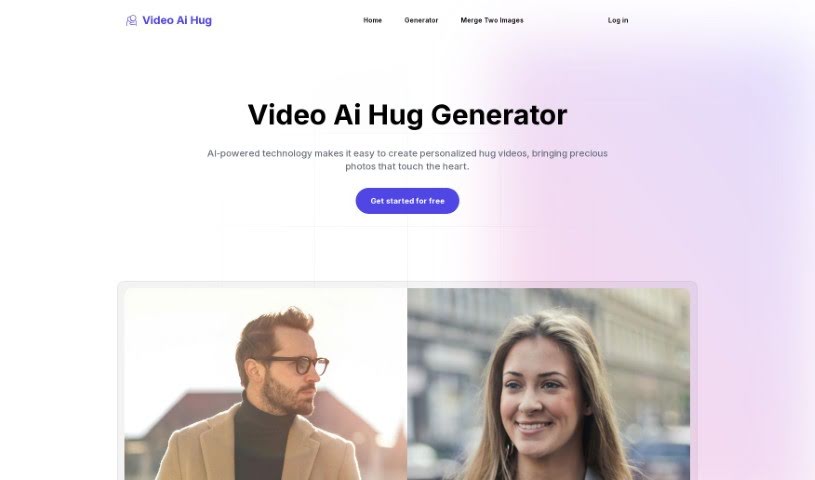
Video Ai Hug is a really interesting technology that helps people connect virtually. It is a smart way to send personalized video messages that feel like a warm hug. It uses artificial intelligence to create these videos, making it easier to share your feelings, whether that's care, support, or just affection, even when you're far apart. The goal here is to help bridge that physical distance and keep emotional connections strong. By blending AI with the simple, universal idea of a hug, Video Ai Hug offers a unique and heartfelt way for people to stay in touch and share special moments, no matter where they are.

Video Generation View Tool β†’
Screenshot of Video Candy

Video Candy

Freemium

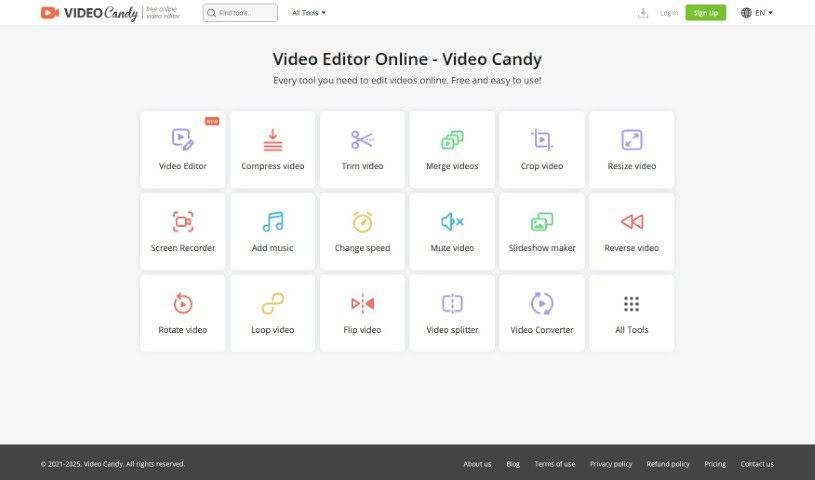
Video Candy is a really handy online platform packed with all sorts of video editing tools. Whether you're just starting out or you've been editing for years, you'll find something useful here. It's got this super easy-to-use interface, and it offers tools for trimming, merging clips, compressing videos, cropping, resizing, recording your screen, adding music, changing video speed, removing audio, making slideshows, and a whole lot more. Plus, you can convert video and audio files without any fuss. The whole idea behind Video Candy is to help you make your video content shine, whether it's for social media, your blog, or even professional presentations. The best part? Every single tool is completely free and straightforward to use.

Video Generation View Tool β†’
Screenshot of Video Mood

Video Mood

Freemium

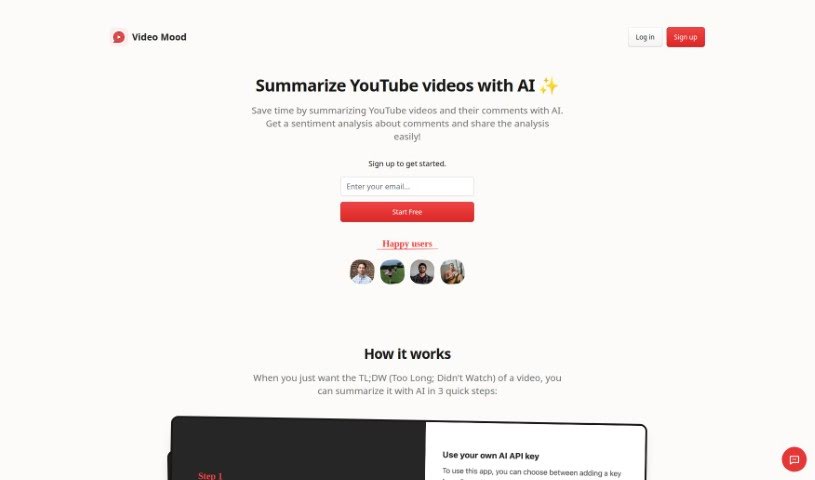
Video Mood is a handy tool that uses AI to give you summaries of YouTube videos and their comments. It is a shortcut to understanding what a video is all about, plus what people are saying about it. By using Video Mood, you can save a good chunk of time. Instead of watching a whole video, you get a condensed version. This is super useful if you just need a quick overview before committing to watching the entire thing. Plus, it dives into the comments to gauge the general feeling or sentiment, giving you a practical way to get valuable feedback from viewers.

Video Generation View Tool β†’
Screenshot of Video Repair By Onerecovery

Video Repair By Onerecovery

Freemium

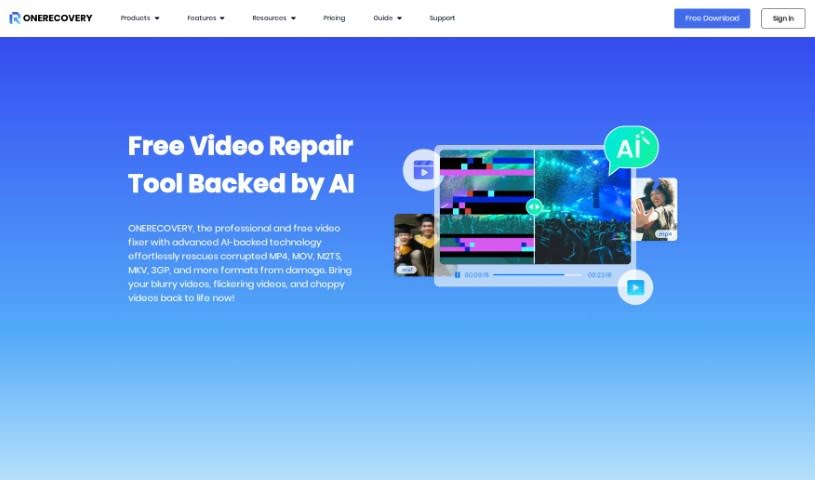
"Video Repair By Onerecovery" is a smart tool that uses AI to fix and improve videos that are damaged, corrupted, or blurry. You know, the kind of problems that happen from things like bad file transfers, recording mistakes, computer crashes, or even viruses. It's pretty versatile, handling lots of video formats like MP4, MOV, M2TS, and MKV. Plus, it works with videos from all sorts of devices – cameras, drones, phones, computers, you name it.

Video Generation View Tool β†’
Screenshot of Video2Recipe

Video2Recipe

Freemium

Video2Recipe is a really neat tool that takes cooking videos and turns them into easy-to-follow recipes. All you have to do is pop in the video's URL or ID, and its smart AI gets to work generating step-by-step instructions and a list of ingredients. This means no more tedious manual transcription! It's a lifesaver for anyone who loves cooking along with tutorials, whether you're just starting out or you're a seasoned pro. Video2Recipe makes it super simple to get recipes from videos, so you can spend more time actually cooking and less time pausing and jotting things down. The platform offers a few key things: it converts videos to recipes, uses AI for clear instructions, automatically pulls out ingredient lists, has a super easy-to-use interface, and saves you a ton of time. The whole idea is to change how people cook using videos, making it easier to try new dishes and collect recipes you love.

Video Generation View Tool β†’

Stay Updated with AI Tools

Get weekly updates on the latest AI tools, trends, and insights delivered to your inbox

Join 25,000+ AI enthusiasts. No spam, unsubscribe anytime.