10LevelUp
Video Generation Video Editing
Learn more
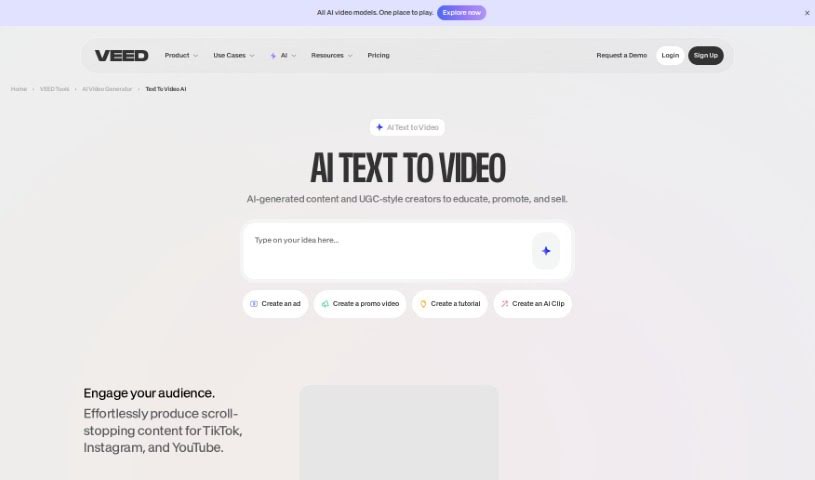
Discover what VEED's Text to Video tool is and how it turns written prompts into videos with AI voiceovers, stock footage, and built-in editing tools.
VEED’s Text to Video is an AI tool that turns written text into videos. You describe what you want, and the tool generates a video complete with voiceovers, music, and relevant footage. It includes text-to-speech conversion, a library of royalty-free stock media, and background music options.
Beyond generation, VEED provides a full suite of video editing tools to refine the output: adding subtitles, dubbing in different languages, and applying your own branding.
The tool is offered by VEED, a platform that provides AI-powered video creation and editing features, including voiceovers, music, subtitles, and a broad set of editing tools. Specific founder details for the tool are not documented here.
Once your video is generated, the platform’s editing tools let you polish and personalize the result.
Related
Discover more tools in similar categories
Weekly picks of the best AI tools we've researched and added — no spam, unsubscribe anytime.
Join 25,000+ AI enthusiasts. No spam, unsubscribe anytime.