10LevelUp
Video Generation Video Editing
Learn more
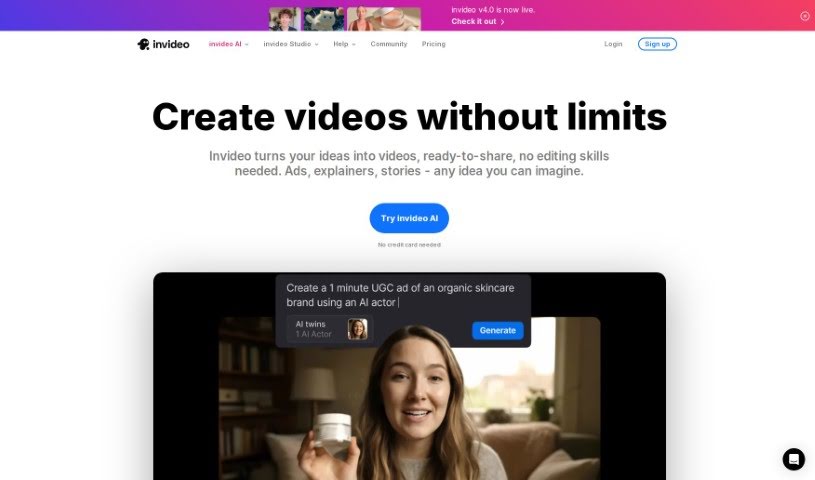
Discover what Invideo AI is, how it turns prompts into polished videos, and what it offers creators and marketers.
Invideo AI is a tool that turns your ideas into professional-looking videos using artificial intelligence. You provide a prompt or an idea, and the AI handles the heavy lifting to create engaging, visually appealing videos.
The tool includes customizable templates, themes, and styles, so you can create videos for YouTube, social media, websites, or presentations. The interface is user-friendly: you can trim clips, adjust timing, and add subtitles without much effort.
Invideo AI also automatically optimizes videos for search engines and provides insights and analytics so you can track performance.
Sanket Shah and Harsh Vakharia founded Invideo AI. Sanket Shah serves as co-founder and CEO, while Harsh Vakharia is co-founder and CTO. Together they built the platform to simplify video creation with AI, offering customizable templates, an easy-to-use editor, SEO support, and performance tracking.
Invideo AI suits content creators, YouTubers, and marketers — anyone who wants to make videos without a steep learning curve.
Related
Discover more tools in similar categories
Weekly picks of the best AI tools we've researched and added — no spam, unsubscribe anytime.
Join 25,000+ AI enthusiasts. No spam, unsubscribe anytime.