AI Video Generation Tools

AI Tools for Video Generation

Discover the best Video Generation AI tools to enhance your productivity and creativity.

Page 13 of 27 • 316 total tools
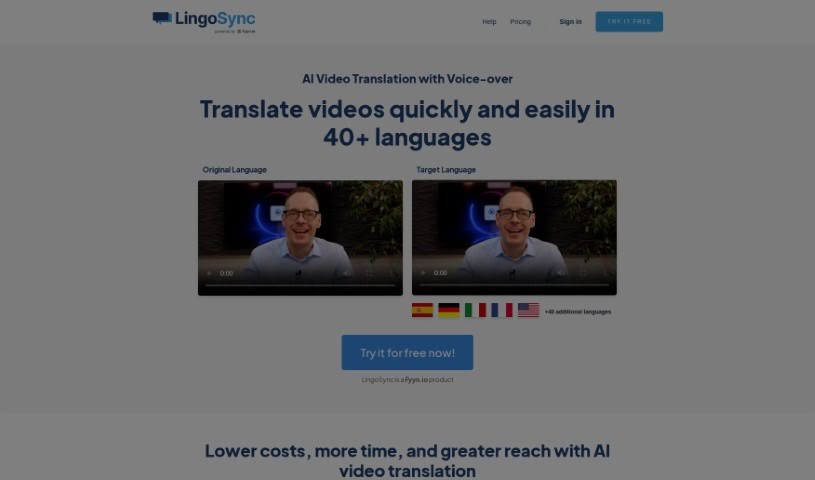
Screenshot of LingoSync

LingoSync

Freemium

LingoSync is an AI-powered tool that translates videos into over 40 languages, helping creators reach a global audience. It offers more than 220 voices, lets you edit the translated text, and syncs the spoken words with your video. Translation takes just one click, eliminating the need for extra translation staff.

Video Generation View Tool →
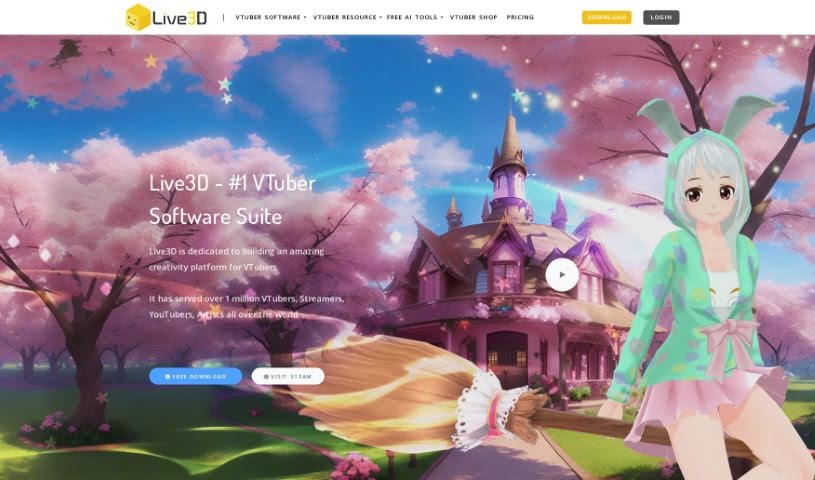
Screenshot of Live3D

Live3D

Freemium

Live3D, also known as AnimeGenius, is a free tool for creating anime AI art. It generates fantasy anime worlds and characters, with customization for details like hair, outfits, and scenery. You can produce anime art from a text prompt in seconds or convert real photos into anime-style art. No drawing skills or AI knowledge are required.

Video Generation View Tool →
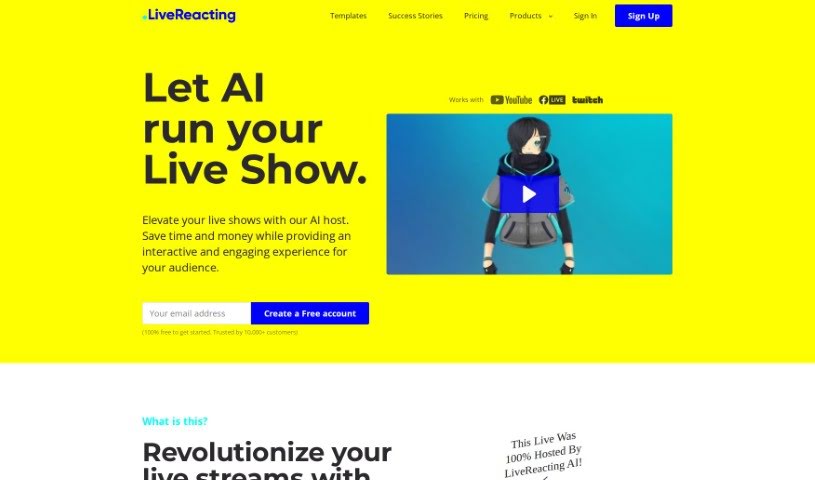
Screenshot of LiveReacting AI Host for live Streaming

LiveReacting AI Host for live Streaming

Freemium

LiveReacting's AI Host is a tool for live streaming that uses AI to understand what's happening in your stream and interact with viewers in real time. It can start quizzes, read out viewer questions, chat with participants, and announce winners — all automatically, without a human host glued to the screen.

Video Generation View Tool →
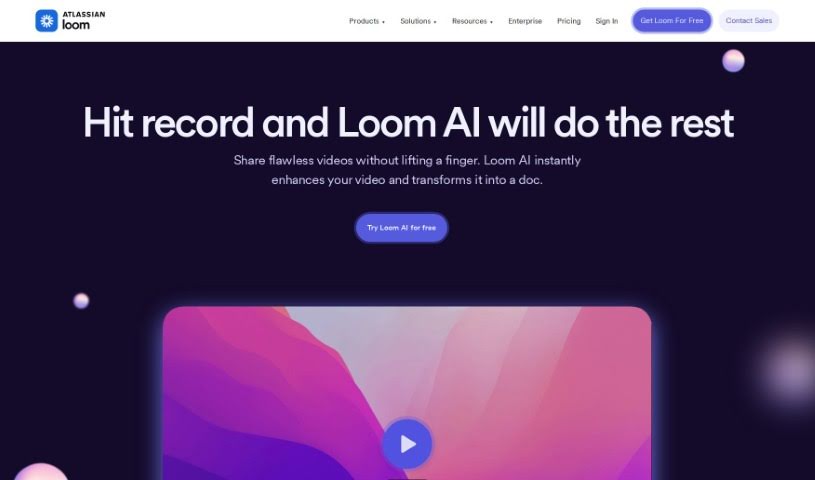
Screenshot of Loom

Loom

Freemium

Loom AI is a video assistant that streamlines the creation of video messages. It generates custom titles, writes summaries, organizes recordings into chapters, identifies and assigns action items, and removes filler words and silences. The result is a message that is clear, contextual, and quick to deliver.

Video Generation View Tool →
Screenshot of Loud Fame

Loud Fame

Freemium

Loud Fame is an AI tool that uses Generative AI to transform and enhance your videos. Its two headline features are 'Video to Anime,' which turns your videos into anime-style renditions, and 'Talking Celebrities,' which creates lifelike videos of famous people with natural voices, accurate lip-syncing, and head movements. The platform aims to make it easy to create unique video content, with user-friendly tools and customization options for high-quality results.

Video Generation View Tool →
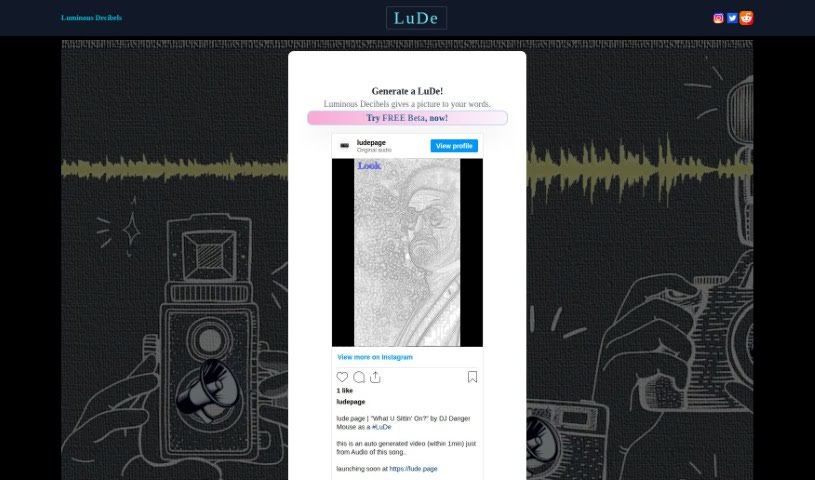
Screenshot of Lude

Lude

Freemium

LuDe is an AI tool for creating short lyrical videos in the style of YouTube Shorts and Instagram Reels. Provide an audio file or type in text, and it generates the video for you. The tool is in beta, runs in the browser at <https://lude.page/>, and a demo video is available that walks through how it works.

Video Generation View Tool →
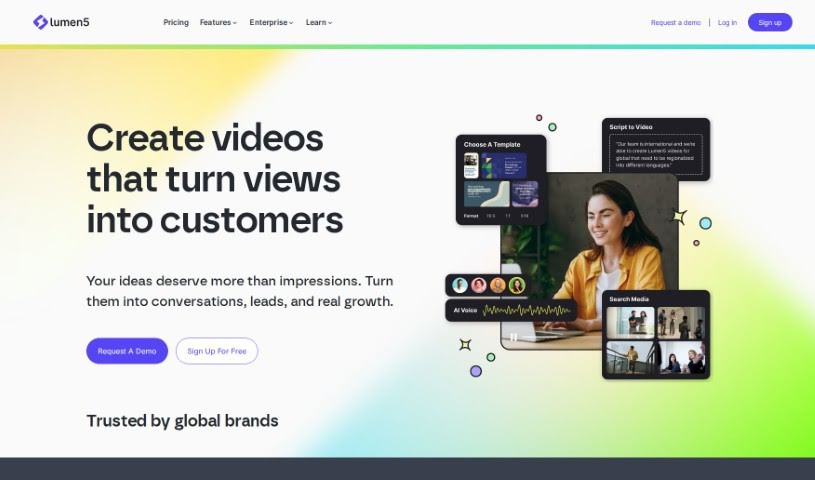
Screenshot of Lumen5

Lumen5

Freemium

Lumen5 is a video creation platform that uses artificial intelligence to help people without video experience create videos in minutes. You provide text, and Lumen5's AI identifies the important phrases, selects fitting visuals, and adds background music. The platform features a drag-and-drop editor, brand customization options, a large media library, and more advanced editing tools like trimming clips and adding text overlays.

Video Generation View Tool →
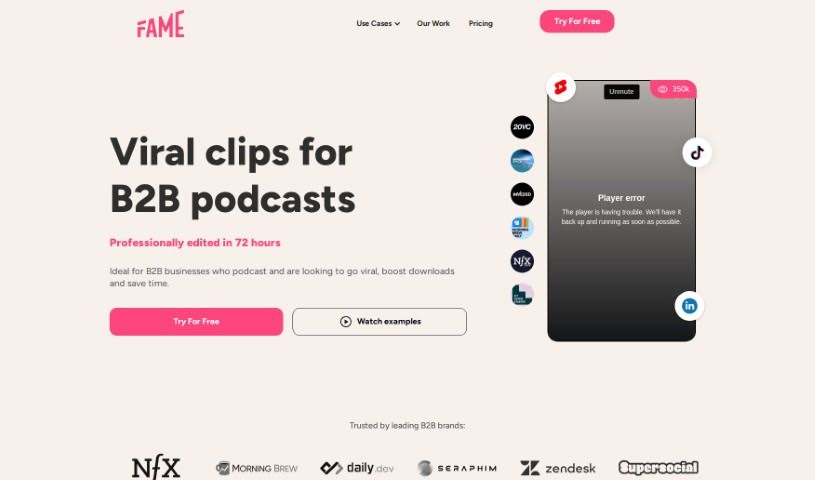
Screenshot of Lychee

Lychee

Freemium

Lychee is a service that creates professionally edited video clips for social media. It focuses on identifying the key moments that grab audience attention and optimizing editing for short-form platforms like TikTok and Instagram. Human reviewers check every clip to ensure it is on-brand and safe.

Video Generation View Tool →
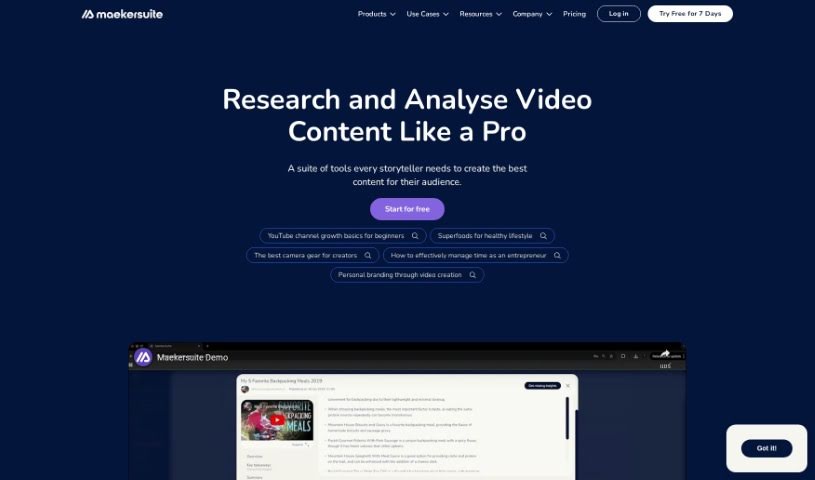
Screenshot of Maekersuite

Maekersuite

Freemium

Maekersuite is an AI-powered video platform that streamlines video content creation. It analyzes audience trends to generate video ideas and uses AI scriptwriting to produce personalized scripts designed to hold viewers' attention. By combining idea generation, scriptwriting, and research automation in one place, it reduces the time and cost of producing video content. The platform's goal is to smooth out the video creation process by consolidating these steps into a single tool.

Video Generation View Tool →
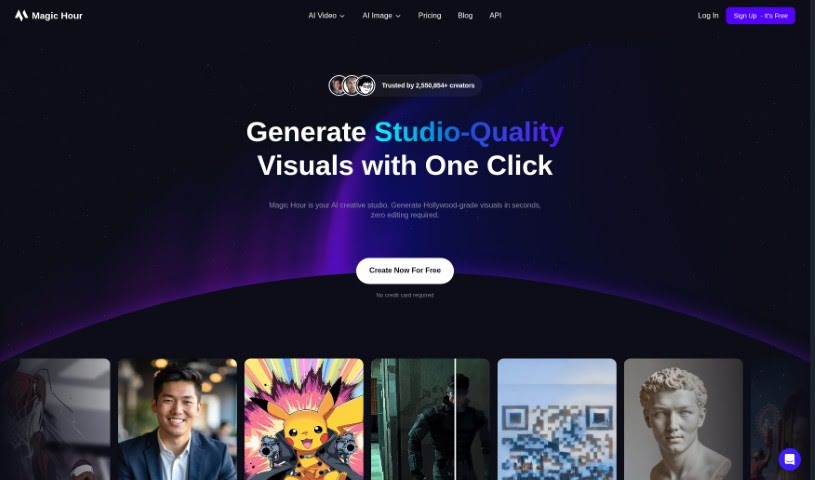
Screenshot of Magic Hour

Magic Hour

Freemium

Magic Hour is a platform for creating video content, covering animations, face swaps, video-to-video transformations, and text-to-video generation. It aims to streamline the process of making professional-quality videos so users don't need years of experience to get good results. Pricing plans range from a free basic tier to premium options, with features like dedicated computing power, API access, and high-resolution video output. You can explore it at magichour.ai.

Video Generation View Tool →
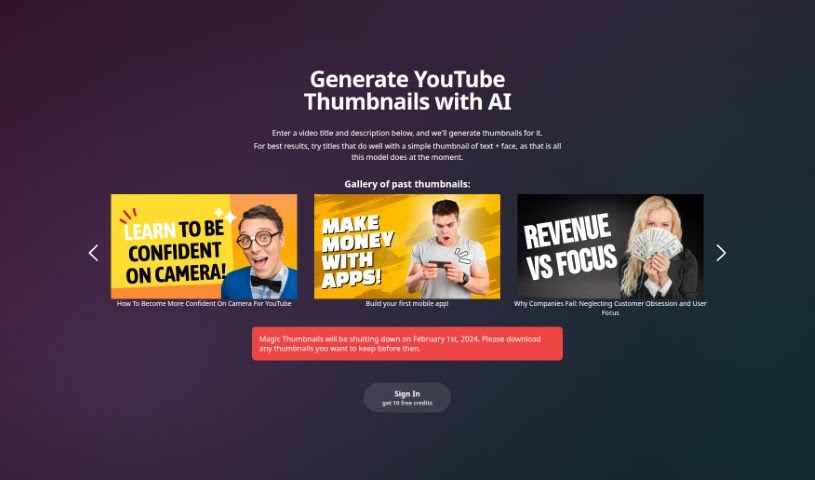
Screenshot of Magic Thumbnails

Magic Thumbnails

Freemium

Magic Thumbnails is an AI-powered tool that generates YouTube thumbnail options based on your video's title and description. It automatically creates multiple designs and supports customization of layout styles, fonts, colors, and images.

Video Generation View Tool →
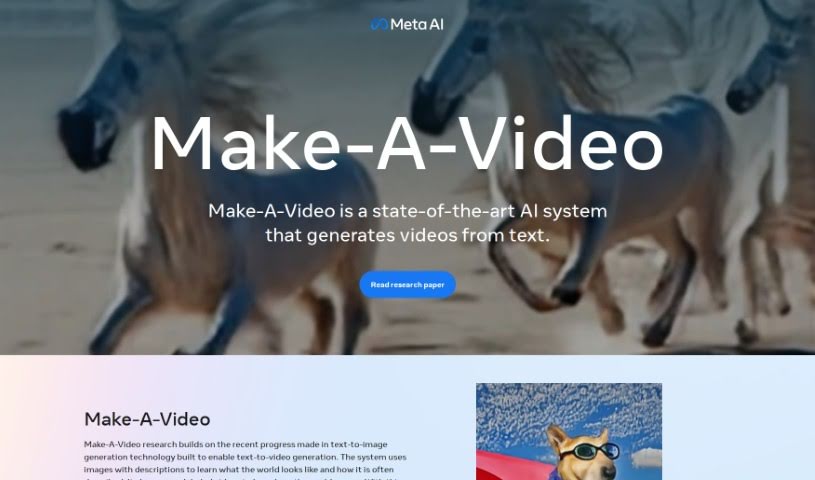
Screenshot of Make A Video

Make A Video

Freemium

Make-A-Video is a system from Meta AI that generates videos from simple text descriptions and still images. It builds on text-to-image technology, but instead of producing a single picture, it generates actual video. The goal is to let anyone create videos with just a few words.

Video Generation View Tool →

About Video Generation tools

Setting up physical camera rigs, arranging scene lighting, hiring actors, and waiting for long video renders can make video production an expensive, time-consuming effort. Whether you need custom visual clips for a marketing campaign, animated scenes for a digital story, or background b-roll for a presentation, turning abstract ideas into moving images takes serious work. It’s easy to stall creative projects when traditional video shoots require big budgets and full production crews.

These generative video platforms act as capable creative partners. They convert written prompts and reference images into fluid video scenes, helping you test visual directions faster and produce high-quality video content without a full crew.

Text-to-Video, Image Animation, and Style Consistency

Creating custom video scenes without a physical camera crew used to be nearly impossible for small teams. Generative video tools take descriptive text prompts, script outlines, or static images and turn them into realistic motion clips, digital animations, and cinematic sequences in seconds. Instead of starting with a blank project timeline or searching through generic stock libraries, you get custom video drafts ready to edit, polish, and include in your final export.

Maintaining visual consistency across multiple shots and scenes gets much easier, as well. Early generative video tools often suffered from sudden visual shifts between clips, making long-form content feel disjointed. Advanced video platforms allow you to lock in character appearances, lighting conditions, and art styles across sequential generations, helping you build coherent multi-shot stories or product showcases that keep a unified visual identity.

Prototyping visual ideas and producing custom b-roll also becomes far more practical. Developing storyboards or testing different aesthetic styles for a commercial project used to take extensive pre-production work. AI video platforms let you quickly generate dozens of concept clips, experiment with dynamic camera angles, and build interactive visual previews before spending time on full-scale edits.

Practical Features to Look For:

  • Text-to-video rendering: Systems that convert written prompts and script outlines into realistic video clips and animated scenes.
  • Image-to-video animation: Tools that take static photos, artwork, or product shots and add realistic camera motion and subject movement.
  • Style and camera movement controls: Settings that let you specify camera angles, movement speed, lighting styles, and visual aesthetics.
  • Character and visual consistency: Features that preserve key subject traits, facial features, and clothing across multiple generated clips.
  • Multi-format aspect ratio exports: Options for generating footage sized specifically for widescreen displays, square social posts, or vertical mobile feeds.

Creating high-impact video content will always depend on your imagination, emotional intuition, and director’s eye. Software can’t replace original human vision or an understanding of what moves an audience, but handing off initial scene rendering and rapid video drafting gives you back the time needed to shape a great story.

Take a look through the video generation tools below to turn your written ideas into dynamic video clips.

The Best AI Video Generators

  1. VEED: for creating custom thumbnails for videos
  2. Wondershare: for video content creation and editing.
  3. Runway: for dynamic video content creation
  4. Invideo AI: for effortless content creation for brands
  5. Pix Verse AI: for text-to-video creation with style options
  6. Hey Gen: for effortless personalized video outreach
  7. Vidnoz AI: for creating engaging social media videos fast
  8. Media.io: for engaging video content creation
  9. 10LevelUp: Turns long videos into short captioned clips automatically.
  10. Digen AI: for creating targeted marketing videos.
  11. Vmake: for video ad creation for social media campaigns
  12. Descript: for video content creation with ease
  13. Pictory: for generating videos from scripts effortlessly.
  14. Synthesia: for creating training videos with AI avatars
  15. Napkin AI: for dynamic visuals for engaging videos
New tools, in your inbox.

Weekly picks of the best AI tools we've researched and added — no spam, unsubscribe anytime.

Join 25,000+ AI enthusiasts. No spam, unsubscribe anytime.