10LevelUp
Video Generation Video Editing
Learn more
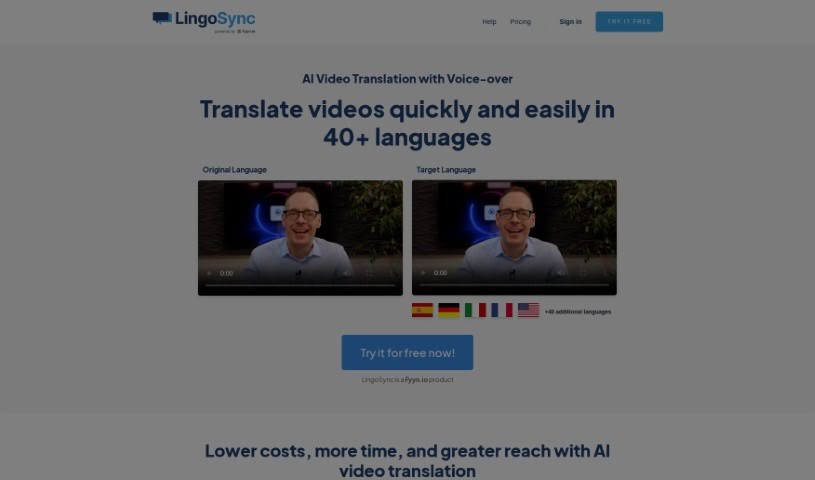
Discover what LingoSync is — an AI tool that translates videos into 40+ languages with 220+ voices, real-time language switching, and one-click
LingoSync is an AI-powered tool that translates videos into over 40 languages, helping creators reach a global audience. It offers more than 220 voices, lets you edit the translated text, and syncs the spoken words with your video. Translation takes just one click, eliminating the need for extra translation staff.
The workflow is simple: upload your video, select the target language, and download the translated version — three steps total. LingoSync is designed for beginners, is secure, and gives you control over voice selection and speaking speed.
LingoSync was created by Fyyn.io, a company specializing in AI video translation and voice-over technology. The platform is built to be user-friendly, deliver high-quality translations, and allow real-time language switching without interruptions. It supports Fyyn.io’s mission of helping businesses and individuals expand into international markets.
LingoSync suits video creators, marketers, translators, language specialists, voice actors, video editors, and content creators looking to scale their video production and reach international audiences.
You can further personalize the result by picking a voice from the 220+ available, adjusting the translated text, and changing the speaking speed. The AI handles pause synchronization automatically, keeping the translated audio aligned with your video. The interface is beginner-friendly and provides a clear overview of your projects.
Related
Discover more tools in similar categories
Weekly picks of the best AI tools we've researched and added — no spam, unsubscribe anytime.
Join 25,000+ AI enthusiasts. No spam, unsubscribe anytime.