AI Tools for Video Generation

Discover the best Video Generation AI tools to enhance your productivity and creativity.

Page 12 of 28 β€’ 333 total tools
Screenshot of iMyFone

iMyFone

Freemium

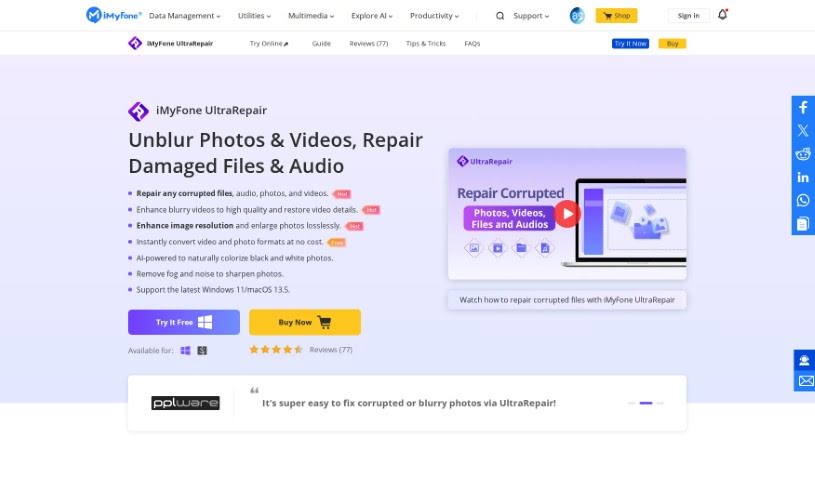
IMyFone is a software company that develops a range of tools designed to help you repair and recover files. They offer solutions for both Windows and Mac users, with specific system requirements clearly outlined for each operating system. iMyFone's products are great for improving image quality, fixing various image formats like PNG, RAW, TIFF, and CRW, and they support a wide array of image, video, and document file types, including JPEG, JPG, PNG, GIF, MP4, MOV, PDF, DOCX, and PPTX. What's really helpful is that their software is designed to be user-friendly, often including features like batch processing, which lets you work on multiple files at once, and the ability to add a sample file to help with the repair process.

Video Generation View Tool β†’
Screenshot of Inksprout Video

Inksprout Video

Freemium

Inksprout Video is a really handy tool for transforming your content into videos. It's designed to help you create videos quickly, automatically add captions, and easily share them across popular social media platforms like Instagram, TikTok, and YouTube. If you're a content creator or a digital marketer, this tool can really help you with your content strategies, keeping up with industry changes, and making your content work even better. Some of its standout features include turning blog posts into videos, keeping an eye on what's trending, downloading videos fast, and generally making it simple to turn your writing into video content. It also makes sharing your videos easier, helps you connect better with your audience, and boosts your brand's visibility. This makes it a great choice for businesses that want to step up their content marketing game. Plus, you can sign up for early access, share across multiple platforms, and get updates on industry trends, which is super helpful for repurposing content and keeping your posting schedule consistent.

Video Generation View Tool β†’
Screenshot of InShot

InShot

Freemium

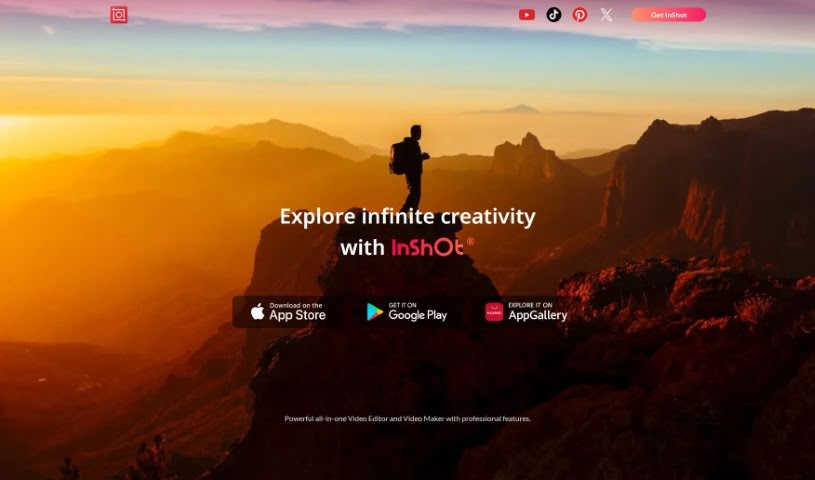
InShot is a really popular video editing app that's known for being super easy to use, even if you're new to editing. It's packed with features that are great for both beginners and folks who do this professionally. People love how straightforward it is, plus it has a ton of editing tools and gets updated regularly with new stuff. You can add music, sound effects, animations, use picture-in-picture, add stickers, filters, and so much more. Plus, there's a free version and a paid one, so you can pick what works best for you. All in all, InShot gets a lot of praise for being functional, simple, and perfect for pretty much any editing job you can think of.

Video Generation View Tool β†’
Screenshot of Invideo AI

Invideo AI

Freemium

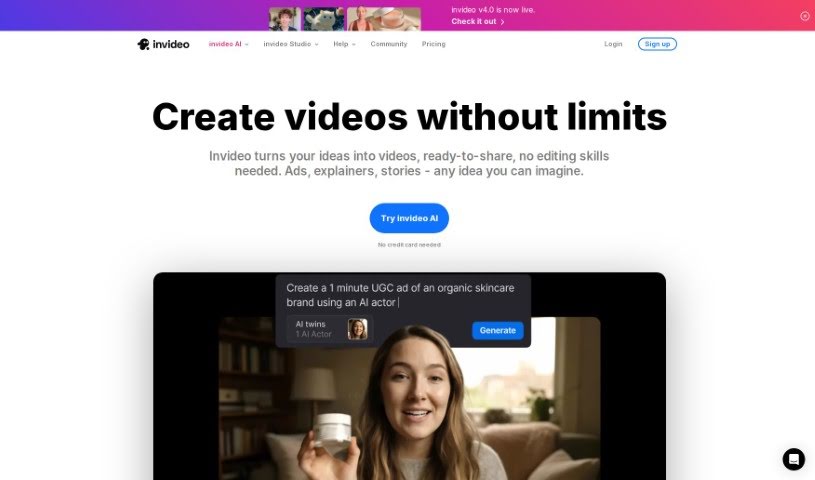
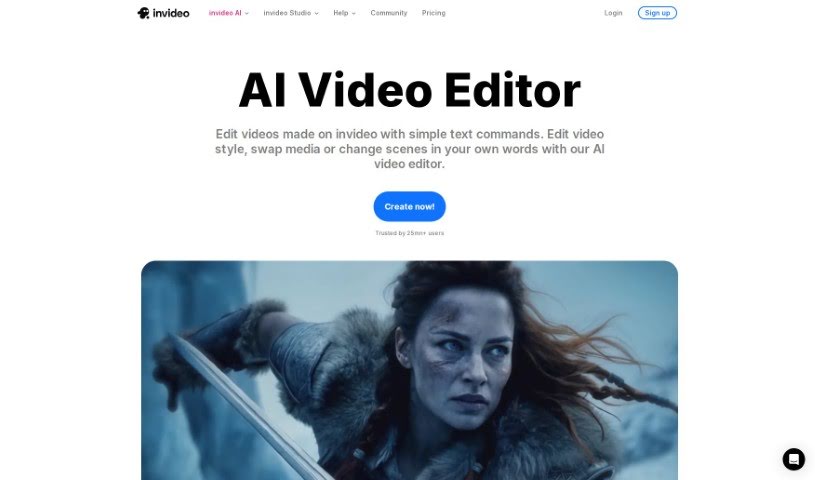
InVideo AI is a really neat tool that helps you turn your ideas into professional-looking videos, and it does it all with the help of artificial intelligence. You give InVideo AI a prompt or just an idea, and its smart AI handles the heavy lifting to create engaging, visually appealing videos. It's pretty impressive how it works!

Video Generation View Tool β†’
Screenshot of Invideo AI AI Image to Videos

Invideo AI AI Image to Videos

Freemium

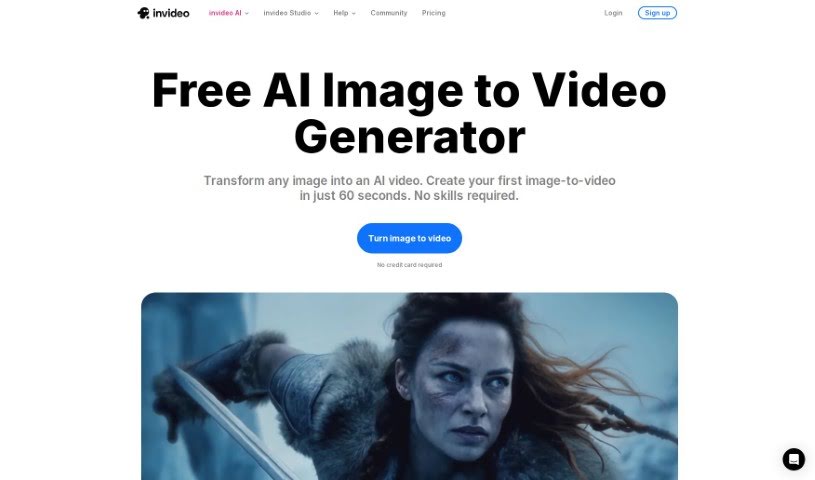
This technology lets you easily turn your images into videos, all thanks to artificial intelligence. You just upload your pictures, give the AI a text prompt describing what you want, and it whips up a video for you. It's pretty neat because this AI tool handles a lot of the heavy lifting – think background music, voiceovers, and subtitles. It really streamlines making videos, so you don't have to do all the manual editing yourself. Tools like InVideo AI make it super simple and free to transform your static images into engaging video content, making the whole process quick and effortless.

Video Generation View Tool β†’
Screenshot of Invideo AI AI Text to Video

Invideo AI AI Text to Video

Freemium

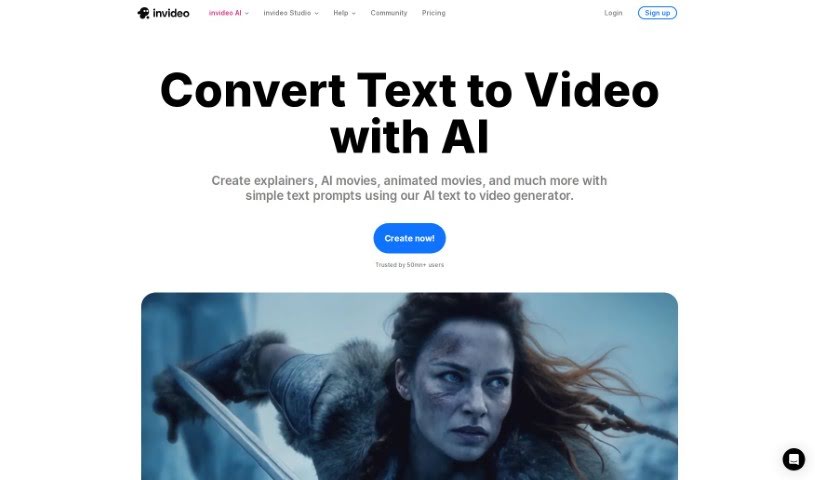
AI Text to Video is a really neat technology that uses artificial intelligence to turn your written content into videos, and it does it pretty quickly and efficiently. With these AI-powered tools, you can create videos on all sorts of subjects – think travel, finance, health, education, even motivational talks or commentaries. You just type in what you want, and the AI handles the heavy lifting of converting that text into engaging video content. This is super helpful if you're looking to make videos for platforms like YouTube, Instagram, TikTok, or any other social media. It's a smooth, modern way to bring your stories and ideas to life with dynamic visuals.

Video Generation View Tool β†’
Screenshot of Invideo AI AI Video Editor

Invideo AI AI Video Editor

Freemium

An AI video editor like InVideo is your personal video creation assistant. It lets you make and edit videos just by typing in what you want. You give it a topic, and this smart AI tool can whip up a script, put together scenes, and even add a voiceover for you. It’s a super quick way to get professional-looking videos made in minutes, without all the usual hassle of writing scripts or doing manual edits. InVideo's AI editor really speeds things up by using AI to understand what you're asking for, pick out the right video clips and images, create the voiceover, and add things like transitions to make your final video look polished.

Video Generation View Tool β†’
Screenshot of Jupitrr AI

Jupitrr AI

Freemium

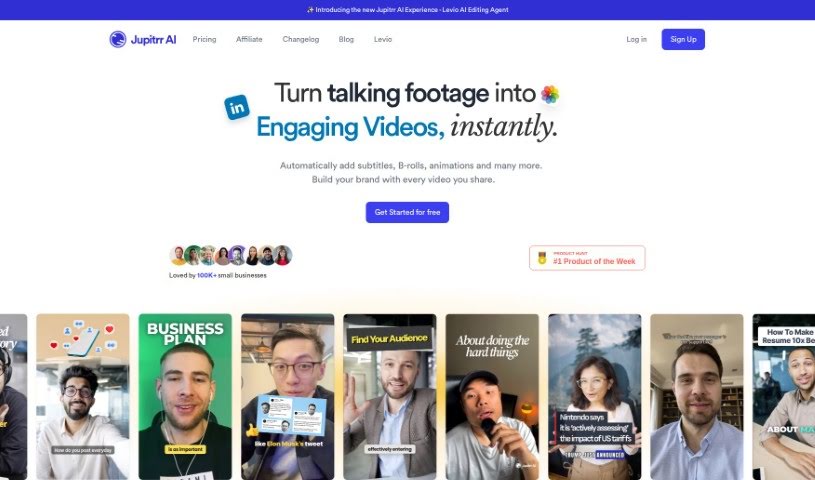
Jupitrr AI is a platform packed with AI-powered tools designed to make creating and editing videos much simpler. You'll find features like an AI Video Maker and an Audiogram Maker, with pricing options ranging from a free tier all the way up to pro levels. It gives you access to a library of stock footage, web images, and GIFs, plus AI-generated text overlays to really make your videos pop. Jupitrr AI also supports generating subtitles in many different languages, and if you ever need help, their customer support is available via email. The platform is especially great for anyone new to video editing, aiming for an easy-to-use experience. They're also careful about copyright, using resources like Pexels for their stock videos and images.

Video Generation View Tool β†’
Screenshot of Kapkap

Kapkap

Freemium

KapKap is a smart tool that uses AI to create lip-sync videos. It's designed to help creators make marketing videos that really connect with people and drive sales. It is your go-to for producing high-conversion marketing content. It comes packed with features like turning your speech into text, shooting video in high definition, a built-in teleprompter to help you sound natural, robust editing tools, the ability to add subtitles, multi-language translation, and even making animated videos from your photos.

Video Generation View Tool β†’
Screenshot of Kapwing

Kapwing

Freemium

Kapwing is a video creation platform designed to make the whole process much smoother for both teams and individuals. It's packed with AI tools and templates that can automate a lot of the tricky, time-consuming parts of making videos. This means you can create really high-quality video content without needing to be a video editing expert or having fancy, specialized software. Kapwing offers a bunch of helpful features, like captions you can customize, a 'Smart Cut' tool that edits videos automatically, a 'Resize Canvas' to easily repurpose your videos for different platforms, a tool to remove backgrounds, ways to improve your audio, and even the ability to collaborate with others on projects. Plus, there's an AI Video Generator that lets you create videos just by typing in a description, and you still get full control to tweak it afterward. Basically, Kapwing wants to make creating content easier and more efficient for everyone, no matter their industry or what they're trying to achieve.

Video Generation View Tool β†’
Screenshot of Kapwing AI Image to Video

Kapwing AI Image to Video

Freemium

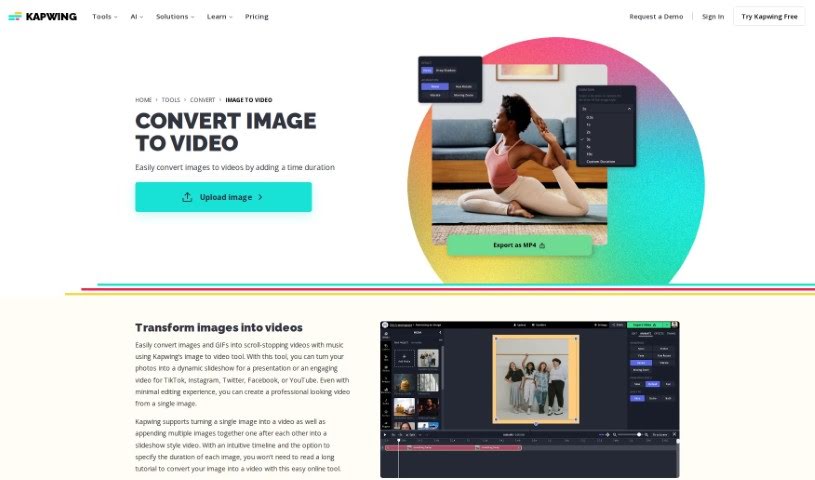
Kapwing offers a neat tool that lets you turn your still images into dynamic videos. It's perfect for anyone looking to create engaging video content, especially for social media where video really shines. You can upload common image formats like JPG, PNG, or even GIFs. The platform supports a range of ways to work with images and video, from simply converting a single photo into a video clip to more involved tasks like creating freeze frames or editing existing video segments.

Video Generation View Tool β†’
Screenshot of Kapwing AI Text to Video

Kapwing AI Text to Video

Freemium

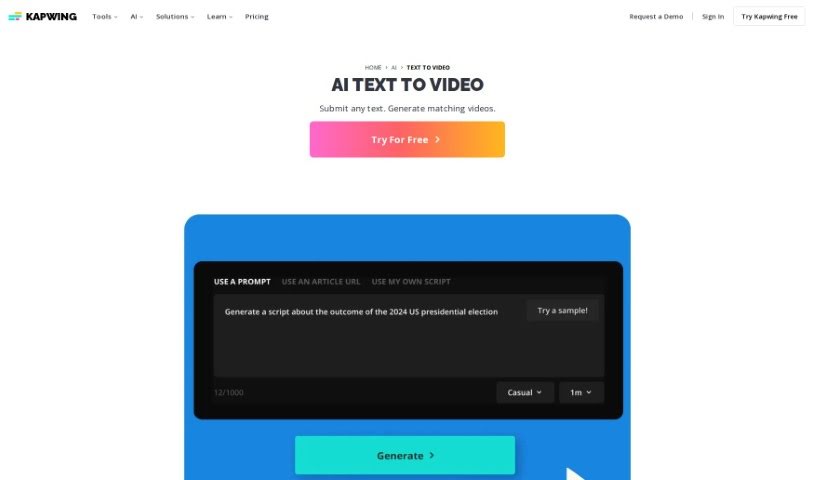
Kapwing's AI Text to Video tool is a neat way to turn your documents, essays, scripts, or blog posts into short, engaging video summaries, all thanks to artificial intelligence. Just pop your text into the platform, and it'll whip up a professional-looking video for you. Think stock footage, background music, text overlays, subtitles, and smooth transitions – it handles all that automatically. You can even just copy and paste your text, and poof, instant video! Plus, you're not stuck with what the AI creates. You can tweak it right there on the platform. Want to add a voiceover? Apply filters or effects? Translate it into another language? You've got full creative control to make the video exactly how you envision it.

Video Generation View Tool β†’

Stay Updated with AI Tools

Get weekly updates on the latest AI tools, trends, and insights delivered to your inbox

Join 25,000+ AI enthusiasts. No spam, unsubscribe anytime.