AI Tools for Video Generation

Discover the best Video Generation AI tools to enhance your productivity and creativity.

Page 13 of 28 • 333 total tools
Screenshot of Keyframes Studio

Keyframes Studio

Freemium

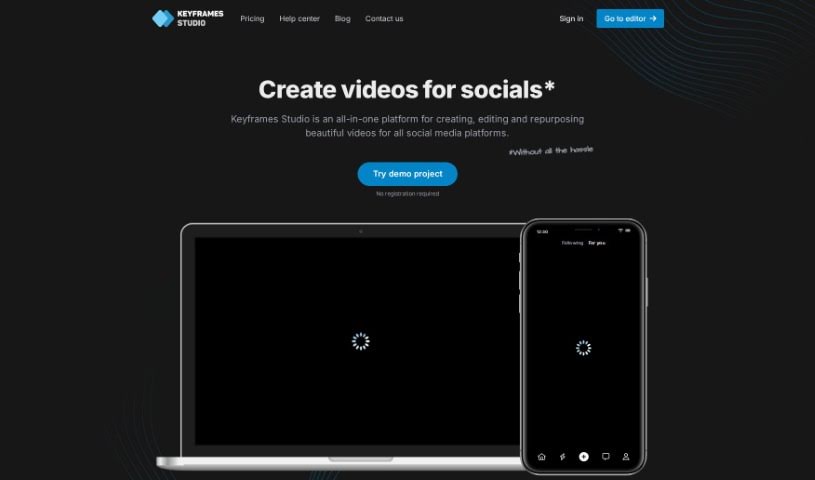
Keyframes Studio is an all-in-one online video editor designed specifically for creating social media videos. It really leans into AI to make video creation simpler, offering cool features like automatic keyframe generation and subtitles. Plus, you get access to a whole library of stock content – think images, videos, and sounds. The platform also makes teamwork a breeze with easy project sharing. You'll find all the essential editing tools you need, like resizing, cropping, trimming, and zooming, all aimed at making your videos look better and grab more attention. Honestly, Keyframes Studio is built for everyone, no matter your experience level. Its interface is super intuitive, making video production feel efficient and straightforward.
Video Generation View Tool →
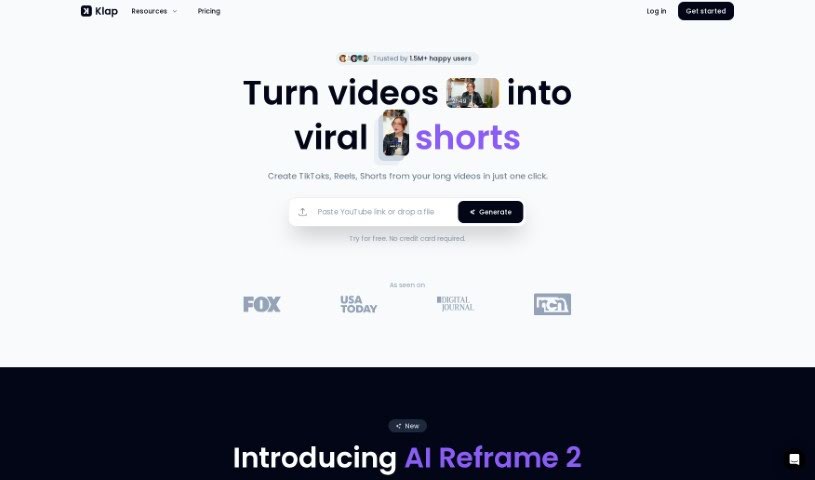
Screenshot of Klap

Klap

Freemium

Klap is a handy tool designed to help you easily create short videos, like TikToks, Reels, and Shorts, from your longer videos. It uses AI to automatically find and generate engaging clips from whatever you upload. This really saves you time on editing, and it helps you grow your audience by letting you easily repurpose your existing videos for different social media channels. You can upload videos up to 2 hours long if you're using Klap Pro, or up to 30 minutes with the free plan. The tool is built to create content that's likely to go viral, and it even provides AI-generated captions, making it super simple to share your content everywhere.

Video Generation View Tool →
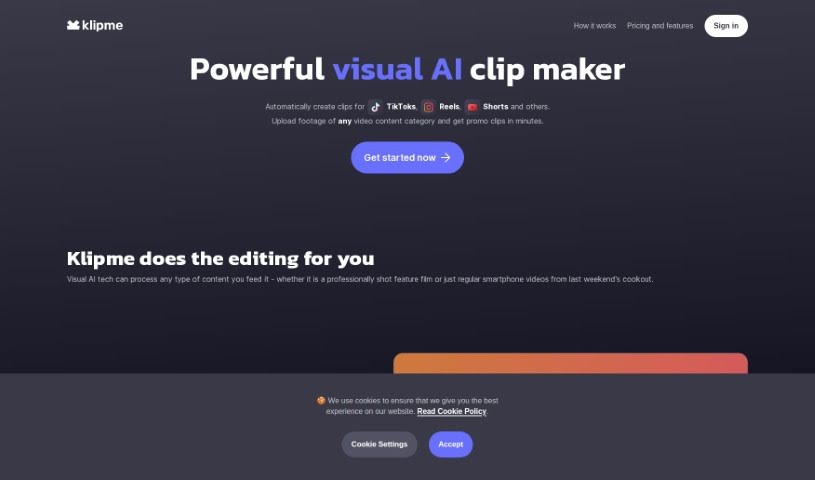
Screenshot of Klipme

Klipme

Freemium

Klipme is a smart AI tool that makes creating eye-catching promo videos and summaries for platforms like TikTok, Reels, and Shorts much simpler. It uses AI to handle a lot of the editing work for you. Think automatic speech-based subtitles and videos that perfectly match music beats with its AI Beatpulse feature. Klipme also includes smart AI cropping, which is great for making sure your videos look their best on mobile screens. Plus, you get lots of ways to customize clips for different types of content. Just upload your video footage, and Klipme's generative AI will whip up trendy, animated, and stylish clips that fit exactly what you need.

Video Generation View Tool →
Screenshot of KwikMotion

KwikMotion

Freemium

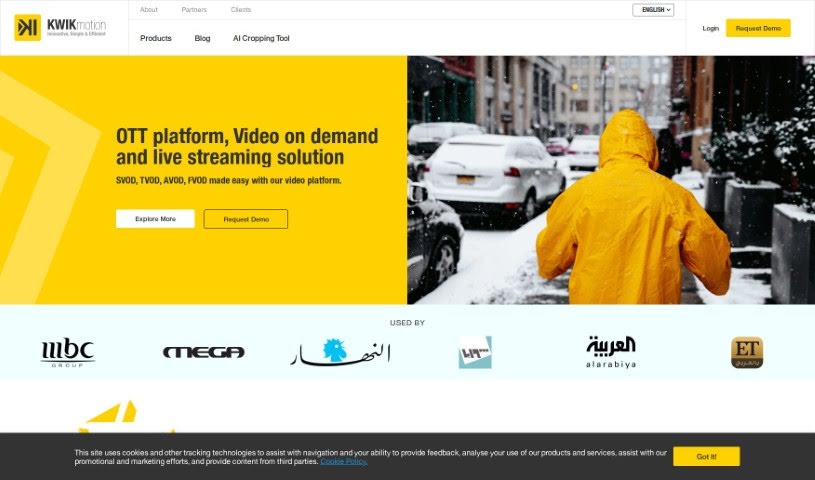
KwikMotion is a really neat tool designed to help you convert your landscape videos into portrait format. It's built to make sure your videos still look great after the switch, keeping important visuals and text clear and engaging, which is perfect for social media. The AI cropping tool in KwikMotion is pretty smart; it optimizes how your video is cropped, keeps the quality high, and even has speech detection to make the whole viewing experience better. Plus, it saves you time and money because it automates a lot of the editing, and it works with MP4 videos up to 5 minutes long. While it's great for making your social media content shine and helps with copyright checks, remember that you're still responsible for making sure you have the rights to use the video content. KwikMotion's AI Cropping tool doesn't handle multiple languages or convert video formats, but you can easily connect it with other KWIK products if you need more power.

Video Generation View Tool →
Screenshot of Lalamu

Lalamu

Freemium

Lalamu is a really neat mobile app that completely changes how you make videos. It uses advanced AI to let you sync up any face in your videos with audio. It is a super user-friendly way to match your favorite songs or sounds to video clips or even GIFs. It adds a fun, personal touch to your digital stories. With Lalamu, you can really get creative, mixing sound and moving images in all sorts of cool ways. It’s perfect for spicing up your own video projects or making content that’s great for sharing on social media.

Video Generation View Tool →
Screenshot of Latte Social

Latte Social

Freemium

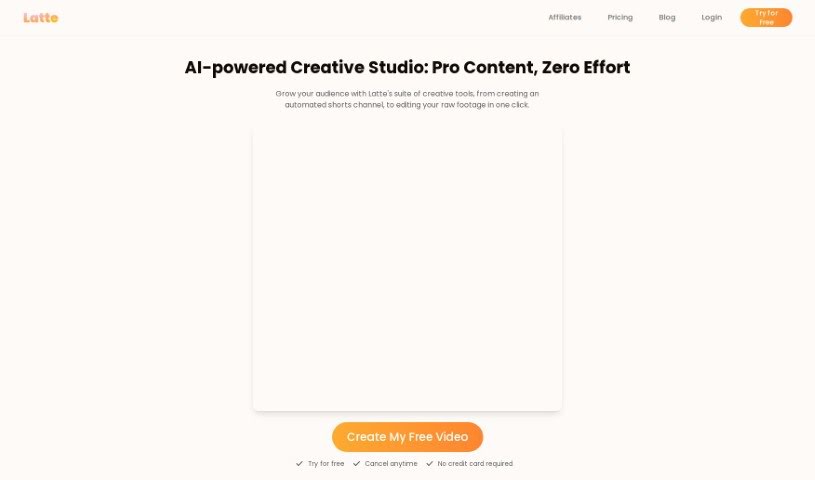
Latte Social is a really smart platform that uses AI to turn your videos, podcasts, and webinars into bite-sized clips perfect for social media. With Latte, you can easily pull out the most impactful moments from your content. Then, you can create these visually appealing snippets, all optimized for social media. You can even add captions, subtitles, animations, and music to make them pop. Basically, this platform helps content creators, marketers, and businesses make content that really connects with people, boosting engagement and getting their message out further.

Video Generation View Tool →
Screenshot of LensGo

LensGo

Freemium

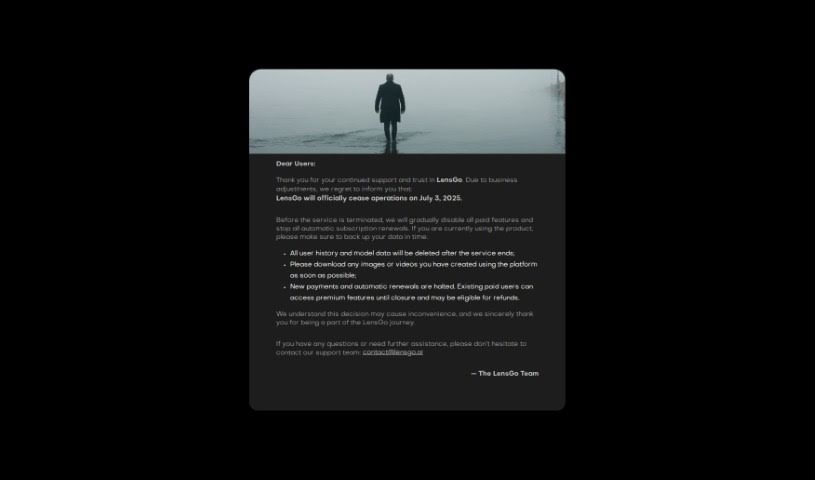
LensGo is a really versatile tool that lets you do some pretty cool things with your videos. One of its standout features is Video Style Transfer. Basically, it lets you take the style from a model or even an image and apply it to your video. Think of it like giving your video a whole new artistic look! Beyond that, LensGo also offers AI Rendering and AI Coloring, opening up a ton of creative avenues. It's all about helping you explore different styles and effects, giving you a platform to really express yourself visually and transform your videos. LensGo's smart capabilities make it a great resource if you're looking to add your personal touch and enhance your video content using advanced AI tools.

Video Generation View Tool →
Screenshot of Linearity

Linearity

Freemium

Linearity describes a system or relationship where the output is directly proportional to the input. Simply put, if you double the input, you also double the output. This idea is really important in fields like math, physics, and engineering. In math, linearity often shows up as straight lines on graphs or in equations like y = mx + c. Here, changes in 'x' lead to predictable changes in 'y'. Basically, linearity means a system behaves in a consistent, predictable way, making it much easier to figure out how it will respond to different things.

Video Generation View Tool →
Screenshot of LingoSync

LingoSync

Freemium

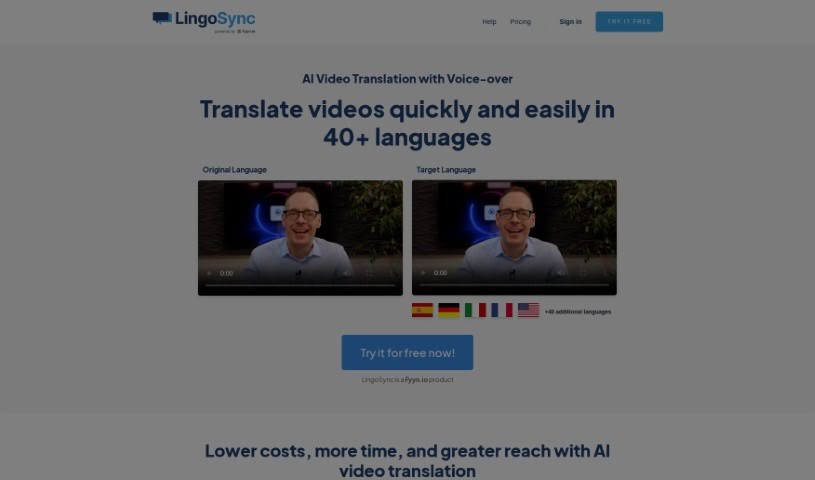
LingoSync is an AI-powered tool that translates your videos into over 40 languages, making it super easy to reach a global audience. You can pick from more than 220 different voices, tweak the translated text, and make sure the spoken words sync up perfectly with your video. It’s a real cost-saver because you won’t need extra staff for translation. Plus, it’s incredibly fast – just one click and your video is translated! This means you can inspire people all over the world. The process is simple: upload your video, select the language you want, and download the perfectly translated version in just three steps. LingoSync is designed for beginners, it’s secure, and it gives you lots of control, like choosing voices and adjusting the speaking speed.

Video Generation View Tool →
Screenshot of Live3D

Live3D

Freemium

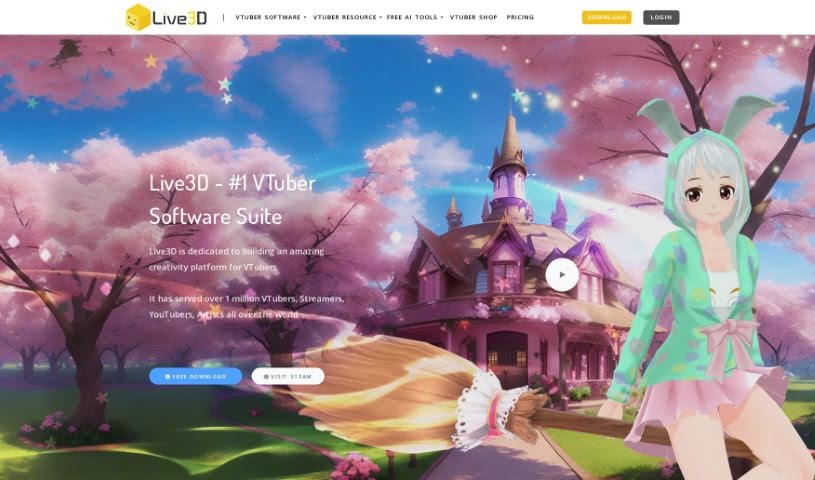
Live3D, also known as AnimeGenius, is a fantastic free tool that lets you create your own anime AI art. It's all about bringing your imagination to life, helping you generate fantasy anime worlds filled with your favorite characters. You can easily customize things like hair, outfits, and scenery, making it simple to produce professional-quality AI anime art that really captures the feel of the genre. What's really cool is that you can create high-quality AI anime art from just text in seconds, or even turn your real photos into anime art. You don't need any drawing skills or AI knowledge to use it – it's super beginner-friendly, with no confusing jargon or complicated steps. Live3D offers over 60 different anime AI filters, lets you transform images using AI (image-to-image), and even has features for pose-to-image AI generation and turning images into animations.

Video Generation View Tool →
Screenshot of LiveReacting AI Host for live Streaming

LiveReacting AI Host for live Streaming

Freemium

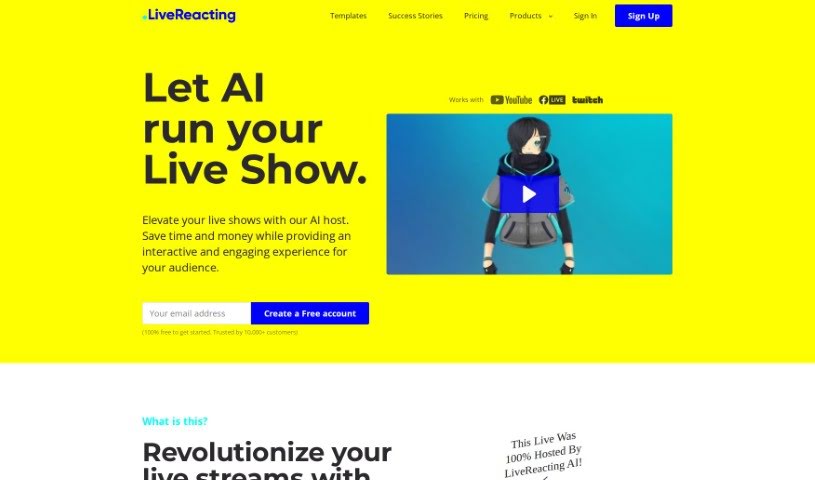
An AI host for live streaming, like the one LiveReacting offers, is a way to really boost how much your viewers get into your live shows. It uses AI to understand what's happening in your live stream, and then it can jump in to do things like start quizzes, read out viewer questions, chat with people, and announce winners – all as it happens. It's pretty versatile, too. Whether you're running an educational session, promoting a product, or hosting a fun quiz, this AI host can handle it. It's designed to work for all sorts of industries and purposes. What makes it stand out is its ability to grasp the context of your show, deliver content that's both educational and entertaining, and basically run the whole thing on its own without you needing to be glued to the screen. It really offers a smooth, modern experience for everyone involved.

Video Generation View Tool →
Screenshot of Loom

Loom

Freemium

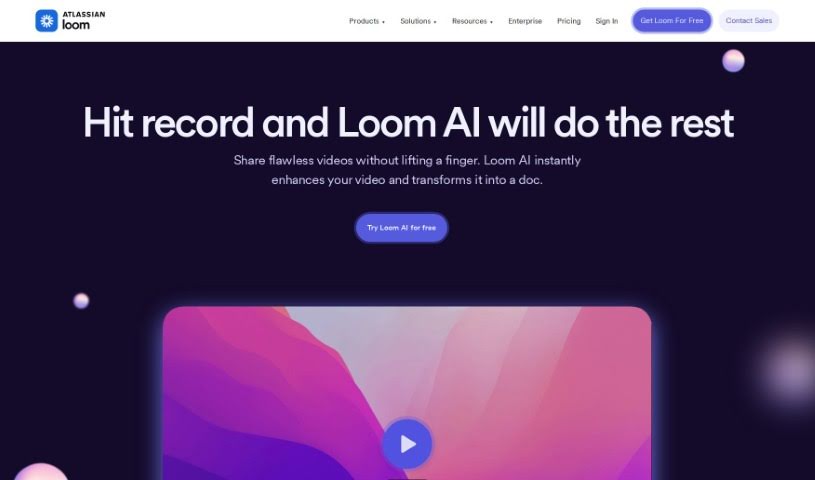
Loom AI is a really smart tool designed to make creating video messages much more efficient and productive. It is your personal video assistant! It can whip up custom video titles, create handy summaries, organize your videos into chapters, help you assign action items, and even clean up those pesky filler words. Essentially, Loom AI aims to simplify how you make videos and boost your communication by making sure your message is clear, contextual, and delivered efficiently. It's pretty versatile too, supporting over 50 languages, and they're serious about keeping your data secure and private. You can add Loom AI to your paid plan, and it costs about $4 to $5 per creator each month.

Video Generation View Tool →

Stay Updated with AI Tools

Get weekly updates on the latest AI tools, trends, and insights delivered to your inbox

Join 25,000+ AI enthusiasts. No spam, unsubscribe anytime.