10LevelUp
Video Generation Video Editing
Learn more
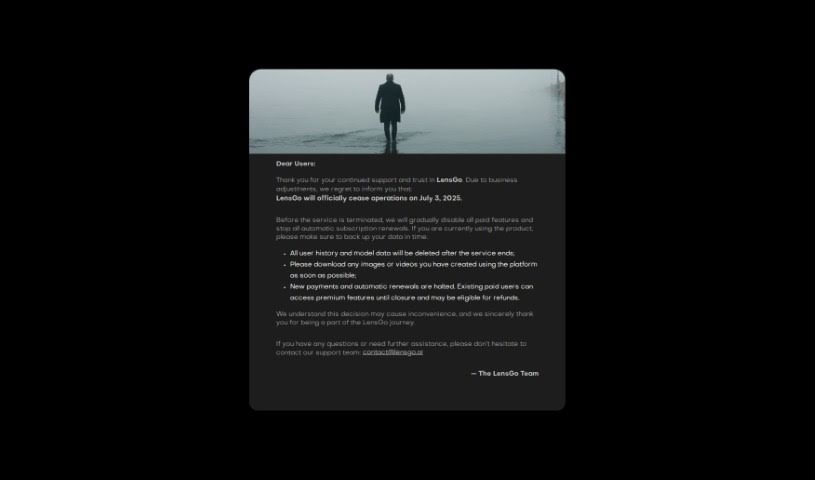
Discover LensGo, a video tool with Video Style Transfer, AI Rendering, and AI Coloring for transforming your videos and images.
LensGo is a versatile tool for working with videos and images. Its standout feature is Video Style Transfer, which lets you take the style from a model or an image and apply it to your video, giving it a new artistic look. Beyond that, LensGo offers AI Rendering and AI Coloring, opening up additional creative options. It’s built for exploring different styles and effects and transforming your media with advanced AI tools.
LensGo was developed by Zhuhai Right Brain Information Technology Co., Ltd., a Chinese software company. Specific details about the founder or the company itself aren’t readily available.
LensGo suits a wide range of creative professionals and enthusiasts, including video editors, content creators, filmmakers, graphic designers, marketing professionals, social media managers, animators, artists, photographers, and game developers.
LensGo also includes other tools like AI Rendering and AI Coloring worth exploring for further enhancing your projects.
Related
Discover more tools in similar categories
Weekly picks of the best AI tools we've researched and added — no spam, unsubscribe anytime.
Join 25,000+ AI enthusiasts. No spam, unsubscribe anytime.