10LevelUp
Video Generation Video Editing
Learn more
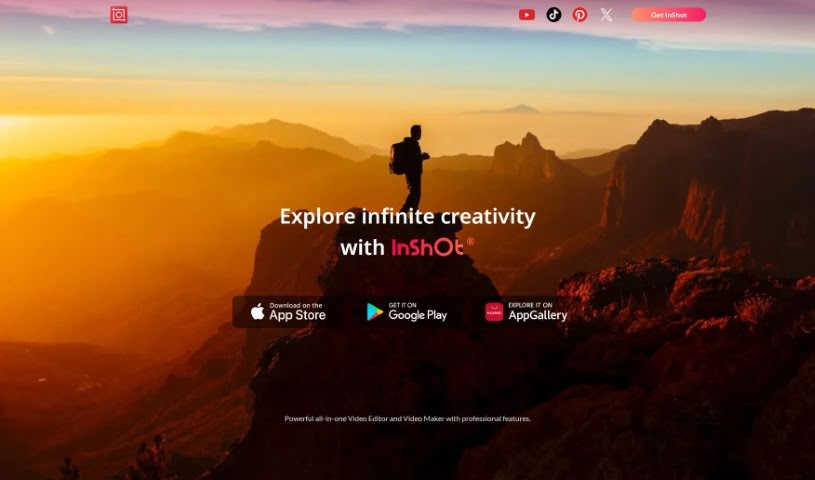
Discover InShot, a video editing app with trimming, filters, music, and picture-in-picture tools suited to beginners and professionals alike.
InShot is a video editing app built around ease of use. It is approachable for newcomers while still offering tools professionals can rely on, including:
InShot is available in both a free version and a paid version, and it receives regular updates with new features. Users describe it as functional, simple, and versatile enough for a wide range of editing tasks, including YouTube videos and other content creation.
Joseph Kinnett created InShot. Since launch, it has become a widely used video editor, with users highlighting its simplicity, the available quick tutorials, and helpful features like PIP and animations. It is frequently recommended for editing YouTube videos and creating various types of content, regardless of skill level.
Download the app from your device’s app store and import photos or videos by tapping the plus (+) icon. From there you can trim and cut clips, adjust speed, and add filters, effects, text, and music, along with stickers, emojis, and transitions between scenes. Finished videos can be exported in your preferred resolution and format, then shared directly to social media or saved to your device.
Related
Discover more tools in similar categories
Weekly picks of the best AI tools we've researched and added — no spam, unsubscribe anytime.
Join 25,000+ AI enthusiasts. No spam, unsubscribe anytime.