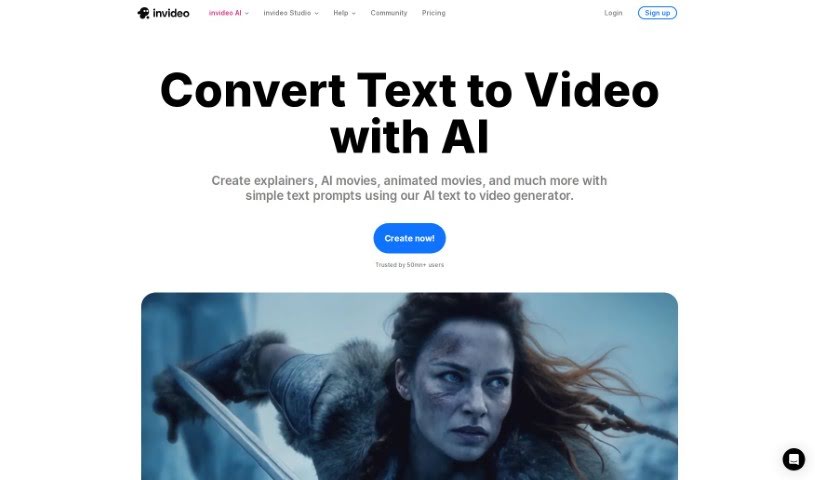
Screenshot of Invideo AI AI Text to Video

Invideo AI AI Text to Video

Discover what InVideo AI's Text to Video feature is all about and how you can use it effectively in 2025. We'll dive into its features and see how it stacks up against other Text to Video tools.

Screenshot

What is InVideo AI’s Text to Video Feature?

AI Text to Video is a really neat technology that uses artificial intelligence to turn your written content into videos, and it does it pretty quickly and efficiently. With these AI-powered tools, you can create videos on all sorts of subjects – think travel, finance, health, education, even motivational talks or commentaries. You just type in what you want, and the AI handles the heavy lifting of converting that text into engaging video content. This is super helpful if you’re looking to make videos for platforms like YouTube, Instagram, TikTok, or any other social media. It’s a smooth, modern way to bring your stories and ideas to life with dynamic visuals.

Who Created InVideo AI’s Text to Video Tool?

InVideo AI is the company behind this text-to-video tool. They’ve developed a feature that takes your text ideas and transforms them into videos perfect for platforms like YouTube and social media. You simply give the AI your video ideas, and it generates the initial versions of your videos for you.

How Do I Use InVideo AI’s Text to Video Tool?

Using the AI Text to Video tool is pretty straightforward. Here’s a quick rundown of the steps:

  1. First, head over to the AI Text to Video tool’s website.
  2. Look for and click the “Turn text to video, now!” button to get started.
  3. Next, type your video idea or prompt into the box that appears on the website.
  4. You can then use this same prompt box to make any changes or edits you need. Think of it like giving instructions to a human video editor – you can tell the AI to delete scenes, swap out stock footage, change voice accents, and much more.
  5. Once you’re happy with the text and all your edits, you can move on to generating the video.
  6. The AI will then automatically put together a high-quality video based on what you’ve provided. This includes the script, a voiceover, stock footage, background music, and all the necessary transitions.
  7. After it’s generated, take a moment to review the video and make sure it looks and sounds just right.
  8. Finally, download the video to your computer or device so you can share it on platforms like YouTube, Instagram, TikTok, and others.

By following these steps, you can easily use this AI tool to create compelling video content directly from your text prompts.

Related AI Tools

Discover more tools in similar categories that might interest you

Stay Updated with AI Tools

Get weekly updates on the latest AI tools, trends, and insights delivered to your inbox

Join 25,000+ AI enthusiasts. No spam, unsubscribe anytime.