AI Transcription Tools: What They Are & How They Work

AI Tools for Transcription

Discover the best Transcription AI tools to enhance your productivity and creativity.

Page 5 of 11 • 127 total tools
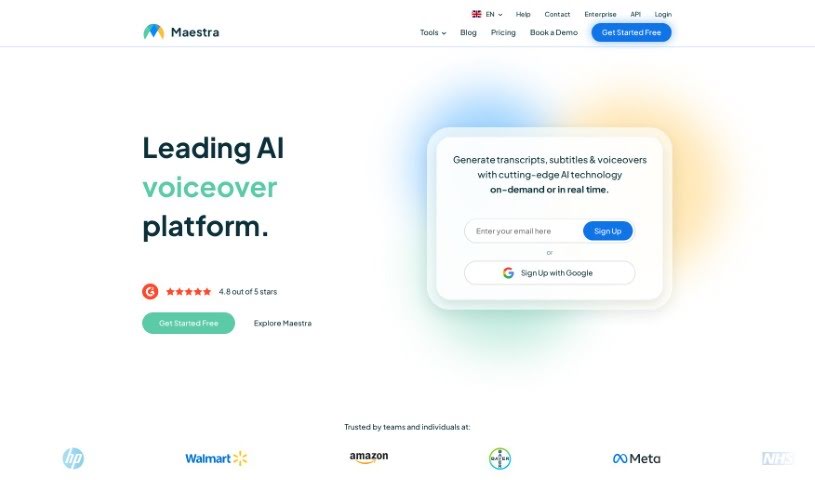
Screenshot of Maestra AI

Maestra AI

Freemium

Maestra AI is an AI platform for transcription, translation, and dubbing. It uses machine learning to analyze content, automate tasks, and provide insights so teams can make data-based decisions. It is designed to be easy to use and customizable, serving a range of industries that want to simplify workflows, spot trends, and grow.

Transcription View Tool →
Screenshot of Malloy

Malloy

Freemium

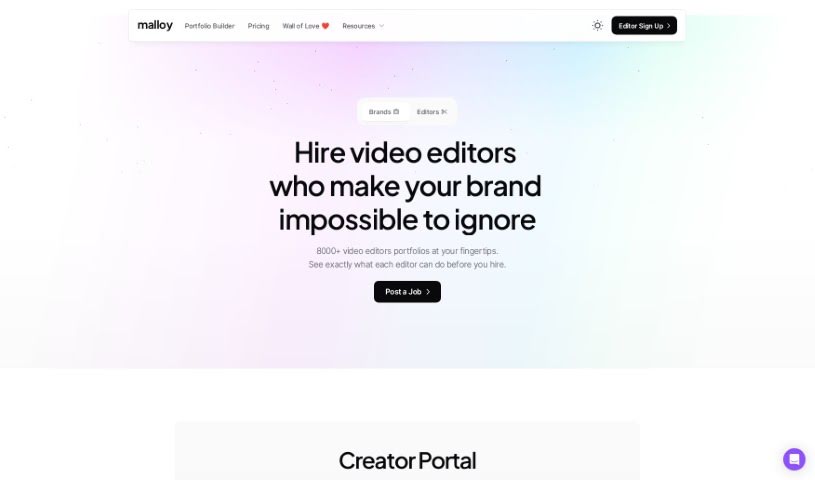
Malloy is a video transcription platform that converts spoken words into text with high accuracy. It handles language nuances such as slang, varied accents, and industry-specific terms, and manual corrections let you ensure the transcript matches your content. The platform is built to be user-friendly and cost-effective, and a free trial is available.

Transcription View Tool →
Screenshot of Meetra AI

Meetra AI

Freemium

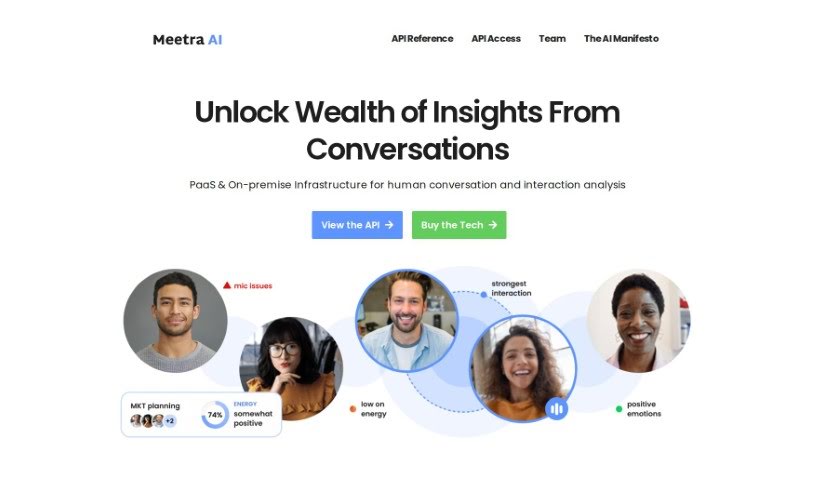
Meetra AI is a platform for analyzing human conversations and interactions. It is available as a cloud service (Platform as a Service) or can be installed on-premise, and it combines conversation analysis with team collaboration tools and a focus on responsible AI use within organizations.

Transcription View Tool →
Screenshot of MeetSteno

MeetSteno

Freemium

MeetSteno is an AI-powered voice-to-text tool that transcribes your speech automatically — no activation required. It works in real time, keeps up with fast speakers, and turns what you say into text without typing or rewrites. It integrates with other apps and platforms, so you can send messages or capture text while working uninterrupted.

Transcription View Tool →
Screenshot of Memo AI

Memo AI

Freemium

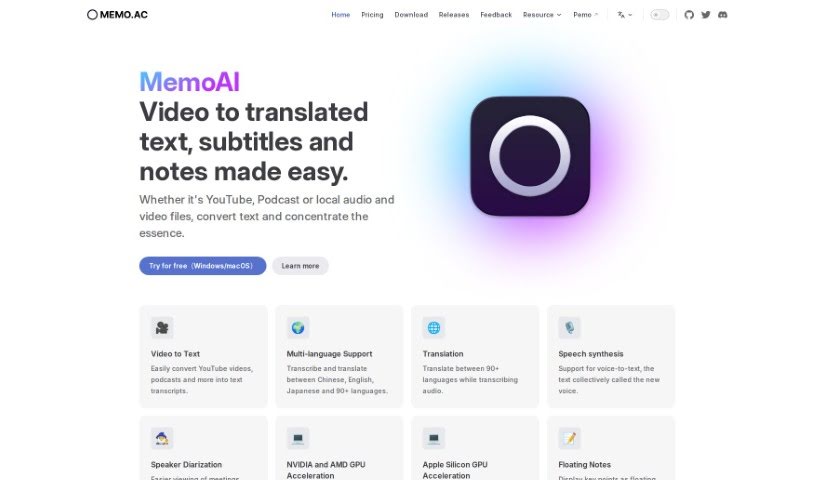
Memo AI is a desktop transcription tool that turns audio and video into text. It works with YouTube videos, podcasts, and local media files, offering transcription, translation between many languages, and speech synthesis (text read aloud). Notable features include floating pop-up notes for marking important moments, real-time subtitles, and AI-powered summarization. It runs on Windows and macOS, and all processing happens offline on your device, keeping your data private.

Transcription View Tool →
Screenshot of Meta Seamlessexpressive

Meta Seamlessexpressive

Freemium

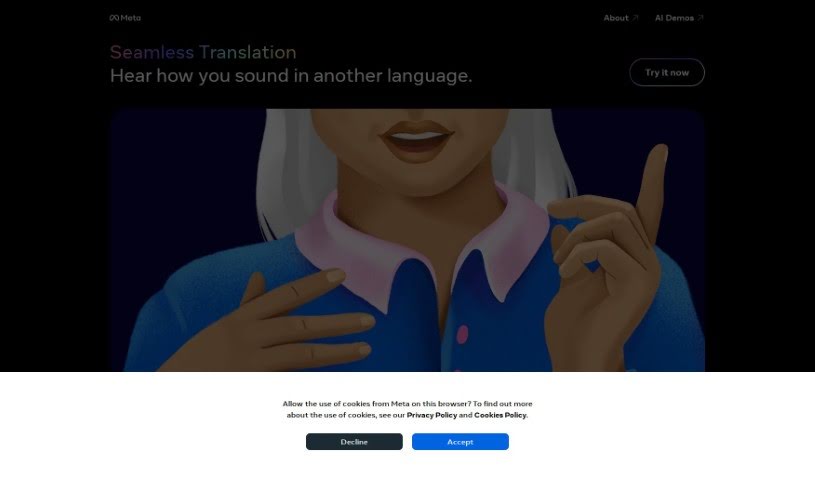
Meta SeamlessExpressive is an AI model that translates your voice into another language while keeping your original expression, emotion, and tone. It applies your vocal fingerprint to the new language, capturing emotional cues and personal vocal qualities so cross-language communication sounds natural.

Transcription View Tool →
Screenshot of Microsoft Speech Studio

Microsoft Speech Studio

Freemium

Microsoft Speech Studio is a tool from Microsoft for translating videos and producing AI voice dubbing in over 100 languages. It offers more than 400 pre-made voices, and you can also use your own voice across different languages. Its speech-to-text feature transcribes audio quickly and accurately in many languages and dialects, and custom speech models can improve accuracy for specialized terms, background noise, and varied accents.

Transcription View Tool →
Screenshot of Okio

Okio

Freemium

Nendo, also known as Okio, is a professional-grade, open-source platform that uses artificial intelligence to manage, analyze, generate, and discover audio content. It is built for musicians, sound designers, podcasters, and other audio professionals working with large audio libraries.

Transcription View Tool →
Screenshot of Openai Whisper

Openai Whisper

Freemium

Whisper is a transcription technology from OpenAI that converts spoken words into written text. It is designed to deliver accurate speech-to-text output and is part of OpenAI's broader suite of tools, which also includes Voice (text-to-speech), GPT-4V, and DALL·E 3. Together, these tools support projects involving audio, vision, and language.

Transcription View Tool →
Screenshot of PlainScribe

PlainScribe

Freemium

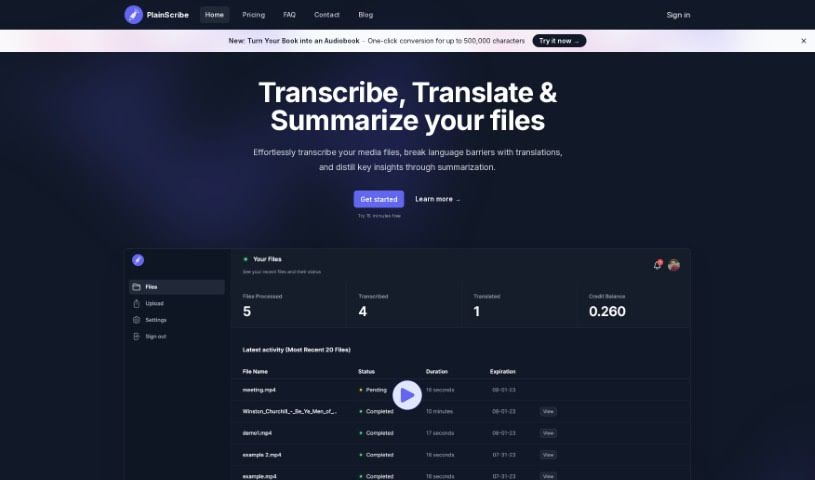
PlainScribe is a platform for transcribing, translating, and summarizing audio and video files. You can upload files up to 100MB, and the system handles all processing — you'll receive an email notification when your files are done.

Transcription View Tool →
Screenshot of PodfyAI - The Platform For Creators And Agencies

PodfyAI - The Platform For Creators And Agencies

Freemium

PodfyAI is a platform that helps creators and agencies turn content into podcasts and reach a wider audience. Its AI-powered tools streamline podcast production and distribution: with a single click, it generates transcriptions, show notes, timestamps, newsletters, and social media posts. Support for multiple languages makes it easier to connect with listeners around the world.

Transcription View Tool →
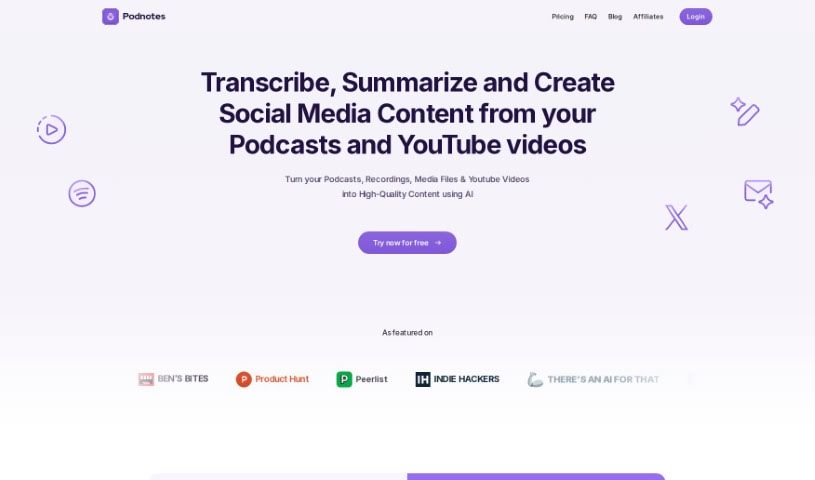
Screenshot of Podnotes

Podnotes

Freemium

Podnotes is an AI platform that helps podcasters and video creators repurpose their audio and video into a range of text and video formats. It supports over 19 languages, making it possible to reach a global audience. Outputs include transcripts, summaries, blog posts, social media updates, and audiograms. A "Magic Chat" feature, powered by ChatGPT, generates articles, social media posts, and SEO-friendly show notes. A free plan includes 50 minutes of transcription, with subscription plans available for unlimited content generation.

Transcription View Tool →

About Transcription tools

Straining to catch every word of a recorded interview, pausing every few seconds to type, and rewinding messy audio over and over makes manual transcription feel like a tedious grind. Whether you’re transcribing team syncs, lectures, podcast episodes, or legal depositions, turning hours of spoken audio into text eats up your workday.

These AI tools act as specialized audio assistants. They don’t replace human listening or the need for a final review, but they handle automatic speech recognition, separate speakers, and turn hours of recordings into clean, structured text in minutes.

Speech Recognition, Speaker Diarization, and Timestamps

Converting long audio and video recordings into readable documents used to take three to four times the original recording length. Smart speech-to-text assistants analyze spoken context, sentence structure, and varied accents to generate fast, accurate transcripts for meetings and interviews. Instead of spending your evening rewinding audio files, you get instant text drafts ready for review.

Handling multi-speaker conversations and noisy background environments gets much easier, too. Advanced transcription platforms use speaker diarization to automatically detect and label who is speaking throughout a discussion. They can also learn custom vocabulary like technical jargon, brand names, and industry acronyms, ensuring unique terms are transcribed accurately.

Turning lengthy transcripts into useful summaries and searchable notes becomes far simpler. Beyond generating raw text, AI transcription tools extract key takeaways, organize action items, and generate searchable timestamps. You can search across hours of audio by keyword, jump straight to a specific moment in the track, or send a concise meeting recap to your team without reading through pages of dialogue.

Key Features to Look For:

  • Automated speech-to-text: Systems that convert live speech or pre-recorded audio and video files into accurate written text in real time or batch runs.
  • Speaker diarization: Features that identify, separate, and label individual speakers throughout multi-person meetings, interviews, or panel discussions.
  • Custom vocabulary support: Settings that let you train the system on specialized industry jargon, technical acronyms, and brand names for higher accuracy.
  • Automated summaries and action items: Tools that extract core takeaways, highlight decision points, and draft concise recaps from long transcripts.
  • Searchable timestamps and caption exports: Capabilities for jumping to specific moments in synced audio and exporting transcripts in caption formats like SRT or VTT.

Capturing reliable notes will always depend on your subject matter knowledge, attention to detail, and final review. Software can’t verify sensitive quotes or understand subtle conversational context for you, but letting smart tools handle repetitive typing and speaker identification gives you back the time needed for your core projects.

Check out the transcription tools below to convert your audio into clear, searchable text.

The Best AI Transcription Tools

  1. Turbo Scribe: for efficient podcast transcription
  2. 008 Agent: Transcribes VoIP calls with call summaries and CRM integration.
  3. Transkriptor: for automating lecture notes for students
  4. Screen App: for documenting meeting notes and action items
  5. Acallrecorder: Call recording and transcription with speaker separation and timestamps.
  6. Speechnotes: for easy note-taking from recordings
  7. Transcribe Me: for efficient lecture transcription
  8. Assembly AI: for accurate meeting transcripts
  9. Sonix: for easy audio-to-text transcription
  10. Deepgram: for podcast transcription
  11. Actual Chat: Real-time audio with live transcription and AI assistance.
  12. Cleanvoice AI: for accurate podcast episode transcriptions
  13. Good Tape: for effortless audio-to-text conversion
  14. Trint: for real-time meeting transcription
  15. Openai Whisper: for real-time meeting transcription
New tools, in your inbox.

Weekly picks of the best AI tools we've researched and added — no spam, unsubscribe anytime.

Join 25,000+ AI enthusiasts. No spam, unsubscribe anytime.