008 Agent
Audio Transcription
Learn more
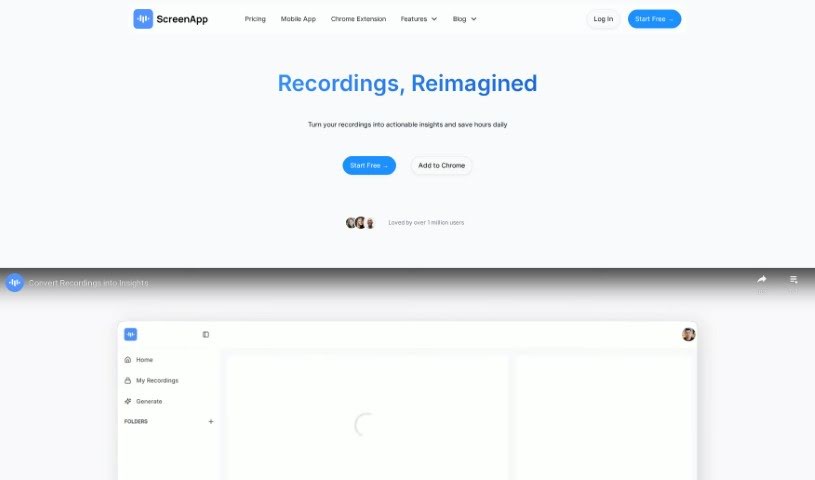
Discover ScreenApp, a screen recording and transcription tool that turns meetings, webinars, and training sessions into searchable, AI-summarized notes.
ScreenApp is an online tool that records your screen and automatically transcribes what’s said, turning digital interactions into a searchable knowledge base. It’s built for online meetings, webinars, presentations, and virtual training sessions, with the goal of making individuals and teams more productive and collaborative.
Key features include:
Security is a stated priority: ScreenApp runs regular checks, stores data on its own servers, and encrypts data both at rest and in transit. Local storage is available for users who want additional control.
The specific individuals behind ScreenApp aren’t publicly named, but the company focuses on screen recording and transcription services, offering unlimited recordings, AI summarization, secure sharing, and cloud storage.
ScreenApp suits people who attend online meetings, host webinars, present, or run virtual training sessions.
A free starter plan includes most features, so you can try the tool before committing. ScreenApp works with popular browsers including Google Chrome, Opera, and Firefox.
Related
Discover more tools in similar categories
Weekly picks of the best AI tools we've researched and added — no spam, unsubscribe anytime.
Join 25,000+ AI enthusiasts. No spam, unsubscribe anytime.