AI Tools for Transcription

Discover the best Transcription AI tools to enhance your productivity and creativity.

Page 4 of 12 • 135 total tools

Transcribing audio or video content can take a lot of time. If you’re a journalist, podcaster, or student, the sheer volume of audio files can feel overwhelming. What if there was a way to make this process faster and more efficient? That’s where AI transcription tools come in.

These tools are really changing how we handle speech-to-text conversion. We’re past the days of monotonous manual typing. With so many options available, there’s a wide variety of choices suited for different needs and budgets.

You can find everything from powerful software offering high accuracy to simpler apps perfect for quick notes. The world of AI transcription is full of new developments. I’ve spent time testing and evaluating the most effective transcription tools to help you find the right fit for your projects.

As technology keeps evolving, so does the potential for these AI-driven solutions. Ready to streamline your transcription workflow and save valuable time? Let’s explore the best AI transcription tools currently on the market.

The best AI Transcription Tools

  1. Turbo Scribe for efficient podcast transcription
  2. Adobe Podcast to transcribe audio accurately
  3. Transkriptor for automating lecture notes for students
  4. Screen App for documenting meeting notes and action items
  5. Maestra AI to quickly convert audio to text transcripts
  6. Speechnotes for easy note-taking from recordings
  7. Transcribe Me for efficient lecture transcription
  8. Assembly AI for accurate meeting transcripts
  9. Sonix for easy audio-to-text transcription
  10. Deepgram for podcast transcription
  11. Blipcut to transcribe YouTube content for wider reach
  12. Cleanvoice AI for accurate podcast episode transcriptions
  13. Good Tape for effortless audio-to-text conversion
  14. Trint for real-time meeting transcription
  15. Openai Whisper for real-time meeting transcription

How do AI transcription tools work?

AI transcription tools are designed to convert spoken language into written text. They use advanced machine learning algorithms to improve accuracy. At their core, these tools rely on speech recognition technologies that analyze audio waves and identify spoken words. The process begins by capturing audio input, whether from a live conversation, a recording, or any other source.

Once the audio is captured, the AI system breaks it down into smaller segments. It then uses algorithms to process these segments, recognizing phonemes—the basic sounds of speech. By comparing these sounds against a large database of known words and phrases, the tool effectively transcribes the speech into written format.

Context is really important for transcription accuracy. Modern AI systems often use natural language processing (NLP) techniques to understand the context of a conversation. This ensures that words are not only transcribed correctly but also that the meaning and intent are preserved, especially in complex sentences or industry-specific jargon.

The training data for these tools includes a wide variety of accents, dialects, and speech patterns. The more varied the dataset, the better the tool becomes at handling different speakers and contexts. This extensive training helps the AI recognize subtle nuances in speech, including tone and inflection, allowing it to provide more accurate transcriptions.

In real-world use, AI transcription tools are becoming invaluable for journalists, researchers, and businesses. They can save hours of manual work and boost productivity. Integrations with platforms like Zoom or Google Meet let users automatically transcribe meetings in real time, simplifying documentation and ensuring no valuable insights are missed.

While transcription technology is strong, it does have challenges. Background noise, overlapping speech, and technical terminology can be difficult. However, ongoing advancements in AI and machine learning are continually improving the accuracy and efficiency of these tools, making them an essential asset in today’s digital environment.

Our best AI transcription tools at a glance

RankNameBest forPlans and PricingRating
1TurboScribeefficient podcast transcriptionPaid plans start at $10/month.4.80 (5 reviews)
2Adobe Podcasttranscribing audio with accuracyN/A4.67 (12 reviews)
3Transkriptorautomating lecture notes for studentsPaid plans start at $Affordable/N/A.4.31 (13 reviews)
4ScreenAppmeeting notes and action items documentationN/A4.86 (51 reviews)
5Maestra AIquickly converting audio to text transcriptsN/A4.64 (11 reviews)
6Speechnoteseasy note-taking from recordingsPaid plans start at $1.9/mo.4.27 (11 reviews)
7TranscribeMeefficient lecture transcriptionPaid plans start at $0.07/minute.4.94 (36 reviews)
8AssemblyAIaccurate meeting transcriptsPaid plans start at $0.15/hour.4.33 (12 reviews)
9Sonixeasy audio-to-text transcriptionN/A4.33 (6 reviews)
10Deepgrampodcast transcriptionN/A4.09 (23 reviews)
11Blipcuttranscribing YouTube content for wider reachN/A4.52 (23 reviews)
12Cleanvoice AIaccurate podcast episode transcriptionsN/A4.33 (12 reviews)
13Good Tapeeffortless audio-to-text conversionN/A4.82 (11 reviews)
14Trintreal-time meeting transcriptionN/A4.78 (23 reviews)
15Openai Whisperreal-time meeting transcription toolN/A4.74 (23 reviews)
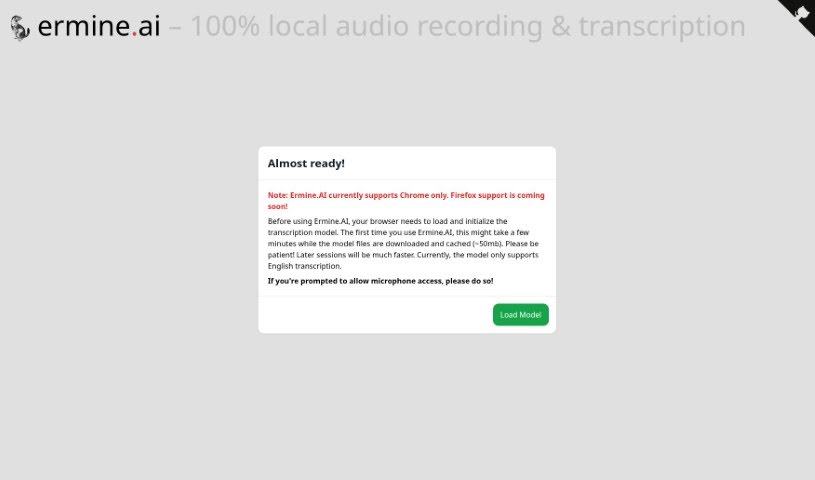
Screenshot of Ermine.ai

Ermine.ai

Freemium

Ermine.ai is a platform designed for local audio recording and transcription. It offers transcriptions that are not only fast and efficient but also highly secure, thanks to its client-side processing. This means you can get seamless audio transcriptions right from your own device, keeping your privacy front and center. Since all the transcription work happens locally on your computer, your data stays with you. The platform currently supports English language transcription. You'll need to download a small transcription model, about 50mb, just once. After that, you'll find it easy to access your microphone, download your transcripts for offline use, and navigate the user-friendly interface for a smooth, hassle-free experience.

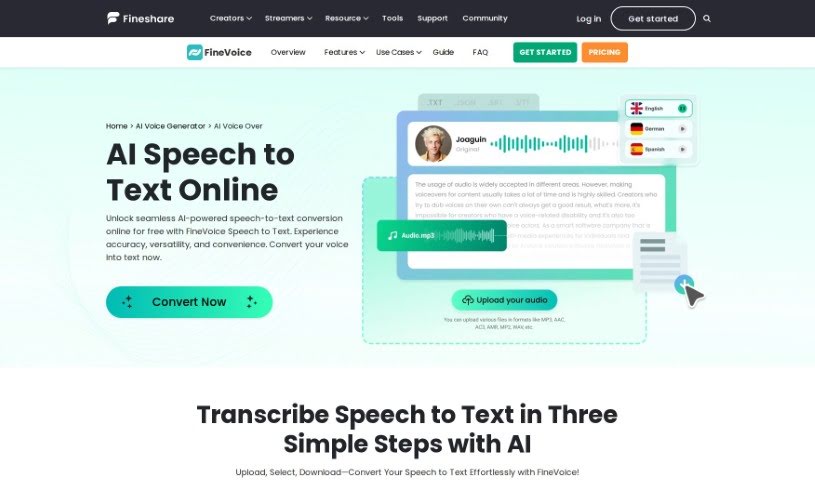
Screenshot of FineShare Speech to Text

FineShare Speech to Text

Freemium

FineShare Speech to Text, also known as FineVoice, is a free and really handy tool that turns spoken words into written text smoothly. It uses advanced speech recognition technology to listen to your audio and convert it accurately and quickly. Getting your audio transcribed is super simple, taking just three main steps: first, you pick and upload your audio file; second, you tell it what language the audio is in and how you want the text formatted; and third, you download the finished text. FineVoice supports many languages, which makes it super useful for people all over the world. It's really well-regarded for how accurate it is, how easy it is to use, and the fact that it's a cost-effective way to get speech converted to text.

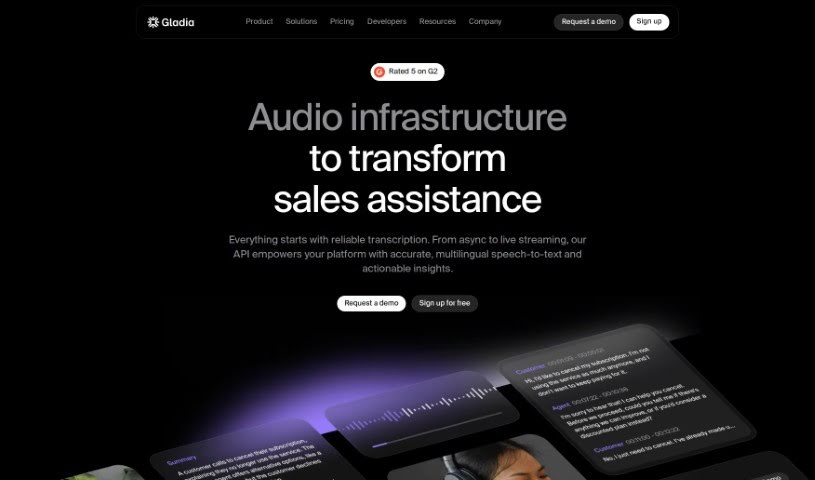
Screenshot of Gladia

Gladia

Freemium

Gladia is a really advanced Speech-to-Text API. It is a tool that helps businesses turn audio into useful information by transcribing and translating it. It's built using the Whisper ASR framework, which means it's designed to be fast, accurate, and scalable – basically, it can handle whatever you throw at it. Plus, it's customizable for different industries and makes sure your data stays secure and follows privacy rules.

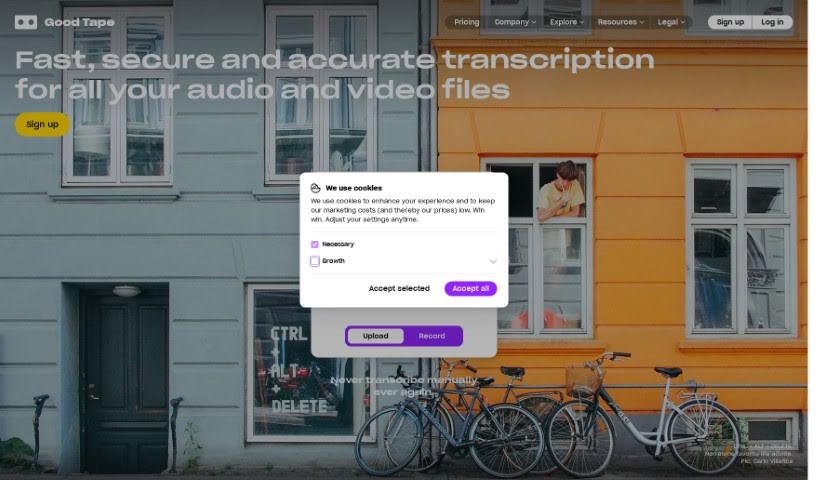
Screenshot of Good Tape

Good Tape

Freemium

Good Tape is a transcription service that comes to us from Zetland, based in Copenhagen, Denmark. It is an AI-powered automatic transcription tool, built with journalists and other professionals in mind. Its main job is to take spoken content – like interviews or casual conversations – and turn it into written text, all thanks to some clever speech recognition technology. What's really neat is that Good Tape handles over 90 languages, and it even has an Autodetect feature that figures out the language for you. Plus, they take security seriously, encrypting all your data and files. If you're just trying it out, you can transcribe up to 20 minutes for free, and if you need more, there are service packages available. For journalists, it's a real time-saver, making it quicker and easier to get interviews and speeches into writing so they can focus on the actual reporting.

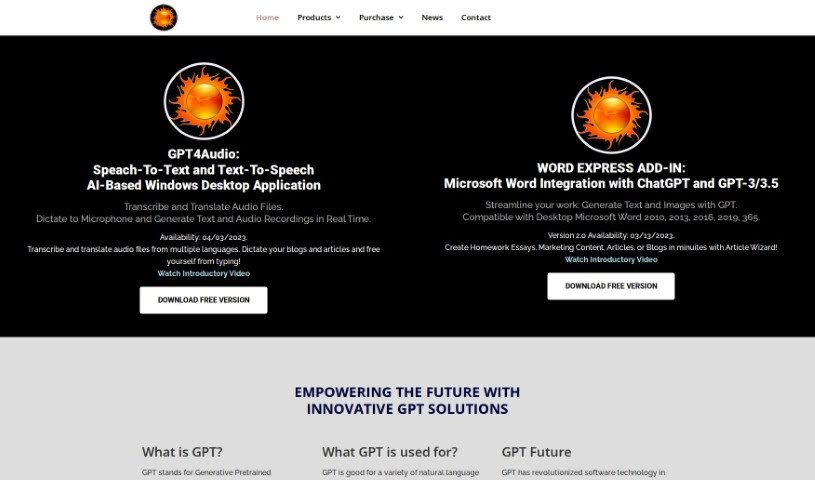
Screenshot of Gpt4Office

Gpt4Office

Freemium

GPT4Office is a really neat set of AI tools from Gravity Storm Software, LLC. One of its key parts is GPT4Audio, which is basically a speech-to-text converter. It is a super-smart assistant that can take your audio files, transcribe them, and even translate them into different languages. Plus, it lets you dictate things like blog posts and articles right as you're thinking them. It's built on OpenAI's Generative Pretrained Transformer (GPT) technology, which is famous for how well it handles sequences of data. With GPT4Audio, you get features like instant speech-to-text conversion, support for many languages, the ability to dictate your thoughts, and it works smoothly on Windows desktop computers.

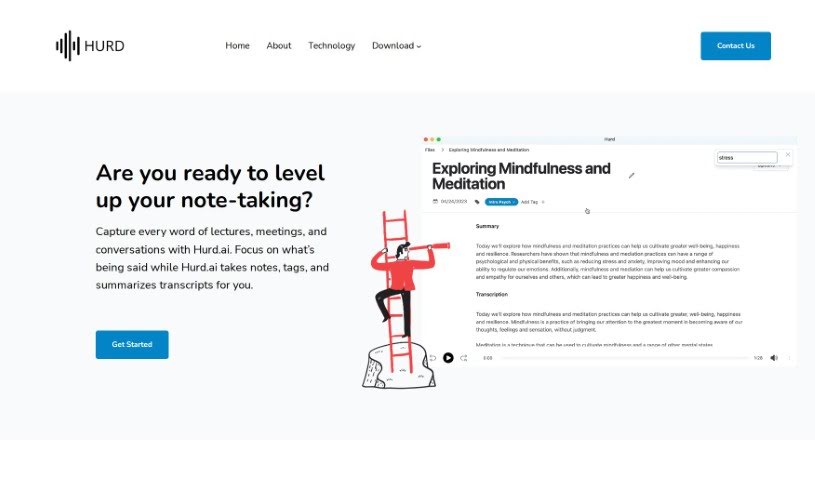
Screenshot of Hurd AI

Hurd AI

Freemium

Hurd AI.ai is a handy tool designed to capture and transcribe your audio recordings, whether they're from lectures, meetings, or just everyday conversations. It really aims to make note-taking much easier. How? By automatically turning your audio files into text that you can easily search through. Plus, you can highlight, filter, and group these transcripts. One of the standout features of Hurd AI.ai is its ability to summarize transcripts for you, which honestly saves a ton of time and energy. The tool is pretty flexible, supporting a bunch of different audio and video file formats. It also lets you edit transcripts right there, and importantly, it keeps your personal audio files and transcripts strictly on your local machine, so your data stays private. Hurd AI.ai is super user-friendly, handles multiple languages, and makes it a breeze to export your transcripts to places like Apple Notes or CSV files.

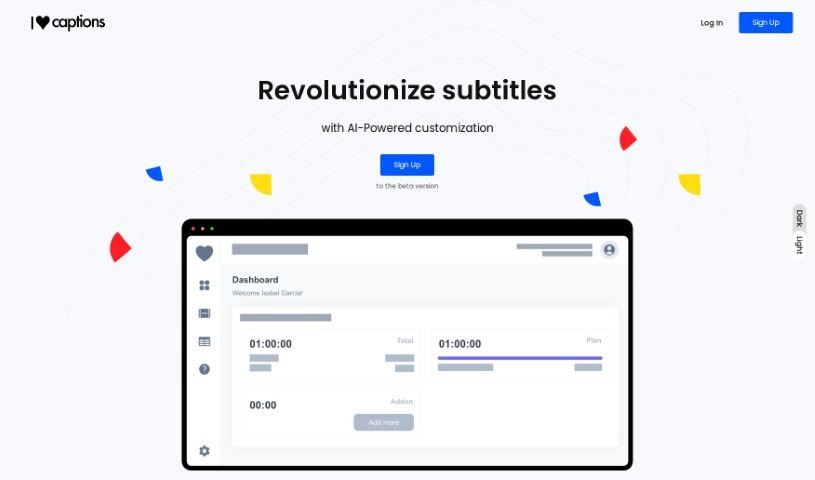
Screenshot of I Love Captions

I Love Captions

Freemium

I Love Captions is an AI-powered tool designed to make transcribing audio and video much simpler and faster, especially when you need high-quality subtitles for your videos. It handles the transcription automatically, so you don't have to spend time on manual editing. This really speeds things up! You can choose from popular subtitle formats used by big names like Netflix, Amazon, and Disney, or even set up your own custom specifications. The tool works with all sorts of media – audio, video, documents, and subtitle files. Plus, you can tweak settings like how long your subtitles should be or how many lines they use. They also offer different pricing plans to fit freelancers, content creators, and agencies, including perks like priority support, extra transcription minutes, and quicker processing.

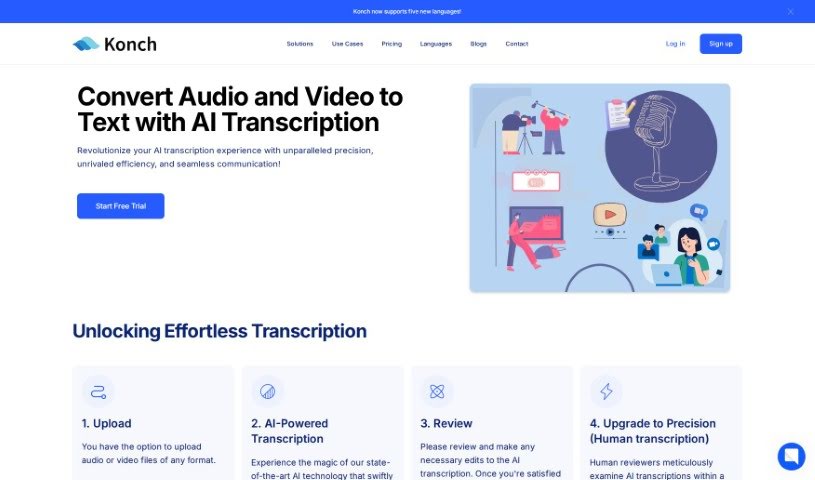
Screenshot of Konch AI

Konch AI

Freemium

Konch AI.ai is an automated transcription service that's super fast and accurate, handling over 30 languages. It uses AI for transcription, but you can also upgrade to human transcription if you need 100% accuracy. It's great for multilingual content, comes with advanced editing tools, and has strong security features that businesses can rely on. Plus, if you top up your Pay-as-you-go plan with $99 or more and use the code RESEARCH40, you'll get a 40% discount. The whole process is really user-friendly, making uploads quick, and they've got robust security and excellent language support. Konch AI.ai is all about changing how we think about transcription with AI technology, aiming for precision and making it accessible for all sorts of industries. You get AI-generated transcripts, precise translation services, generative AI to make your content even better, and you can export your files in different ways. They've already transcribed over 10 million minutes of content and support 50 languages! For security, Konch AI.ai is Cyber Essentials Plus compliant and stores your data safely on Amazon Web Services.

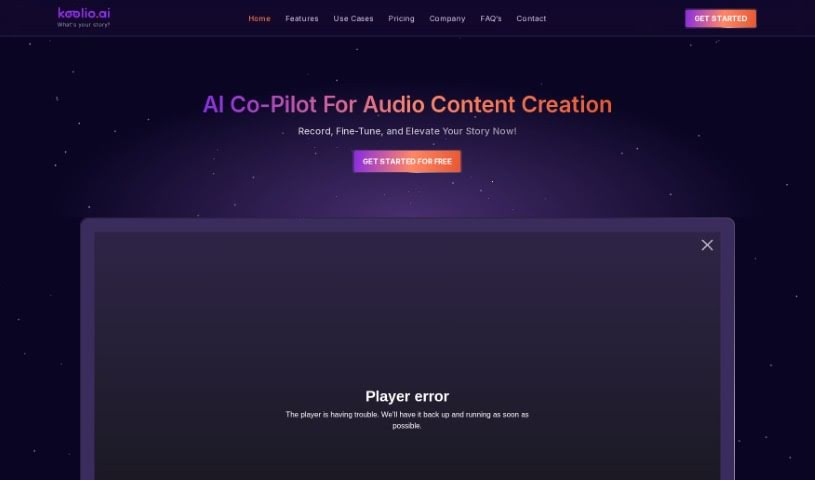
Screenshot of Koolio.ai

Koolio.ai

Freemium

Koolio.ai is a really handy web-based tool built to make creating content much smoother. It's super easy to use, letting you whip up content in just minutes. You can transcribe audio, work with others, pick out sound effects and music, and do all sorts of audio tasks without any fuss. What really makes it stand out are its smooth audio editing, great collaboration features, and accurate audio transcription. Plus, Koolio.ai offers tools to really polish your content, like adjusting volume, adding effects, or combining audio files with just a few clicks. It’s a great fit for anyone making content, whether you're a podcaster, video creator, musician, or anything in between.

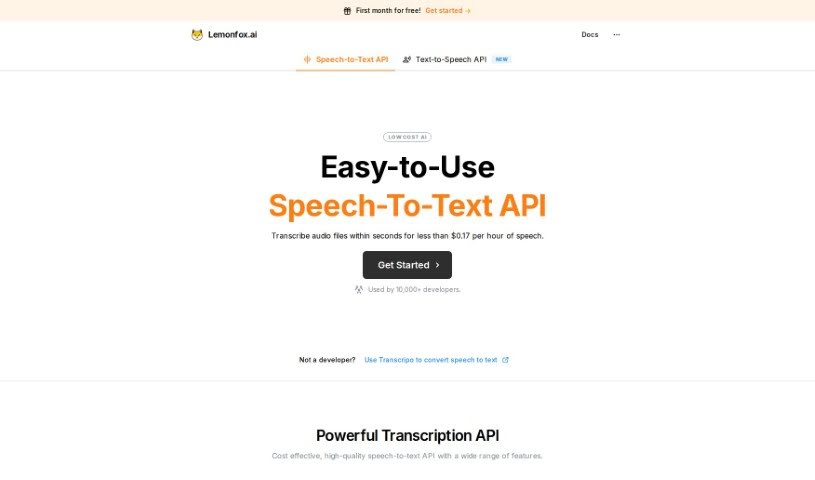
Screenshot of Lemonfox

Lemonfox

Freemium

Lemonfox.ai offers budget-friendly and user-friendly AI APIs that are super easy to integrate into your applications. They've got a whole suite of services, including an alternative to GPT, an AI for creating images, and speech-to-text AI. Everything's accessible through a globally deployed API, which means you get really fast response times. Their Whisper v3 AI model, for instance, is a top-notch speech recognition tool. It's great at transcribing audio from all sorts of sources into text, and it does it efficiently. Lemonfox.ai also has a text and chat AI model that really holds its own against ChatGPT, but at a lower price. Plus, it can produce high-quality, natural-sounding audio. And if you need images, their image creation AI uses advanced AI modeling to quickly generate high-quality images, graphics, and illustrations. They offer a tiered pricing model, and you can even try it out with a free trial.

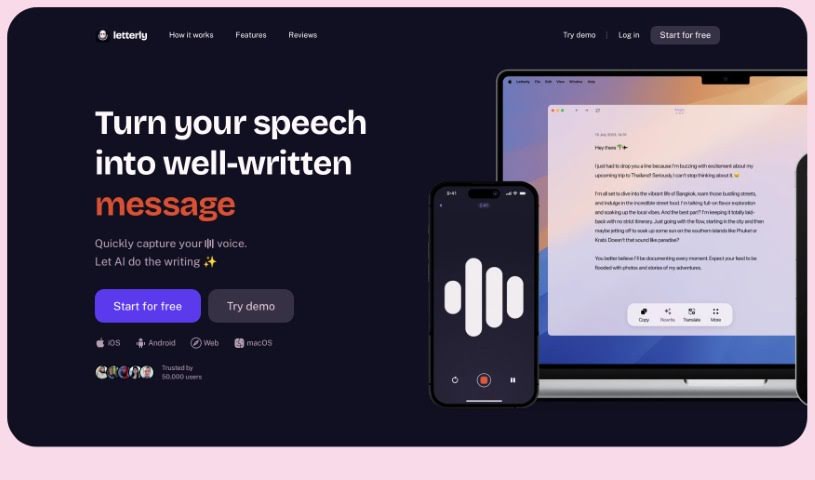
Screenshot of Letterly

Letterly

Freemium

Letterly is a handy mobile app that's all about turning your spoken words into polished, well-written text. It is your personal AI writing assistant, ready to capture your thoughts on the go. Whether you're jotting down a quick message, drafting a note, or crafting a social media post, Letterly makes it super easy. People really like it because it's so user-friendly, offers convenient features like sharing and copying text, and reliably transforms your voice notes into clear, coherent text without errors. It's a fantastic tool for structuring your voice memos, streamlining your workflow, and generally making writing tasks much simpler.

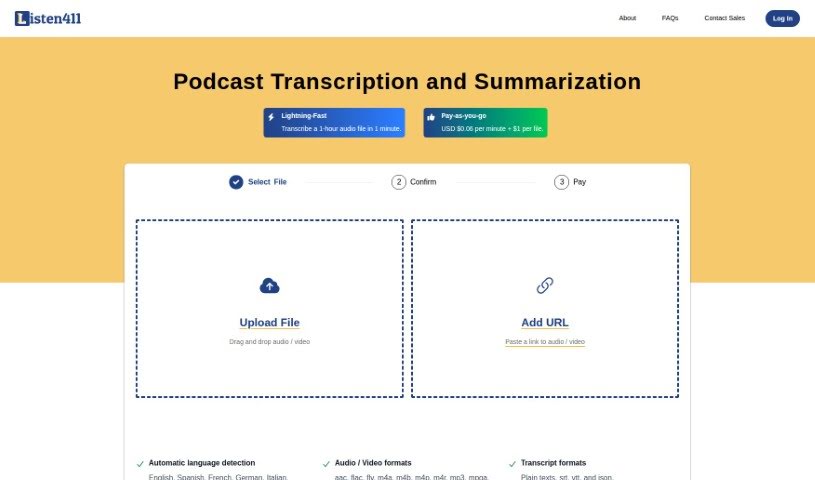
Screenshot of Listen411

Listen411

Freemium

Listen411 is a handy tool built specifically for transcribing and summarizing podcasts. It's known for its quick transcription services that won't break the bank, using a pay-as-you-go approach. It supports a bunch of languages and can give you your transcripts in different file types, like plain text, srt, vtt, and json. Plus, if you need a summary of your transcribed audio, Listen411 can do that too.

Stay Updated with AI Tools

Get weekly updates on the latest AI tools, trends, and insights delivered to your inbox

Join 25,000+ AI enthusiasts. No spam, unsubscribe anytime.