Koolio.ai (Audio)
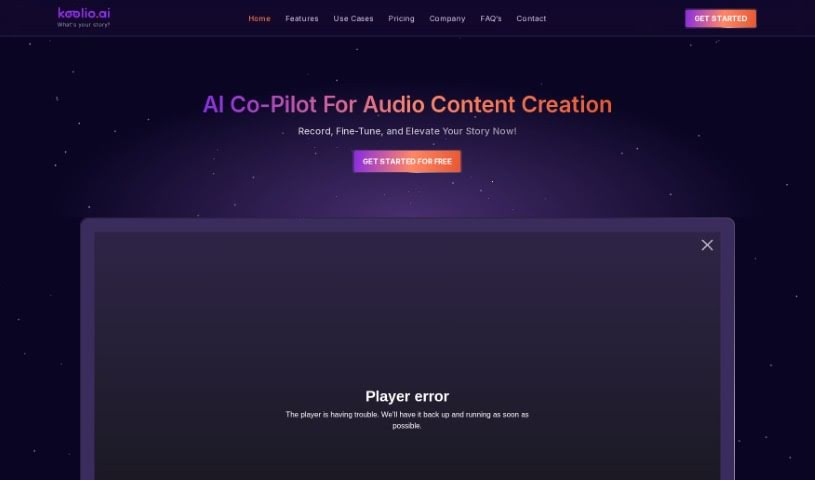
Screenshot of Koolio.ai

Koolio.ai

Discover what Koolio.ai is and how it handles audio transcription, editing, and collaboration for podcasters, video creators, and musicians.

Screenshot

What is Koolio.ai?

Koolio.ai is a web-based tool for creating audio content. It lets you transcribe audio, edit recordings, collaborate with others, and add sound effects and music — all from a simple, visual interface that doesn’t require technical expertise. Core strengths include audio editing, collaboration features, and accurate transcription. It also offers tools to polish content, such as adjusting volume, adding effects, and combining audio files in a few clicks.

Who created Koolio.ai?

Koolio.ai was developed with the goal of changing how audio content is made. The platform provides a simple interface accessible to any skill level, with tools to transcribe speech, collaborate with others, enhance audio with sound effects and music, and export a high-quality final product. The founder and specific company details aren’t shared in the available information.

What is Koolio.ai used for?

  • Transcription — converting spoken words into written text accurately
  • Audio editing — cutting, copying, pasting, and inserting clips
  • Collaboration — working with others on audio projects
  • Adding sound effects and music, selected automatically to fit your content
  • Adjusting volume, applying filters and effects, trimming, and merging audio files
  • Handling and manipulating audio files
  • Creating professional-quality audio content with AI enhancement

Who is Koolio.ai for?

  • Podcasters
  • Video creators
  • Musicians
  • Content creators who need to turn interviews, speeches, or other audio recordings into written text

How to use Koolio.ai?

  1. Upload or Record Audio: Upload an existing audio file or record something new directly on the platform.
  2. Edit Audio: Use the tools to cut, copy, paste, and insert audio clips. You can also change speakers, add new recordings, and apply fades.
  3. Enhance Content: With a free account, you can add up to 3 sound effects and music tracks. A paid subscription unlocks unlimited tracks for higher quality output.
  4. Export: Export your finished, high-quality audio product.

Related

Related AI Tools

Discover more tools in similar categories

New tools, in your inbox.

Weekly picks of the best AI tools we've researched and added — no spam, unsubscribe anytime.

Join 25,000+ AI enthusiasts. No spam, unsubscribe anytime.