AI Tools for Transcription

Discover the best Transcription AI tools to enhance your productivity and creativity.

Page 5 of 12 • 135 total tools

Transcribing audio or video content can take a lot of time. If you’re a journalist, podcaster, or student, the sheer volume of audio files can feel overwhelming. What if there was a way to make this process faster and more efficient? That’s where AI transcription tools come in.

These tools are really changing how we handle speech-to-text conversion. We’re past the days of monotonous manual typing. With so many options available, there’s a wide variety of choices suited for different needs and budgets.

You can find everything from powerful software offering high accuracy to simpler apps perfect for quick notes. The world of AI transcription is full of new developments. I’ve spent time testing and evaluating the most effective transcription tools to help you find the right fit for your projects.

As technology keeps evolving, so does the potential for these AI-driven solutions. Ready to streamline your transcription workflow and save valuable time? Let’s explore the best AI transcription tools currently on the market.

The best AI Transcription Tools

  1. Turbo Scribe for efficient podcast transcription
  2. Adobe Podcast to transcribe audio accurately
  3. Transkriptor for automating lecture notes for students
  4. Screen App for documenting meeting notes and action items
  5. Maestra AI to quickly convert audio to text transcripts
  6. Speechnotes for easy note-taking from recordings
  7. Transcribe Me for efficient lecture transcription
  8. Assembly AI for accurate meeting transcripts
  9. Sonix for easy audio-to-text transcription
  10. Deepgram for podcast transcription
  11. Blipcut to transcribe YouTube content for wider reach
  12. Cleanvoice AI for accurate podcast episode transcriptions
  13. Good Tape for effortless audio-to-text conversion
  14. Trint for real-time meeting transcription
  15. Openai Whisper for real-time meeting transcription

How do AI transcription tools work?

AI transcription tools are designed to convert spoken language into written text. They use advanced machine learning algorithms to improve accuracy. At their core, these tools rely on speech recognition technologies that analyze audio waves and identify spoken words. The process begins by capturing audio input, whether from a live conversation, a recording, or any other source.

Once the audio is captured, the AI system breaks it down into smaller segments. It then uses algorithms to process these segments, recognizing phonemes—the basic sounds of speech. By comparing these sounds against a large database of known words and phrases, the tool effectively transcribes the speech into written format.

Context is really important for transcription accuracy. Modern AI systems often use natural language processing (NLP) techniques to understand the context of a conversation. This ensures that words are not only transcribed correctly but also that the meaning and intent are preserved, especially in complex sentences or industry-specific jargon.

The training data for these tools includes a wide variety of accents, dialects, and speech patterns. The more varied the dataset, the better the tool becomes at handling different speakers and contexts. This extensive training helps the AI recognize subtle nuances in speech, including tone and inflection, allowing it to provide more accurate transcriptions.

In real-world use, AI transcription tools are becoming invaluable for journalists, researchers, and businesses. They can save hours of manual work and boost productivity. Integrations with platforms like Zoom or Google Meet let users automatically transcribe meetings in real time, simplifying documentation and ensuring no valuable insights are missed.

While transcription technology is strong, it does have challenges. Background noise, overlapping speech, and technical terminology can be difficult. However, ongoing advancements in AI and machine learning are continually improving the accuracy and efficiency of these tools, making them an essential asset in today’s digital environment.

Our best AI transcription tools at a glance

RankNameBest forPlans and PricingRating
1TurboScribeefficient podcast transcriptionPaid plans start at $10/month.4.80 (5 reviews)
2Adobe Podcasttranscribing audio with accuracyN/A4.67 (12 reviews)
3Transkriptorautomating lecture notes for studentsPaid plans start at $Affordable/N/A.4.31 (13 reviews)
4ScreenAppmeeting notes and action items documentationN/A4.86 (51 reviews)
5Maestra AIquickly converting audio to text transcriptsN/A4.64 (11 reviews)
6Speechnoteseasy note-taking from recordingsPaid plans start at $1.9/mo.4.27 (11 reviews)
7TranscribeMeefficient lecture transcriptionPaid plans start at $0.07/minute.4.94 (36 reviews)
8AssemblyAIaccurate meeting transcriptsPaid plans start at $0.15/hour.4.33 (12 reviews)
9Sonixeasy audio-to-text transcriptionN/A4.33 (6 reviews)
10Deepgrampodcast transcriptionN/A4.09 (23 reviews)
11Blipcuttranscribing YouTube content for wider reachN/A4.52 (23 reviews)
12Cleanvoice AIaccurate podcast episode transcriptionsN/A4.33 (12 reviews)
13Good Tapeeffortless audio-to-text conversionN/A4.82 (11 reviews)
14Trintreal-time meeting transcriptionN/A4.78 (23 reviews)
15Openai Whisperreal-time meeting transcription toolN/A4.74 (23 reviews)
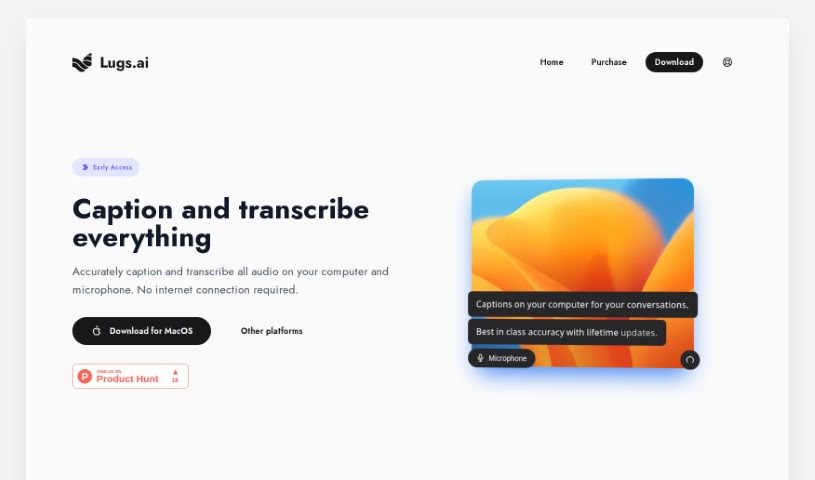
Screenshot of Lugs

Lugs

Freemium

Lugs is a really smart AI tool designed to accurately caption and transcribe all the audio coming from your computer and microphone. The best part? You don't need an internet connection for it to work. Privacy was a huge focus when building Lugs, so it never streams your data to the cloud. It's built to really get what's being said by understanding the context of conversations, which leads to incredibly accurate results. What's also special is that it was developed by people who are hearing impaired. This means the tool is always getting better, based on actual, real-life experiences, so it offers the best possible accuracy and user experience. You'll find features like live captioning, top-notch accuracy, and even lifetime updates to keep it improving. Lugs.ai is super convenient because it works offline, letting you transcribe audio quickly and accurately right on your own device.

Screenshot of Lumenvox

Lumenvox

Freemium

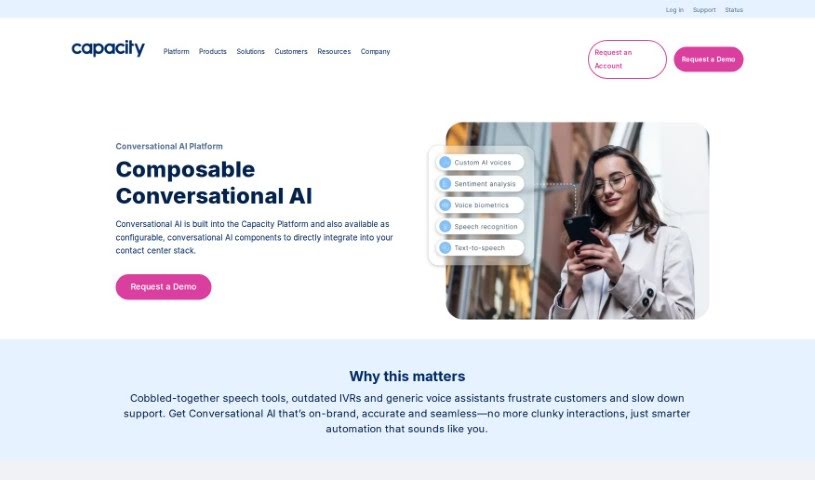
Lumenvox is a sophisticated tool that uses AI to handle speech recognition and voice authentication. Its main goal is to really boost how companies connect with their customers using voice technology. It is a smart assistant for your business communications. It's packed with features like incredibly accurate speech detection, the ability to transcribe conversations, ways to deliver personalized content and ads, voice automation for smoother interactions, understanding different accents and dialects, and it fits right into your existing network setup.

Screenshot of Macwhisper

Macwhisper

Freemium

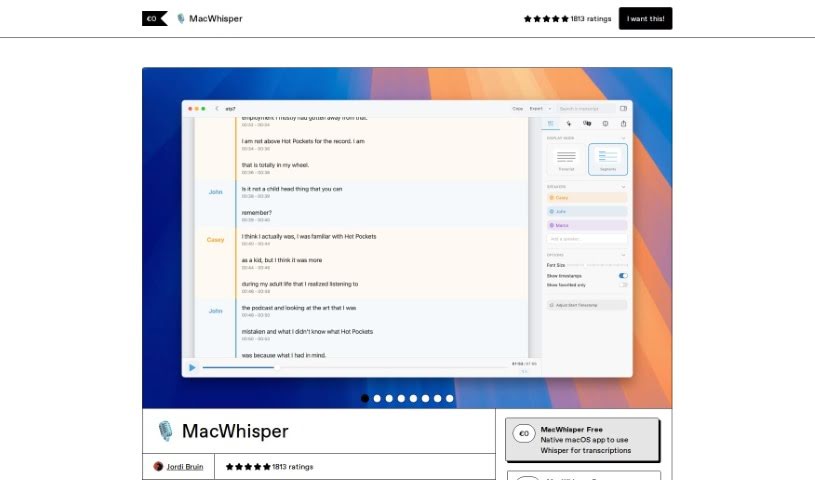
I couldn't find any specific details about "MacWhisper" within the provided documents. It appears this particular term isn't mentioned in the files I have. If you have more information or specific sources related to MacWhisper, please share them, and I'll be happy to help further.

Screenshot of Maestra AI

Maestra AI

Freemium

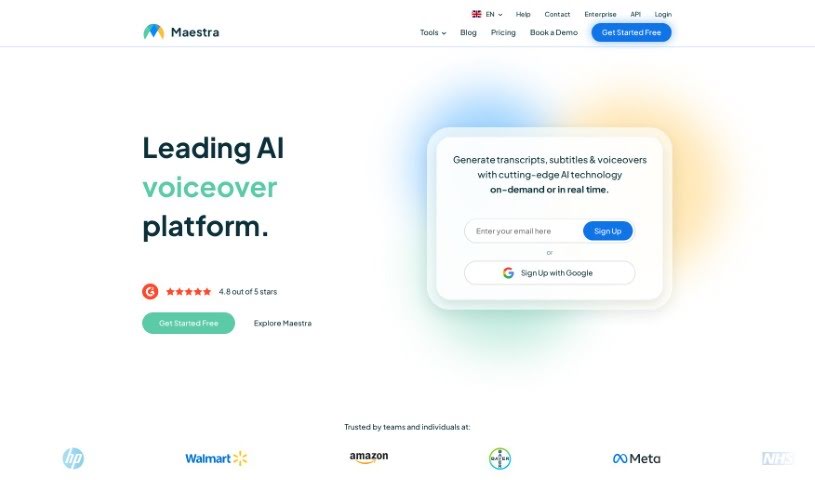
Maestra AI is a really smart artificial intelligence platform built to help businesses run more smoothly. It is a powerful AI tool that can analyze your operations, automate tasks, and help you make better decisions. It uses machine learning to give you predictions and insights, so your company can make choices based on solid data, leading to better efficiency and results. Plus, it's designed to be easy to use and can be adjusted for your specific needs. This makes Maestra AI a great fit for all sorts of industries, helping them simplify how they work, spot important trends, and ultimately grow their business. In short, Maestra AI helps organizations really make the most of their data and stay ahead of the curve.

Screenshot of Malloy

Malloy

Freemium

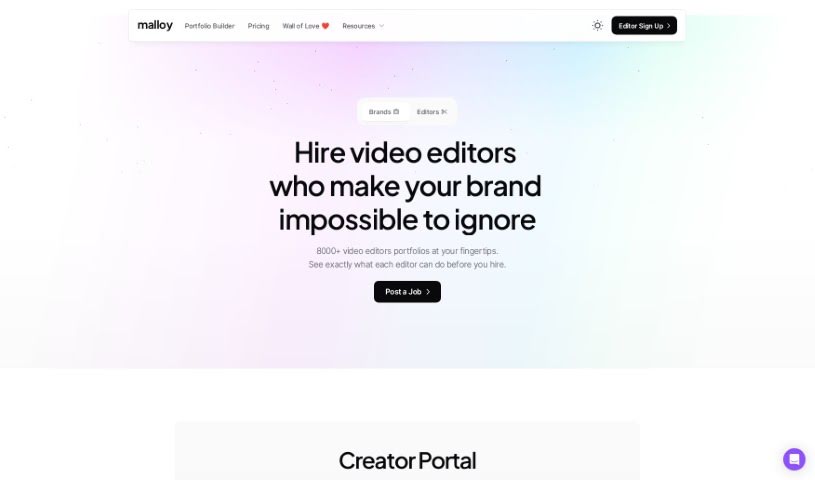
Malloy is a platform designed to make your life easier, especially when it comes to video transcription. It is your go-to tool for turning spoken words into text with impressive accuracy. It really digs into the nuances of language, meaning it gets what people are saying, even with slang, different accents, or industry-specific terms. You can also make manual corrections, which helps ensure the transcript truly captures the essence of your content. It's built to be user-friendly, streamlining your workflow and saving you valuable time. Plus, it's known for being cost-effective and has a high customer satisfaction rate. They even offer a trial with no strings attached, so you can see for yourself how it works.

Screenshot of Meetra AI

Meetra AI

Freemium

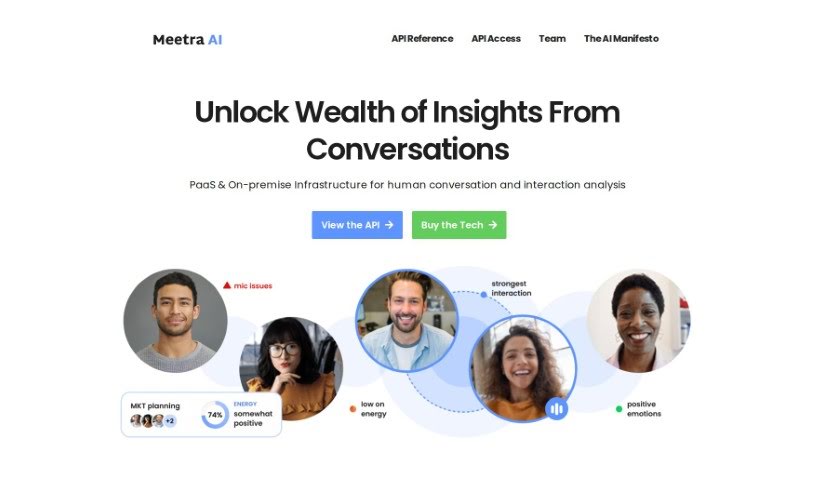
Meetra AI is a platform that really digs into human conversations and interactions. It is a powerful service you can use either through the cloud (Platform as a Service, or PaaS) or installed directly on your own systems (on-premise). It offers a bunch of cool features, like insightful conversation analysis, tools for teams to collaborate better, and it's built with a focus on using AI responsibly within companies. Essentially, Meetra AI helps you uncover a treasure trove of insights from all the conversations happening in your organization, making it a great choice if you're looking to get more out of how people talk to each other.

Screenshot of MeetSteno

MeetSteno

Freemium

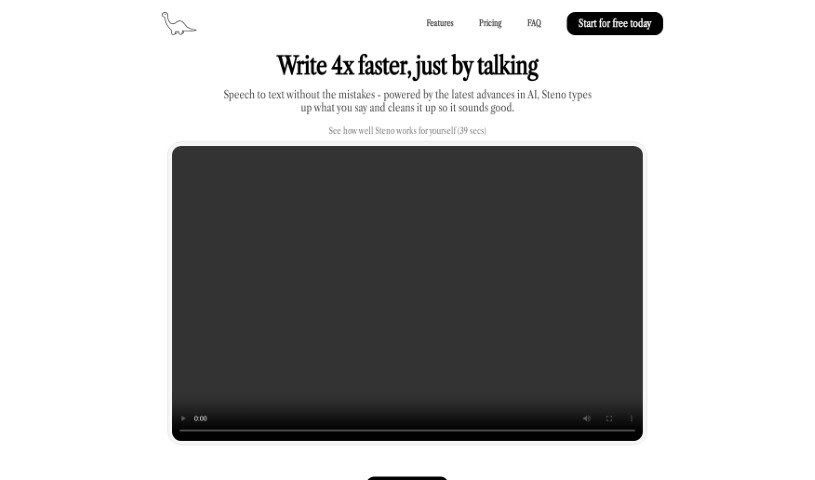
MeetSteno is a really neat tool that uses artificial intelligence to turn what you say into text, and the best part? You don't need to activate it. It just starts transcribing your speech automatically, thanks to advanced AI like ChatGPT, which makes it super accurate. Steno works in real-time, so it can keep up with even fast talkers without missing a beat. It’s a typing-free way to send messages, boosting your productivity because you won't need to rewrite anything. Plus, it fits right into your workflow with other apps and platforms, letting you work without interruption and get more done.

Screenshot of Memo AI

Memo AI

Freemium

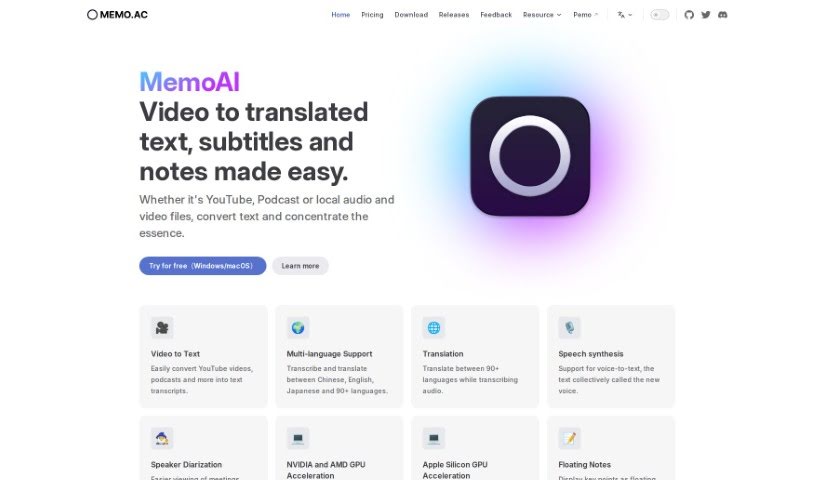
Memo AI is a transcription tool that uses AI technology to turn audio and video files into text. It's pretty versatile, handling everything from YouTube videos and podcasts to your own local media files. You can use it to transcribe speech, translate between many languages, even have text read aloud with speech synthesis. Plus, it offers handy features like floating pop-up notes to mark important moments, real-time subtitles as you listen, and AI-powered summarization. It's designed as a user-friendly Windows application, and importantly, all your data stays private because it's processed offline, right on your device.

Screenshot of Meta Seamlessexpressive

Meta Seamlessexpressive

Freemium

Meta SeamlessExpressive is a really interesting AI model. Its main job is to translate your voice into another language, but here's the cool part: it keeps your original expression, emotion, and tone. It is taking your unique vocal fingerprint and applying it to a new language. This technology is all about making communication feel more natural and authentic, even when you're speaking across different languages. It really aims to capture those subtle emotional cues and personal vocal qualities, bridging language gaps without losing who you are as a speaker.

Screenshot of Microsoft Speech Studio

Microsoft Speech Studio

Freemium

Microsoft Speech Studio is a really handy tool that lets you translate videos and use AI voice dubbing in over 100 languages. You've got a huge selection of more than 400 pre-made voices to pick from, or you can even use your own voice for different languages. Plus, Speech Studio has a speech-to-text feature that quickly and accurately transcribes audio in lots of languages and dialects. If you need even better accuracy, you can create custom speech models that are great at handling specialized terms, background noise, and different accents.

Screenshot of Okio

Okio

Freemium

Nendo, which you might also know as Okio, is a professional-grade, open-source platform. It uses artificial intelligence to help you manage, analyze, generate, and find audio content. It is a powerful tool for anyone working with a lot of audio, like musicians, sound designers, podcasters, and other audio pros. Okio makes it much simpler to dig through large audio collections thanks to features like advanced search, smart filters, automatic metadata creation, voice transcription, and topic detection. It really streamlines how you handle your audio assets.

Screenshot of Openai Whisper

Openai Whisper

Freemium

Whisper is a really neat technology from OpenAI that's all about turning spoken words into written text. It is a super-accurate transcription service. It's part of a suite of tools that also includes things like Voice (which does text-to-speech), GPT-4V, and DALLE·3, opening up a lot of possibilities for different projects.

Stay Updated with AI Tools

Get weekly updates on the latest AI tools, trends, and insights delivered to your inbox

Join 25,000+ AI enthusiasts. No spam, unsubscribe anytime.