008 Agent
Audio Transcription
Learn more
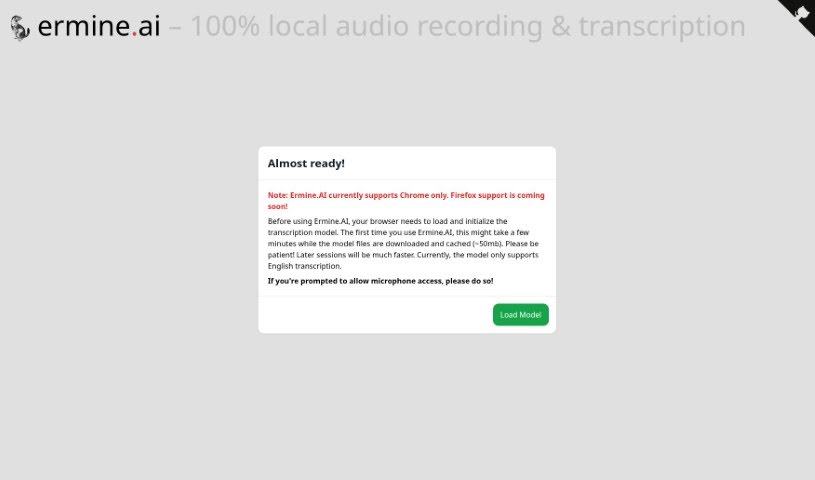
Discover Ermine.ai, a tool for local audio recording and transcription with 100% client-side processing that keeps your data private.
Ermine.ai is a platform for local audio recording and transcription. All transcription happens client-side, directly on your device, so your audio and transcripts never leave your computer. The platform currently supports English transcription and requires a one-time download of a lightweight transcription model (~50mb). Once set up, you can access your microphone, record audio, and download transcripts for offline use through a straightforward interface.
The specific founder isn’t publicly listed, but the tool is built around a clear priority: data privacy. By handling all transcription on the client’s device, Ermine.ai ensures recordings and transcripts stay local. The one-time model download also speeds up future transcription sessions.
It’s also a good fit for anyone handling sensitive recordings — legal, medical, or confidential — where sending audio to a cloud service isn’t an option.
Ermine.ai stands out by keeping transcription entirely local. There’s no cloud upload, no account handing your data to a third party — just a one-time model download and in-browser transcription. If privacy matters for your recordings and you work in English, it’s a practical option worth trying.
Related
Discover more tools in similar categories
Weekly picks of the best AI tools we've researched and added — no spam, unsubscribe anytime.
Join 25,000+ AI enthusiasts. No spam, unsubscribe anytime.