AI Project Management Tools

AI Tools for Project Management

Discover the best Project Management AI tools to enhance your productivity and creativity.

Page 15 of 21 • 251 total tools
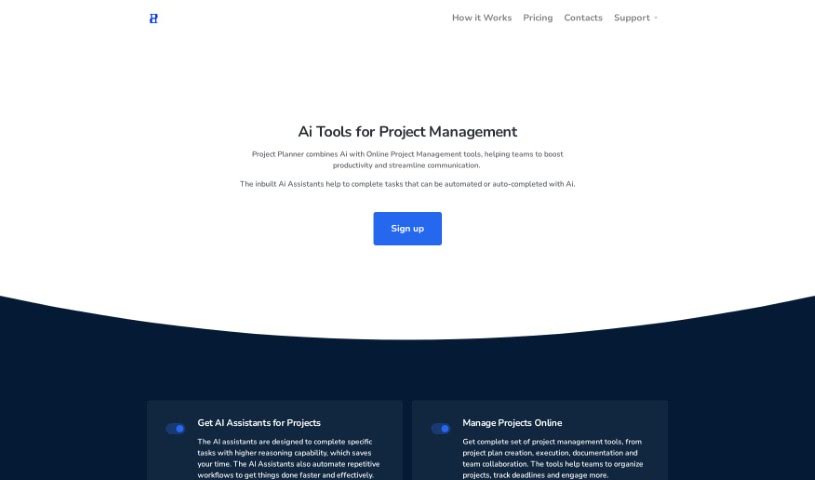
Screenshot of Project Planner

Project Planner

Freemium

Project Planner is a cloud-based project management platform for scheduling, cost management, work performance reporting, and real-time online communication. It handles projects of any size and offers a customizable, user-friendly workspace for team collaboration.

Project Management View Tool →
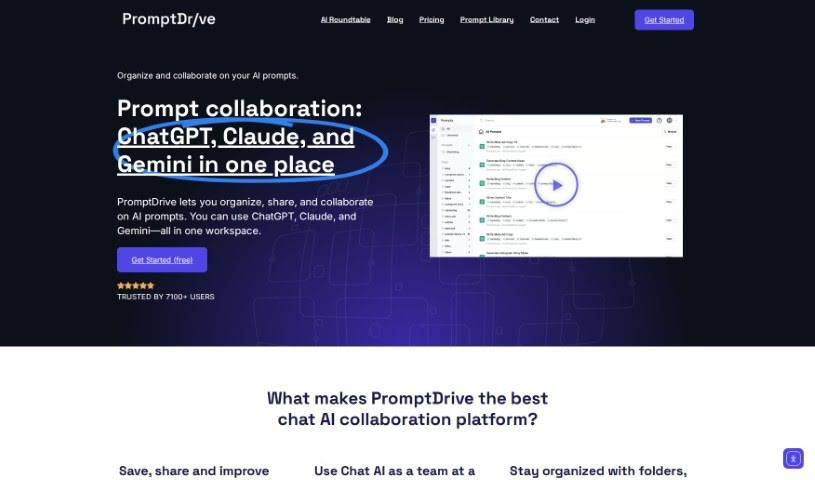
Screenshot of Promptdrive.ai

Promptdrive.ai

Freemium

PromptDrive.ai is an all-in-one collaboration platform that brings AI into teams' daily work. It acts as a central hub for prompts, chats, and team members, making collaboration and AI adoption simpler. Teams can work together on prompts by leaving feedback and comments, and can chat with ChatGPT without leaving PromptDrive thanks to its integration.

Project Management View Tool →
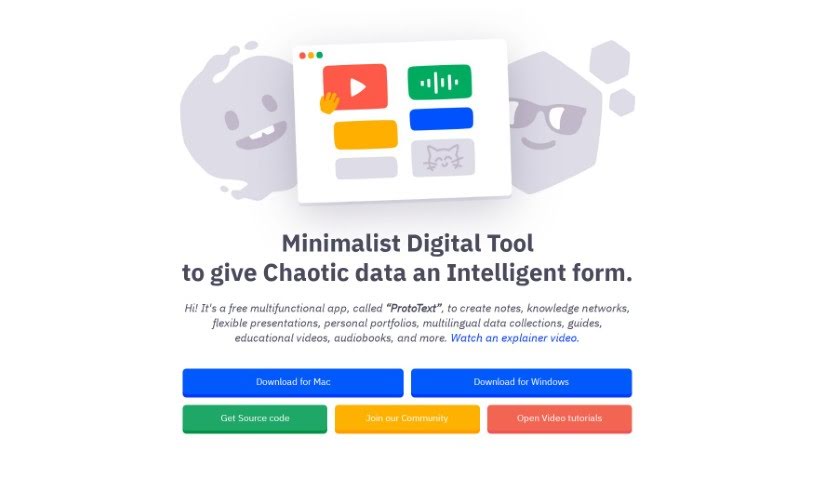
Screenshot of Prototext

Prototext

Freemium

Prototext is a free digital tool for organizing ideas and projects. It's designed to make content creation smoother and help teams work together. You can use it for jotting down notes, building knowledge networks, putting together presentations, creating portfolios, gathering data, or making educational materials. It's well suited to brainstorming, content management, and real-time collaboration, with an interface that's easy to pick up. The goal is to provide a productive, cost-effective space for all kinds of projects and tasks.

Project Management View Tool →
Screenshot of Qatalog

Qatalog

Freemium

Qatalog is a central hub for your company's work. It gives teams easy access to all company knowledge and systems, and automates repetitive tasks. The idea behind Qatalog is to create a workplace where teams can work in a state of flow, with productivity limited only by how fast they can think. The company is backed by notable figures including Taavet Hinrikus, Paul Forster, and Cal Henderson.

Project Management View Tool →
Screenshot of Qlerify

Qlerify

Freemium

Qlerify is an AI-powered tool for modeling business processes. It helps IT transformation teams define, design, and document business domains in a shared online workspace where everyone can co-edit, regardless of location.

Project Management View Tool →
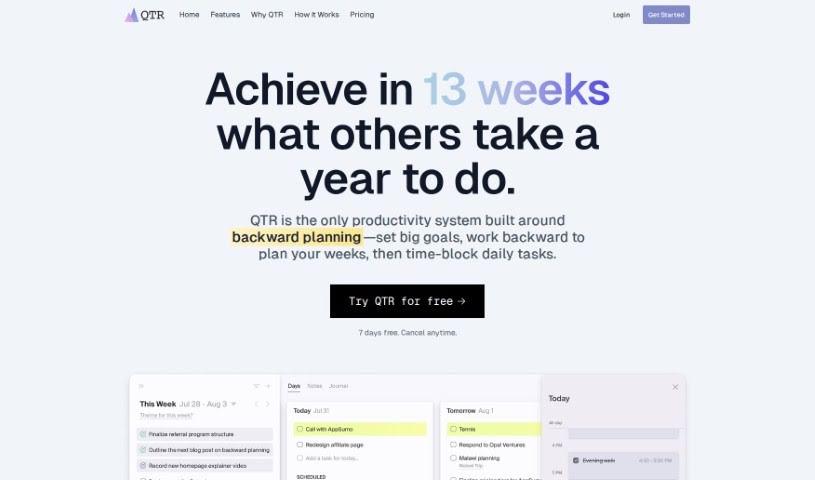
Screenshot of Qtr

Qtr

Freemium

Qtr is a quarterly planner designed to bridge the gap between big-picture, long-term goals and day-to-day tasks. You set clear goals for the quarter, then break them down into detailed daily plans. The tool organizes your work into weekly sprints, time-blocks tasks so you know exactly when you'll do them, provides journals for reflection, supports project planning, and tracks your progress — all in one productivity tool.

Project Management View Tool →
Screenshot of Questmate

Questmate

Freemium

Questmate is a platform for creating step-by-step guides, called "Quests," to get tasks done. A Quest can cover filling out forms, following checklists, managing workflows, or working through a recipe. You can complete a Quest yourself as many times as needed, or assign it to someone else to finish. To encourage completion, you can attach a cash reward — direct payouts, gift cards, or donation funds.

Project Management View Tool →
Screenshot of Recap

Recap

Freemium

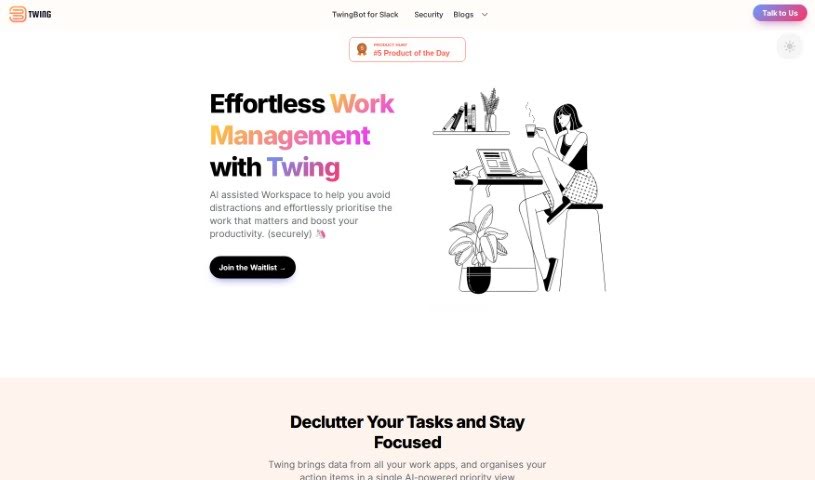
Recap is a task management tool designed to help you reclaim your time. It automatically identifies action items, sends Slack digests, and provides summaries on demand. You can add your own tasks by speaking naturally, delegate tasks to others, and keep everything organized in one place — including notes and reminders.

Project Management View Tool →
Screenshot of Reclaim AI

Reclaim AI

Freemium

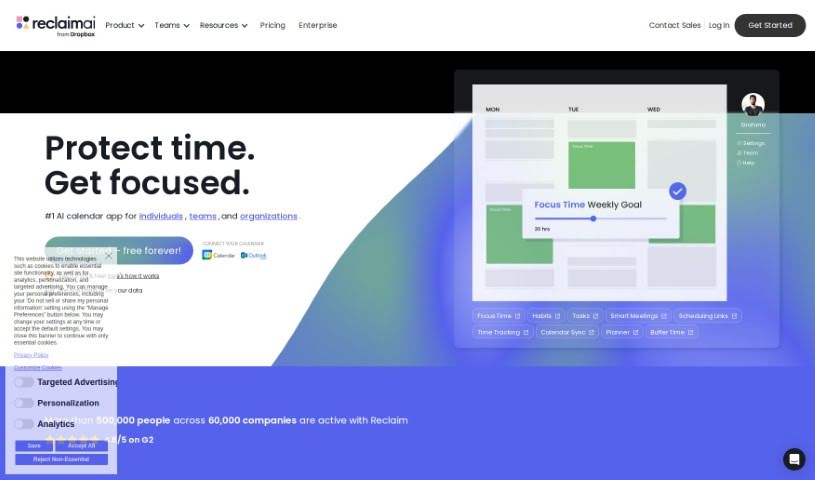
Reclaim AI is an AI-powered calendar assistant that schedules work automatically. It plans tasks, habits, meetings, and breaks, integrating with Google Calendar and adjusting time blocks throughout the week to support productivity and work-life balance.

Project Management View Tool →
Screenshot of Relay.app

Relay.app

Freemium

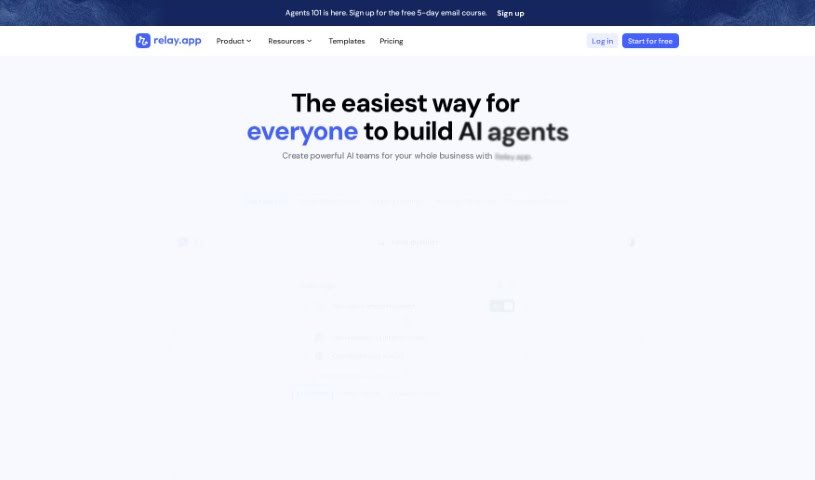
Relay.app is an automation tool built around a "Human-In-The-Loop" feature that lets teams embed manual steps directly into automated workflows. This adds human judgment and context where they matter most — particularly in outgoing communications — and sets it apart from many other automation tools.

Project Management View Tool →
Screenshot of Released

Released

Freemium

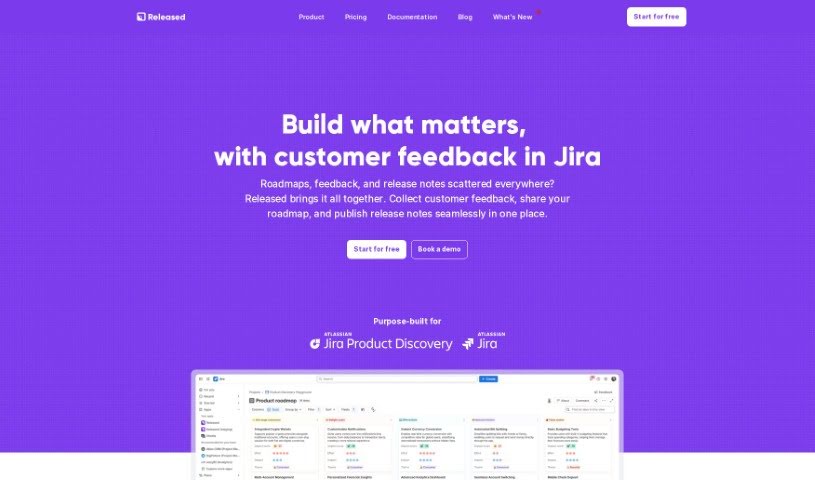
Released is a platform that simplifies product communication by turning Jira tickets into customizable release notes and roadmaps. It automates much of the creation process, supports images, lists, and code snippets, and connects directly with Jira so your workflow stays streamlined. It was built to simplify how product teams share updates with customers and stakeholders, with a focus on ease of use and tight integration with Atlassian's ecosystem.

Project Management View Tool →
Screenshot of Remysec

Remysec

Freemium

Remysec (also called Remy Security) is an AI-powered tool for security design reviews. It automates much of the review process, helping teams prioritize designs by risk and deliver thorough reviews with less effort. It acts as an assistant to security professionals rather than a replacement for their expertise.

Project Management View Tool →

About Project Management tools

Keeping a complex project moving when team deadlines shift and task dependencies get tangled is a constant juggling act. (I once spent two full hours updating Gantt chart dependencies after a developer went on sick leave, only to realize I’d pushed three client deliverables into the wrong week.) Between tracking status updates, reallocating team workloads, summarizing status meetings, and hunting down missing deliverables, administrative upkeep drains your day. When managing the project board takes more time than guiding the actual work, staying on schedule gets tough.

These AI platforms act as high-speed operations assistants for project managers, Scrum masters, operations leads, and team coordinators. They handle routine status tracking, predict scheduling bottlenecks, and generate clear project reports in seconds so you can focus on leading your team.

Automating Updates, Timeline Risks, and Action Items

Automating routine status tracking and project updates keeps your team focused on real work. Sifting through dozens of Slack messages or checking individual board cards just to build a weekly progress update eats up valuable time. Smart project assistants read team activity across your workspace, pull out completed milestones, and draft concise status reports for stakeholders automatically.

Predicting timeline risks and balancing team workloads prevents burnout before deadlines hit. Trying to spot hidden scheduling overlaps or resource bottlenecks across multiple simultaneous projects can feel overwhelming. AI scheduling engines analyze task durations, evaluate historical team velocity, and flag potential delays early, giving you room to adjust assignments before a crunch happens.

Synthesizing meeting action items and updating task boards keeps everyone aligned after every call. Listening through recorded syncs or reading raw transcripts just to assign follow-up tasks manually takes unnecessary effort. Intelligent meeting tools pull out key decisions, create new task cards on your project board, and tag the right team members automatically, ensuring nothing falls through the cracks.

Key Capabilities to Look For:

  • Automated status report generation: Systems that scan workspace activity to draft progress updates and executive summaries.
  • Predictive timeline and risk analysis: Software that evaluates team capacity and task dependencies to flag potential project bottlenecks early.
  • Natural language task creation: Tools that let you create, assign, and schedule tasks by typing plain English commands or uploading call transcripts.
  • Workload and resource balancing: Features that track team bandwidth across projects to prevent over-allocation and burnout.
  • Cross-platform workspace integration: Connectors that sync tasks seamlessly across apps like Jira, Asana, Trello, Slack, and email.

Successful project management will always depend on personal leadership, clear communication, and keeping people motivated. Software can update a board, predict a delay, or draft a status summary, but guiding a team through unexpected changes requires human empathy and judgment.

Take a look through the tools below to find the right project management helper for your team.

The Best AI Project Management Tools

  1. Odoo: for making team collaboration on tasks easier.
  2. N8N: for automatically updating project tools.
  3. Servicenow: for smoother project tracking and reporting.
  4. Whimsical: for simplifying project planning tasks.
  5. Mermaid Chart: for creating visual project timelines.
  6. Pitch: for getting real-time team updates and tracking progress.
  7. Git Mind: for making project timelines and tasks run more smoothly.
  8. Motion: for better team task coordination.
  9. Mindmap: for visualizing project milestones and tasks.
  10. Contra: for managing projects and contracts without a hitch.
  11. Creately: for real-time project tracking and updates.
  12. Spike: for making team communication effortless.
  13. Sintra: for simplifying how team tasks are assigned.
  14. Reclaim AI: for fitting project tasks into your calendar.
  15. Lucid: for managing project timelines and workflows.
New tools, in your inbox.

Weekly picks of the best AI tools we've researched and added — no spam, unsubscribe anytime.

Join 25,000+ AI enthusiasts. No spam, unsubscribe anytime.