Top AI Productivity Tools

AI Tools for Productivity

Discover the best Productivity AI tools to enhance your productivity and creativity.

Page 95 of 108 • 1290 total tools
Screenshot of Tenorshare

Tenorshare

Freemium

Tenorshare is a software company known for its iOS repair and data recovery tools. Its products, such as Tenorshare ReiBoot, help iPhone users fix system issues and recover lost files. The company has received industry recognition, including a mention from Macworld, and its software has been downloaded by millions of users worldwide. Purchases are covered by a money-back guarantee, and transactions are protected with 256-bit SSL encryption.

Productivity View Tool →
Screenshot of Tenorshare 4DDiG

Tenorshare 4DDiG

Freemium

Tenorshare 4DDiG is data recovery and repair software for Windows and Mac. It recovers lost files, removes duplicate files, and repairs damaged photos and videos. Its AI-powered photo tools process many images at once, reduce graininess, restore old photos, and fix corrupted or blocky-looking pictures. The interface is designed to work for both beginners and experienced users, and many users have successfully recovered photos, videos, and documents with it.

Productivity View Tool →
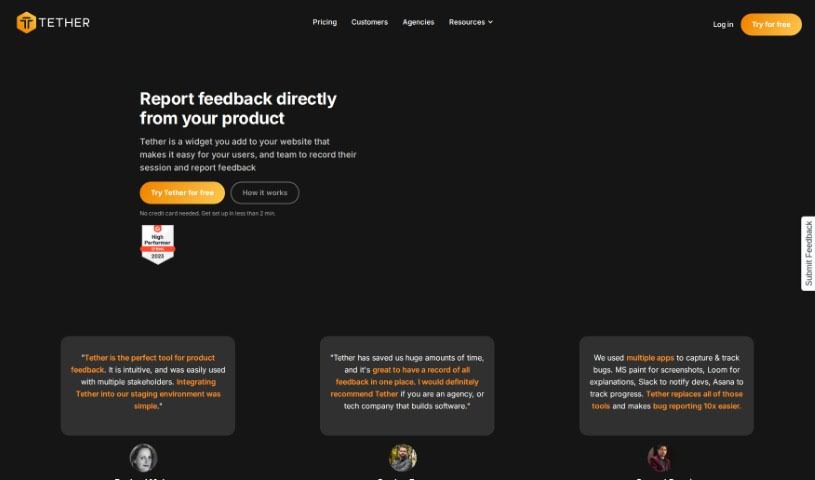
Screenshot of Tether

Tether

Freemium

Tether is a feedback management tool for collecting and organizing input from users and team members. Teams can report bugs, suggest new features, or request copy changes in one place, with notifications that keep everyone aligned. It is aimed at web agencies and SaaS companies of any size, and integrates with tools like GitHub, Jira, Linear, Slack, and Notion.

Productivity View Tool →
Screenshot of Text Blaze

Text Blaze

Freemium

Text Blaze is a Chrome extension that automates typing tasks with custom text shortcuts. You create "snippets" — shortcut phrases that expand into common phrases or longer blocks of text with a few keystrokes. Snippets sync across all your devices and platforms, and the extension works on virtually any website in Chrome, including Gmail, Google Docs, Office 365, and Salesforce.

Productivity View Tool →
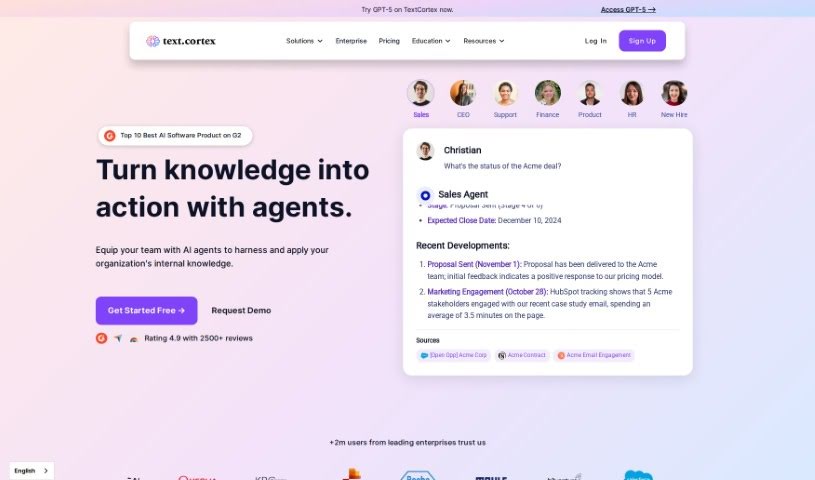
Screenshot of TextCortex

TextCortex

Freemium

TextCortex is an AI writing assistant designed to reduce writing time, help with large projects, and produce content without typos or grammatical errors. It offers a customizable, personalized AI experience with advanced writing and research capabilities, supporting content creation in over 25 languages. The AI learns your writing style and knowledge base so output feels consistent with your voice. A free plan includes 100 creations upfront plus 20 additional creations daily. As with any AI tool, a human should fact-check the final output.

Productivity View Tool →
Screenshot of Textomap

Textomap

Freemium

Textomap is a platform that turns any text containing locations into interactive maps in seconds. It requires no coding, spreadsheets, or complicated software — just type your text and Textomap generates the map. Plans include a Free option, a Pro plan with more features, and a Custom plan for businesses. It is also used in education, where students can explore geography, history, and science with interactive AI-powered tools. The team combines a love of coding and design with a passion for reading and travel, aiming to blend AI with human creativity to build tools that simplify life and boost productivity.

Productivity View Tool →
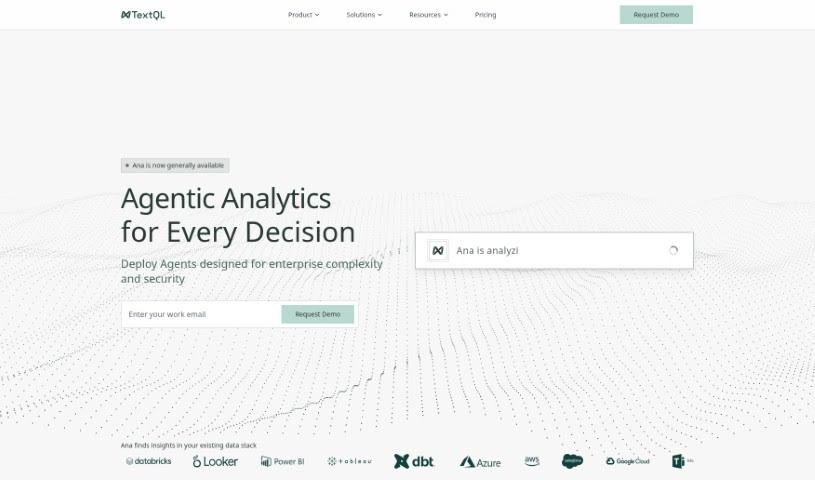
Screenshot of TextQL

TextQL

Freemium

TextQL is a virtual data analyst powered by AI. It lets you ask questions about your business data in plain English and delivers insights, charts, and analysis in response. It integrates with your existing data infrastructure and collaboration tools like Slack and Teams.

Productivity View Tool →
Screenshot of Texts

Texts

Freemium

Texts is a subscription messaging platform that brings your conversations together in one inbox. It supports iMessage, WhatsApp, Telegram, Signal, MessengerX, Instagram, LinkedIn, Slack, and Discord DMs.

Productivity View Tool →
Screenshot of Texts From My Ex

Texts From My Ex

Freemium

Texts From My Ex analyzes past relationships through your text message history. It examines how you and your ex communicated, spotting patterns and details you may have missed. The goal is to help you learn from past exchanges, understand what happened, and find closure.

Productivity View Tool →
Screenshot of Thatch

Thatch

Freemium

Thatch is an AI-powered virtual mailbox service that helps individuals and businesses manage their postal mail online. It opens, scans, and summarizes incoming mail using ChatGPT technology, so you can handle correspondence without being tied to a physical mailbox. The service is built for team collaboration and remote work, notifying you of important mail and forwarding it anywhere in the world. A free trial is available.

Productivity View Tool →
Screenshot of The Agile You

The Agile You

Freemium

'The Agile You' is a collection of AI-powered templates for Notion, built around Notion's Second Brain AI. It helps you capture, organize, and manage tasks, notes, projects, and resources in one place. The templates follow Tiago Forte's P.A.R.A organization method, with AI capabilities added on top: breaking large projects into smaller steps, distilling notes into concise summaries and actionable insights, and keeping everything structured in Notion as a central hub for your work and life.

Productivity View Tool →
Screenshot of The Listly

The Listly

Freemium

The Listly is a platform for creating, gathering, and sharing lists about any topic — articles, videos, products, and more. Lists can be shared with friends or a wider audience, and users can collaborate on existing lists or start new ones. The interface is designed to make organizing and browsing content simple.

Productivity View Tool →

About Productivity tools

Having a task list that seems to grow longer by the hour is a fast track to burnout. Between managing clogged email inboxes, jumping across context-heavy browser tabs, updating project boards, and tracking down files, everyday administrative work drains momentum. When managing your workflow takes more energy than doing your actual job, staying focused gets tough.

These workflow platforms act as high-speed productivity partners for task management, scheduling, and daily automation. They won’t replace your personal discipline or strategic priorities, but they handle routine administrative tasks so you can protect your focus time.

Organizing daily tasks and scheduling focus blocks takes far less manual effort. Manually moving deadlines around when a project slips or trying to carve out focus time between back-to-back meetings usually leaves you with a chaotic calendar. Smart scheduling assistants evaluate your working habits, auto-prioritize tasks, and block out dedicated focus time on your calendar before your day gets overrun.

Clearing out email backlogs and workspace communications becomes much faster, too. Sifting through dozens of unread messages just to pull out two urgent client requests wastes valuable time. Intelligent inbox tools summarize long email threads, draft contextual replies, and sort low-priority newsletters away from critical messages—helping you reach inbox zero without reading every word.

Synthesizing notes and cross-platform information creates a central memory hub. Losing track of an important project link or a quick thought saved in a random document stalls your momentum when you need it most. AI productivity assistants search across your workspace apps, notes, and bookmarked links, letting you ask plain-English questions to pull up specific files, meeting notes, or ideas in seconds.

Key Capabilities to Consider:

  • Smart calendar and time blocking: Systems that auto-schedule tasks into your calendar around existing meetings and focus preferences.
  • Contextual email and message drafting: Tools that scan long communication threads to generate concise replies and action items.
  • Universal workspace search: Software that connects with your documents, notes, and cloud storage to retrieve files through simple prompts.
  • Task prioritization algorithms: Applications that rank daily action items by urgency, deadlines, and project dependencies.
  • Workflow automation builders: Connectors that trigger actions across different apps without requiring manual data entry.

Daily productivity will always depend on clear personal priorities and healthy work habits. Software can organize a calendar, draft an email reply, and index your notes, but choosing what truly deserves your time requires human judgment.

Explore the productivity tools below to take control of your workday.

The Best AI Productivity Tools

  1. Perplexity: for automating tasks and helping with management.
  2. Small PDF.com: for smoother document management for teams.
  3. Gamma: for document creation tools that save time.
  4. Odoo: for a task management and collaboration app.
  5. Zoom: for analyzing and summarizing meeting content.
  6. N8N: for smoother team onboarding processes.
  7. Prezi: for engaging team collaboration sessions.
  8. Tableau: for creating reports and dashboards more easily.
  9. Data Camp: for efficient team collaboration workflows.
  10. Otter.ai: for getting action items from meetings without the fuss.
  11. Tenorshare: for easily summarizing long PDF documents.
  12. Slidesgo: for creating professional presentations efficiently.
  13. Facecheck Id: for streamlining identity verification tasks.
  14. HIX.AI: for boosting writing speed with smart tools.
  15. Tactiq: for automating meeting notes for teams.

New tools, in your inbox.

Weekly picks of the best AI tools we've researched and added — no spam, unsubscribe anytime.

Join 25,000+ AI enthusiasts. No spam, unsubscribe anytime.