Top AI Productivity Tools

AI Tools for Productivity

Discover the best Productivity AI tools to enhance your productivity and creativity.

Page 92 of 108 • 1290 total tools
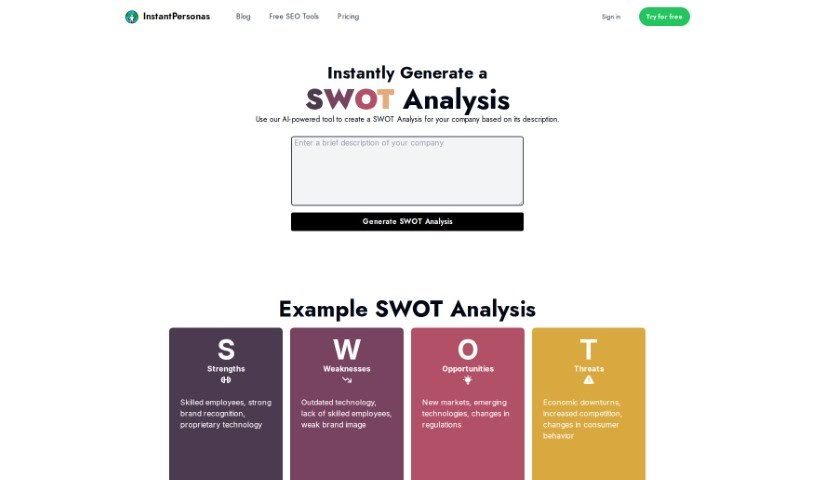
Screenshot of Swot Analysis

Swot Analysis

Freemium

A SWOT analysis is a strategic planning tool that examines the Strengths, Weaknesses, Opportunities, and Threats related to your organization or a specific project. Internal factors — such as a skilled team or strong brand recognition (strengths) — and external factors — such as new markets or increased competition (opportunities and threats) — are mapped together. The goal is to build on what works, address what doesn't, pursue new chances, and guard against potential problems, leading to better decisions and clearer strategy.

Productivity View Tool →
Screenshot of Symanto

Symanto

Freemium

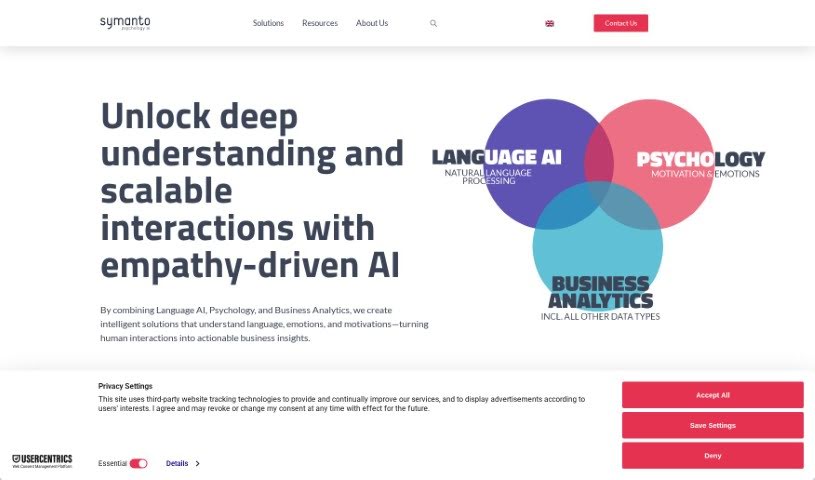
Symanto is a platform that combines artificial intelligence with psychology to give businesses real-time insights into customer behavior. It analyzes customer activity data to uncover consumer motivations, frustrations, and emotional responses, helping businesses make informed decisions, tailor products and services, and improve customer satisfaction and returns on investment. Insights are delivered as they happen, so businesses can react quickly and adjust their strategies. Symanto is GDPR-compliant and uses cookies for functions like visitor tracking, relevant ad delivery, and website optimization.

Productivity View Tool →
Screenshot of Symbiotai

Symbiotai

Freemium

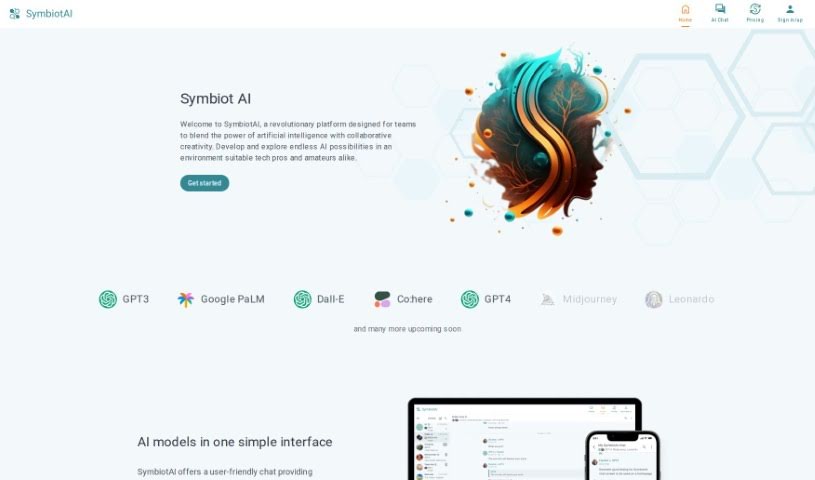
Symbiot AI is a platform that provides a chat interface for accessing and interacting with a variety of AI models in real time. Rather than hunting for models across the internet or registering on multiple websites, you connect with advanced AI models through a single tool.

Productivity View Tool →
Screenshot of Symbl.ai

Symbl.ai

Freemium

Symbl.ai is a platform that analyzes communication data — audio, text, and video — and turns unstructured conversations into useful knowledge, key events, and insights. It works with both spoken and written content, extracting actionable information that helps businesses uncover hidden patterns, track sentiment over time, and better understand their customers.

Productivity View Tool →
Screenshot of Synced

Synced

Freemium

Synced turns your Notion content into a fully functional Help Center for your website. It builds both a Help Center site and an in-app widget from your Notion pages, providing contextual help within your app and natural language search so users can find answers quickly. The interface is clean, optimized for search engines, loads quickly, and supports flexible hosting options. You can customize the look and feel to match your brand.

Productivity View Tool →
Screenshot of Synthace

Synthace

Freemium

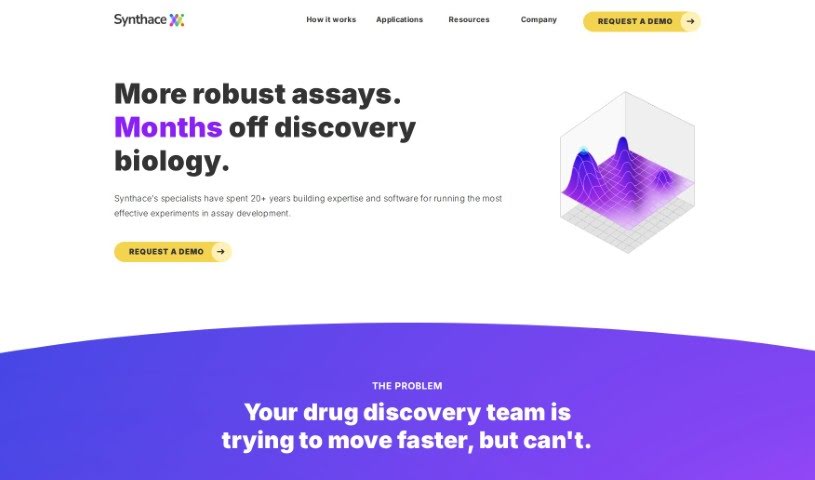
Synthace is a Life Science Experiment Platform built to help R&D teams design, run, and analyze experiments more efficiently. Users can create complex experiments without coding, automate lab equipment for high-throughput work, and ensure reproducible results. The platform also automatically generates structured datasets, making advanced data analysis easier.

Productivity View Tool →
Screenshot of Syntheticaidata

Syntheticaidata

Freemium

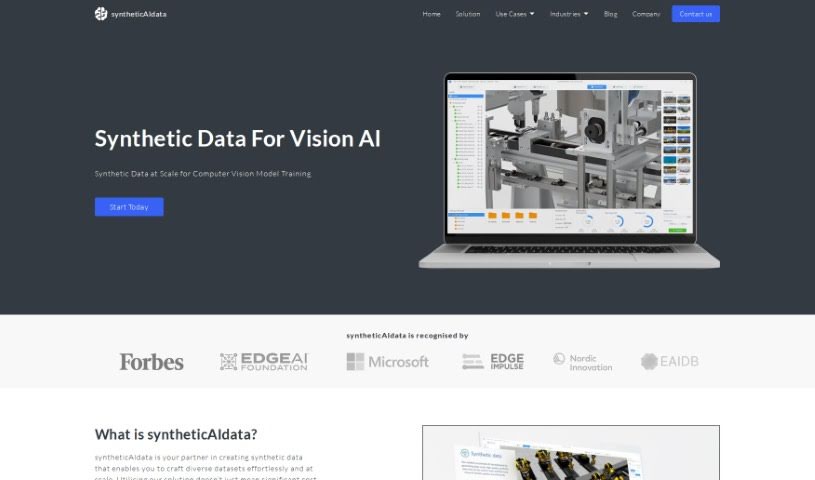
SyntheticAIdata is a service for creating synthetic data specifically for vision AI applications. It generates diverse datasets in large quantities, which helps reduce costs, maintain compliance with privacy regulations, and speed up AI product development and time to market.

Productivity View Tool →
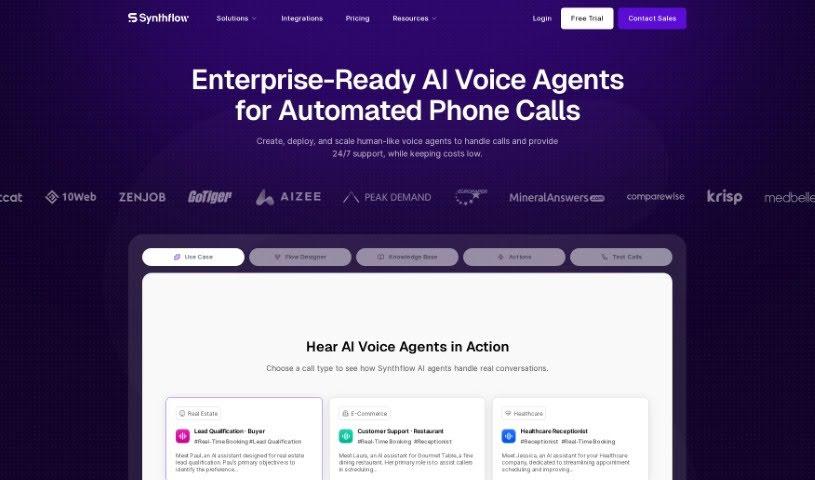
Screenshot of Synthflow AI

Synthflow AI

Freemium

Synthflow AI is a no-code platform for building AI agents, designed for people who have ideas and data but lack machine learning expertise. It lets you create AI voice assistants for sales tasks and an AI text assistant for conversations — no programming skills required.

Productivity View Tool →
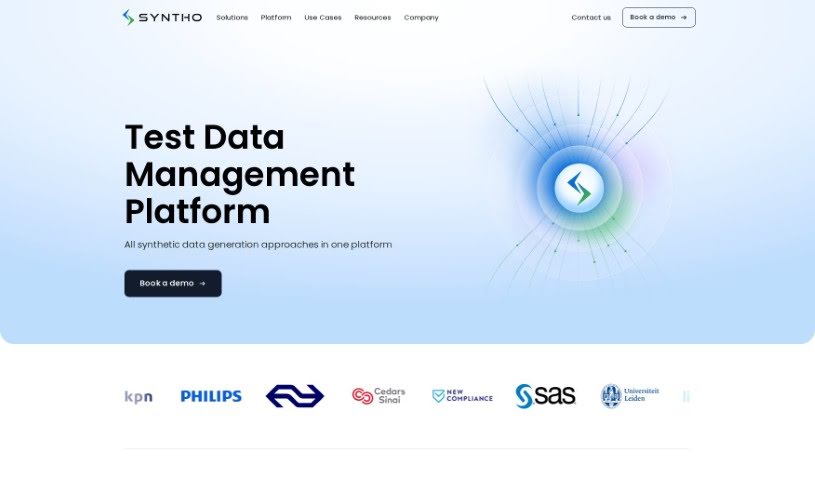
Screenshot of Syntho

Syntho

Freemium

Syntho is a self-service platform that uses artificial intelligence to generate high-quality synthetic data — data that looks and behaves like your real data but contains no sensitive personal information (PII), protecting privacy while keeping the data useful.

Productivity View Tool →
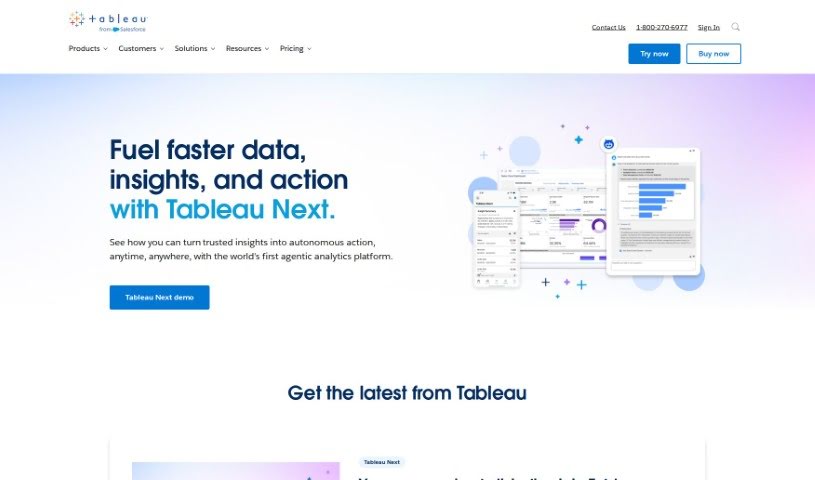
Screenshot of Tableau

Tableau

Freemium

Tableau is a business intelligence and analytics platform that helps organizations visualize, understand, and act on their data. It connects to virtually any database, offers a drag-and-drop interface for building visualizations without code, and supports flexible deployment in the cloud, on-premises, or in a native setup. AI features such as Tableau Pulse and Einstein Copilot bring intelligent analytics at scale, and a large community provides support and resources.

Productivity View Tool →
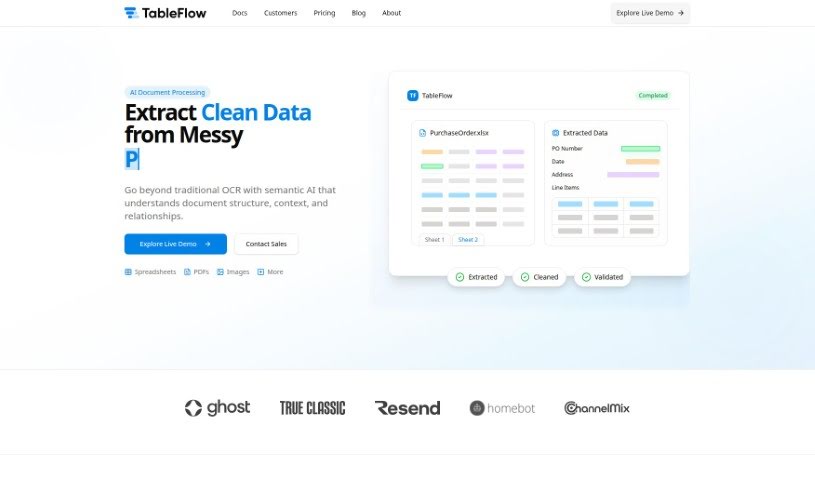
Screenshot of TableFlow

TableFlow

Freemium

TableFlow is a tool for bringing data together, transforming it, and visualizing it. Its interface lets you work with data without needing technical expertise, and it provides functions to clean, reshape, and visualize data. You can automate repetitive tasks, collaborate with your team in real time, and build interactive visuals that support decision-making. TableFlow is aimed at individuals and businesses that want to improve their data processing and analysis.

Productivity View Tool →
Screenshot of Tabletalk

Tabletalk

Freemium

TableTalk is an AI tool built to make communication and teamwork smoother for companies. It acts as an all-in-one hub for staying connected, offering virtual meetings with video conferencing, plus screen and file sharing. It also automatically transcribes meetings, turning spoken words into text. On top of that, it has a task management system — you can create tasks, assign them, and track progress. An AI assistant can answer questions and help draft meeting agendas. Security is a priority too, with end-to-end encryption and secure storage for everything you share.

Productivity View Tool →

About Productivity tools

Having a task list that seems to grow longer by the hour is a fast track to burnout. Between managing clogged email inboxes, jumping across context-heavy browser tabs, updating project boards, and tracking down files, everyday administrative work drains momentum. When managing your workflow takes more energy than doing your actual job, staying focused gets tough.

These workflow platforms act as high-speed productivity partners for task management, scheduling, and daily automation. They won’t replace your personal discipline or strategic priorities, but they handle routine administrative tasks so you can protect your focus time.

Organizing daily tasks and scheduling focus blocks takes far less manual effort. Manually moving deadlines around when a project slips or trying to carve out focus time between back-to-back meetings usually leaves you with a chaotic calendar. Smart scheduling assistants evaluate your working habits, auto-prioritize tasks, and block out dedicated focus time on your calendar before your day gets overrun.

Clearing out email backlogs and workspace communications becomes much faster, too. Sifting through dozens of unread messages just to pull out two urgent client requests wastes valuable time. Intelligent inbox tools summarize long email threads, draft contextual replies, and sort low-priority newsletters away from critical messages—helping you reach inbox zero without reading every word.

Synthesizing notes and cross-platform information creates a central memory hub. Losing track of an important project link or a quick thought saved in a random document stalls your momentum when you need it most. AI productivity assistants search across your workspace apps, notes, and bookmarked links, letting you ask plain-English questions to pull up specific files, meeting notes, or ideas in seconds.

Key Capabilities to Consider:

  • Smart calendar and time blocking: Systems that auto-schedule tasks into your calendar around existing meetings and focus preferences.
  • Contextual email and message drafting: Tools that scan long communication threads to generate concise replies and action items.
  • Universal workspace search: Software that connects with your documents, notes, and cloud storage to retrieve files through simple prompts.
  • Task prioritization algorithms: Applications that rank daily action items by urgency, deadlines, and project dependencies.
  • Workflow automation builders: Connectors that trigger actions across different apps without requiring manual data entry.

Daily productivity will always depend on clear personal priorities and healthy work habits. Software can organize a calendar, draft an email reply, and index your notes, but choosing what truly deserves your time requires human judgment.

Explore the productivity tools below to take control of your workday.

The Best AI Productivity Tools

  1. Perplexity: for automating tasks and helping with management.
  2. Small PDF.com: for smoother document management for teams.
  3. Gamma: for document creation tools that save time.
  4. Odoo: for a task management and collaboration app.
  5. Zoom: for analyzing and summarizing meeting content.
  6. N8N: for smoother team onboarding processes.
  7. Prezi: for engaging team collaboration sessions.
  8. Tableau: for creating reports and dashboards more easily.
  9. Data Camp: for efficient team collaboration workflows.
  10. Otter.ai: for getting action items from meetings without the fuss.
  11. Tenorshare: for easily summarizing long PDF documents.
  12. Slidesgo: for creating professional presentations efficiently.
  13. Facecheck Id: for streamlining identity verification tasks.
  14. HIX.AI: for boosting writing speed with smart tools.
  15. Tactiq: for automating meeting notes for teams.
New tools, in your inbox.

Weekly picks of the best AI tools we've researched and added — no spam, unsubscribe anytime.

Join 25,000+ AI enthusiasts. No spam, unsubscribe anytime.