Top AI Productivity Tools

AI Tools for Productivity

Discover the best Productivity AI tools to enhance your productivity and creativity.

Page 66 of 108 • 1290 total tools
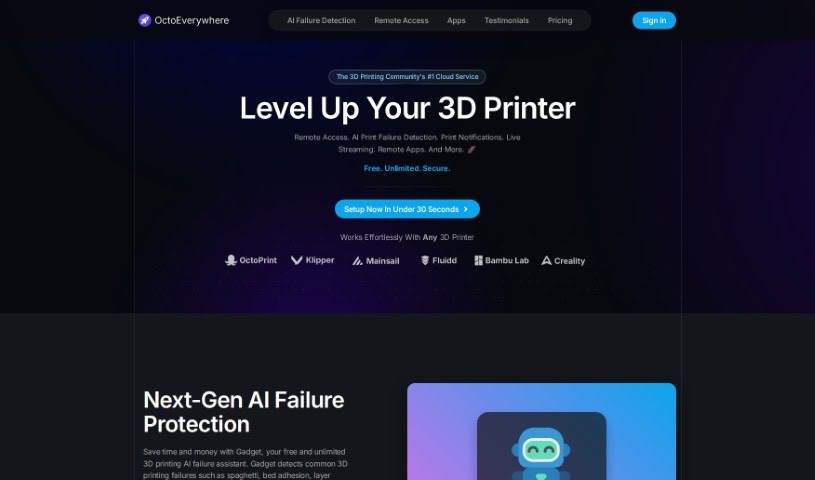
Screenshot of OctoEverywhere

OctoEverywhere

Freemium

OctoEverywhere is a service that provides remote access to OctoPrint and Klipper 3D printers. It acts as a hub for managing prints from afar, offering remote access, AI-powered print failure detection, instant notifications, and live streaming of print jobs. It provides unlimited remote access with fast loading speeds and a straightforward setup. Security is a focus: the service uses bank-level encryption, never sells or misuses your data, and your OctoPrint instance is not exposed to the public internet — access is secured end-to-end. The AI print failure detection can catch issues before they ruin a print, notifications arrive through multiple channels, and full frame rate links let you see exactly what's happening. The project aims to make advanced tools accessible to makers and is backed by a supportive community.

Productivity View Tool →
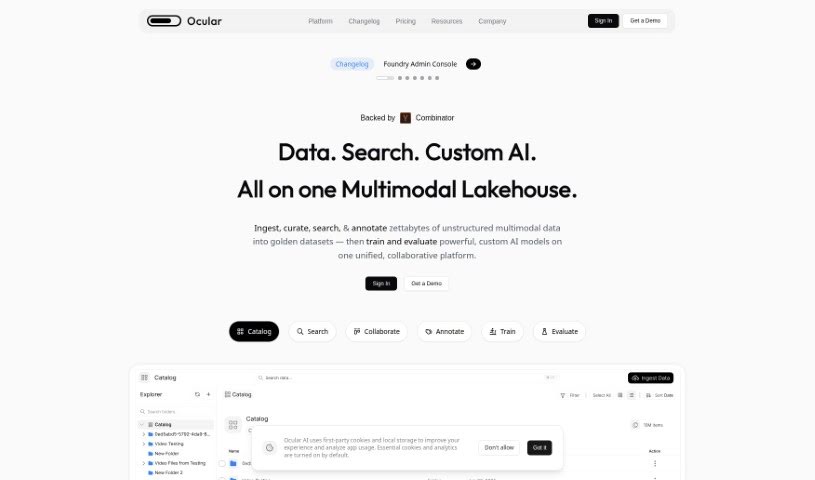
Screenshot of Ocular Ai

Ocular Ai

Freemium

Ocular AI is an AI-powered search and data platform built for work and engineering teams. It unifies search across a company's applications, tools, and data sources, and layers on data visibility and actionable insights. Developed by engineers in Silicon Valley, it emphasizes strong search functionality, efficient data retrieval, cross-referencing between data points, and clear data visualization. Users can act directly on the insights they get, which helps streamline workflows and support better decisions.

Productivity View Tool →
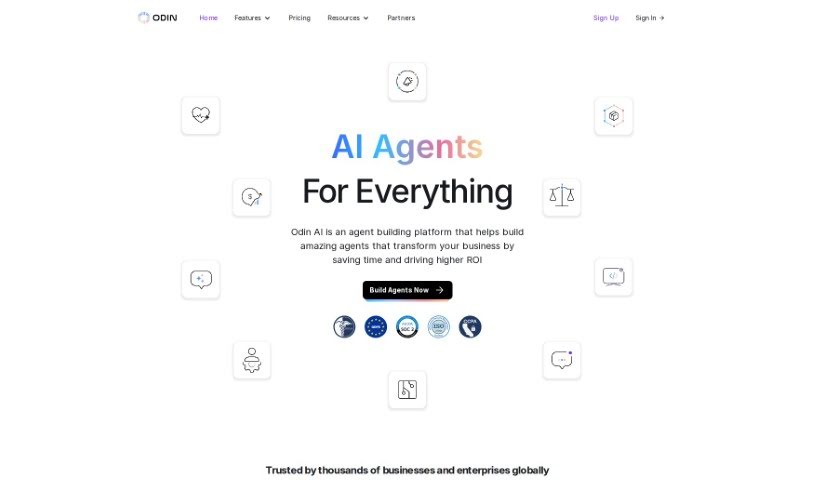
Screenshot of Odin AI

Odin AI

Freemium

Odin AI is a platform designed to boost enterprise productivity. It uses Generative AI to simplify tasks, automate processes, support content creation, and improve decision-making. The platform includes several core components:

Productivity View Tool →
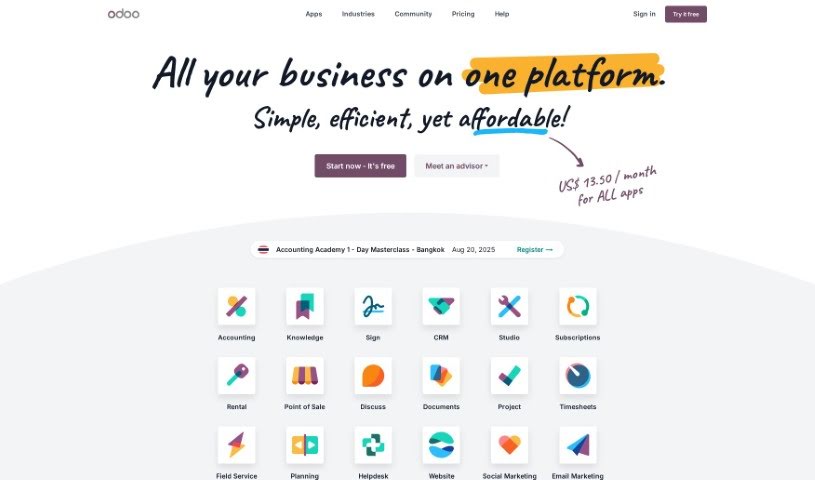
Screenshot of Odoo

Odoo

Freemium

Odoo is a comprehensive, open-source suite of business applications designed to handle a wide range of company needs: customer relationship management (CRM), eCommerce, accounting, inventory, point of sale, and project management.

Productivity View Tool →
Screenshot of Ogimi

Ogimi

Freemium

Ogimi is a tool listed on AIToolCache under the Productivity, Data Analytics, and Automation categories. Its official website is [ogimi.ai](https://ogimi.ai/).

Productivity View Tool →
Screenshot of Olle

Olle

Freemium

Olle is a desktop toolbar app that puts AI-powered features a click away, letting you work across websites and apps without interruption. It acts as an AI assistant that can write emails, answer questions, and generate responses. An offline prompt library lets you securely save your favorite prompts locally, and you can customize how it responds to match your personal style. Privacy is a core focus: all conversations and data stay on your device.

Productivity View Tool →
Screenshot of Olly

Olly

Freemium

Olly is a personal AI assistant that works across Apple devices, including iPhone, MacBook, Apple Watch, and CarPlay. It runs inside iMessage and connects to web-based tools, letting you get web-powered answers, generate images, and hold chat conversations that can include documents. It handles voice messages and images you send it, sends text reminders to help you stay organized, and can read PDFs and articles to summarize the main points. Olly also learns from how you use it, tailoring its features over time — with no downloads required and no personal information collected.

Productivity View Tool →
Screenshot of Omnipilot

Omnipilot

Freemium

Omnipilot is an AI copilot built for Mac users. It integrates into macOS and provides intelligent autocompletion and automation across the apps where you type. It can help you draft emails, run commands in the terminal, and reduce repetitive actions. The tool is designed to understand what's on your screen, so its assistance is based on your current context.

Productivity View Tool →
Screenshot of Omniscience

Omniscience

Freemium

Omniscience gives you instant access to relevant information from a wide range of sources. It pulls up content from your documents, websites, and team knowledge, helping you avoid repeating work and making it easier to share what you know with your team.

Productivity View Tool →
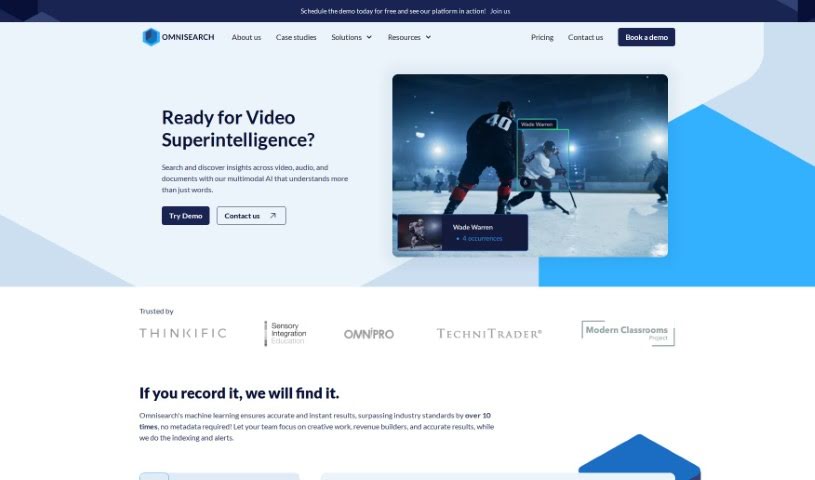
Screenshot of Omnisearch

Omnisearch

Freemium

Omnisearch is a search tool that works across 27 languages. It automatically extracts and organizes information from audio, video, documents, and images — no manual metadata required — and uses machine learning to deliver fast, accurate results. It supports both internal search and website search, and integrates into websites with a straightforward setup.

Productivity View Tool →
Screenshot of One Connect Solution

One Connect Solution

Freemium

One Connect Solution is a data analytics platform developed by One Connect Solutions. It aims to improve the workplace experience using machine learning and customized setups. Key features include automated machine learning, no-code/low-code options for transforming data, and connections to a variety of data sources. The platform is designed to improve efficiency, increase productivity, maintain profit margins, and enhance products, processes, and decision-making across an organization.

Productivity View Tool →
Screenshot of OneAI

OneAI

Freemium

OneAI is a platform that delivers generative AI capabilities as a service, enabling businesses to deploy custom AI solutions. It supports multiple languages for text, audio, and video inputs. The platform emphasizes transparency, trust, and risk management. OneAI provides structured, machine-readable output with skills that can be stacked and combined for integration into products.

Productivity View Tool →

About Productivity tools

Having a task list that seems to grow longer by the hour is a fast track to burnout. Between managing clogged email inboxes, jumping across context-heavy browser tabs, updating project boards, and tracking down files, everyday administrative work drains momentum. When managing your workflow takes more energy than doing your actual job, staying focused gets tough.

These workflow platforms act as high-speed productivity partners for task management, scheduling, and daily automation. They won’t replace your personal discipline or strategic priorities, but they handle routine administrative tasks so you can protect your focus time.

Organizing daily tasks and scheduling focus blocks takes far less manual effort. Manually moving deadlines around when a project slips or trying to carve out focus time between back-to-back meetings usually leaves you with a chaotic calendar. Smart scheduling assistants evaluate your working habits, auto-prioritize tasks, and block out dedicated focus time on your calendar before your day gets overrun.

Clearing out email backlogs and workspace communications becomes much faster, too. Sifting through dozens of unread messages just to pull out two urgent client requests wastes valuable time. Intelligent inbox tools summarize long email threads, draft contextual replies, and sort low-priority newsletters away from critical messages—helping you reach inbox zero without reading every word.

Synthesizing notes and cross-platform information creates a central memory hub. Losing track of an important project link or a quick thought saved in a random document stalls your momentum when you need it most. AI productivity assistants search across your workspace apps, notes, and bookmarked links, letting you ask plain-English questions to pull up specific files, meeting notes, or ideas in seconds.

Key Capabilities to Consider:

  • Smart calendar and time blocking: Systems that auto-schedule tasks into your calendar around existing meetings and focus preferences.
  • Contextual email and message drafting: Tools that scan long communication threads to generate concise replies and action items.
  • Universal workspace search: Software that connects with your documents, notes, and cloud storage to retrieve files through simple prompts.
  • Task prioritization algorithms: Applications that rank daily action items by urgency, deadlines, and project dependencies.
  • Workflow automation builders: Connectors that trigger actions across different apps without requiring manual data entry.

Daily productivity will always depend on clear personal priorities and healthy work habits. Software can organize a calendar, draft an email reply, and index your notes, but choosing what truly deserves your time requires human judgment.

Explore the productivity tools below to take control of your workday.

The Best AI Productivity Tools

  1. Perplexity: for automating tasks and helping with management.
  2. Small PDF.com: for smoother document management for teams.
  3. Gamma: for document creation tools that save time.
  4. Odoo: for a task management and collaboration app.
  5. Zoom: for analyzing and summarizing meeting content.
  6. N8N: for smoother team onboarding processes.
  7. Prezi: for engaging team collaboration sessions.
  8. Tableau: for creating reports and dashboards more easily.
  9. Data Camp: for efficient team collaboration workflows.
  10. Otter.ai: for getting action items from meetings without the fuss.
  11. Tenorshare: for easily summarizing long PDF documents.
  12. Slidesgo: for creating professional presentations efficiently.
  13. Facecheck Id: for streamlining identity verification tasks.
  14. HIX.AI: for boosting writing speed with smart tools.
  15. Tactiq: for automating meeting notes for teams.
New tools, in your inbox.

Weekly picks of the best AI tools we've researched and added — no spam, unsubscribe anytime.

Join 25,000+ AI enthusiasts. No spam, unsubscribe anytime.