Top AI Productivity Tools

AI Tools for Productivity

Discover the best Productivity AI tools to enhance your productivity and creativity.

Page 61 of 108 • 1290 total tools
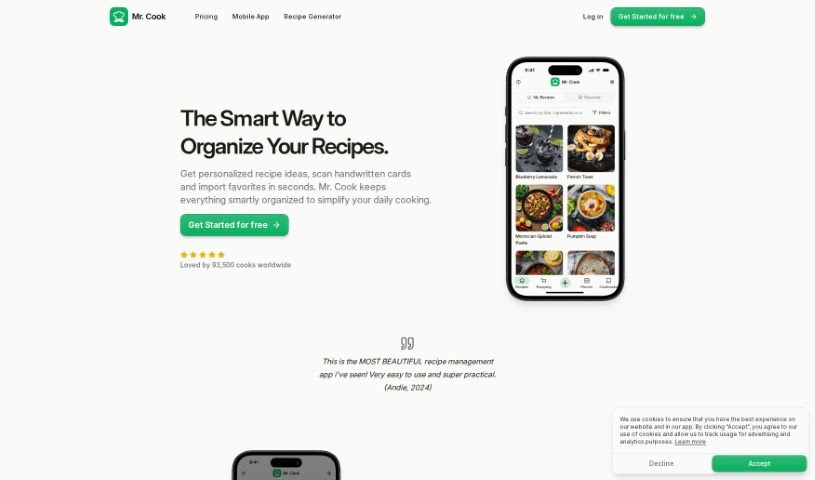
Screenshot of Mr. Cook

Mr. Cook

Freemium

Mr. Cook is a recipe management app that lets you save, share, and organize all your recipes in one place. You can create recipes based on your preferences or the ingredients you have on hand, turning leftovers into new meals. It can also scan recipes from handwritten notes, books, or magazines.

Productivity View Tool →
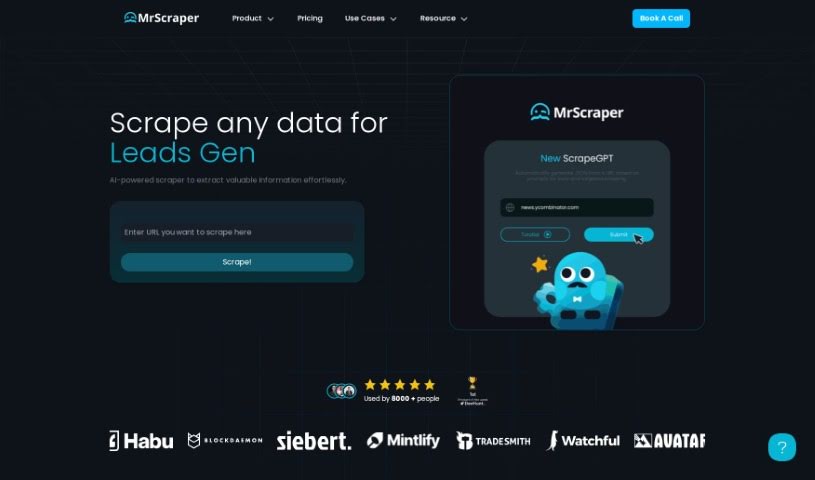
Screenshot of MrScraper

MrScraper

Freemium

MrScraper is a web scraping tool that extracts data from websites without requiring code selectors. It combines AI language models with traditional scraping techniques to handle large, complex web pages.

Productivity View Tool →
Screenshot of MultiOn AI

MultiOn AI

Freemium

MultiOn AI is a technology and design group that uses artificial intelligence to simplify digital life. Its AI agents act as assistants that handle tasks on the web for you, reducing time spent on repetitive or complicated online chores. The company also offers APIs for developers who want to build with its AI, and it worked on a mobile app designed to automate tasks in the background of your digital life.

Productivity View Tool →
Screenshot of MyFoodPlanet

MyFoodPlanet

Freemium

MyFoodPlanet is an AI-powered food assistant for meal planning and nutrition tracking. It suggests meals tailored to you, creates new recipes, helps you plan the week ahead, and builds your shopping list. You can track diet progress, set goals for weight loss or nutrient balance, and subscribe to plans that include the Orion AI concierge, which offers personalized advice on food and fitness. Meal prep, planning, shopping, and tracking all live in one place. A 14-day free trial is available, and no credit card is required to sign up.

Productivity View Tool →
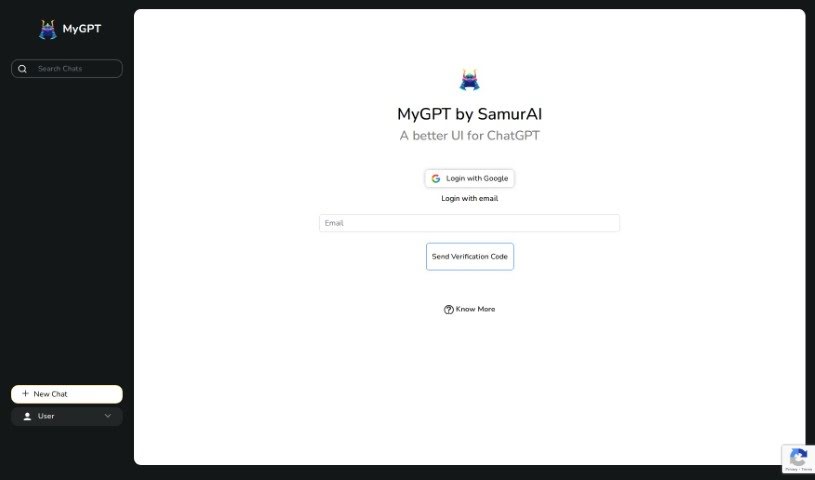
Screenshot of MyGPT

MyGPT

Freemium

MyGPT, created by Samurai, is an AI-powered productivity tool designed to streamline digital tasks and save time. It features an easy-to-use interface, advanced AI-driven capabilities, and customization options that let users tailor the tool to their specific needs. The goal is to improve workflows so users can focus on their most important work.

Productivity View Tool →
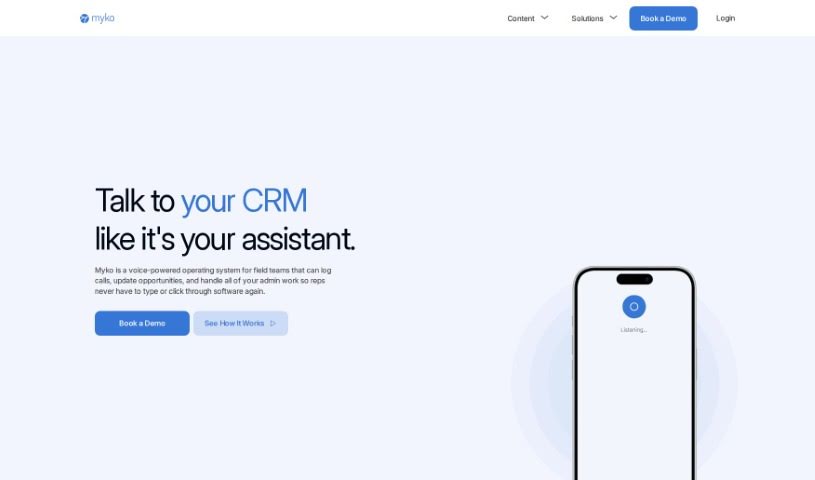
Screenshot of Myko AI

Myko AI

Freemium

Myko AI is an AI-powered platform that makes data access simpler for individuals and organizations. It helps you find, analyze, and use information to make better decisions. Data security is a priority: data is encrypted, and your information won't leak to public AI models. Myko AI also offers team collaboration within tools you already use, such as Slack — you can even update Salesforce data directly from Slack — and builds custom AI models trained on your company's data.

Productivity View Tool →
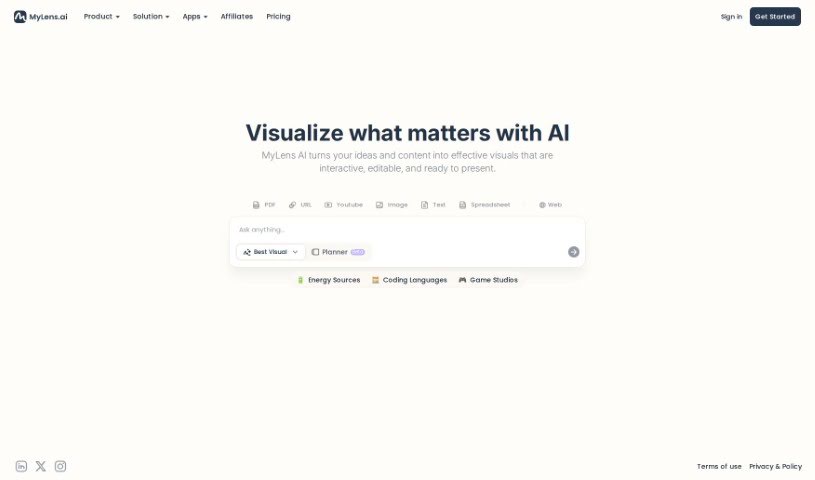
Screenshot of MyLens AI

MyLens AI

Freemium

MyLens AI is an AI data assistant, called Klarence, built by DataMotto. It simplifies complex data by suggesting useful questions to ask your data and automatically writing code for custom queries. Klarence supports Python, R, and SQL, and lets you share reports, connect different data sources, and focus your data for clearer insights.

Productivity View Tool →
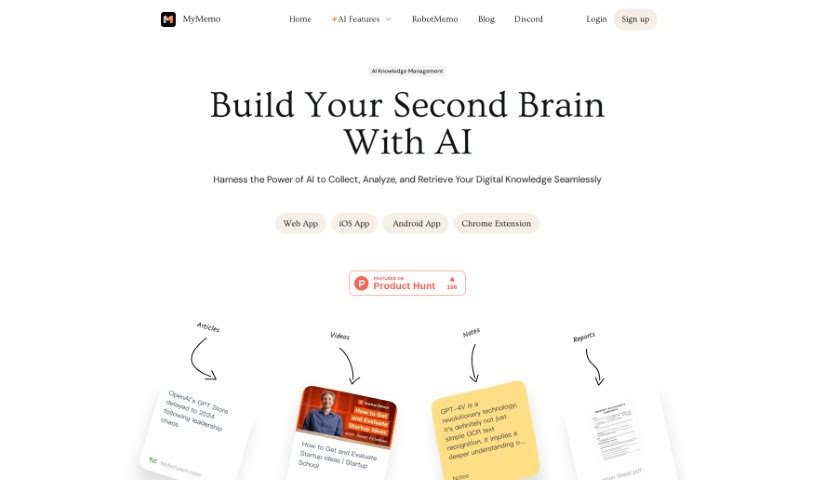
Screenshot of MyMemo AI

MyMemo AI

Freemium

MyMemo is a personal "Digital Brain" — a platform that uses artificial intelligence to organize and make sense of your digital content. You can save articles, links, screenshots, videos, and documents in one place, and the AI understands and answers questions about what you've saved. The goal is to make information easy to find again without adding to your workload, while supporting learning and idea generation through reflection on your saved knowledge.

Productivity View Tool →
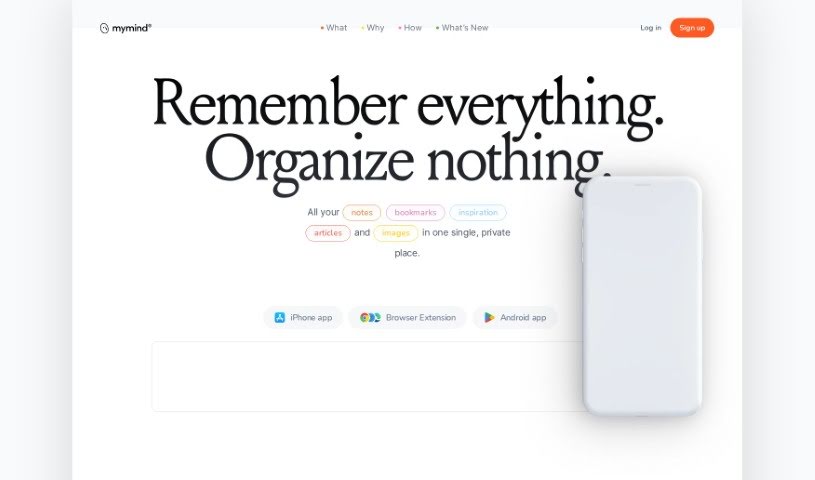
Screenshot of MyMind

MyMind

Freemium

MyMind is a private, secure digital extension for your brain — a place to save and organize notes, pictures, quotes, and highlighted text. It uses AI to help you capture thoughts, ideas, and anything that sparks inspiration, all in one spot.

Productivity View Tool →
Screenshot of Mynd

Mynd

Freemium

Mynd is an AI-powered journaling app built for self-care and personal growth. It analyzes your journal entries to surface patterns and insights you might otherwise miss, helping you track emotions and themes over time and gain a clearer understanding of yourself.

Productivity View Tool →
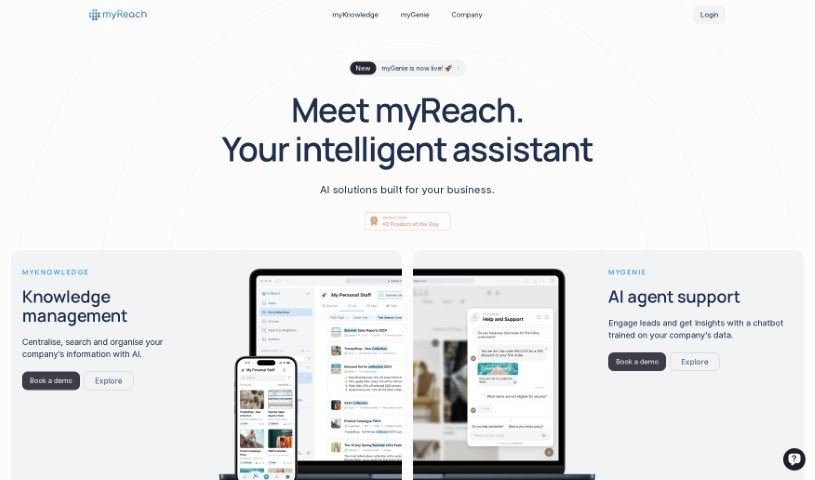
Screenshot of myReach

myReach

Freemium

myReach is a personal knowledge management tool that uses AI to help you store, organize, and find your information more easily. It works as a second brain: it learns and arranges everything you save, making it simple to access later. Data is kept safe with encryption and GDPR compliance. You can transcribe audio and video files, and use its AI assistant, Rich, for quick access to saved data and useful insights.

Productivity View Tool →
Screenshot of Mysports AI

Mysports AI

Freemium

Mysports AI is a sports prediction tool that uses machine learning to support betting decisions. It covers football, baseball, and basketball, publishing over 200 match predictions each week. The platform reports an accuracy rate of around 75%, with backtests indicating long-term profitability, and predictions are adjusted in real time so matches can be monitored as they happen.

Productivity View Tool →

About Productivity tools

Having a task list that seems to grow longer by the hour is a fast track to burnout. Between managing clogged email inboxes, jumping across context-heavy browser tabs, updating project boards, and tracking down files, everyday administrative work drains momentum. When managing your workflow takes more energy than doing your actual job, staying focused gets tough.

These workflow platforms act as high-speed productivity partners for task management, scheduling, and daily automation. They won’t replace your personal discipline or strategic priorities, but they handle routine administrative tasks so you can protect your focus time.

Organizing daily tasks and scheduling focus blocks takes far less manual effort. Manually moving deadlines around when a project slips or trying to carve out focus time between back-to-back meetings usually leaves you with a chaotic calendar. Smart scheduling assistants evaluate your working habits, auto-prioritize tasks, and block out dedicated focus time on your calendar before your day gets overrun.

Clearing out email backlogs and workspace communications becomes much faster, too. Sifting through dozens of unread messages just to pull out two urgent client requests wastes valuable time. Intelligent inbox tools summarize long email threads, draft contextual replies, and sort low-priority newsletters away from critical messages—helping you reach inbox zero without reading every word.

Synthesizing notes and cross-platform information creates a central memory hub. Losing track of an important project link or a quick thought saved in a random document stalls your momentum when you need it most. AI productivity assistants search across your workspace apps, notes, and bookmarked links, letting you ask plain-English questions to pull up specific files, meeting notes, or ideas in seconds.

Key Capabilities to Consider:

  • Smart calendar and time blocking: Systems that auto-schedule tasks into your calendar around existing meetings and focus preferences.
  • Contextual email and message drafting: Tools that scan long communication threads to generate concise replies and action items.
  • Universal workspace search: Software that connects with your documents, notes, and cloud storage to retrieve files through simple prompts.
  • Task prioritization algorithms: Applications that rank daily action items by urgency, deadlines, and project dependencies.
  • Workflow automation builders: Connectors that trigger actions across different apps without requiring manual data entry.

Daily productivity will always depend on clear personal priorities and healthy work habits. Software can organize a calendar, draft an email reply, and index your notes, but choosing what truly deserves your time requires human judgment.

Explore the productivity tools below to take control of your workday.

The Best AI Productivity Tools

  1. Perplexity: for automating tasks and helping with management.
  2. Small PDF.com: for smoother document management for teams.
  3. Gamma: for document creation tools that save time.
  4. Odoo: for a task management and collaboration app.
  5. Zoom: for analyzing and summarizing meeting content.
  6. N8N: for smoother team onboarding processes.
  7. Prezi: for engaging team collaboration sessions.
  8. Tableau: for creating reports and dashboards more easily.
  9. Data Camp: for efficient team collaboration workflows.
  10. Otter.ai: for getting action items from meetings without the fuss.
  11. Tenorshare: for easily summarizing long PDF documents.
  12. Slidesgo: for creating professional presentations efficiently.
  13. Facecheck Id: for streamlining identity verification tasks.
  14. HIX.AI: for boosting writing speed with smart tools.
  15. Tactiq: for automating meeting notes for teams.
New tools, in your inbox.

Weekly picks of the best AI tools we've researched and added — no spam, unsubscribe anytime.

Join 25,000+ AI enthusiasts. No spam, unsubscribe anytime.