Top AI Productivity Tools

AI Tools for Productivity

Discover the best Productivity AI tools to enhance your productivity and creativity.

Page 55 of 108 • 1290 total tools
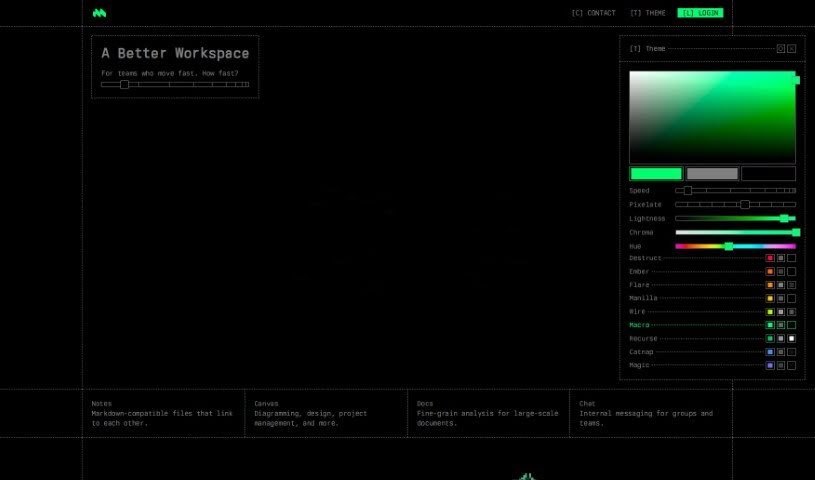
Screenshot of Macro.com

Macro.com

Freemium

Macro.com is an AI tool that automates and improves document editing. It reads complex data inside your documents, suggests improvements, and provides insights. Core features include data analysis, workflow automation, and an "Ask AI" function for getting answers directly from your documents. It supports a wide range of document types and works for both personal projects and business use. The tool is free to download, though the website does not clearly state details on premium features or pricing.

Productivity View Tool →
Screenshot of Magic Dash AI

Magic Dash AI

Freemium

Magic Dash AI is an analytics assistant that works like ChatGPT for your databases. You ask questions in plain English and get insights from your data without writing any code. It connects to databases like Airtable and MongoDB and visualizes your data quickly, saving the time and resources you'd otherwise spend writing queries. A 7-day free trial is available, and users often highlight how much it simplifies data visualization, especially for analyzing key performance indicators (KPIs).

Productivity View Tool →
Screenshot of Magic Slides

Magic Slides

Freemium

MagicSlides is an AI presentation tool that automatically creates slides from text you provide. It summarizes your content and turns it into slides, with options to customize the result by adding extra details or choosing from different templates. It is free to use and requires no technical skills.

Productivity View Tool →
Screenshot of Magicflow

Magicflow

Freemium

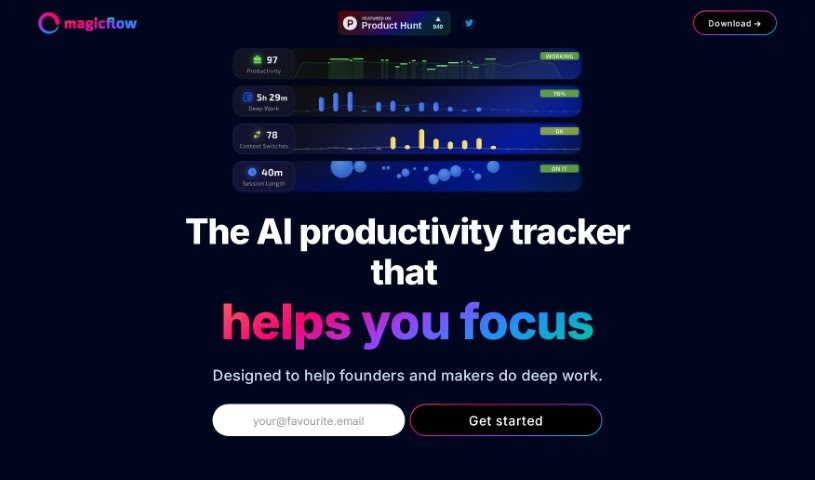
Magicflow is an AI-powered tool designed to help founders and makers focus and get into deep work. It goes beyond a simple time tracker: it provides practical insights, shows your productivity in real time, and offers tips on how to improve it. You can review how you work, identify what's distracting you, and adjust your schedule accordingly.

Productivity View Tool →
Screenshot of Magicformula

Magicformula

Freemium

MagicFormula is a Chrome extension that uses AI to turn plain text descriptions into formulas for Excel, Google Sheets, Airtable, and SQL. It integrates into your existing workflow, helping you create formulas without errors and speed up data tasks.

Productivity View Tool →
Screenshot of Magik Kraft

Magik Kraft

Freemium

MagikKraft is an AI-powered platform for personalizing how programmable devices—such as drones, smart appliances, and self-driving cars—perform sequences of actions. You create custom instructions called "interaction recipes," test them in a virtual environment, and then send them to your actual devices.

Productivity View Tool →
Screenshot of Magpai

Magpai

Freemium

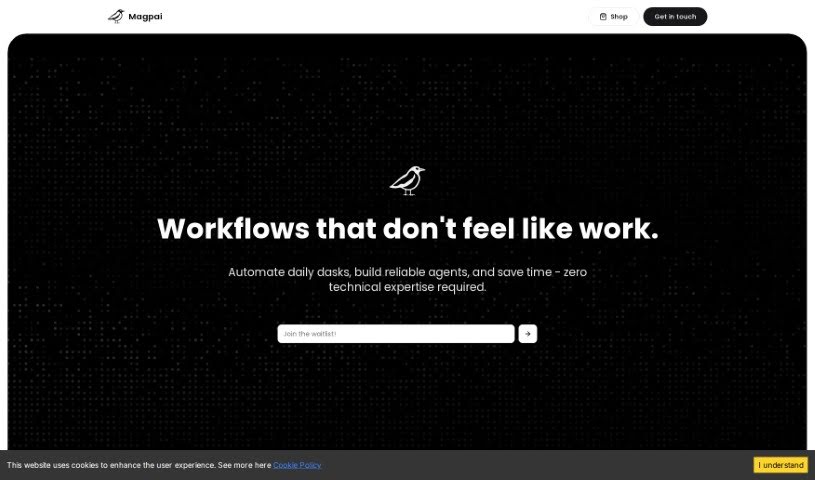
Magpai is a web-based tool for building AI workflows visually. It combines image and video editing tools with AI and machine learning, all running in the cloud. Features span presentation software, AI art generation, and graphic design in a single platform, and no technical expertise is required to create custom workflows. Workflows can be run online, on the go, or connected to other apps and platforms such as Canva, Figma, or GSuite. Magpai offers different subscription plans, each with its own features and credits for premium tools like Google Translate or AWS services. Its goal is to make content creation and automation simpler for individuals and businesses.

Productivity View Tool →
Screenshot of Maia

Maia

Freemium

Maia is an AI-powered relationship assistant designed to help couples build stronger bonds, communicate better, and seek guidance without awkwardness. It offers date ideas, advice drawn from relationship experts, and conversation prompts to help couples connect more deeply.

Productivity View Tool →
Screenshot of Maia Ai

Maia Ai

Freemium

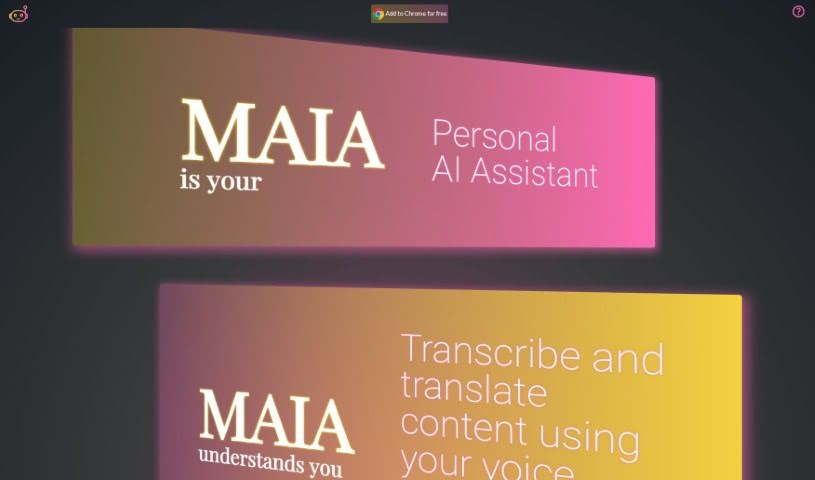
Maia Ai, short for My AI Assistant, is a Google Chrome extension designed to make AI technology easy to use and affordable. It lets you transcribe and translate content just by speaking, improving accessibility and communication. Its features include summarizing what you're reading, generating new text, explaining complex subjects, simplifying information, translating languages, and converting speech to text. Once installed, it works on any webpage, making it a versatile way to boost what you can do online.

Productivity View Tool →
Screenshot of Maintain-AI

Maintain-AI

Freemium

Maintain-AI is a software platform, developed by a company of the same name, that automates the inspection, analysis, and reporting of road infrastructure performance across a road network. It uses computer vision and machine learning models to gather condition data faster and at lower cost than manual surveys, giving decision-makers better information for maintenance planning.

Productivity View Tool →
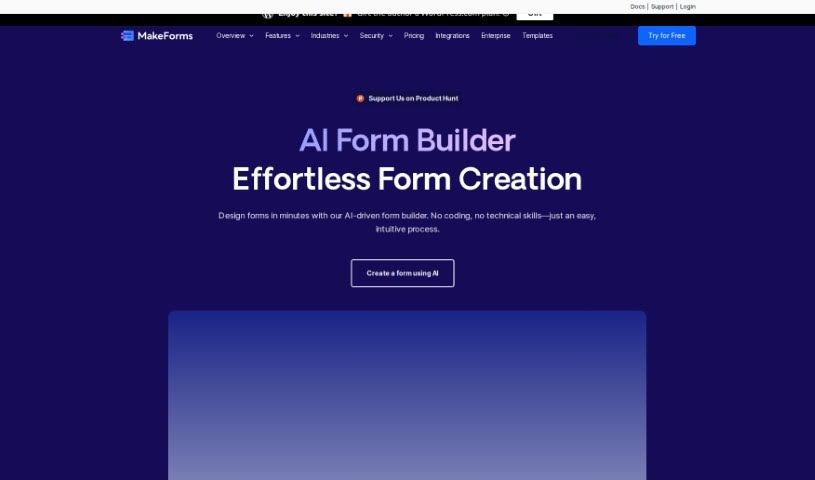
Screenshot of MakeForms AI Form Builder

MakeForms AI Form Builder

Freemium

MakeForms is a platform for building forms without code. Its notable features include no-code AMP forms that work directly in email, over 160 templates, 100+ design themes, advanced integrations, and reporting tools. Enterprise accounts include 128-bit data encryption, and respondents can fill out and submit forms without leaving their inbox.

Productivity View Tool →
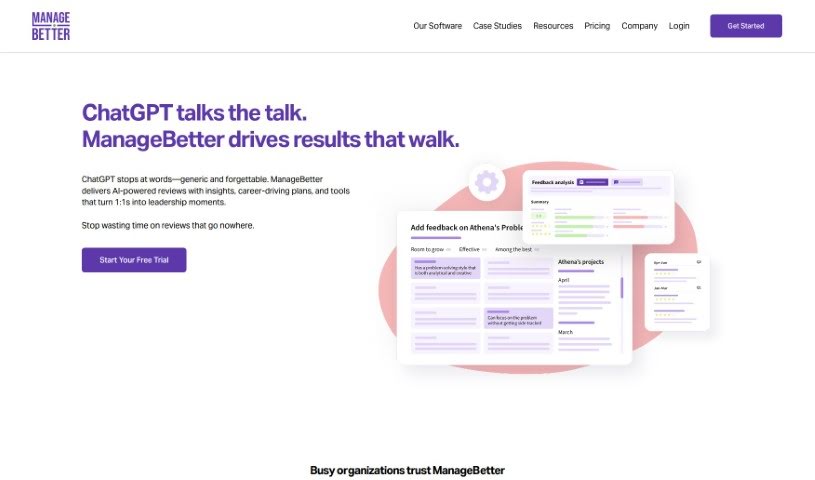
Screenshot of ManageBetter

ManageBetter

Freemium

ManageBetter is software designed to help managers be more effective. It provides data-driven insights, specific feedback, and personalized performance suggestions so managers can build engaged, high-performing teams. The goal is to improve productivity, employee engagement, and overall organizational success through better leadership support.

Productivity View Tool →

About Productivity tools

Having a task list that seems to grow longer by the hour is a fast track to burnout. Between managing clogged email inboxes, jumping across context-heavy browser tabs, updating project boards, and tracking down files, everyday administrative work drains momentum. When managing your workflow takes more energy than doing your actual job, staying focused gets tough.

These workflow platforms act as high-speed productivity partners for task management, scheduling, and daily automation. They won’t replace your personal discipline or strategic priorities, but they handle routine administrative tasks so you can protect your focus time.

Organizing daily tasks and scheduling focus blocks takes far less manual effort. Manually moving deadlines around when a project slips or trying to carve out focus time between back-to-back meetings usually leaves you with a chaotic calendar. Smart scheduling assistants evaluate your working habits, auto-prioritize tasks, and block out dedicated focus time on your calendar before your day gets overrun.

Clearing out email backlogs and workspace communications becomes much faster, too. Sifting through dozens of unread messages just to pull out two urgent client requests wastes valuable time. Intelligent inbox tools summarize long email threads, draft contextual replies, and sort low-priority newsletters away from critical messages—helping you reach inbox zero without reading every word.

Synthesizing notes and cross-platform information creates a central memory hub. Losing track of an important project link or a quick thought saved in a random document stalls your momentum when you need it most. AI productivity assistants search across your workspace apps, notes, and bookmarked links, letting you ask plain-English questions to pull up specific files, meeting notes, or ideas in seconds.

Key Capabilities to Consider:

  • Smart calendar and time blocking: Systems that auto-schedule tasks into your calendar around existing meetings and focus preferences.
  • Contextual email and message drafting: Tools that scan long communication threads to generate concise replies and action items.
  • Universal workspace search: Software that connects with your documents, notes, and cloud storage to retrieve files through simple prompts.
  • Task prioritization algorithms: Applications that rank daily action items by urgency, deadlines, and project dependencies.
  • Workflow automation builders: Connectors that trigger actions across different apps without requiring manual data entry.

Daily productivity will always depend on clear personal priorities and healthy work habits. Software can organize a calendar, draft an email reply, and index your notes, but choosing what truly deserves your time requires human judgment.

Explore the productivity tools below to take control of your workday.

The Best AI Productivity Tools

  1. Perplexity: for automating tasks and helping with management.
  2. Small PDF.com: for smoother document management for teams.
  3. Gamma: for document creation tools that save time.
  4. Odoo: for a task management and collaboration app.
  5. Zoom: for analyzing and summarizing meeting content.
  6. N8N: for smoother team onboarding processes.
  7. Prezi: for engaging team collaboration sessions.
  8. Tableau: for creating reports and dashboards more easily.
  9. Data Camp: for efficient team collaboration workflows.
  10. Otter.ai: for getting action items from meetings without the fuss.
  11. Tenorshare: for easily summarizing long PDF documents.
  12. Slidesgo: for creating professional presentations efficiently.
  13. Facecheck Id: for streamlining identity verification tasks.
  14. HIX.AI: for boosting writing speed with smart tools.
  15. Tactiq: for automating meeting notes for teams.
New tools, in your inbox.

Weekly picks of the best AI tools we've researched and added — no spam, unsubscribe anytime.

Join 25,000+ AI enthusiasts. No spam, unsubscribe anytime.