K
Kode AI
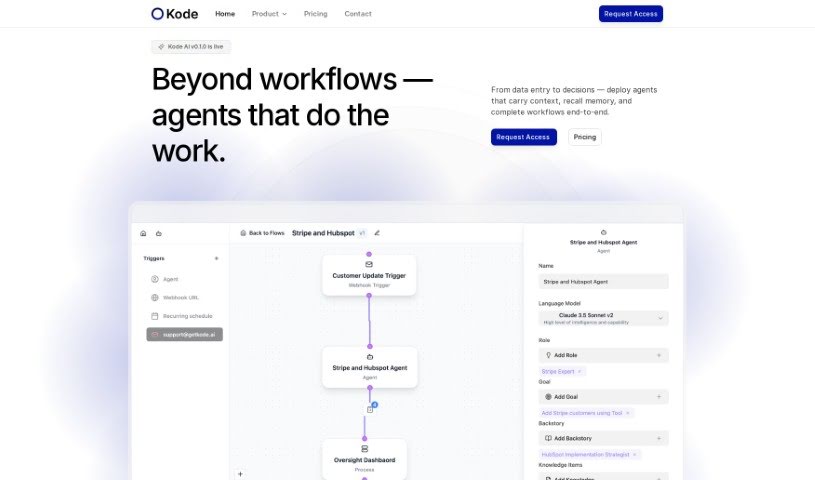
FreemiumKode AI is a no-code AI automation platform that helps businesses adopt AI while keeping data secure and compliant. Its core features include:
Productivity
View Tool →
Discover the best Productivity AI tools to enhance your productivity and creativity.
Kode AI is a no-code AI automation platform that helps businesses adopt AI while keeping data secure and compliant. Its core features include:
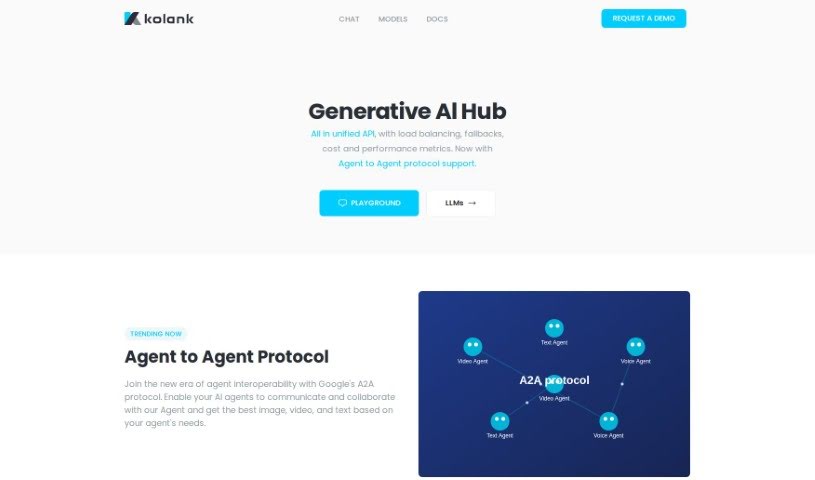
Kolank is an AI tool for managing AI costs through pay-for-performance query routing. It sends each query to the most suitable model for the task, so you don't pay premium prices for simple requests. You can also set a default model that Kolank uses for routing. It supports a range of language models, including GPT, Claude, and Llama.
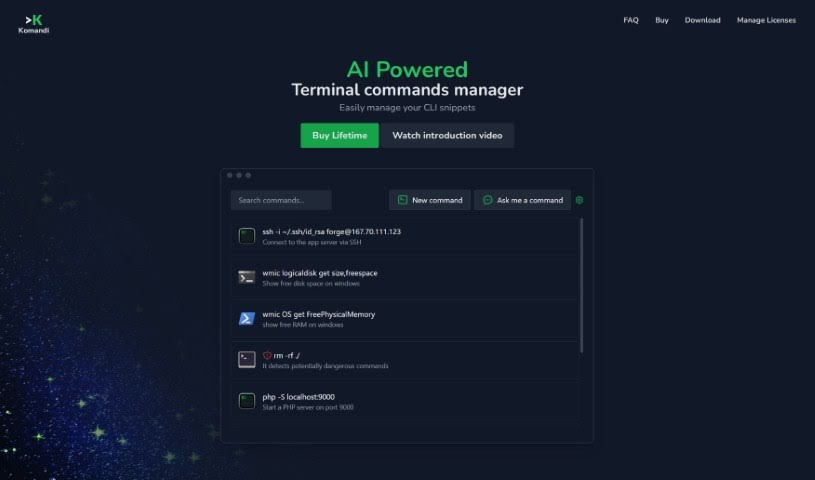
Komandi is an AI-powered command line interface (CLI) manager for developers and system administrators. It provides a secure place to store, organize, and quickly retrieve your most-used CLI commands. Its AI can also generate terminal commands from plain English descriptions, so you can work with both commands you create yourself and ones the AI produces.

Komo Search is a platform designed to make finding information smoother and more efficient. It lets you search for specific details across different sources or databases in one organized place, using smart search technology to deliver accurate, relevant results. Instead of jumping between multiple websites, you can find what you need quickly — useful for both individuals and companies.
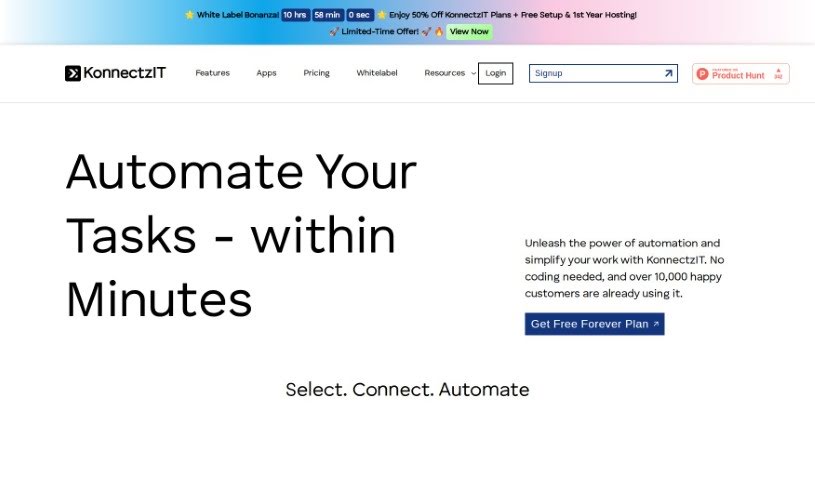
KonnectzIT is a no-code platform for connecting software applications and automating workflows. It uses a visual builder, connects to more than 1,000 apps, and supports conditional logic and webhooks. You can create unlimited workflows, and plans can be changed up or down as needed. A 14-day free trial is available for premium features.
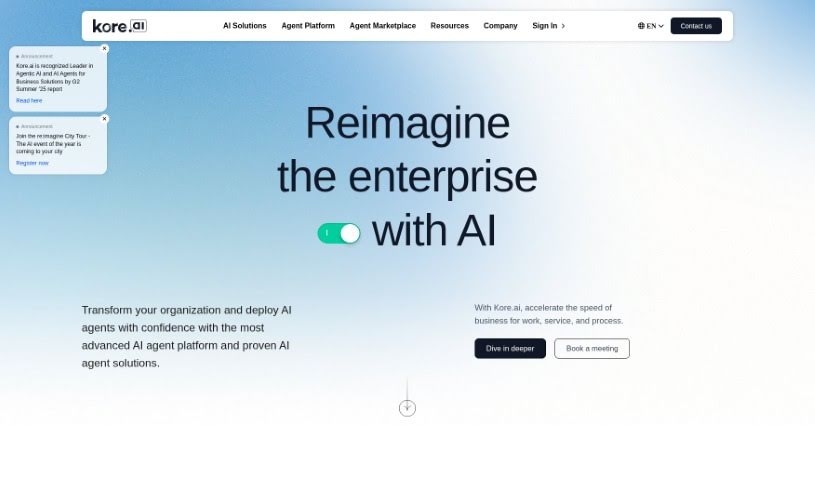
Kore.ai is a platform for automating interactions across customer-facing and back-office processes. It provides AI-first virtual assistants and process assistants that help businesses improve productivity and efficiency. Solutions are tailored to different industries, including customer support, data science, and e-commerce. The platform uses natural language processing and machine learning to help businesses automate tasks, support decision-making, and improve customer experience.
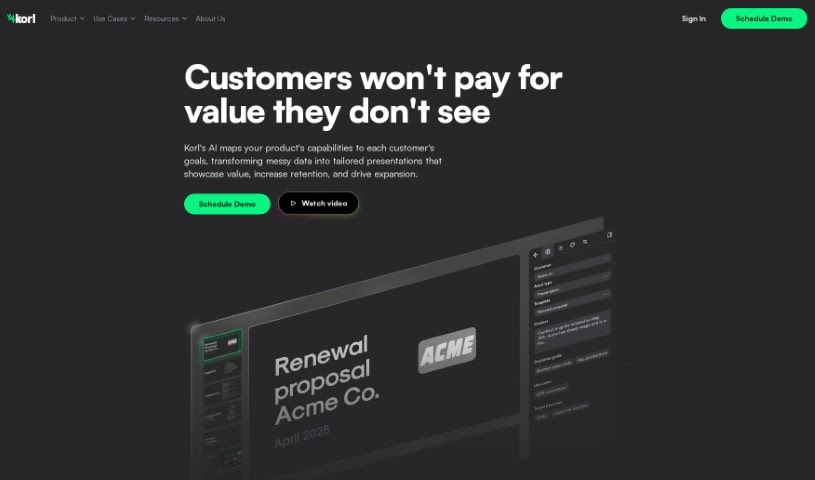
Korl is a product management tool that uses artificial intelligence to connect with platforms you already use — JIRA, Google Drive, and Figma — and build detailed roadmap presentations and product updates from that data. It gathers and summarizes your roadmap information automatically, generates presentations tailored to different audiences and purposes, and makes it easier to move away from spreadsheets, improving collaboration and decision-making.
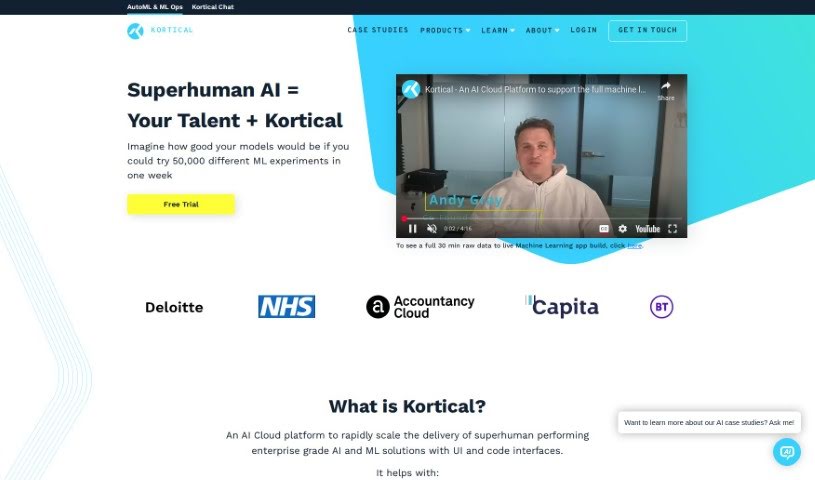
Kortical is an AI cloud platform built to speed up the delivery of AI and ML solutions. It includes transparent AutoML, scalable deployment options, ML Ops, and auto-training for AI/ML models. It serves data scientists and coders through both a user-friendly interface and code-based access, covering everything from data exploration to cleaning and feature creation.
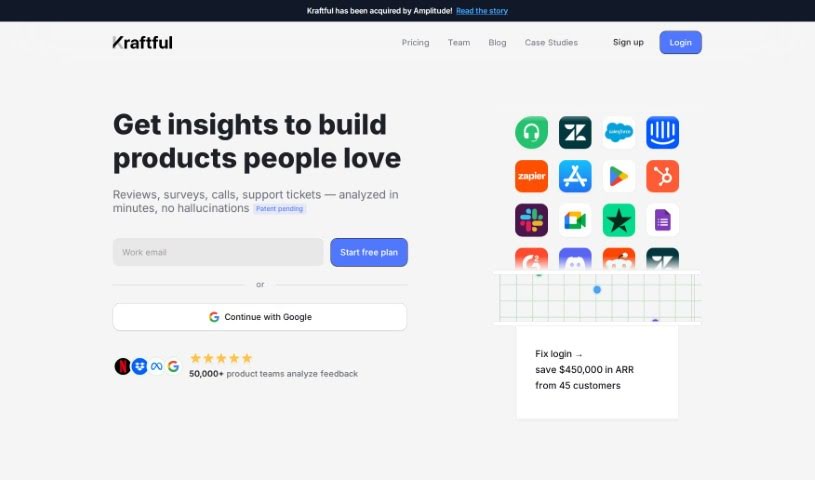
Kraftful is an AI-driven platform that analyzes user feedback to help businesses understand what their users want and prefer. It provides insights into customer sentiment, enabling companies to streamline product development. Product managers can use it to make sense of customer feedback, spot opportunities to improve and innovate, and make data-backed decisions that improve the user experience.
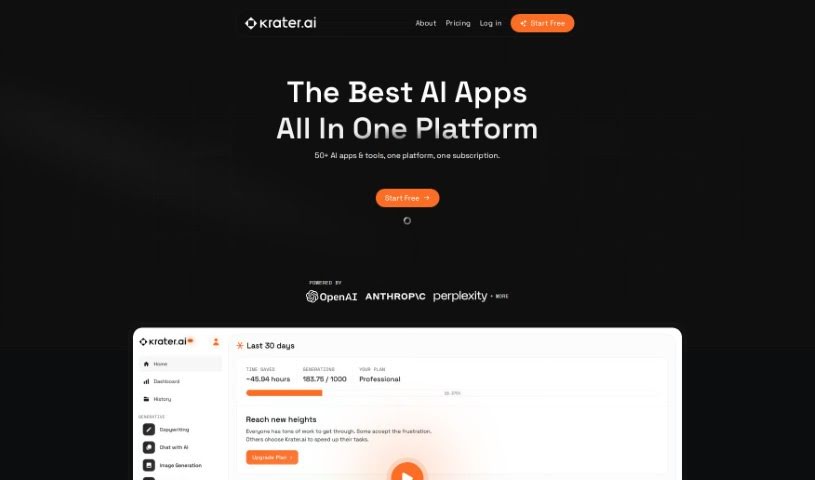
Krater.ai is an all-in-one AI SuperApp — a central hub that brings multiple AI tools together in a single application. It combines copywriting assistance, image generation, a chat interface, speech-to-text, text-to-speech, and code creation. The goal is to reduce the overhead of managing many separate apps and streamline your workflow.
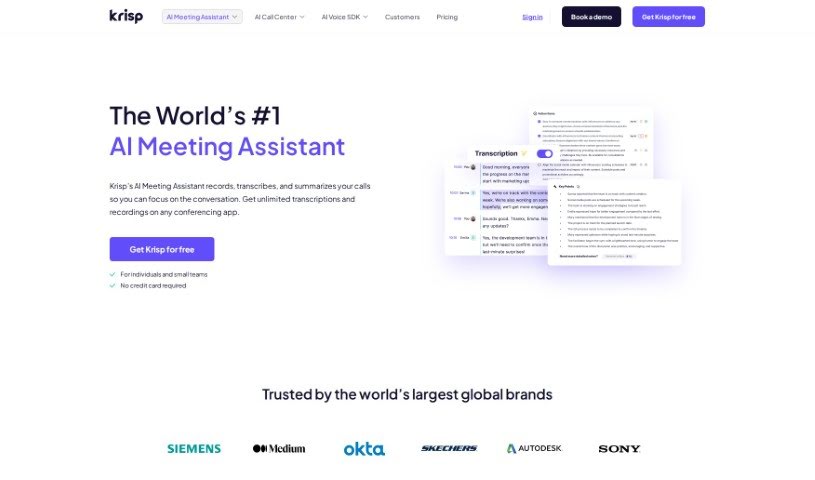
Krisp AI Meeting Assistant is an online meeting tool that combines background noise cancellation, transcriptions, meeting summaries, and call recording. It automates note-taking, summarizes discussions, assigns tasks with deadlines, and lets you play back recordings synced with their transcriptions. It works with any conferencing app, and the free plan includes unlimited transcriptions with 96% accuracy. The product has won a Webby Award and has appeared on Forbes' "AI 50" and TIME's 100 "Best Inventions" lists.
Krock.io is a platform built for video producers, creative agencies, and game designers. It combines video proofing, project management, and client collaboration in one place. Key features include video proofing with visual markers and feedback tools, customizable creative workflows, online proofing for clients, and project management tools. Data privacy and security are priorities, backed by international security certificates. The platform is designed to help creative teams centralize their work, deliver projects faster, and improve productivity in video creation.
Having a task list that seems to grow longer by the hour is a fast track to burnout. Between managing clogged email inboxes, jumping across context-heavy browser tabs, updating project boards, and tracking down files, everyday administrative work drains momentum. When managing your workflow takes more energy than doing your actual job, staying focused gets tough.
These workflow platforms act as high-speed productivity partners for task management, scheduling, and daily automation. They won’t replace your personal discipline or strategic priorities, but they handle routine administrative tasks so you can protect your focus time.
Organizing daily tasks and scheduling focus blocks takes far less manual effort. Manually moving deadlines around when a project slips or trying to carve out focus time between back-to-back meetings usually leaves you with a chaotic calendar. Smart scheduling assistants evaluate your working habits, auto-prioritize tasks, and block out dedicated focus time on your calendar before your day gets overrun.
Clearing out email backlogs and workspace communications becomes much faster, too. Sifting through dozens of unread messages just to pull out two urgent client requests wastes valuable time. Intelligent inbox tools summarize long email threads, draft contextual replies, and sort low-priority newsletters away from critical messages—helping you reach inbox zero without reading every word.
Synthesizing notes and cross-platform information creates a central memory hub. Losing track of an important project link or a quick thought saved in a random document stalls your momentum when you need it most. AI productivity assistants search across your workspace apps, notes, and bookmarked links, letting you ask plain-English questions to pull up specific files, meeting notes, or ideas in seconds.
Key Capabilities to Consider:
- Smart calendar and time blocking: Systems that auto-schedule tasks into your calendar around existing meetings and focus preferences.
- Contextual email and message drafting: Tools that scan long communication threads to generate concise replies and action items.
- Universal workspace search: Software that connects with your documents, notes, and cloud storage to retrieve files through simple prompts.
- Task prioritization algorithms: Applications that rank daily action items by urgency, deadlines, and project dependencies.
- Workflow automation builders: Connectors that trigger actions across different apps without requiring manual data entry.
Daily productivity will always depend on clear personal priorities and healthy work habits. Software can organize a calendar, draft an email reply, and index your notes, but choosing what truly deserves your time requires human judgment.
Explore the productivity tools below to take control of your workday.
Weekly picks of the best AI tools we've researched and added — no spam, unsubscribe anytime.
Join 25,000+ AI enthusiasts. No spam, unsubscribe anytime.