Top AI Productivity Tools

AI Tools for Productivity

Discover the best Productivity AI tools to enhance your productivity and creativity.

Page 42 of 108 • 1290 total tools
Screenshot of Helper.im

Helper.im

Freemium

Helper.im is a desktop application for entrepreneurs, developers, and marketers that provides quick access to ChatGPT, built-in AI commands, and a prompt library. It runs on Windows, MacOS, and Linux and uses your own OpenAI API key, so you aren't limited by separate credit tiers. Typical use cases include content creation, coding assistance, general work tasks, and social media interactions.

Productivity View Tool →
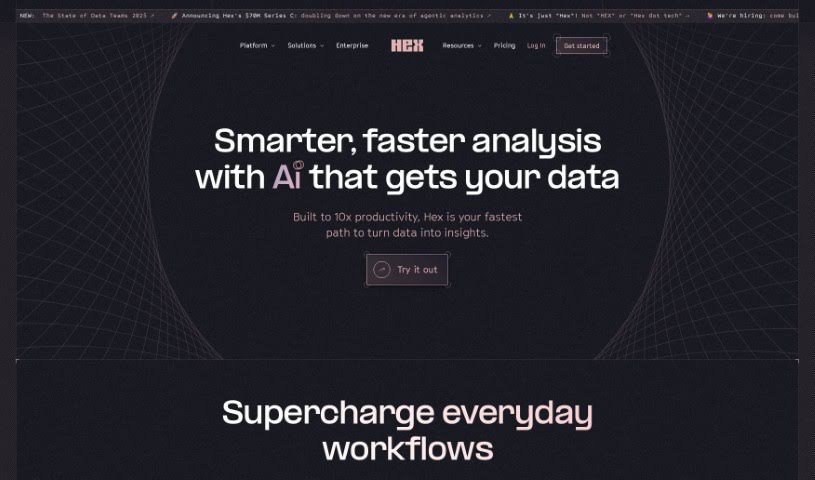
Screenshot of Hex Magic AI

Hex Magic AI

Freemium

Hex Magic AI is the AI assistant built into the Hex platform. It auto-completes SQL queries, helps build charts, fixes code bugs, and offers coding advice based on your project's context, your SQL habits, and your schemas. It also supports Python scripting, making complex Python packages more approachable. On privacy, Hex Magic keeps your data secure, does not use your information to train its models, and stores metadata safely within its system.

Productivity View Tool →
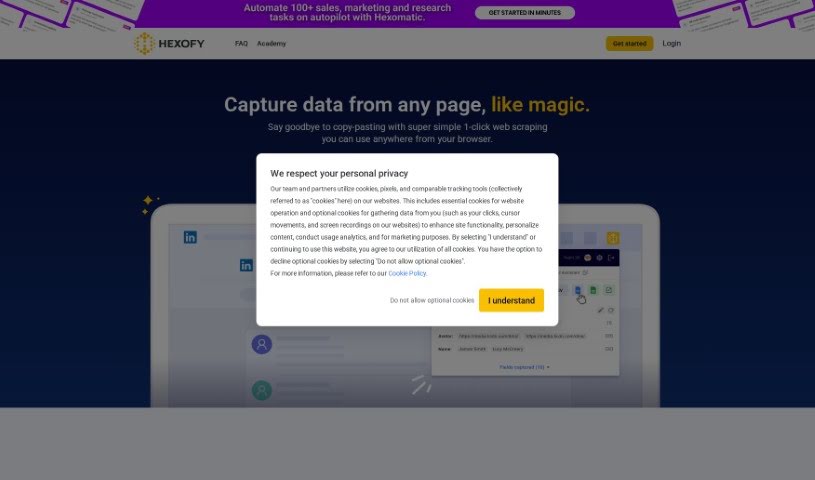
Screenshot of Hexofy

Hexofy

Freemium

Hexofy is a browser extension that combines one-click data capture with an AI assistant for running GPT tasks. Instead of manually copying and pasting information from web pages, you grab the data you need with a single click and can then run GPT tasks on it through the built-in assistant.

Productivity View Tool →
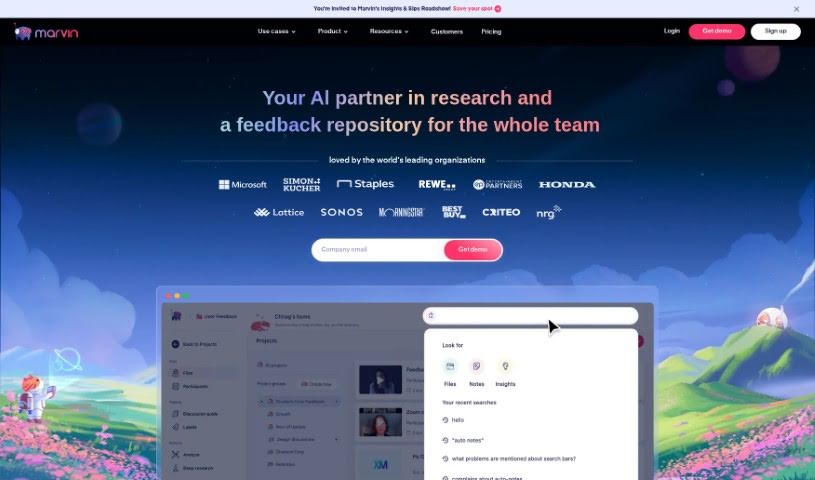
Screenshot of Hey Marvin

Hey Marvin

Freemium

Hey Marvin is a platform for qualitative data collection, organization, and analysis. It acts as a central hub for user research findings, making them easy to search and share. The tool uses AI to handle much of the heavy lifting in qualitative research: it analyzes data quickly, automates tagging, and helps keep user data private by automatically removing personal details from interviews.

Productivity View Tool →
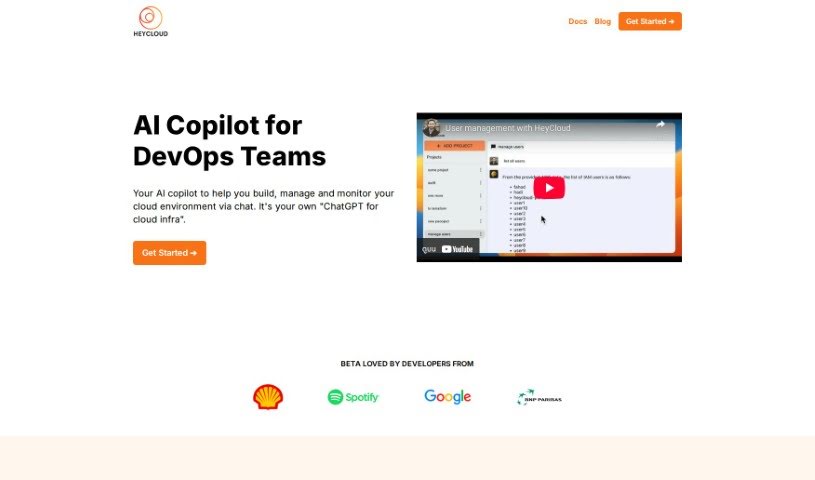
Screenshot of Heycloud

Heycloud

Freemium

HeyCloud is an AI assistant for managing AWS accounts. You ask questions or give commands in plain English — general or specific — such as listing all your users, checking EC2 spending, or setting up a cluster. The goal is to simplify DevOps and cloud management: no coding required, a lower learning curve, and more efficient use of cloud resources.

Productivity View Tool →
Screenshot of Heyday

Heyday

Freemium

Heyday is an AI copilot for knowledge workers. It processes your emails, documents, notes, and articles to extract key insights, generate shareable content, and build a searchable database of your information. It automatically creates meeting notes, helps draft content, provides context-specific search results, curates a personal knowledge base, and connects with tools you already use, including Zoom, Notion, Gmail, Google Docs, Google Calendar, Slack, and Dropbox.

Productivity View Tool →
Screenshot of HeyKona

HeyKona

Freemium

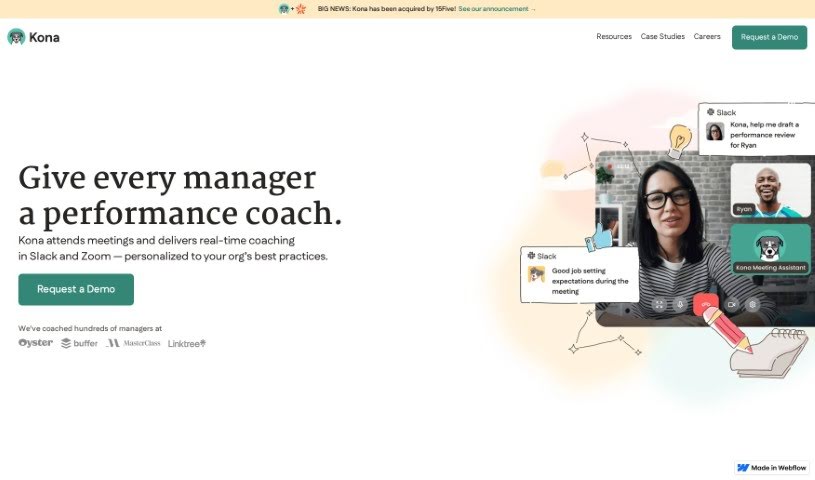
HeyKona is an AI-powered leadership coach that works inside Slack. It's designed to help managers develop their skills, particularly when leading remote teams. The tool focuses on common management challenges: navigating difficult conversations, handling performance issues, and planning better meetings.

Productivity View Tool →
Screenshot of Hints AI

Hints AI

Freemium

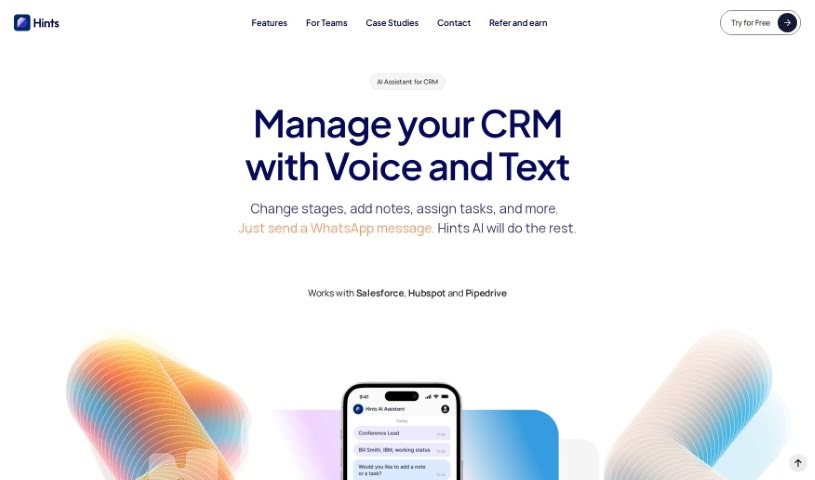
Hints AI is an AI assistant that brings artificial intelligence into your sales process. It helps you set up and manage your CRM using everyday language — no manual data entry required. It can automatically update CRM fields and follow sales playbooks through simple dictation or texting, and it provides real-time virtual call transcripts for accurate sales forecasting. The goal is to help you capture more leads, log more activities, and close more deals while cutting down on admin time. Both self-hosted and cloud-based options are available, depending on your data security and customization needs.

Productivity View Tool →
Screenshot of HiPDF

HiPDF

Freemium

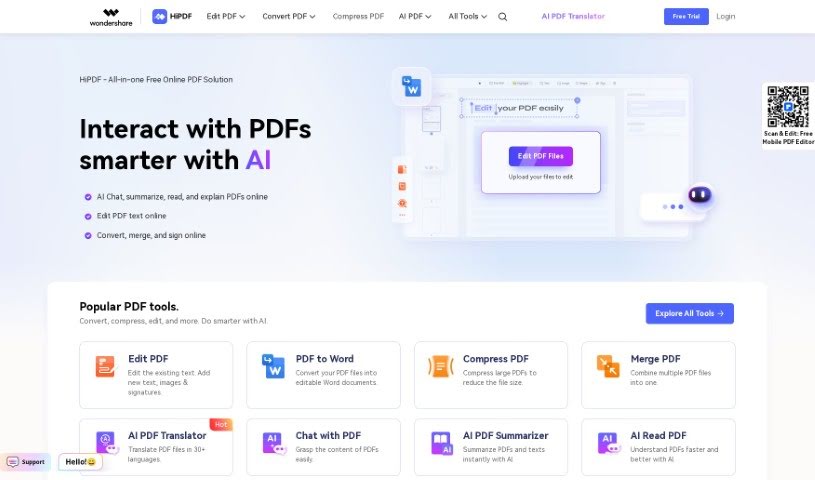
HiPDF is an online tool for working with PDF files. It runs in the browser, so it works on any device with an internet connection. It can convert, compress, merge, split, and edit PDFs through a straightforward interface suited to both individuals and businesses, supports many file types, and keeps sensitive documents secure.

Productivity View Tool →
Screenshot of Histre

Histre

Freemium

Histre is a tool for organizing and managing internet research, ideas, and team knowledge. It combines annotating, highlighting, collecting, summarizing, searching, and sharing into a single workspace, with the goal of making research smoother, improving decision-making, and strengthening team collaboration.

Productivity View Tool →
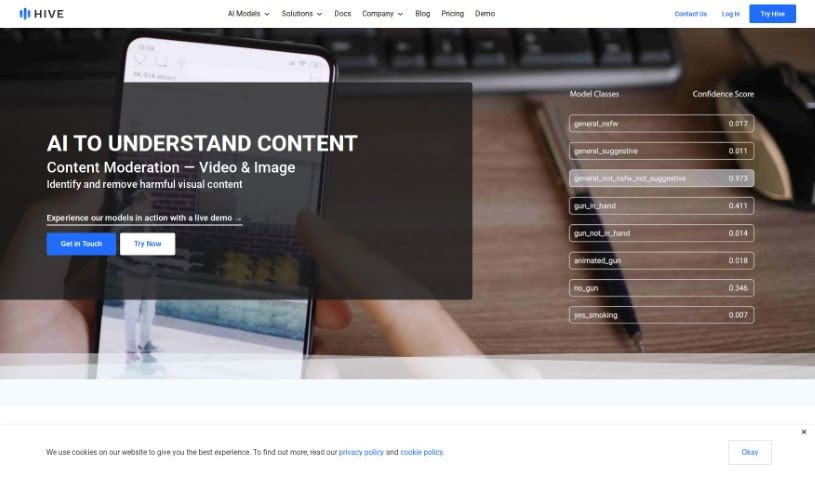
Screenshot of Hive AI

Hive AI

Freemium

Hive AI is a company offering cloud-based AI solutions that help you understand, search, and create content. Its tools and models use deep learning to analyze text, images, videos, and audio, letting you identify what's in your content, search the web or your own data, and generate images and text from prompts. Hive also supports content moderation — spotting and removing inappropriate visual content in images, videos, and livestreams, with real-time moderation for audio that catches harmful speech and sounds. It can identify objects, settings, and event types in videos and images, and offers tailored solutions for industries including NFT platforms, marketplaces, dating apps, online communities, brands, publishers, agencies, and sports teams.

Productivity View Tool →
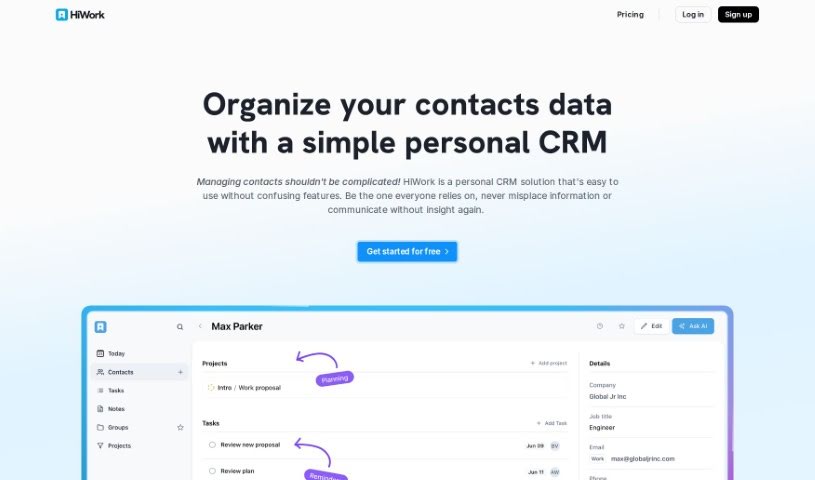
Screenshot of Hiwork

Hiwork

Freemium

HiWork is a personal CRM designed to simplify everyday interactions, both for business and personal life. It was created out of a need for a CRM that is lightweight, easy to customize, and secure, yet powerful enough for individuals and teams. Features include contact management, note-taking, task creation, and AI assistance — such as AI-generated contact summaries, conversation tips, gift ideas, and follow-up suggestions — all aimed at improving networking and communication efficiency. The interface is user-friendly, letting you create tasks quickly, manage goals, handle processes flexibly, improve team collaboration, and get a dashboard overview of what matters most. HiWork emphasizes simplicity, productivity, and team collaboration, making it suitable for solo users and teams alike.

Productivity View Tool →

About Productivity tools

Having a task list that seems to grow longer by the hour is a fast track to burnout. Between managing clogged email inboxes, jumping across context-heavy browser tabs, updating project boards, and tracking down files, everyday administrative work drains momentum. When managing your workflow takes more energy than doing your actual job, staying focused gets tough.

These workflow platforms act as high-speed productivity partners for task management, scheduling, and daily automation. They won’t replace your personal discipline or strategic priorities, but they handle routine administrative tasks so you can protect your focus time.

Organizing daily tasks and scheduling focus blocks takes far less manual effort. Manually moving deadlines around when a project slips or trying to carve out focus time between back-to-back meetings usually leaves you with a chaotic calendar. Smart scheduling assistants evaluate your working habits, auto-prioritize tasks, and block out dedicated focus time on your calendar before your day gets overrun.

Clearing out email backlogs and workspace communications becomes much faster, too. Sifting through dozens of unread messages just to pull out two urgent client requests wastes valuable time. Intelligent inbox tools summarize long email threads, draft contextual replies, and sort low-priority newsletters away from critical messages—helping you reach inbox zero without reading every word.

Synthesizing notes and cross-platform information creates a central memory hub. Losing track of an important project link or a quick thought saved in a random document stalls your momentum when you need it most. AI productivity assistants search across your workspace apps, notes, and bookmarked links, letting you ask plain-English questions to pull up specific files, meeting notes, or ideas in seconds.

Key Capabilities to Consider:

  • Smart calendar and time blocking: Systems that auto-schedule tasks into your calendar around existing meetings and focus preferences.
  • Contextual email and message drafting: Tools that scan long communication threads to generate concise replies and action items.
  • Universal workspace search: Software that connects with your documents, notes, and cloud storage to retrieve files through simple prompts.
  • Task prioritization algorithms: Applications that rank daily action items by urgency, deadlines, and project dependencies.
  • Workflow automation builders: Connectors that trigger actions across different apps without requiring manual data entry.

Daily productivity will always depend on clear personal priorities and healthy work habits. Software can organize a calendar, draft an email reply, and index your notes, but choosing what truly deserves your time requires human judgment.

Explore the productivity tools below to take control of your workday.

The Best AI Productivity Tools

  1. Perplexity: for automating tasks and helping with management.
  2. Small PDF.com: for smoother document management for teams.
  3. Gamma: for document creation tools that save time.
  4. Odoo: for a task management and collaboration app.
  5. Zoom: for analyzing and summarizing meeting content.
  6. N8N: for smoother team onboarding processes.
  7. Prezi: for engaging team collaboration sessions.
  8. Tableau: for creating reports and dashboards more easily.
  9. Data Camp: for efficient team collaboration workflows.
  10. Otter.ai: for getting action items from meetings without the fuss.
  11. Tenorshare: for easily summarizing long PDF documents.
  12. Slidesgo: for creating professional presentations efficiently.
  13. Facecheck Id: for streamlining identity verification tasks.
  14. HIX.AI: for boosting writing speed with smart tools.
  15. Tactiq: for automating meeting notes for teams.

New tools, in your inbox.

Weekly picks of the best AI tools we've researched and added — no spam, unsubscribe anytime.

Join 25,000+ AI enthusiasts. No spam, unsubscribe anytime.