Top AI Productivity Tools

AI Tools for Productivity

Discover the best Productivity AI tools to enhance your productivity and creativity.

Page 38 of 108 • 1290 total tools
Screenshot of Glimmer AI

Glimmer AI

Freemium

Glimmer AI is an AI-powered presentation tool built on GPT-3 and DALL·E 2. You describe your idea using text or voice, and it generates a professional-looking presentation with visuals, interactive elements, and editable content. It also includes collaboration tools, analytics, and sharing/export options, making it suitable for team use and sharing with audiences.

Productivity View Tool →
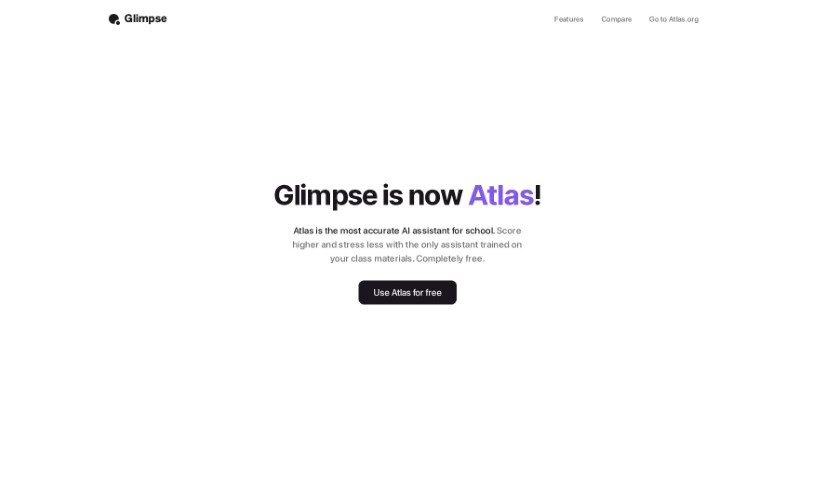
Screenshot of Glimpse

Glimpse

Freemium

Glimpse, also known as "Chat With The Internet," is an AI browser extension designed to make web browsing more efficient. It offers smart search suggestions, personalized recommendations, automatic form filling, and built-in ad blocking. Its standout feature is AI-powered content summarization, which lets you quickly grasp the main points of long articles. It also includes intelligent bookmarking for saving and organizing websites, plus tab management tools to keep your browser tidy.

Productivity View Tool →
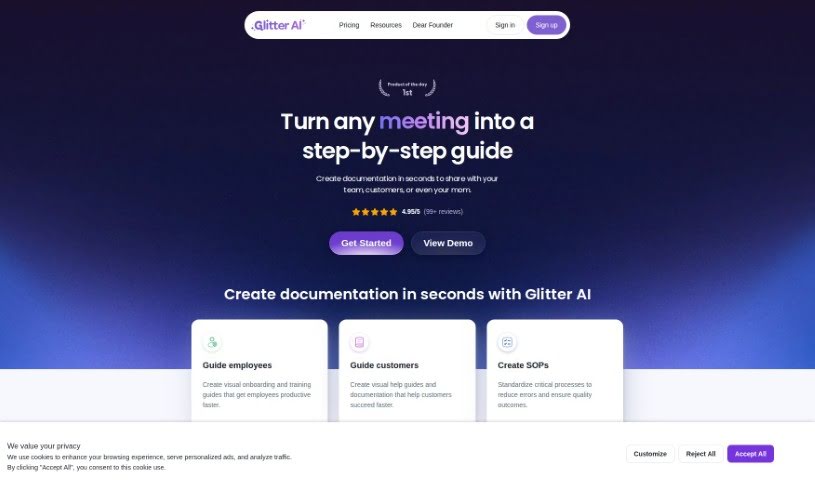
Screenshot of Glitter AI

Glitter AI

Freemium

Glitter AI is a platform that transforms any process into a clear, step-by-step guide. By breaking down complex workflows into simple, manageable steps, it helps teams boost productivity and complete tasks consistently. The goal is to make complicated procedures easier to follow and more accessible to everyone, so anyone can build effective, user-friendly guides.

Productivity View Tool →
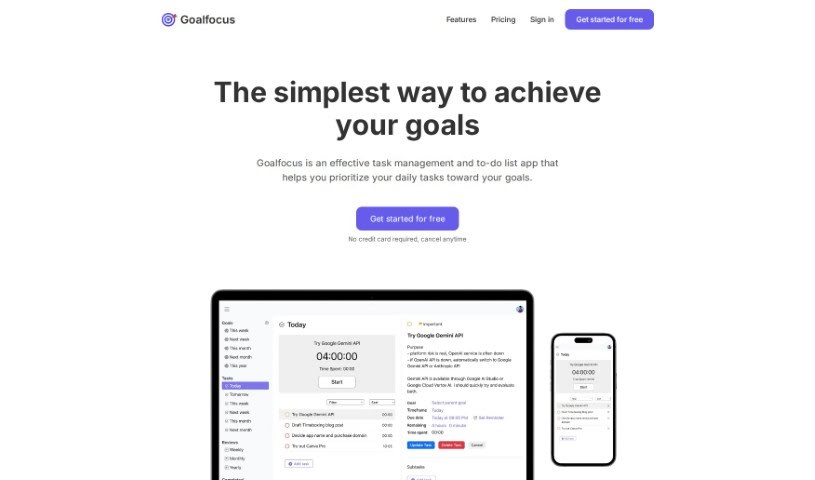
Screenshot of Goalfocus

Goalfocus

Freemium

Goalfocus is a task and to-do list management app that connects daily tasks to larger objectives. Instead of treating your day as a flat list of activities, it ties each task back to a defined goal so you can decide where your time goes.

Productivity View Tool →
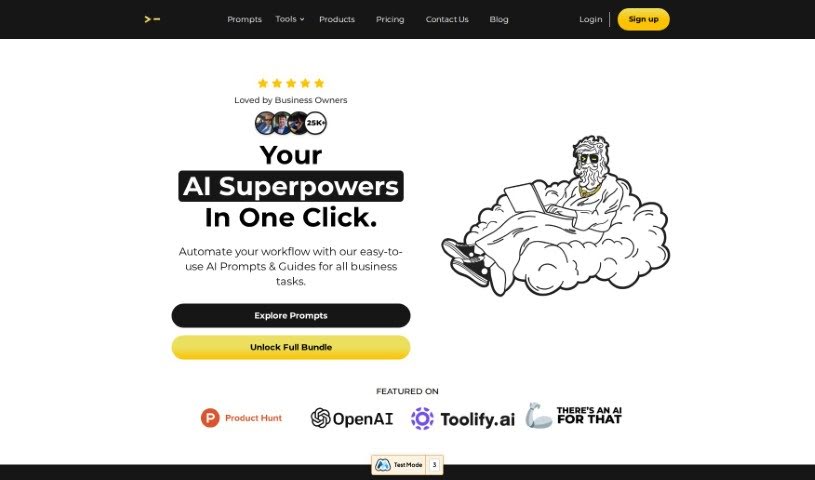
Screenshot of God of Prompt

God of Prompt

Freemium

God of Prompt is a toolkit of ChatGPT prompts designed to make your work more efficient across a range of areas. It serves as a resource for getting better results from ChatGPT by using pre-written, expertly crafted prompts rather than starting from scratch.

Productivity View Tool →
Screenshot of Goelo

Goelo

Freemium

Goelo Notetaker is an AI-powered tool for video meetings. It records meetings, transcribes conversations, and generates AI summaries, letting you review an hour-long meeting in about five minutes. Recordings and summaries can be shared with teammates or clients, and you can add comments and reactions to recordings to give feedback.

Productivity View Tool →
Screenshot of GoLess

GoLess

Freemium

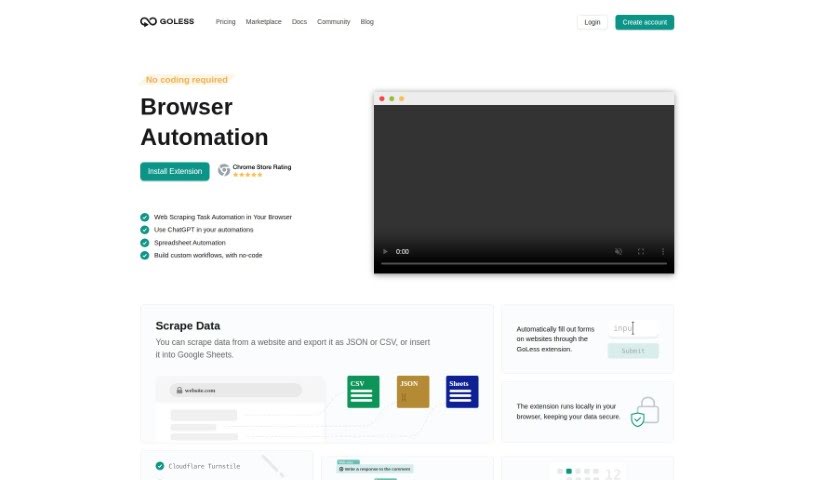
GoLess is a no-code web automation tool that handles repetitive browser tasks. Workflows are built with the GoLess Chrome extension — no coding required.

Productivity View Tool →
Screenshot of GoLinks

GoLinks

Freemium

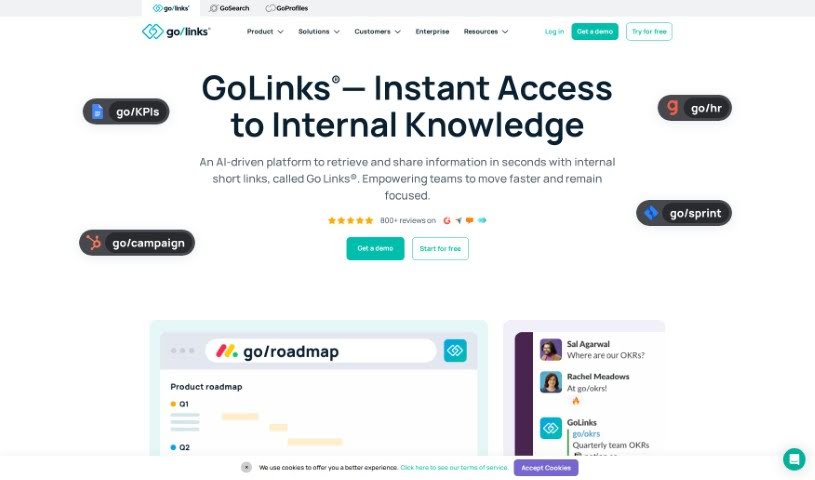
GoLinks turns any web address into a memorable short link, often called a go link or go/link. These short links are easy to type into your browser and can be shared verbally or visually, so you don't have to dig through bookmarks or shared drives to find what you need.

Productivity View Tool →
Screenshot of Goodlookup

Goodlookup

Freemium

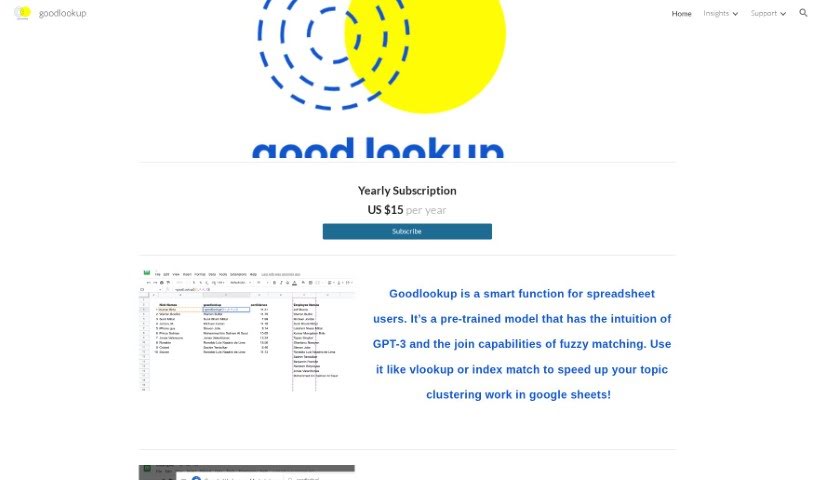
Goodlookup is a tool for spreadsheet users that improves topic clustering in Google Sheets. It combines the intuition of GPT-3 with fuzzy matching to understand and link text data even when names or phrases aren't written the same way. It matches text the way a person would—by meaning and context—so scattered data with inconsistent naming conventions can be unified into a single, clear view.

Productivity View Tool →
Screenshot of Goodvision

Goodvision

Freemium

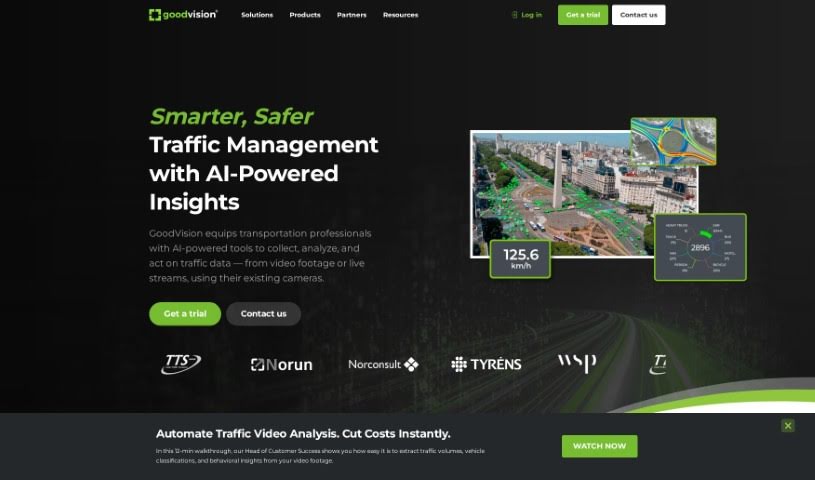
GoodVision is an AI-powered tool built for traffic modellers and surveyors working in smart cities. It covers AI-driven traffic data collection, traffic modelling, and real-time traffic control. Users can gather traffic data for surveys, automatically calibrate traffic models, and receive detailed traffic event information for control systems in real time. The platform uses AI and big data analytics to deliver adaptive traffic control and urban planning solutions aimed at reducing urban congestion.

Productivity View Tool →
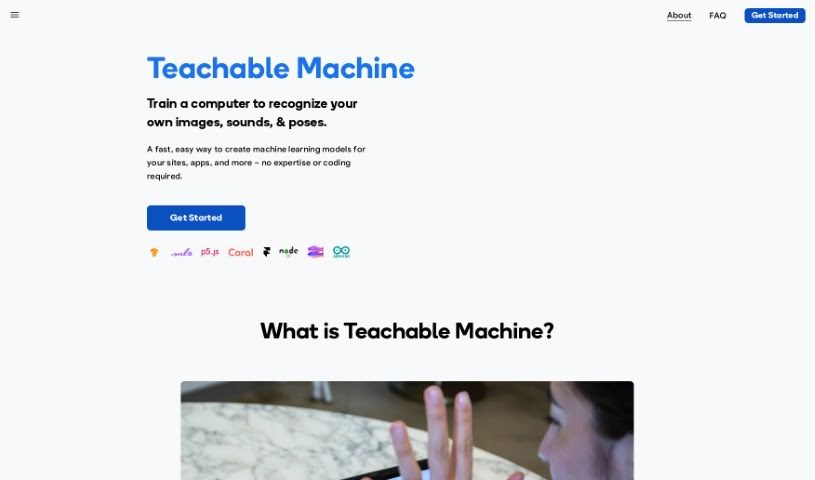
Screenshot of Google Teachable Machine

Google Teachable Machine

Freemium

Google Teachable Machine is a tool that lets you train a computer to recognize your own images, sounds, and poses — no coding required. The platform makes it simple to create custom machine learning models you can use in websites, apps, or other digital content. Examples include adding image recognition to an e-commerce site, building voice-controlled apps, or creating gesture-based interactions. You upload your data, and the platform's machine learning handles the rest, removing the need for coding or data science knowledge.

Productivity View Tool →
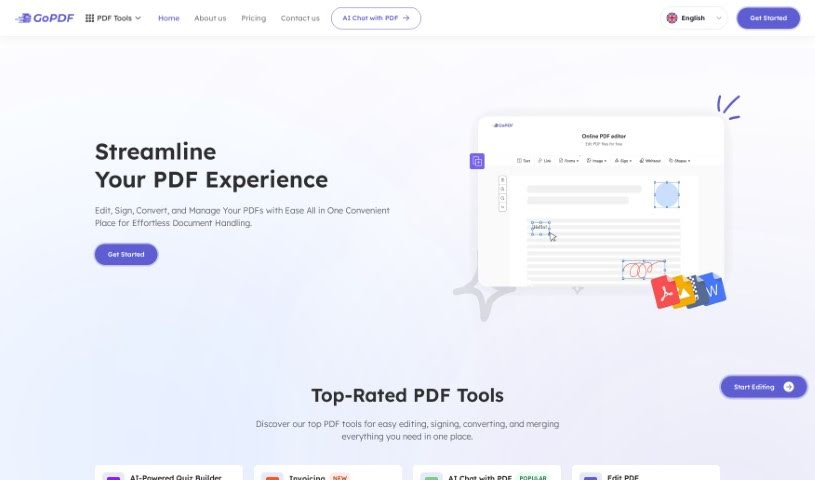
Screenshot of GoPDF

GoPDF

Freemium

GoPDF is a PDF tool suite covering the core tasks most people need: editing, converting, merging, compressing, and securing documents. It was founded by John Smith with the goal of offering straightforward PDF tools that anyone can use, including converting PDFs to Word documents, merging files, adding headers and footers, and reducing file sizes.

Productivity View Tool →

About Productivity tools

Having a task list that seems to grow longer by the hour is a fast track to burnout. Between managing clogged email inboxes, jumping across context-heavy browser tabs, updating project boards, and tracking down files, everyday administrative work drains momentum. When managing your workflow takes more energy than doing your actual job, staying focused gets tough.

These workflow platforms act as high-speed productivity partners for task management, scheduling, and daily automation. They won’t replace your personal discipline or strategic priorities, but they handle routine administrative tasks so you can protect your focus time.

Organizing daily tasks and scheduling focus blocks takes far less manual effort. Manually moving deadlines around when a project slips or trying to carve out focus time between back-to-back meetings usually leaves you with a chaotic calendar. Smart scheduling assistants evaluate your working habits, auto-prioritize tasks, and block out dedicated focus time on your calendar before your day gets overrun.

Clearing out email backlogs and workspace communications becomes much faster, too. Sifting through dozens of unread messages just to pull out two urgent client requests wastes valuable time. Intelligent inbox tools summarize long email threads, draft contextual replies, and sort low-priority newsletters away from critical messages—helping you reach inbox zero without reading every word.

Synthesizing notes and cross-platform information creates a central memory hub. Losing track of an important project link or a quick thought saved in a random document stalls your momentum when you need it most. AI productivity assistants search across your workspace apps, notes, and bookmarked links, letting you ask plain-English questions to pull up specific files, meeting notes, or ideas in seconds.

Key Capabilities to Consider:

  • Smart calendar and time blocking: Systems that auto-schedule tasks into your calendar around existing meetings and focus preferences.
  • Contextual email and message drafting: Tools that scan long communication threads to generate concise replies and action items.
  • Universal workspace search: Software that connects with your documents, notes, and cloud storage to retrieve files through simple prompts.
  • Task prioritization algorithms: Applications that rank daily action items by urgency, deadlines, and project dependencies.
  • Workflow automation builders: Connectors that trigger actions across different apps without requiring manual data entry.

Daily productivity will always depend on clear personal priorities and healthy work habits. Software can organize a calendar, draft an email reply, and index your notes, but choosing what truly deserves your time requires human judgment.

Explore the productivity tools below to take control of your workday.

The Best AI Productivity Tools

  1. Perplexity: for automating tasks and helping with management.
  2. Small PDF.com: for smoother document management for teams.
  3. Gamma: for document creation tools that save time.
  4. Odoo: for a task management and collaboration app.
  5. Zoom: for analyzing and summarizing meeting content.
  6. N8N: for smoother team onboarding processes.
  7. Prezi: for engaging team collaboration sessions.
  8. Tableau: for creating reports and dashboards more easily.
  9. Data Camp: for efficient team collaboration workflows.
  10. Otter.ai: for getting action items from meetings without the fuss.
  11. Tenorshare: for easily summarizing long PDF documents.
  12. Slidesgo: for creating professional presentations efficiently.
  13. Facecheck Id: for streamlining identity verification tasks.
  14. HIX.AI: for boosting writing speed with smart tools.
  15. Tactiq: for automating meeting notes for teams.
New tools, in your inbox.

Weekly picks of the best AI tools we've researched and added — no spam, unsubscribe anytime.

Join 25,000+ AI enthusiasts. No spam, unsubscribe anytime.