Top AI Productivity Tools

AI Tools for Productivity

Discover the best Productivity AI tools to enhance your productivity and creativity.

Page 24 of 108 • 1290 total tools
Screenshot of DeadPan Scanboy

DeadPan Scanboy

Freemium

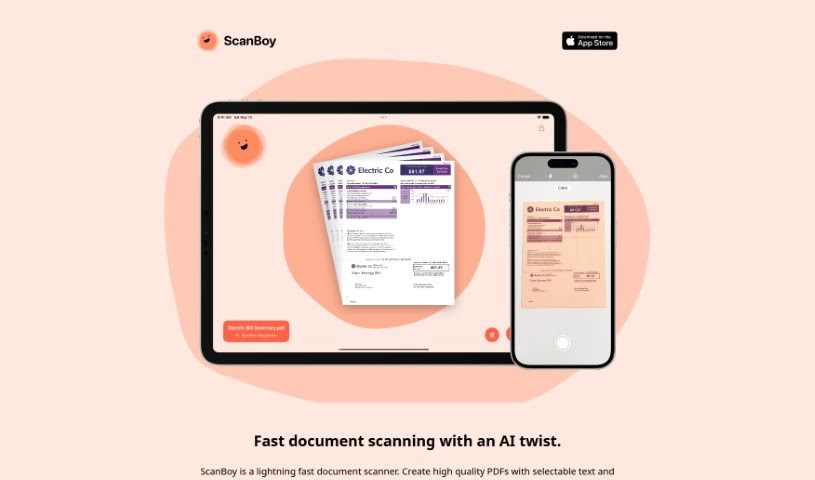
ScanBoy is a document scanning app built specifically for iPhones and iPads, available on the Apple App Store. It creates high-quality PDFs with selectable text and uses optical character recognition (OCR) so you can extract and interact with the text inside your scans.

Productivity View Tool →
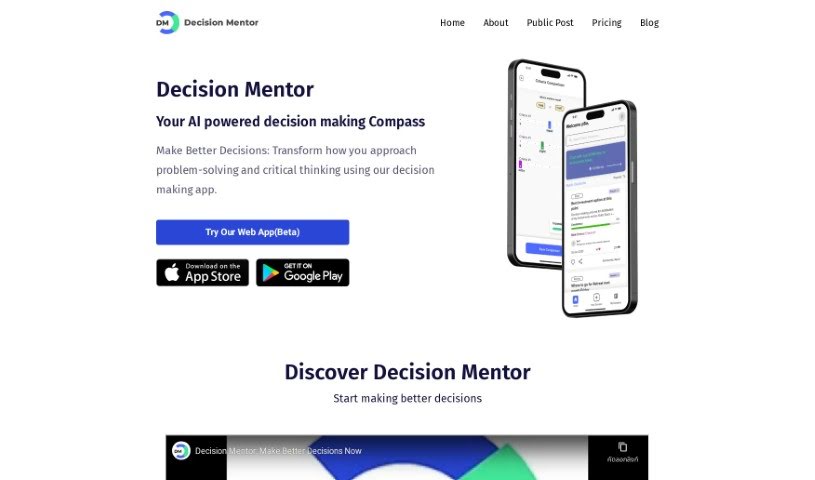
Screenshot of Decision Mentor

Decision Mentor

Freemium

Decision Mentor is an AI-powered app designed to help you make tough choices, whether personal or business-related. It guides you through a structured process where you weigh your options, decide what matters most, and see the likely results. The goal is to bring a scientific approach to decision-making.

Productivity View Tool →
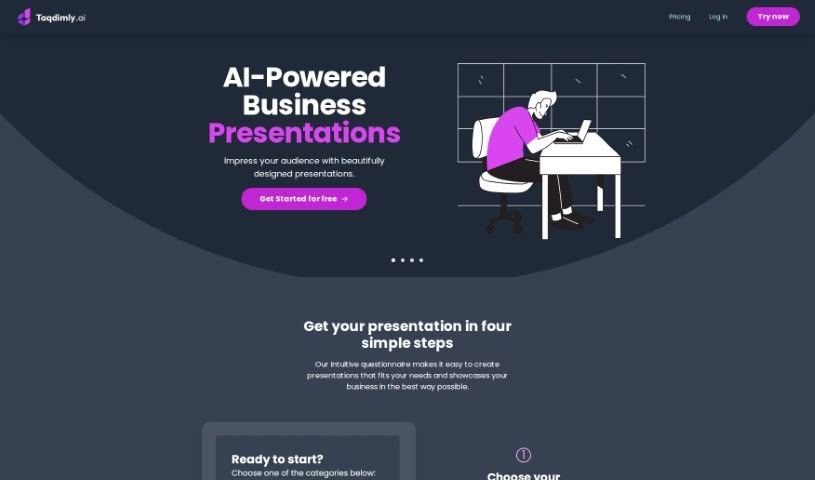
Screenshot of Deckify

Deckify

Freemium

Deckify is an AI assistant for creating professional presentation slides. It offers multiple presentation styles, quality templates, custom color schemes, and data-driven insights to help you present information clearly. The tool is designed to be user-friendly and includes a free trial before committing to a paid plan.

Productivity View Tool →
Screenshot of Decktopus AI

Decktopus AI

Freemium

Decktopus AI is a presentation-making tool that uses artificial intelligence to help you build polished slides with minimal effort. It offers customizable layouts, a drag-and-drop editor, and AI-generated content tailored to your topic, simplifying the design process and saving time. Users commonly cite its ease of use, attractive output, and time savings as key strengths.

Productivity View Tool →
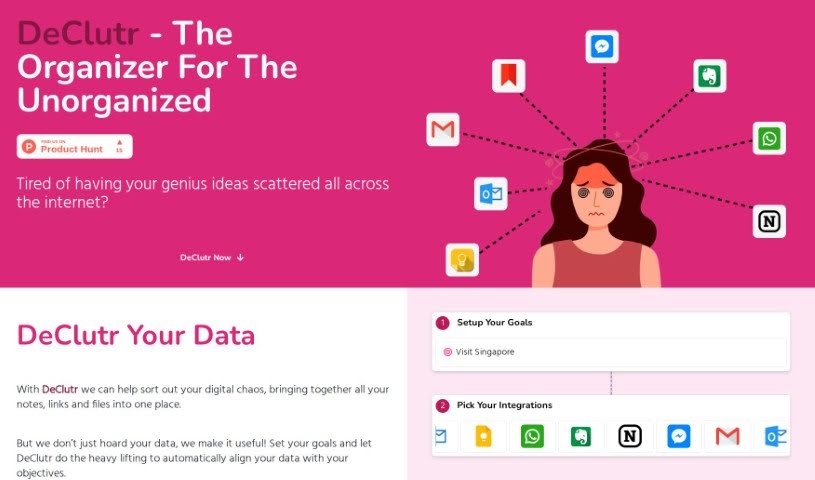
Screenshot of Declutr

Declutr

Freemium

Declutr is a digital organization tool that gathers scattered notes, links, and files into one place. It uses AI to analyze your information and offer personalized suggestions and concrete steps aligned with goals you set. Once you define your objectives, Declutr automatically matches your collected data to them, reducing manual sorting work.

Productivity View Tool →
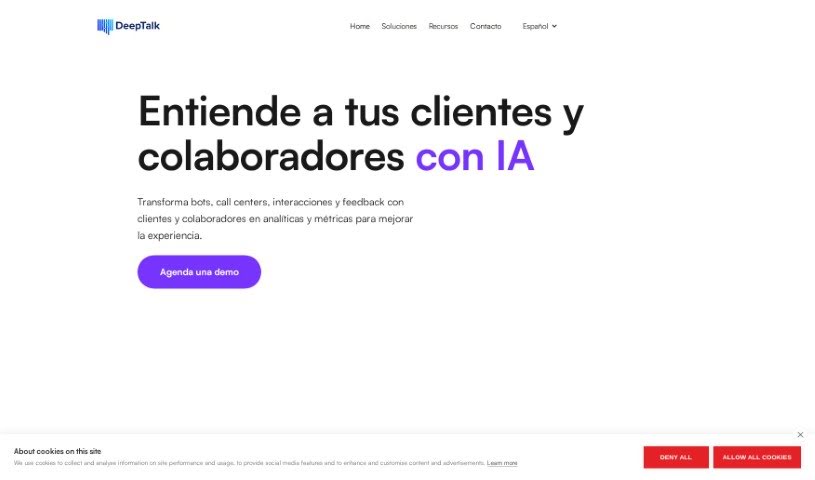
Screenshot of Deep-Talk.ai

Deep-Talk.ai

Freemium

Deep-Talk.ai is an AI Consultant from Deep Talk that lets you chat with your data. It uses Large Language Models (LLMs) to analyze large volumes of information — such as survey results and customer feedback — with high accuracy, and it can summarize customer issues efficiently. Analysis that would take a person significant time and effort can be completed in minutes.

Productivity View Tool →
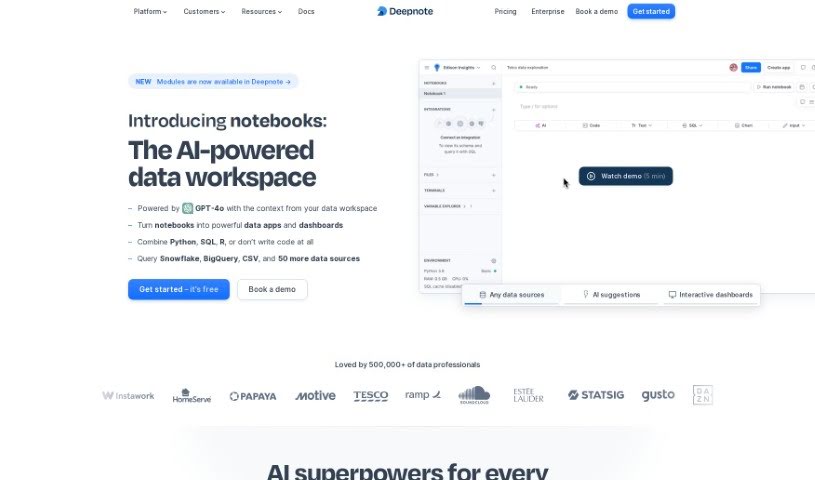
Screenshot of Deepnote

Deepnote

Freemium

Deepnote is an AI-enabled notebook platform for data scientists and analysts. Its built-in assistant, Deepnote Copilot, provides context-aware code suggestions directly inside your notebook, cutting down on repetitive and boilerplate code. The assistant is built around an understanding of context and a broad knowledge base, and the team continues to develop conversational AI for SQL as well as code.

Productivity View Tool →
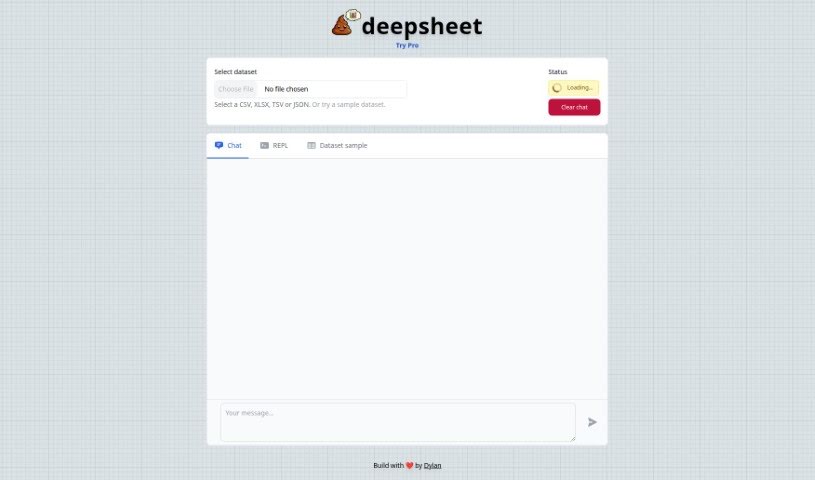
Screenshot of deepsheet

deepsheet

Freemium

Deepsheet is a data analysis tool that lets you query your datasets using everyday English instead of code. It works with common data formats including CSV, XLSX, TSV, and JSON, so you can start analyzing your data right away. It offers real-time updates on data processing, sample datasets to practice with, and a chat-based interface.

Productivity View Tool →
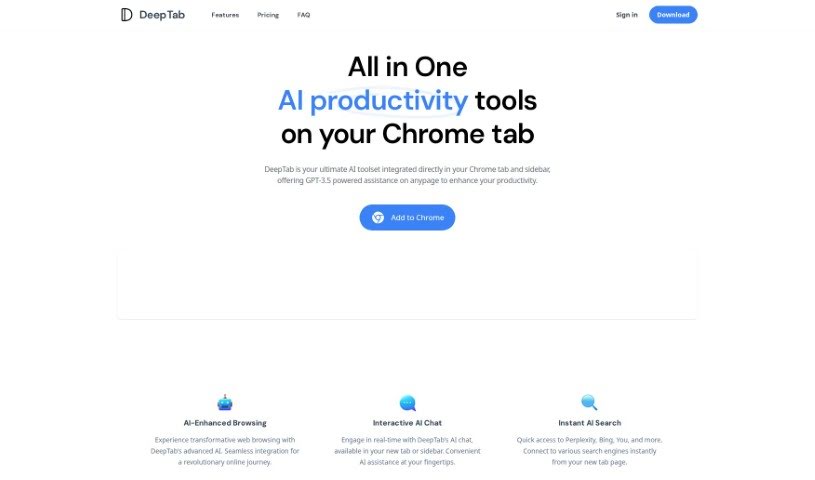
Screenshot of Deeptab

Deeptab

Freemium

Deeptab is a Google Chrome extension that bundles several productivity features into your browser: GPT-3.5-powered AI assistance, multi-engine search, an interactive AI chat, an AI navigation directory, and dynamic daily wallpapers. The goal is to help you browse more efficiently and find information faster.

Productivity View Tool →
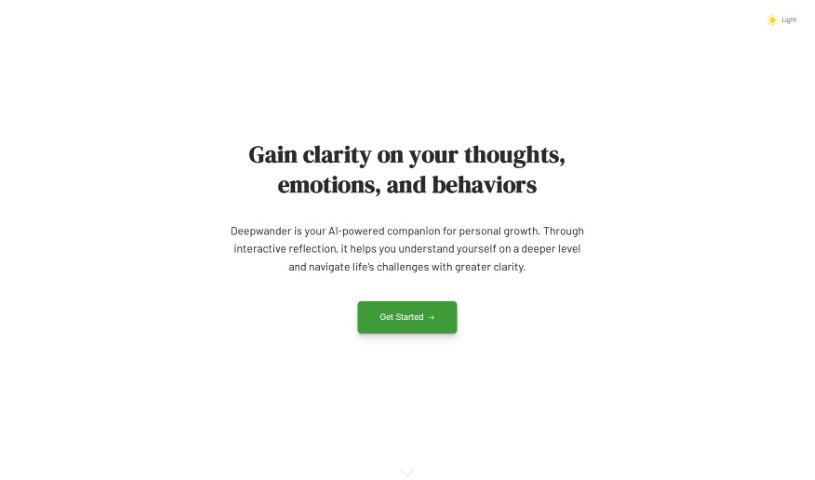
Screenshot of Deepwander

Deepwander

Freemium

Deepwander combines established psychological principles with AI technology to support self-exploration through interactive sessions. It works as a digital journal that actively guides you to examine your thoughts, feelings, recurring patterns, and behaviors in a private, judgment-free space.

Productivity View Tool →
Screenshot of Definite

Definite

Freemium

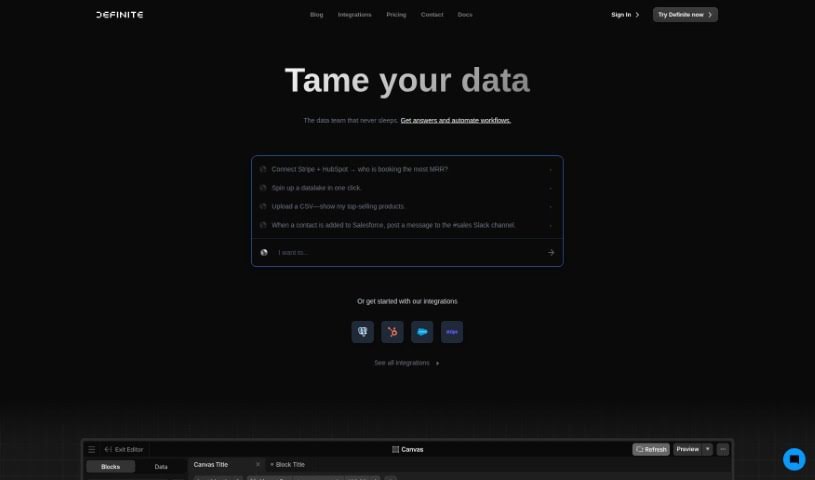
Definite is an enterprise data platform aimed at startups, with pricing suited to growing businesses. It brings data collection, storage, analysis, and visualization into a single application, covering Extract and Load, Transform and Model, Analyze and Visualize, and a Lakehouse for data infrastructure.

Productivity View Tool →
Screenshot of Definite

Definite

Freemium

Definite is an enterprise data platform built for startups, with pricing suited to growing businesses. It combines data collection, storage, analysis, and visualization in a single application: Extract and Load, Transform and Model, Analyze and Visualize, plus a Lakehouse that keeps your data infrastructure running.

Productivity View Tool →

About Productivity tools

Having a task list that seems to grow longer by the hour is a fast track to burnout. Between managing clogged email inboxes, jumping across context-heavy browser tabs, updating project boards, and tracking down files, everyday administrative work drains momentum. When managing your workflow takes more energy than doing your actual job, staying focused gets tough.

These workflow platforms act as high-speed productivity partners for task management, scheduling, and daily automation. They won’t replace your personal discipline or strategic priorities, but they handle routine administrative tasks so you can protect your focus time.

Organizing daily tasks and scheduling focus blocks takes far less manual effort. Manually moving deadlines around when a project slips or trying to carve out focus time between back-to-back meetings usually leaves you with a chaotic calendar. Smart scheduling assistants evaluate your working habits, auto-prioritize tasks, and block out dedicated focus time on your calendar before your day gets overrun.

Clearing out email backlogs and workspace communications becomes much faster, too. Sifting through dozens of unread messages just to pull out two urgent client requests wastes valuable time. Intelligent inbox tools summarize long email threads, draft contextual replies, and sort low-priority newsletters away from critical messages—helping you reach inbox zero without reading every word.

Synthesizing notes and cross-platform information creates a central memory hub. Losing track of an important project link or a quick thought saved in a random document stalls your momentum when you need it most. AI productivity assistants search across your workspace apps, notes, and bookmarked links, letting you ask plain-English questions to pull up specific files, meeting notes, or ideas in seconds.

Key Capabilities to Consider:

  • Smart calendar and time blocking: Systems that auto-schedule tasks into your calendar around existing meetings and focus preferences.
  • Contextual email and message drafting: Tools that scan long communication threads to generate concise replies and action items.
  • Universal workspace search: Software that connects with your documents, notes, and cloud storage to retrieve files through simple prompts.
  • Task prioritization algorithms: Applications that rank daily action items by urgency, deadlines, and project dependencies.
  • Workflow automation builders: Connectors that trigger actions across different apps without requiring manual data entry.

Daily productivity will always depend on clear personal priorities and healthy work habits. Software can organize a calendar, draft an email reply, and index your notes, but choosing what truly deserves your time requires human judgment.

Explore the productivity tools below to take control of your workday.

The Best AI Productivity Tools

  1. Perplexity: for automating tasks and helping with management.
  2. Small PDF.com: for smoother document management for teams.
  3. Gamma: for document creation tools that save time.
  4. Odoo: for a task management and collaboration app.
  5. Zoom: for analyzing and summarizing meeting content.
  6. N8N: for smoother team onboarding processes.
  7. Prezi: for engaging team collaboration sessions.
  8. Tableau: for creating reports and dashboards more easily.
  9. Data Camp: for efficient team collaboration workflows.
  10. Otter.ai: for getting action items from meetings without the fuss.
  11. Tenorshare: for easily summarizing long PDF documents.
  12. Slidesgo: for creating professional presentations efficiently.
  13. Facecheck Id: for streamlining identity verification tasks.
  14. HIX.AI: for boosting writing speed with smart tools.
  15. Tactiq: for automating meeting notes for teams.
New tools, in your inbox.

Weekly picks of the best AI tools we've researched and added — no spam, unsubscribe anytime.

Join 25,000+ AI enthusiasts. No spam, unsubscribe anytime.