Top AI Productivity Tools

AI Tools for Productivity

Discover the best Productivity AI tools to enhance your productivity and creativity.

Page 13 of 108 • 1290 total tools
Screenshot of Botx

Botx

Freemium

BotX is a low-code AI development platform that helps businesses build custom AI applications without requiring deep coding expertise. It uses visual tools and configurations instead of extensive code, cutting development time from months to weeks. This faster pace helps businesses see a quicker return on investment, simplifies bringing AI into operations, and supports enterprise-level results with a focus on security and transparency. BotX is suitable for companies without in-house AI experts and integrates with Cookiebot for data security.

Productivity View Tool →
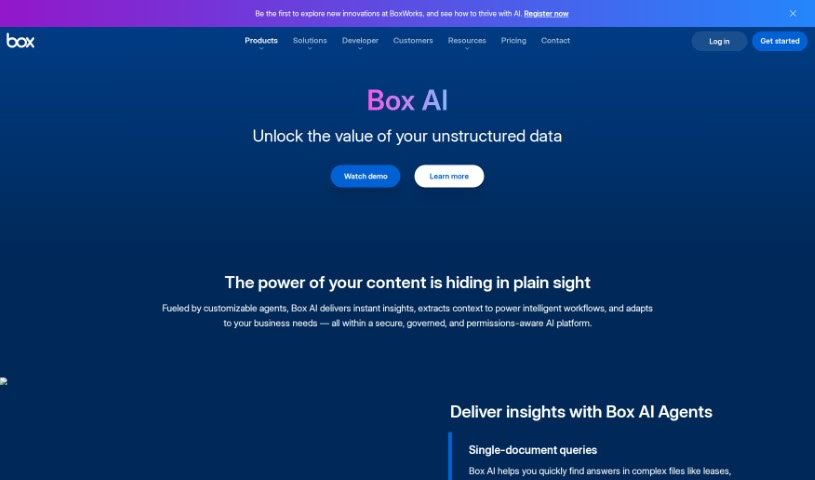
Screenshot of Box Ai

Box Ai

Freemium

Box AI is an AI platform from Box Inc. built directly into Box cloud storage. It uses machine learning to automatically tag content, extract metadata, and suggest files you may need — enabling smarter search, easier document classification, and predictive insights. It also supports image recognition and natural language understanding, helping you find and manage information faster while keeping content organized and secure.

Productivity View Tool →
Screenshot of BragHumble

BragHumble

Freemium

BragHumble is a fitness platform for people new to exercise or anyone who wants a clearer picture of their fitness capabilities. Every exercise comes with a demo, audio cues, and timers to guide you through your workout. The platform emphasizes repetitions as the main way to measure effort and track progress: it uses your front camera and artificial intelligence to count reps automatically.

Productivity View Tool →
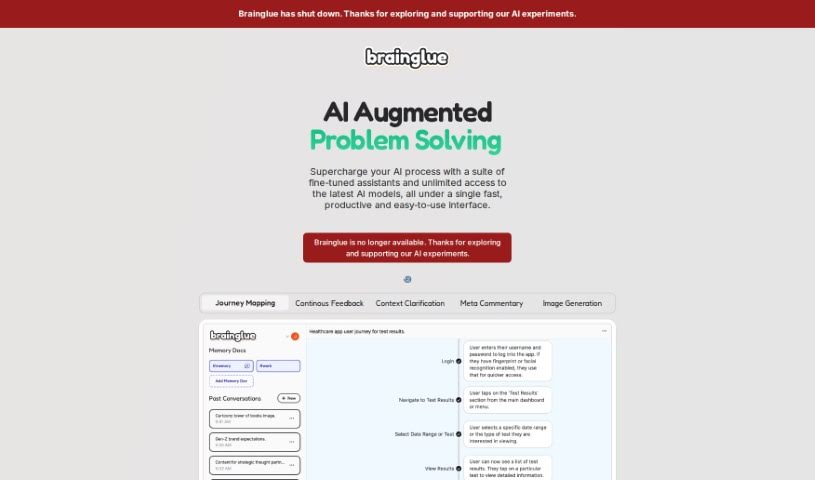
Screenshot of Brainglue

Brainglue

Freemium

Brainglue is an AI assistant and playground built for knowledge professionals and creative workers. It combines tools for writing, research, analysis, and illustration, and lets you chat with different AI personalities powered by models such as GPT-4, Claude 3, and Gemini Pro. Context you want to keep can be stored in "memory docs," so you don't have to repeat yourself across conversations. Other features include smart follow-ups, visual responses, image generation with DALL-E-3, web search powered by Perplexity, keyboard shortcuts, and highlight actions.

Productivity View Tool →
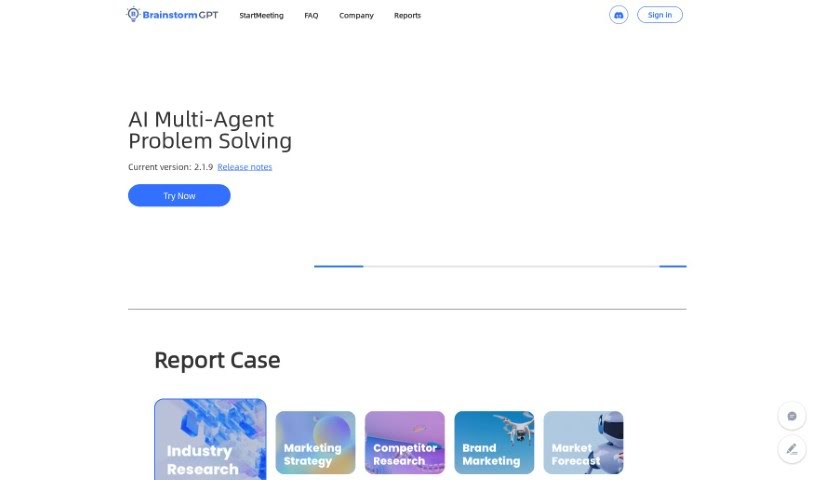
Screenshot of Brainstormgpt

Brainstormgpt

Freemium

BrainstormGPT is an AI tool designed to help businesses make better decisions. It supports brainstorming, idea generation, multiple perspectives, data analysis, and team collaboration. It can weigh pros and cons, identify opportunities, and quantify potential outcomes to support strategic planning.

Productivity View Tool →
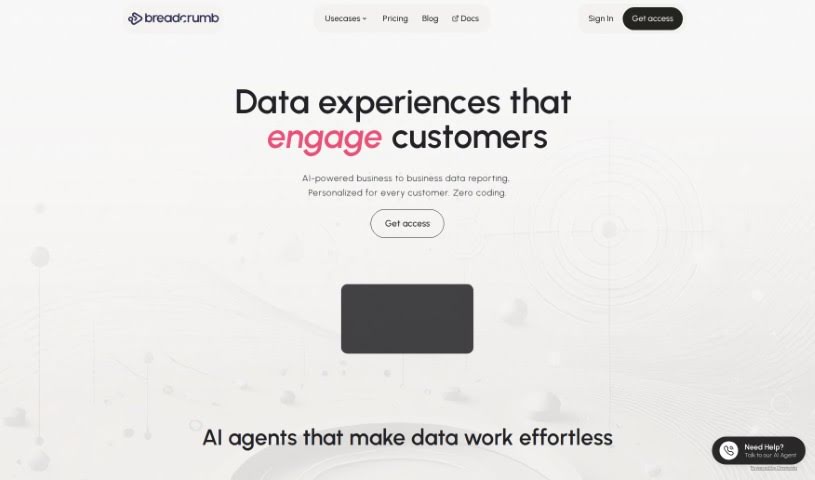
Screenshot of Breadcrumb

Breadcrumb

Freemium

Breadcrumb is a data analysis platform that turns raw data into interactive, personalized views. It uses built-in AI to analyze data immediately and transform it into understandable stories, with an interface that lets users move from a big-picture overview to specific details via clicks or dropdown menus. It includes over 418 pre-built data source connections, personalized data views, recommendations, and real-time filtering.

Productivity View Tool →
Screenshot of Breezemail

Breezemail

Freemium

Breezemail is an AI-powered email management tool that automatically sorts and categorizes incoming messages. It prioritizes important emails and uses AI to classify the rest. You can create custom categories using natural language, or use built-in categories such as Newsletters, Purchases, Social, Promotions, and Travel. Breezemail works with Gmail and Outlook, and costs $12 per month after a 7-day free trial.

Productivity View Tool →
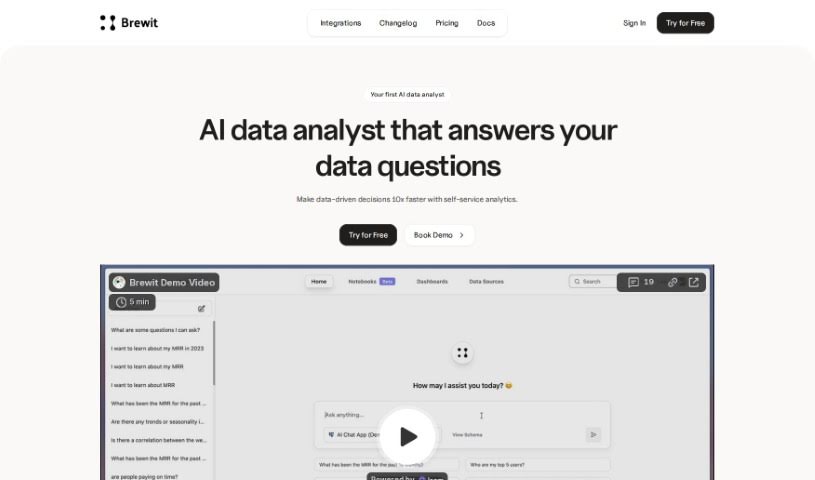
Screenshot of Brewit

Brewit

Freemium

Brewit is an AI-powered data analytics tool developed by Hubit. It provides an intelligent semantic layer, a data review workflow, and role-specific AI agents. It supports collaborative decision-making, real-time insights, and drag-and-drop dashboards for data visualization.

Productivity View Tool →
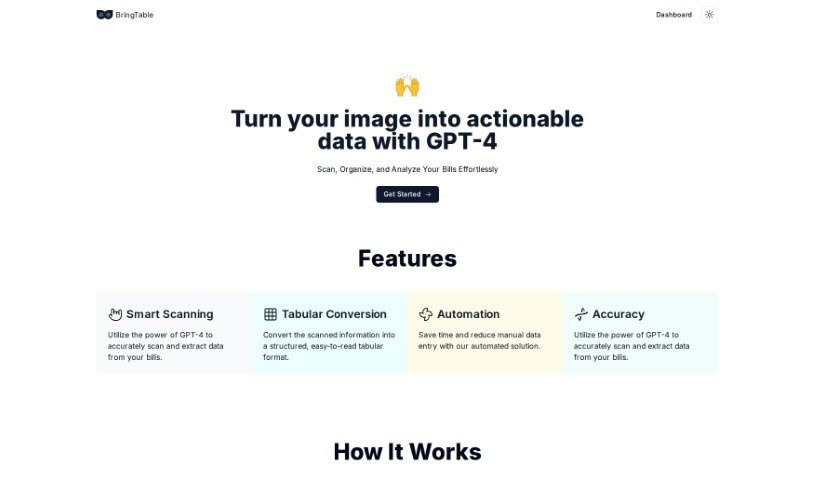
Screenshot of Bringtable

Bringtable

Freemium

BringTable is a platform for managing bills. It uses GPT-4 to scan bills, extract the important details, and convert them into clear, organized tables — eliminating manual data entry. The Beta version is available for free.

Productivity View Tool →
Screenshot of Broadcast

Broadcast

Freemium

Broadcast is a platform that uses AI and automation to make sending weekly updates simpler. It connects with tools like Slack, Email, JIRA, Looker, GitHub, and Linear, gathering and sharing project information so teams don't have to compile updates manually. The platform was built to make communication clear, concise, and consistent across an organization.

Productivity View Tool →
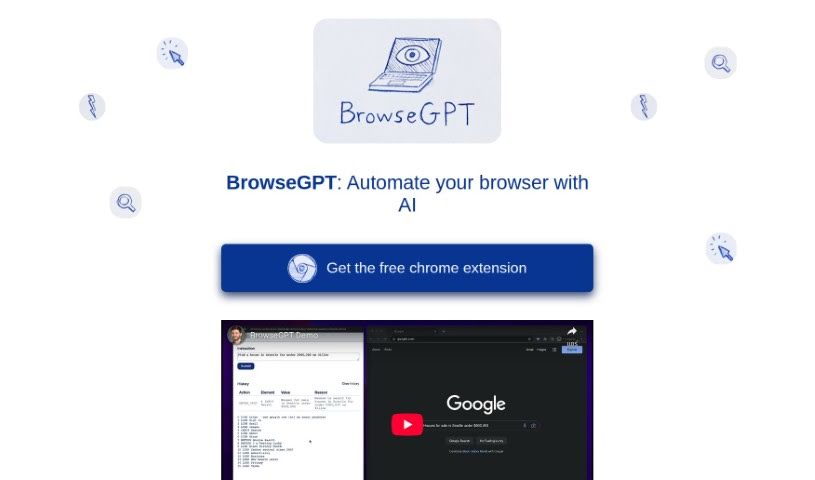
Screenshot of BrowseGPT

BrowseGPT

Freemium

BrowseGPT is an AI browser automation tool that executes your instructions directly in a web browser. Describe a task — click a button, fill in a form field, open a page — and it carries out the steps for you. The tool is available at [browsegpt.ai](https://browsegpt.ai/).

Productivity View Tool →
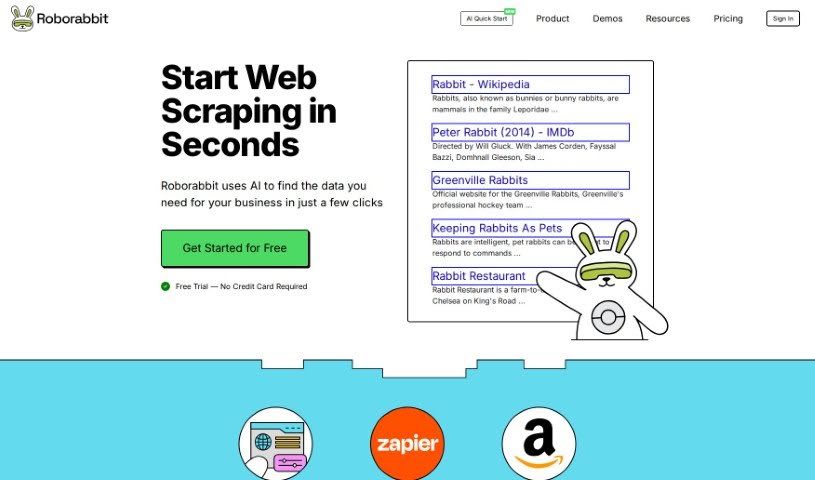
Screenshot of Browserbear

Browserbear

Freemium

Browserbear is a no-code platform for automating browser tasks and scraping websites. Its AI Web Scraper lets you set up custom tasks, extract data from websites, and automate testing processes without writing code. It connects to other apps through integrations like Custom Feeds, Zapier, Make.com, and Integromat, and includes interactive demos, tutorials, and an API reference to help you get started.

Productivity View Tool →

About Productivity tools

Having a task list that seems to grow longer by the hour is a fast track to burnout. Between managing clogged email inboxes, jumping across context-heavy browser tabs, updating project boards, and tracking down files, everyday administrative work drains momentum. When managing your workflow takes more energy than doing your actual job, staying focused gets tough.

These workflow platforms act as high-speed productivity partners for task management, scheduling, and daily automation. They won’t replace your personal discipline or strategic priorities, but they handle routine administrative tasks so you can protect your focus time.

Organizing daily tasks and scheduling focus blocks takes far less manual effort. Manually moving deadlines around when a project slips or trying to carve out focus time between back-to-back meetings usually leaves you with a chaotic calendar. Smart scheduling assistants evaluate your working habits, auto-prioritize tasks, and block out dedicated focus time on your calendar before your day gets overrun.

Clearing out email backlogs and workspace communications becomes much faster, too. Sifting through dozens of unread messages just to pull out two urgent client requests wastes valuable time. Intelligent inbox tools summarize long email threads, draft contextual replies, and sort low-priority newsletters away from critical messages—helping you reach inbox zero without reading every word.

Synthesizing notes and cross-platform information creates a central memory hub. Losing track of an important project link or a quick thought saved in a random document stalls your momentum when you need it most. AI productivity assistants search across your workspace apps, notes, and bookmarked links, letting you ask plain-English questions to pull up specific files, meeting notes, or ideas in seconds.

Key Capabilities to Consider:

  • Smart calendar and time blocking: Systems that auto-schedule tasks into your calendar around existing meetings and focus preferences.
  • Contextual email and message drafting: Tools that scan long communication threads to generate concise replies and action items.
  • Universal workspace search: Software that connects with your documents, notes, and cloud storage to retrieve files through simple prompts.
  • Task prioritization algorithms: Applications that rank daily action items by urgency, deadlines, and project dependencies.
  • Workflow automation builders: Connectors that trigger actions across different apps without requiring manual data entry.

Daily productivity will always depend on clear personal priorities and healthy work habits. Software can organize a calendar, draft an email reply, and index your notes, but choosing what truly deserves your time requires human judgment.

Explore the productivity tools below to take control of your workday.

The Best AI Productivity Tools

  1. Perplexity: for automating tasks and helping with management.
  2. Small PDF.com: for smoother document management for teams.
  3. Gamma: for document creation tools that save time.
  4. Odoo: for a task management and collaboration app.
  5. Zoom: for analyzing and summarizing meeting content.
  6. N8N: for smoother team onboarding processes.
  7. Prezi: for engaging team collaboration sessions.
  8. Tableau: for creating reports and dashboards more easily.
  9. Data Camp: for efficient team collaboration workflows.
  10. Otter.ai: for getting action items from meetings without the fuss.
  11. Tenorshare: for easily summarizing long PDF documents.
  12. Slidesgo: for creating professional presentations efficiently.
  13. Facecheck Id: for streamlining identity verification tasks.
  14. HIX.AI: for boosting writing speed with smart tools.
  15. Tactiq: for automating meeting notes for teams.
New tools, in your inbox.

Weekly picks of the best AI tools we've researched and added — no spam, unsubscribe anytime.

Join 25,000+ AI enthusiasts. No spam, unsubscribe anytime.