AI Photo Editors

AI Tools for Photo Editors

Discover the best Photo Editors AI tools to enhance your productivity and creativity.

Page 3 of 22 • 260 total tools
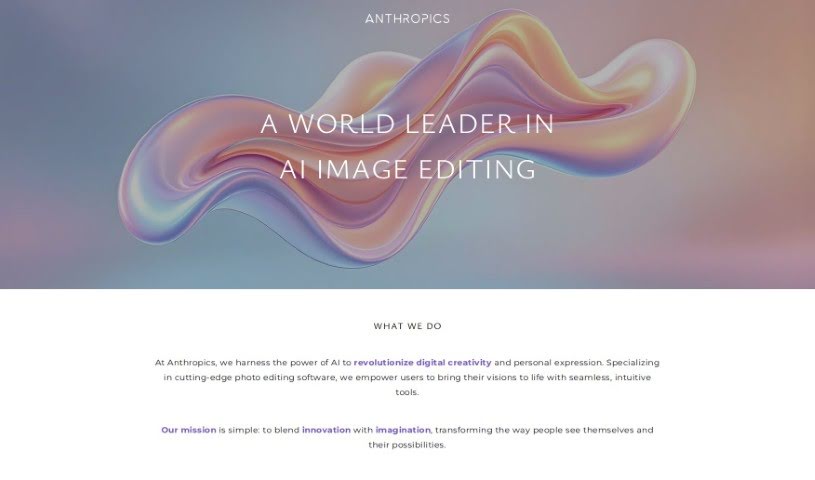
Screenshot of Anthropics

Anthropics

Freemium

Anthropics Technology Ltd., founded in 1998, develops AI-based image processing tools for businesses and photographers. Its main products are PortraitPro, PortraitPro Body, LandscapePro, and Smart Photo Editor, which help users achieve professional, natural-looking photo edits.

Photo Editors View Tool →
Screenshot of api4ai

api4ai

Freemium

Api4ai is a cloud-based AI and computer vision service offering affordable, customizable solutions for businesses. Its image processing technologies include background removal, NSFW content detection, optical character recognition (OCR), image labeling, object detection, and face recognition. The service targets enterprises, startups, and individual developers who want to integrate machine learning into existing products.

Photo Editors View Tool →
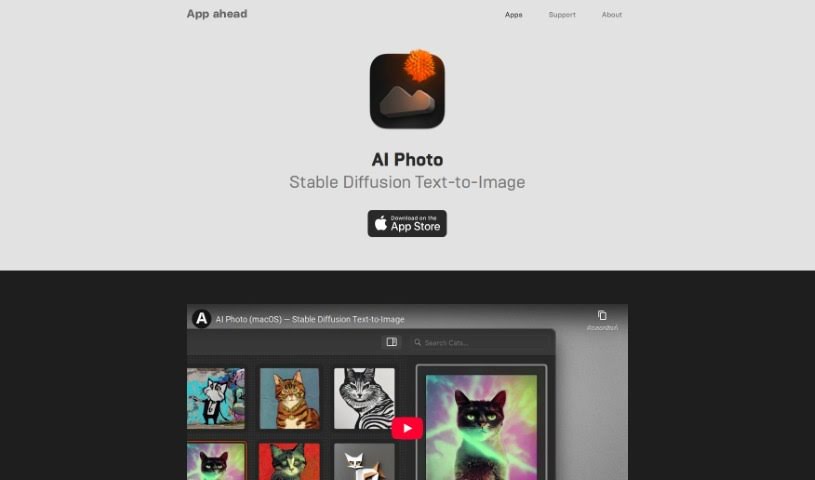
Screenshot of App Head AI Photo

App Head AI Photo

Freemium

App Head AI Photo is an AI image generation app for Mac, iPhone, and iPad. It creates images from text descriptions using Stable Diffusion and custom CoreML models, with all processing done on-device. Because nothing runs in the cloud, the app works offline, and your prompts and generated images stay on your own hardware.

Photo Editors View Tool →
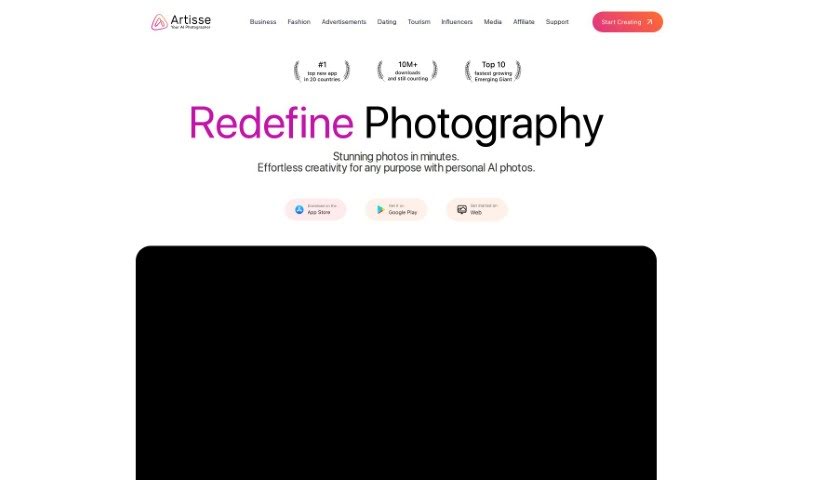
Screenshot of Artisse

Artisse

Freemium

Artisse AI is a photo enhancement tool focused on selfies. It lets you customize details like settings, outfits, and hairstyles, so you can picture yourself in different situations and styles. Rather than acting as a quick fix, it turns everyday selfies into high-quality, personalized images you can experiment with creatively.

Photo Editors View Tool →
Screenshot of autoRetouch

autoRetouch

Freemium

autoRetouch is an AI-powered image editing platform for creating professional product and fashion photos. It works in the browser and offers an API for integration. Its batch editing feature processes thousands of images at once. It provides tools for background removal, ghost mannequin effects, shadow addition, fabric swatch extraction, face cropping, reframing, color harmonization, skin retouching, and high-resolution exports.

Photo Editors View Tool →
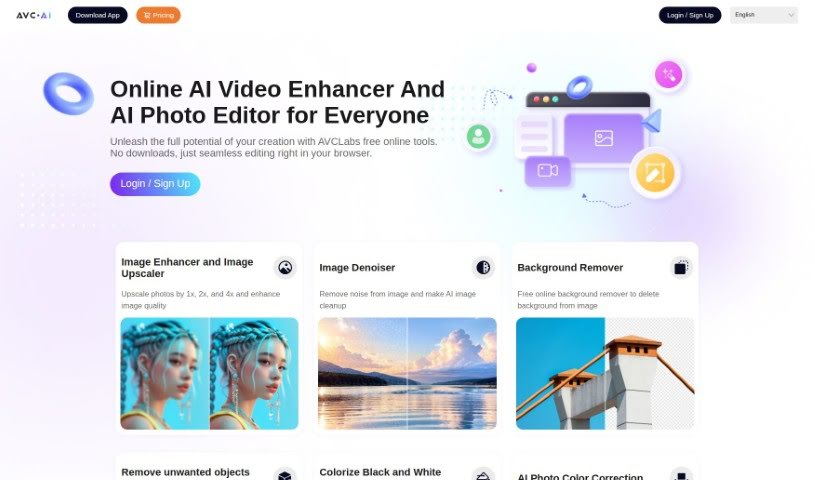
Screenshot of Avc AI

Avc AI

Freemium

Avc AI is an online photo enhancement tool that uses deep learning algorithms to automatically improve and restore images. It can increase resolution, remove noise, touch up faces, add color to black-and-white photos, adjust colors, and remove backgrounds. The tool is designed for users without technical expertise, making it suitable for product photos, family portraits, and historical images.

Photo Editors View Tool →
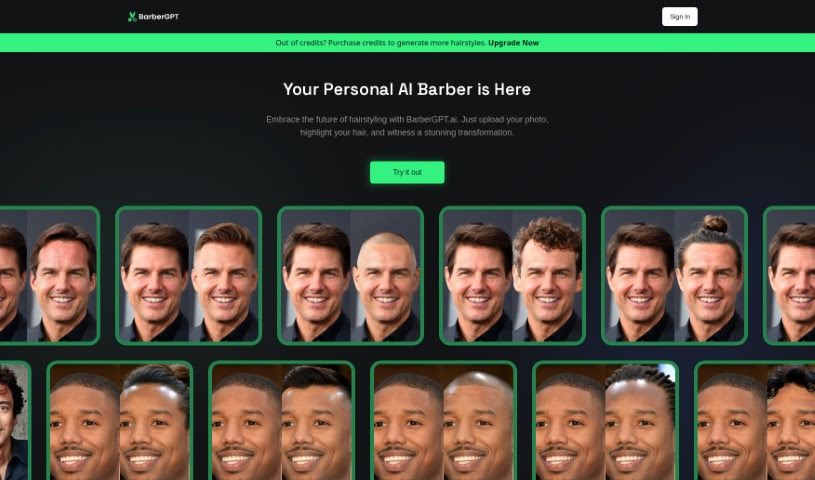
Screenshot of Barber GPT

Barber GPT

Freemium

BarberGPT is an AI-powered platform for previewing hairstyles. Upload a photo of your current hair, and the tool shows how you would look with a different style — no commitment required. The goal is to make hairstyling decisions easier for everyone, with a simple interface, a wide variety of hairstyles to choose from, and an emphasis on keeping uploaded photos private and secure. A FAQ section covers common questions about transformation accuracy, supported hair types, costs, and troubleshooting.

Photo Editors View Tool →
Screenshot of BeFunky

BeFunky

Freemium

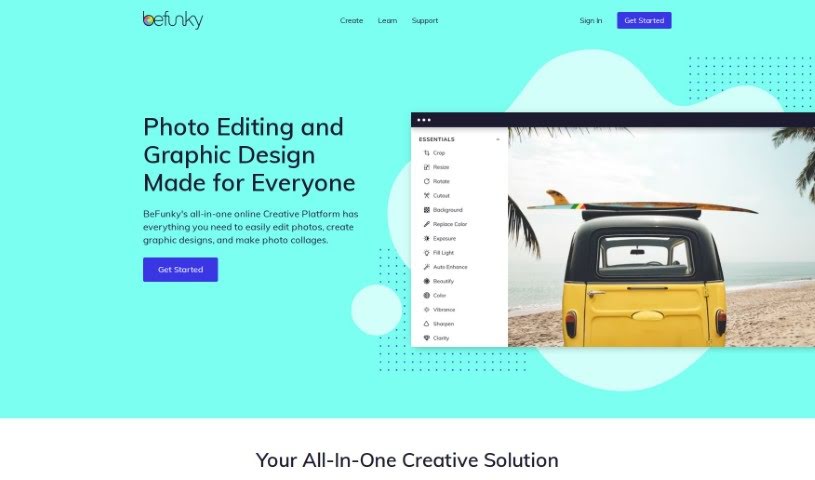
BeFunky is an online photo editor and collage maker developed by BeFunky. It provides photo effects, adjustment tools for brightness and contrast, and cropping, resizing, and blemish removal. Its collage maker combines multiple photos into a single image with text, stickers, and backgrounds. Because it runs in the browser, it works on any internet-connected device without software installation.

Photo Editors View Tool →
Screenshot of Bg Generator

Bg Generator

Freemium

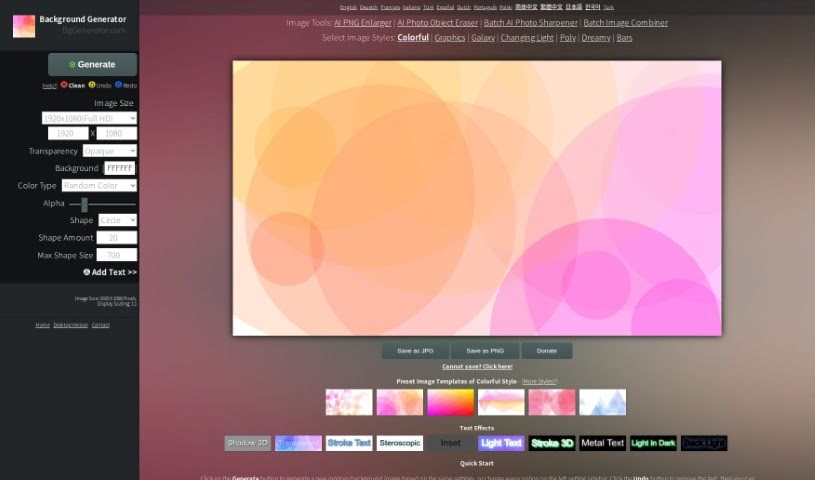
Bg Generator is a browser-based tool at BgGenerator.com for creating unique background images. It supports wallpapers, blog illustrations, commercial backgrounds, posters, and similar projects. The tool offers multiple styles and templates, adjustable image size and output format, and text effects. Because everything runs in the browser, no uploads are required and privacy is protected across devices and operating systems.

Photo Editors View Tool →
Screenshot of Bigjpg

Bigjpg

Freemium

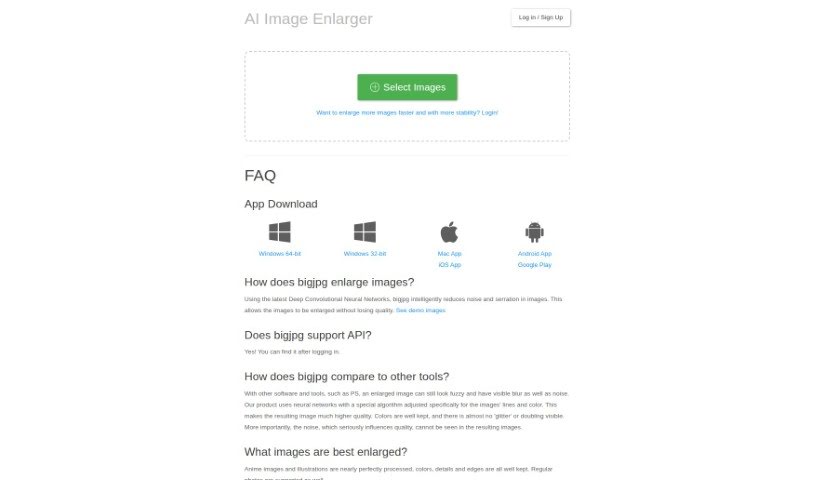
Bigjpg enlarges images, especially Anime-style artwork and photos, using Deep Convolutional Neural Networks. It reduces graininess and noise while keeping colors, fine details, and edges sharp. Free and paid plans are available; paid plans offer faster, more reliable enlargements. Bigjpg uses encrypted links and deletes images automatically after 3 days. It also offers API support and desktop and mobile apps.

Photo Editors View Tool →
Screenshot of Blend

Blend

Freemium

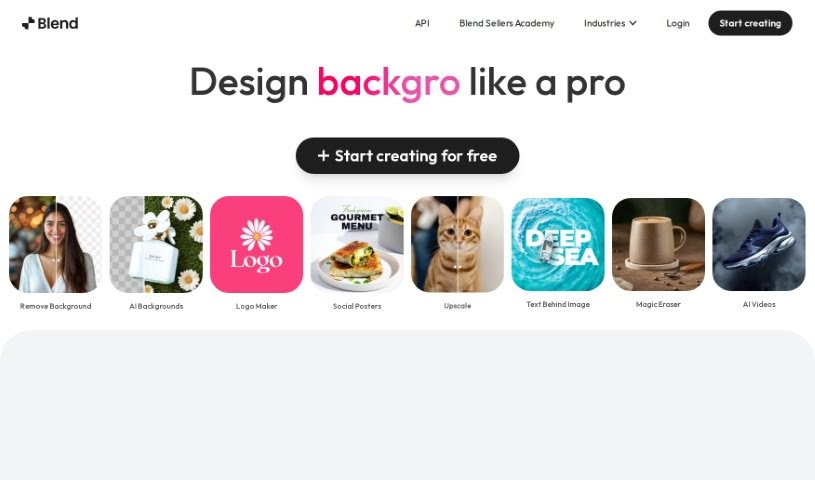
Blend is an AI-powered tool that removes backgrounds from images and helps create professional-quality product photos. It is aimed at entrepreneurs and e-commerce sellers who want to improve their online presence with polished visuals. Core features include automatic background removal, background replacement, a large template library, and dedicated tools for social media graphics and product shots. Blend also optimizes images for search engines, resizes them for different platforms, and includes a "magic resize" feature.

Photo Editors View Tool →
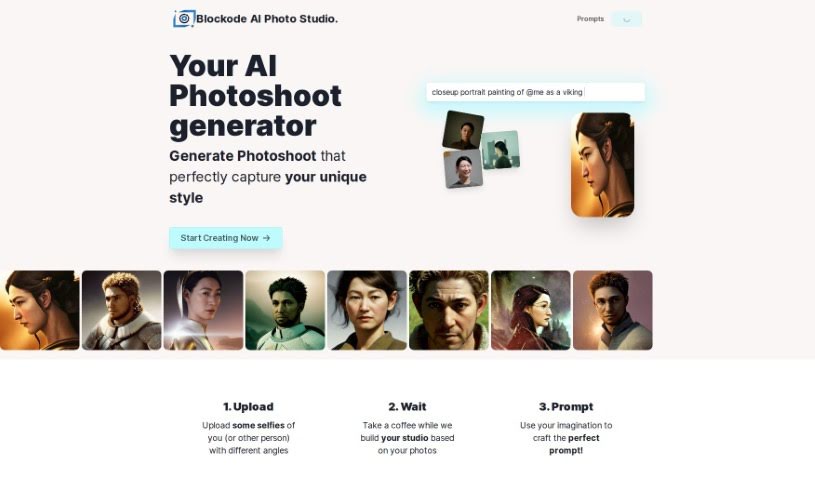
Screenshot of Blockode AI Photo Studio

Blockode AI Photo Studio

Freemium

Blockode AI Photo Studio is a platform that uses AI to create custom photoshoots designed to strengthen your online presence. Personalization is central to the tool: you can adjust color themes and design elements so the resulting images match your personal style or brand. The platform integrates with other technologies to keep the workflow smooth, and it positions AI-driven photoshoots as an accessible, affordable option.

Photo Editors View Tool →

About Photo Editors tools

Hours spent carefully tweaking masks, brushing away stray blemishes, and fixing uneven lighting can exhaust even the most patient photographer. Whether you’re preparing product photos for an online store, polishing headshots for a client, or trying to rescue a noisy low-light memory, meticulous pixel-level editing eats up hours of creative time.

Built for photographers, designers, and creators, these AI photo editors act as high-speed darkroom assistants. They clean up distractions, enhance resolution, and handle tedious retouching tasks in seconds without replacing your artistic vision.

Generative Fill, Noise Cleanup, and Portrait Retouching

Removing distracting background elements and extending canvas boundaries takes seconds instead of hours. Trying to eliminate unwanted tourists, power lines, or stray trash cans with traditional clone stamps often ruins natural textures. Generative AI tools scan surrounding pixels and reconstruct background elements like brick walls, foliage, or ocean waves—letting you erase distractions cleanly or expand a canvas aspect ratio with realistic detail.

Automating technical cleanup and image enhancement restores low-quality or damaged photos instantly. Dealing with digital noise from high-ISO shoots, soft focus, or low-resolution files usually means compromising on sharpness. Intelligent enhancement software applies targeted denoising, deblurring, and super-resolution upscaling to sharpen critical details like hair strands and fabric textures without introducing harsh artifacts.

Speeding up portrait retouching and color grading keeps your editing pipeline moving. Selecting complex subjects like wind-blown hair or adjusting skin tones across an entire batch of event photos used to require detailed manual masking. AI portrait editors recognize facial features, smooth skin textures naturally, adjust lighting angles, and match color profiles across hundreds of images with a single click.

Key Capabilities to Consider:

  • Generative fill and object removal: Tools that replace erased objects or extend canvas margins by synthesizing matching backgrounds.
  • Smart subject and sky masking: Features that automatically detect people, backgrounds, or skies to apply isolated edits without tedious manual selections.
  • AI-powered denoise and upscaling: Software that removes low-light noise and increases image resolution for crisp print or web displays.
  • Batch style and color matching: Applications that analyze a reference image and apply consistent color grading across entire photo shoots.
  • Non-destructive layer editing: Editors that preserve your original photo files while letting you adjust or undo AI enhancements at any point.

Developing a distinct visual style will always depend on your creative eye, composition choices, and artistic perspective. Software can remove a distraction, sharpen a noisy frame, or adjust skin tones, but capturing a meaningful moment requires human emotion.

Explore the photo editing tools below to streamline your digital darkroom.

The Best AI Photo Editors

  1. Canva: for quick photo enhancements and edits online.
  2. Photopea: for easy photo retouching and improvements.
  3. Photoroom: for efficient batch editing for photographers.
  4. Pixlr: for simple photo enhancement and retouching.
  5. Cutout.pro: for smooth background removal for portraits.
  6. Pic Wish AI Photo Editor: for easy background removal for photos.
  7. Freepik Pikaso: for adding details to images.
  8. Adobe Firefly: for advanced photo improvements.
  9. Adstronaut: Turns everyday photos into studio-quality product and fashion visuals.
  10. Aftershoot: AI culling and editing tools for photographers working through large batches.
  11. Recraft: for consistent edits for brand visuals.
  12. Icons8: for removing tricky photo backgrounds.
  13. Dewatermark: for quick watermark removal for editors.
  14. AI Color: Colorizes black and white photos with AI restoration.
  15. AirBrush: for simple, precise photo retouching.
New tools, in your inbox.

Weekly picks of the best AI tools we've researched and added — no spam, unsubscribe anytime.

Join 25,000+ AI enthusiasts. No spam, unsubscribe anytime.