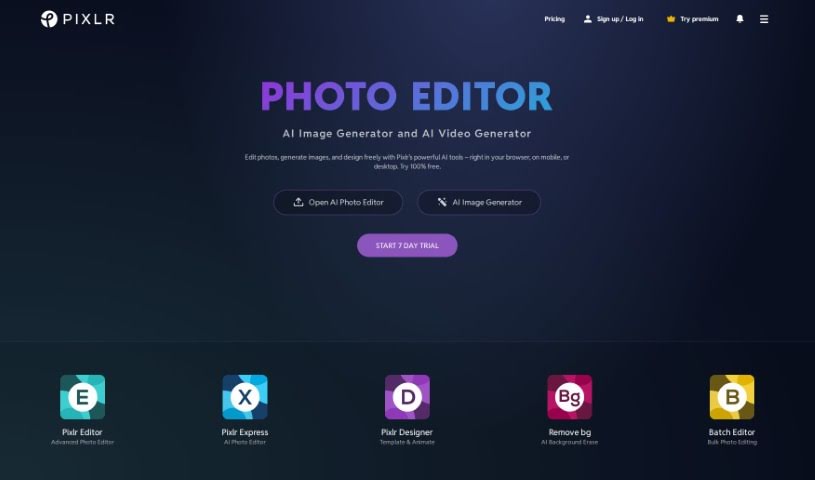
Screenshot of Pixlr

Pixlr

Discover what Pixlr is and how to use its powerful features effectively in 2025. We'll explore its capabilities and see how it stacks up against other AI image generators.

Screenshot

What is Pixlr?

Pixlr is a really popular online tool for editing images, first launched way back in 2008 by Ola Sevandersson. It started out with just basic photo editing through a web browser, but it quickly became a hit because it was so easy to use and had features that anyone could access. Over the years, Pixlr has brought in AI technology to make creating things even better for users, helping them work faster and more simply. Based in Singapore, Pixlr’s goal is to make photo editing accessible to everyone, no matter their skill level, by offering tools that are both easy to use and powerful. Millions of people around the world use Pixlr’s apps, which offer a wide range of editing, animation, and design features, all supported by professionally designed elements and templates.

Who created Pixlr?

Ola Sevandersson created Pixlr and launched it in late summer 2008 as an online image editing tool. The company is based in Singapore, and its mission is to make photo editing accessible to everyone. They offer a user-friendly platform that includes AI-powered tools. It’s clear they’re doing something right, as they empower tens of millions of active users worldwide.

What is Pixlr used for?

Pixlr is incredibly versatile! You can use it for:

  • Generating images with AI
  • Easily removing backgrounds from your photos
  • General photo editing
  • Creating content for social media
  • Resizing images to fit different needs
  • Putting together photo collages
  • Using Auto Design features like the Photo Grid Maker and Product Shot Creator
  • Enhancing photos with a variety of filters and effects
  • Designing beautiful graphics for campaigns, posters, and other visual content
  • Making quick photo edits and creating social media posts
  • Online photo editing with basic tools, perfect for business photos
  • Getting easy access to online photo editing without needing to download or install any software
  • AI-powered photo editing and background removal for high-quality visuals
  • Designing graphics, animations, and presentations using templates and effects
  • Creating photo collages with pre-made templates
  • Transforming your photos into artistic visuals with creative filters and effects
  • Creating animations
  • Using Auto Design tools
  • Making photo grids with the Photo Grid Maker
  • Creating product shots with the Product Shot Creator
  • Editing photos with filters and effects
  • Designing beautiful graphics
  • Making quick photo edits and social media posts
  • Online photo editing
  • Using the collage maker
  • Creating graphics for campaigns
  • Designing posters and report covers
  • Editing product images
  • Enhancing photos with filters and effects
  • Animating designs
  • Using the Photo Editor with Filters and Effects
  • Accessing Design Templates
  • Utilizing AI Generative Tools

Who is Pixlr for?

Pixlr is a great tool for a wide range of people, including:

  • Graphic Designers
  • Photographers
  • Social Media Managers
  • Marketing Professionals
  • Educators
  • Small Business Owners
  • Large Enterprise Professionals
  • Creative Professionals
  • Small business designers
  • Marketers
  • Artists
  • Machinery Professionals
  • Customer Service Representatives
  • Education Management Professionals
  • Legal Management Professionals
  • Accountants
  • Retail Professionals

How to use Pixlr?

Using Pixlr is pretty straightforward! Here’s how you can get started:

  1. Access Pixlr: Just head over to the Pixlr website using your browser, whether you’re on your smartphone or desktop. You’ll find free photo editing and design tools right there.
  2. Choose a Starting Point: You can begin with a blank canvas, upload a photo you want to edit, work with a video, or pick a template from their library to get started quickly.
  3. Edit Photos: Pixlr offers various editing tools. You can use features like background removal, the collage maker, and a range of filters and effects to really enhance your images.
  4. Design Graphics: If you need to create visuals for things like YouTube banners, Instagram stories, resumes, brochures, or business cards, Pixlr’s design templates make it easy.
  5. Create Animations: Want to add some movement to your designs? You can bring them to life with preset animations or customize the details yourself.
  6. AI Image Generation: Pixlr also has AI-powered tools, like a Text to Image generator, which lets you turn your written ideas into visually captivating artwork.
  7. Auto Design Features: Take advantage of tools like the Auto Grid Maker to create photo grids effortlessly.
  8. Save and Share: Once you’re happy with your creation, you can save your edited images and graphics and share them instantly with others.
  9. Subscription Options: If you find yourself using Pixlr a lot, you might want to consider their premium subscriptions. These offer extra perks like an ad-free experience, unlimited saves, and more AI credits.

By following these steps, you can really make the most of Pixlr’s free photo editing and design capabilities to create stunning visuals with ease.

Related AI Tools

Discover more tools in similar categories that might interest you

123RF AI Image Generator

Creative Image Generation
Learn More

Stay Updated with AI Tools

Get weekly updates on the latest AI tools, trends, and insights delivered to your inbox

Join 25,000+ AI enthusiasts. No spam, unsubscribe anytime.