AI Photo Editors

AI Tools for Photo Editors

Discover the best Photo Editors AI tools to enhance your productivity and creativity.

Page 21 of 22 • 260 total tools
Screenshot of SwapFans AI

SwapFans AI

Freemium

SwapFans AI is an all-in-one generative AI platform built for marketing, sales, and film production. It offers tools for tasks like changing backgrounds, generating images, and faceswapping, giving users straightforward ways to modify and create visuals. New users receive free credits to generate and export edited images without watermarks, and VIP upgrades unlock additional features. The platform is designed to be user-friendly while providing capable AI tools for boosting marketing reach and sales performance.

Photo Editors View Tool →
Screenshot of TheDream.ai

TheDream.ai

Freemium

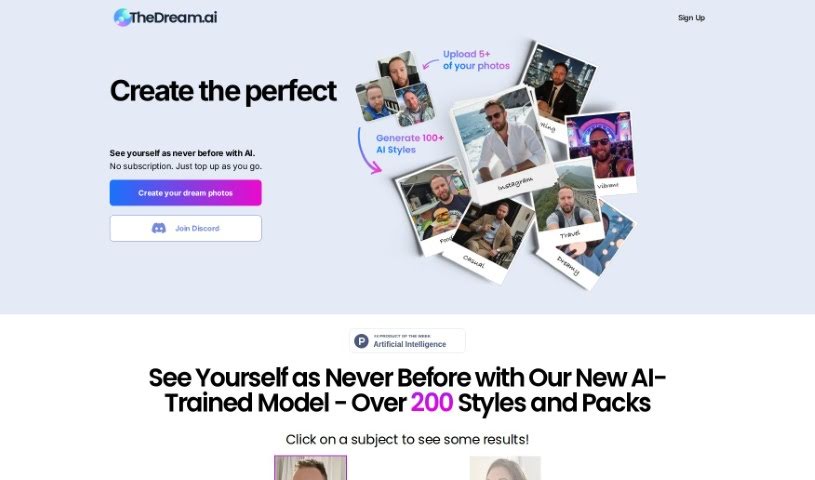
TheDream.ai is a service that uses artificial intelligence to generate unique, attention-grabbing profile pictures for social media. The AI analyzes your preferences and creates photos tailored to your personal style, giving you a polished online presence without the need for a traditional photoshoot.

Photo Editors View Tool →
Screenshot of Topaz Labs

Topaz Labs

Freemium

Topaz Labs is a suite of AI-powered photo enhancement tools covering sharpening, upscaling, de-noising, de-blurring, and texture adjustments. Its AI distinguishes genuine image detail from noise, corrects blurriness, and increases resolution. It works as a standalone app or as a plugin alongside editors like Photoshop and Lightroom Classic, making it useful for photographers and graphic designers.

Photo Editors View Tool →
Screenshot of Twin Pics

Twin Pics

Freemium

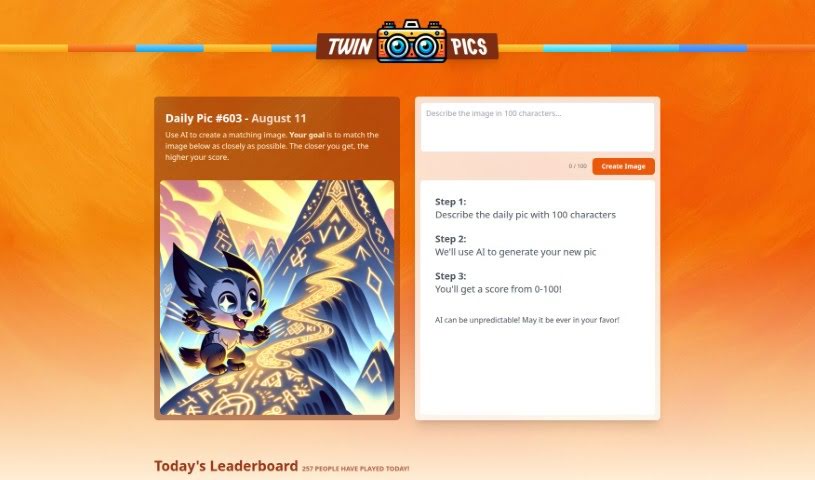
Twin Pics is an AI image tool created by Chris Sev. You describe a reference image in up to 100 characters, the AI generates its own version, and the tool scores how closely the result matches the original. Because AI output can be unpredictable, a perfect match isn't guaranteed — that's part of the challenge. The site runs daily challenges, maintains a leaderboard of the best-scored images, and includes educational content about how AI works in creative visual fields.

Photo Editors View Tool →
Screenshot of Unfake

Unfake

Freemium

Unfake is an AI tool from Gaspard+Bruno that converts images with a fake transparency grid — checkerboard backgrounds that only look transparent — into genuine, background-less PNG files. The tool automatically removes the fake grid so images render accurately. Upload your image, let Unfake process it, and download the clean PNG. It is free to use, requires no sign-up, and supports uploads up to 200MB. It is powered by technology from VISIO Studio.

Photo Editors View Tool →
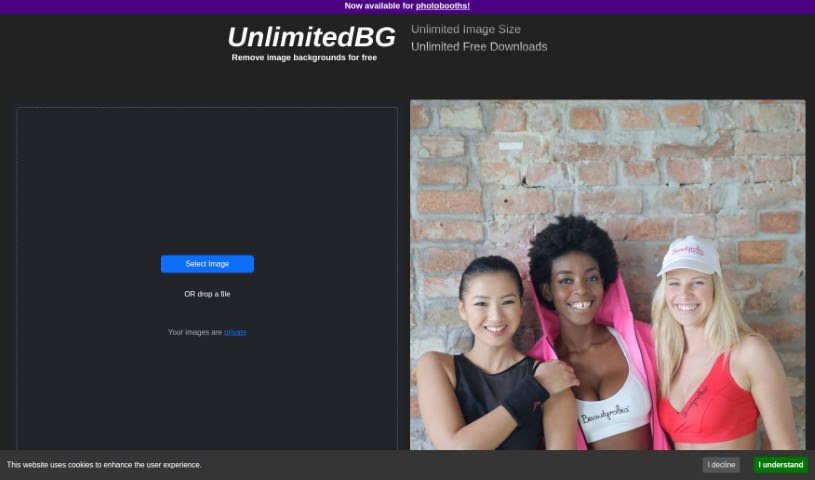
Screenshot of UnlimitedBG

UnlimitedBG

Freemium

UnlimitedBG is an AI tool that automatically removes backgrounds from images. It is completely free, with no limits on file size, image resolution, or how many images you can download — and you don't even need to sign up. You can download as many high-resolution images as you need and use the free batch removal feature to process multiple photos at once. It works with a variety of image types.

Photo Editors View Tool →
Screenshot of Upscalepics

Upscalepics

Freemium

UpscalePics is an online tool that uses convolutional neural networks and machine learning to enlarge and enhance images. Its Super Resolution AI algorithm makes images clearer, sharper, and larger while removing noise and compression artifacts. All processing happens on your own device, so images are never sent to external servers — a notable privacy and security feature.

Photo Editors View Tool →
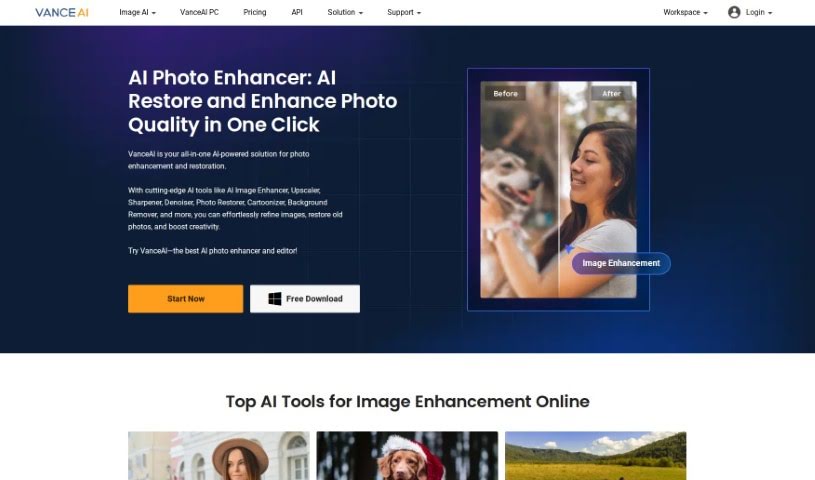
Screenshot of VanceAI

VanceAI

Freemium

VanceAI is an AI-powered image processing service built on Deep Convolutional Neural Networks (DCNN). These specialized AI systems are trained on millions of images, allowing them to analyze and process photos quickly and intelligently. Unlike traditional editing tools that rely purely on mathematical formulas, VanceAI's deep learning approach works with the actual details in your images.

Photo Editors View Tool →
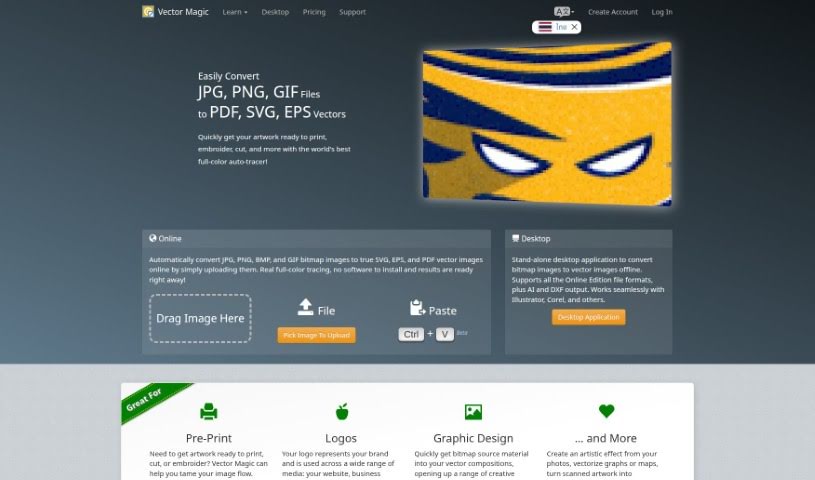
Screenshot of Vector Magic

Vector Magic

Freemium

Vector Magic is a web-based tool that converts bitmap (raster) images into vector graphics through a process known as tracing or vectorization. Traditionally, this work had to be done manually and was time-consuming; Vector Magic automates it.

Photo Editors View Tool →
Screenshot of Vertexshare

Vertexshare

Freemium

Vertexshare is a software company that builds user-friendly applications designed to boost productivity and save time. Its suite of tools includes:

Photo Editors View Tool →
Screenshot of Viesus Cloud

Viesus Cloud

Freemium

Viesus Cloud is a cloud-based AI image enhancement and upscaling tool. Its core features include:

Photo Editors View Tool →
Screenshot of Virtual Staging Art

Virtual Staging Art

Freemium

Virtual Staging Art is an AI tool for staging real estate photos. You upload high-quality pictures of empty rooms, choose the furniture styles you like, and the AI generates staged images in seconds. It can save you up to 90% of the cost of physical staging or manual editing in programs like Photoshop. You can tweak and regenerate the staging as many times as needed until it looks right. Real estate professionals use it as a budget-friendly, time-saving way to make properties look their best for potential buyers.

Photo Editors View Tool →

About Photo Editors tools

Hours spent carefully tweaking masks, brushing away stray blemishes, and fixing uneven lighting can exhaust even the most patient photographer. Whether you’re preparing product photos for an online store, polishing headshots for a client, or trying to rescue a noisy low-light memory, meticulous pixel-level editing eats up hours of creative time.

Built for photographers, designers, and creators, these AI photo editors act as high-speed darkroom assistants. They clean up distractions, enhance resolution, and handle tedious retouching tasks in seconds without replacing your artistic vision.

Generative Fill, Noise Cleanup, and Portrait Retouching

Removing distracting background elements and extending canvas boundaries takes seconds instead of hours. Trying to eliminate unwanted tourists, power lines, or stray trash cans with traditional clone stamps often ruins natural textures. Generative AI tools scan surrounding pixels and reconstruct background elements like brick walls, foliage, or ocean waves—letting you erase distractions cleanly or expand a canvas aspect ratio with realistic detail.

Automating technical cleanup and image enhancement restores low-quality or damaged photos instantly. Dealing with digital noise from high-ISO shoots, soft focus, or low-resolution files usually means compromising on sharpness. Intelligent enhancement software applies targeted denoising, deblurring, and super-resolution upscaling to sharpen critical details like hair strands and fabric textures without introducing harsh artifacts.

Speeding up portrait retouching and color grading keeps your editing pipeline moving. Selecting complex subjects like wind-blown hair or adjusting skin tones across an entire batch of event photos used to require detailed manual masking. AI portrait editors recognize facial features, smooth skin textures naturally, adjust lighting angles, and match color profiles across hundreds of images with a single click.

Key Capabilities to Consider:

  • Generative fill and object removal: Tools that replace erased objects or extend canvas margins by synthesizing matching backgrounds.
  • Smart subject and sky masking: Features that automatically detect people, backgrounds, or skies to apply isolated edits without tedious manual selections.
  • AI-powered denoise and upscaling: Software that removes low-light noise and increases image resolution for crisp print or web displays.
  • Batch style and color matching: Applications that analyze a reference image and apply consistent color grading across entire photo shoots.
  • Non-destructive layer editing: Editors that preserve your original photo files while letting you adjust or undo AI enhancements at any point.

Developing a distinct visual style will always depend on your creative eye, composition choices, and artistic perspective. Software can remove a distraction, sharpen a noisy frame, or adjust skin tones, but capturing a meaningful moment requires human emotion.

Explore the photo editing tools below to streamline your digital darkroom.

The Best AI Photo Editors

  1. Canva: for quick photo enhancements and edits online.
  2. Photopea: for easy photo retouching and improvements.
  3. Photoroom: for efficient batch editing for photographers.
  4. Pixlr: for simple photo enhancement and retouching.
  5. Cutout.pro: for smooth background removal for portraits.
  6. Pic Wish AI Photo Editor: for easy background removal for photos.
  7. Freepik Pikaso: for adding details to images.
  8. Adobe Firefly: for advanced photo improvements.
  9. Adstronaut: Turns everyday photos into studio-quality product and fashion visuals.
  10. Aftershoot: AI culling and editing tools for photographers working through large batches.
  11. Recraft: for consistent edits for brand visuals.
  12. Icons8: for removing tricky photo backgrounds.
  13. Dewatermark: for quick watermark removal for editors.
  14. AI Color: Colorizes black and white photos with AI restoration.
  15. AirBrush: for simple, precise photo retouching.

New tools, in your inbox.

Weekly picks of the best AI tools we've researched and added — no spam, unsubscribe anytime.

Join 25,000+ AI enthusiasts. No spam, unsubscribe anytime.