123RF AI Image Generator
Creative Image Generation
Learn more
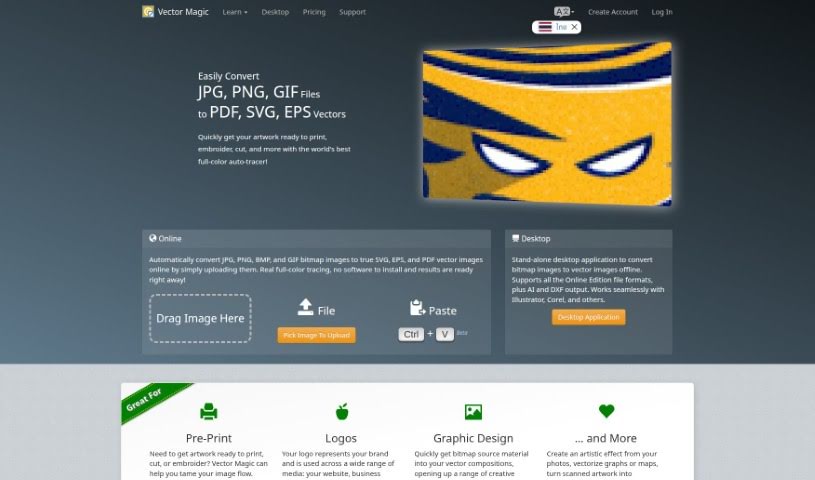
Discover what Vector Magic is and how it converts bitmap images into high-quality vector graphics automatically.
Vector Magic is a web-based tool that converts bitmap (raster) images into vector graphics through a process known as tracing or vectorization. Traditionally, this work had to be done manually and was time-consuming; Vector Magic automates it.
The tool analyzes your image and determines the best tracing settings on its own, supporting full-color conversion. It offers precise results with sub-pixel accuracy and uses an optimal number of nodes to produce high-quality vector output.
Vector Magic was founded by James Diebel and Jacob Norda in December 2007. James, originally from Wisconsin, studied Engineering Mechanics, Astronautics, Mathematics, and Aeronautics at Stanford University. Jacob is from Sweden and holds a Master’s degree in Electrical Engineering and Applied Physics.
The company received initial funding from Charles River Ventures and private investors including Steve Blank and Sebastian Thrun. The underlying technology grew out of an Artificial Intelligence research project at Stanford University.
In short: upload, review and edit, then download — turning your images into high-quality vectors takes just a few steps.
Related
Discover more tools in similar categories
Weekly picks of the best AI tools we've researched and added — no spam, unsubscribe anytime.
Join 25,000+ AI enthusiasts. No spam, unsubscribe anytime.