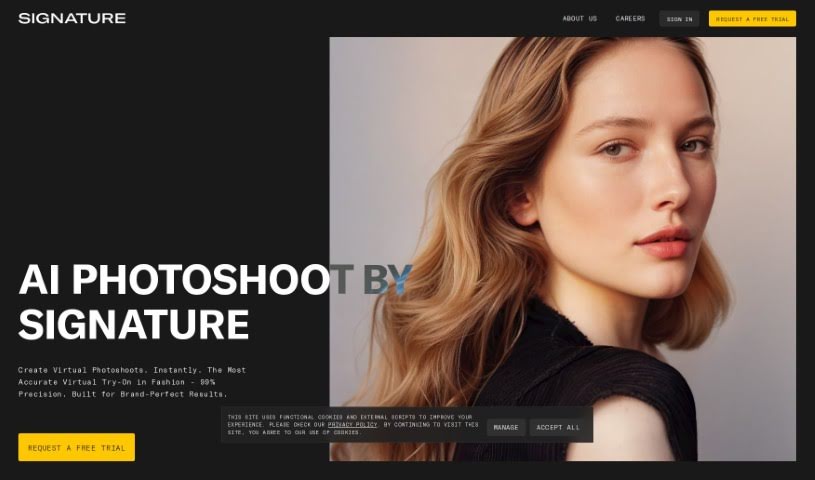
AI Tools for Photo Editors

Discover the best Photo Editors AI tools to enhance your productivity and creativity.

Page 22 of 23 • 273 total tools

In today’s world of social media and instant sharing, everyone wants stunning visuals. We take so many photos every day, so making yours stand out is really important. But, not everyone has the time or the skills to learn complicated photo editing software. That’s where AI photo editors come in—they’re your new best friends for creating beautiful pictures.

These smart tools have completely changed how we improve and work with our photos. Instead of spending hours tweaking every little detail, you can now get professional-quality results with just a few clicks. Thanks to AI advancements, many of these editors can automatically adjust colors, fix blemishes, and even add artistic effects, all customized for you.

I’ve spent time checking out and testing the best AI photo editing tools out there right now. Each platform has its own special features, from simple automatic fixes to more detailed creative options. So, whether you’re just looking to touch up family photos or you’re a photographer wanting to add that extra something, I’ve got you covered.

Come along as we explore the best AI photo editors that can make your images shine while saving you precious time. Let’s find out what makes editing easier and more enjoyable.

The best AI Photo Editors

  1. Canva for quick photo enhancements and edits online.
  2. Photopea for easy photo retouching and improvements.
  3. Photoroom for efficient batch editing for photographers.
  4. Pixlr for simple photo enhancement and retouching.
  5. Cutout.pro for smooth background removal for portraits.
  6. Pic Wish AI Photo Editor for easy background removal for photos.
  7. Freepik Pikaso for adding details to images.
  8. Adobe Firefly for advanced photo improvements.
  9. BeFunky to easily enhance and retouch portraits.
  10. SnapEdit to effortlessly improve and edit images.
  11. Recraft for consistent edits for brand visuals.
  12. Icons8 for removing tricky photo backgrounds.
  13. Dewatermark for quick watermark removal for editors.
  14. Topaz Labs to refine and improve image quality.
  15. AirBrush for simple, precise photo retouching.

How do AI photo editors work?

AI photo editors use smart algorithms powered by machine learning to improve and change images. Basically, these tools look at your photos, identifying things like colors, lighting, and textures. By comparing these elements to data they’ve learned from, they can suggest edits or create new features that make the picture look better overall.

Most AI photo editing software uses deep learning, especially something called convolutional neural networks (CNNs). These networks are trained on tons of images, which helps them spot patterns and tell different visual parts apart. This training lets the software do things like recognize objects, remove backgrounds, and retouch photos automatically, without you having to do it manually.

When you upload a picture, the AI checks its parts and makes them better based on what it’s learned. For instance, if a photo is too dark, an AI photo editor can brighten it up naturally. It does this by understanding the photo’s context, not just by applying a generic filter.

Lots of popular editing tools now include AI features so users can do complex edits easily. This includes automatically improving photos, suggesting styles, or even copying the editing choices professional photographers make. Because these tools learn and adapt, they keep getting better at their suggestions over time.

AI photo editors aren’t just for basic tweaks. They can also get creative, adding new features like textures or artistic effects. Using generative models, some AI tools can even create whole new backgrounds or elements that fit perfectly with the original photo. As technology keeps advancing, what these editors can do keeps growing.

If you’re curious about how AI works in photography, there are plenty of tutorials and resources available. They can help you learn how to use these tools well, whether for your personal projects or your professional work. AI has huge potential in photo editing, offering new solutions for both beginners and experts.

Our best AI photo editors at a glance

RankNameBest forPlans and PricingRating
1Canvaquick photo enhancements and edits online.N/A4.73 (11 reviews)
2Photopeaeasy photo retouching and improvements.N/A4.67 (12 reviews)
3Photoroomefficient batch editing for photographers.Paid plans start at $7.50/month.4.74 (38 reviews)
4Pixlrsimple photo enhancement and retouching.Paid plans start at $0.99/month.4.73 (11 reviews)
5Cutout.prosmooth background removal for portraits.N/A4.46 (13 reviews)
6PicWish AI Photo Editoreasy background removal for photos.N/A4.65 (43 reviews)
7Freepik Pikasoadding details to images.N/A4.67 (21 reviews)
8Adobe Fireflyadvanced photo improvements.N/A4.67 (6 reviews)
9BeFunkyeasily enhance and retouch portraits.Paid plans start at $83.88/year.4.69 (13 reviews)
10SnapEditeffortlessly improve and edit images.N/A4.73 (11 reviews)
11Recraftconsistent edits for brand visuals.N/A4.67 (3 reviews)
12Icons8removing tricky photo backgrounds.N/A3.64 (11 reviews)
13Dewatermarkquick watermark removal for editors.N/A4.67 (18 reviews)
14Topaz Labsrefine and improve image quality.N/A4.70 (10 reviews)
15AirBrushsimple, precise photo retouching.N/A4.78 (23 reviews)
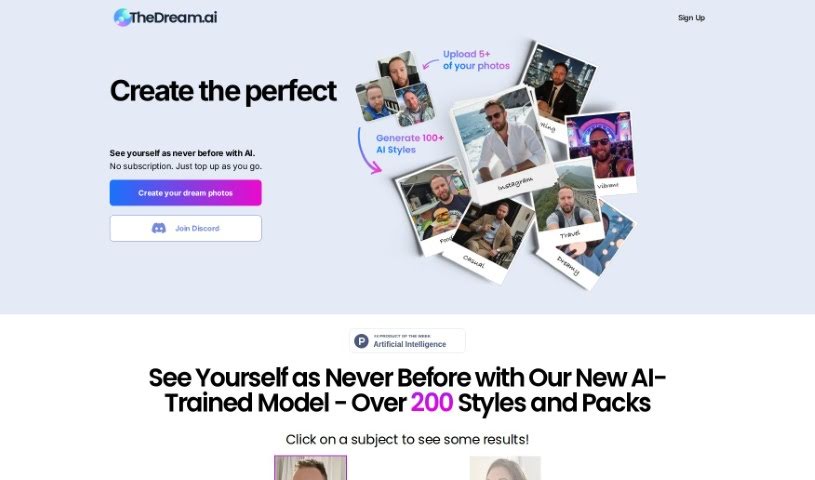
Screenshot of TheDream.ai

TheDream.ai

Freemium

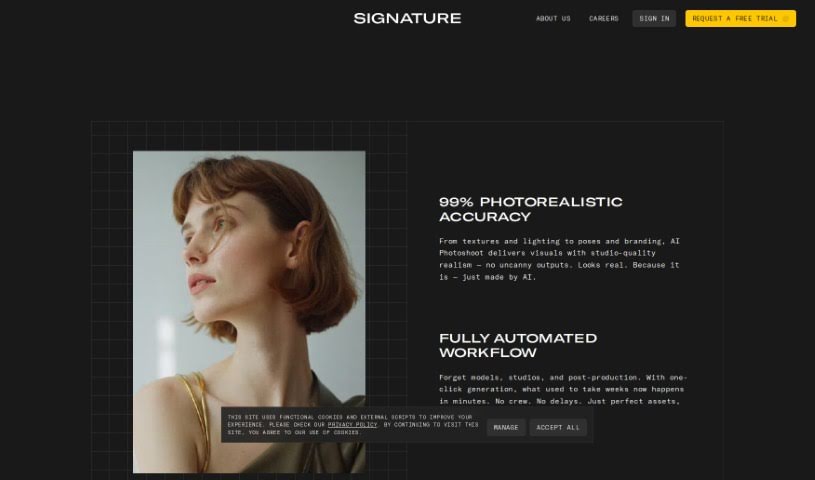
TheDream.ai is a really neat service that uses artificial intelligence to whip up one-of-a-kind, attention-grabbing profile pictures for your social media. It's pretty smart – it looks at what you like and then uses its AI to create photos that really capture your unique vibe. The whole idea is to give you a dynamic online presence without the fuss of a traditional photoshoot. It is a way to totally upgrade your personal branding, all thanks to AI. You get a personalized experience, easy customization, and professional-looking results, all rolled into one with TheDream.ai.

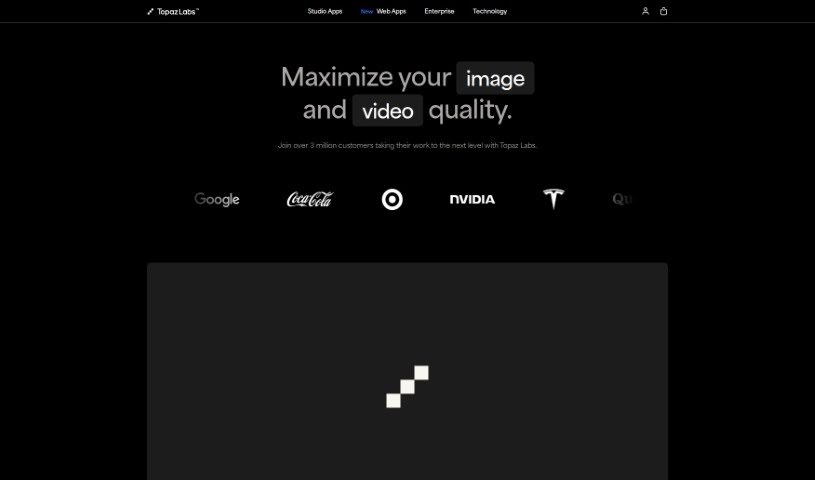
Screenshot of Topaz Labs

Topaz Labs

Freemium

Topaz Labs is a suite of photo enhancement tools packed with features designed to make your images look their absolute best. Think sharpening, upscaling, de-noising, de-blurring, and even texture adjustments – it's all there. What's really neat is how it uses AI. This technology is smart enough to tell the difference between actual image detail and distracting noise. It can also tackle blurriness head-on and boost your image resolution with its upscaling capabilities, ultimately improving your photos. Plus, it offers some pretty advanced editing options and plays nicely with popular photo editors like Photoshop and Lightroom Classic. For photographers and graphic designers looking to really polish their images, Topaz Labs is a fantastic asset.

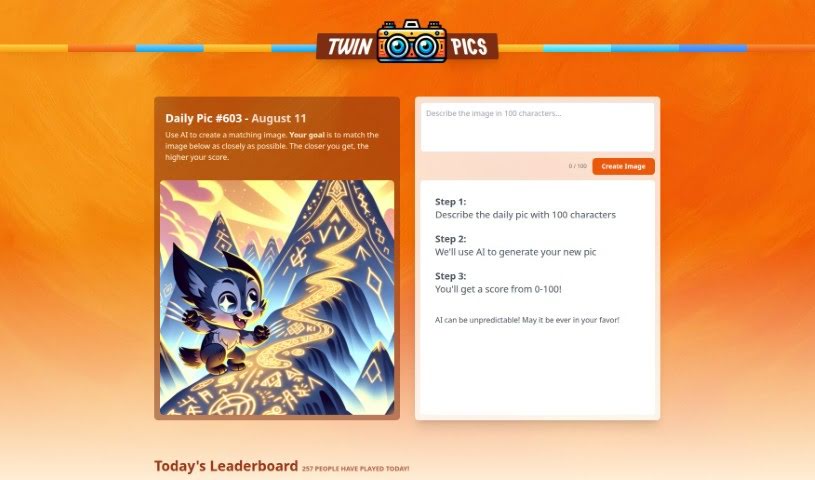
Screenshot of Twin Pics

Twin Pics

Freemium

Twin Pics is a really neat AI tool developed by Chris Sev. It's designed to help you create images that look a lot like a reference image you provide. How does it work? You simply describe the reference image to the system. Then, it scores your generated image based on how accurately it matches the original. While AI can be a bit unpredictable, so a perfect match isn't guaranteed, Twin Pics offers a fun, interactive way to play around with AI's image-making abilities. You'll find features like daily challenges to test your skills, a leaderboard that shows off the best-scored images, and even some educational bits about how AI works in creative visual fields.

Screenshot of Unfake

Unfake

Freemium

Unfake is a neat AI tool from Gaspard+Bruno. Basically, it takes those images with the fake transparency grid – you know, the ones that look like they have a checkerboard background but aren't really transparent? – and turns them into actual, background-less PNG files. It's pretty smart; the tool automatically zaps away that fake transparency grid, making your images render much more accurately. You just upload your image, let Unfake work its magic, and then you can download the clean, transparent PNG right away. Best of all, it's free to use! You can upload files up to 200MB, and it's all powered by technology from VISIO Studio. If you ever need to get in touch, you can email the team at [[email protected]](/cdn-cgi/l/email-protection#046c6168686b44636577746576606676716a6b2a676b69). Plus, there are handy mobile apps for both Android and iOS, a Figma plugin, and even a Chrome extension. No need to sign up either – just jump right in!

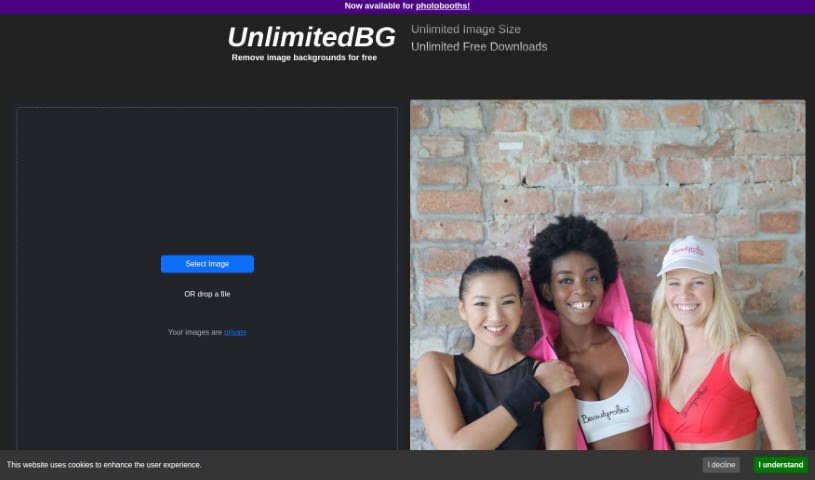
Screenshot of UnlimitedBG

UnlimitedBG

Freemium

UnlimitedBG is a really neat AI tool that automatically removes backgrounds from your images, giving you professional-looking results. What's great is that it's completely free, with no limits on file size or how many images you can download. This makes it perfect for anyone, whether you're using it for your business or just for fun personal projects. You can download as many high-resolution images as you need, all for free, and even use its free batch removal feature to process a bunch of photos at once. It works with all sorts of image types, too!

Screenshot of Upscalepics

Upscalepics

Freemium

UpscalePics is a handy online tool that uses smart AI, specifically advanced convolutional neural networks and machine learning, to make your images look better and bigger. What's really neat is that it keeps your images private and secure because it does all the processing right on your own device – nothing gets sent to outside servers. The Super Resolution AI algorithm is designed to make images clearer, sharper, and larger, all while cleaning up any noise or unwanted artifacts.

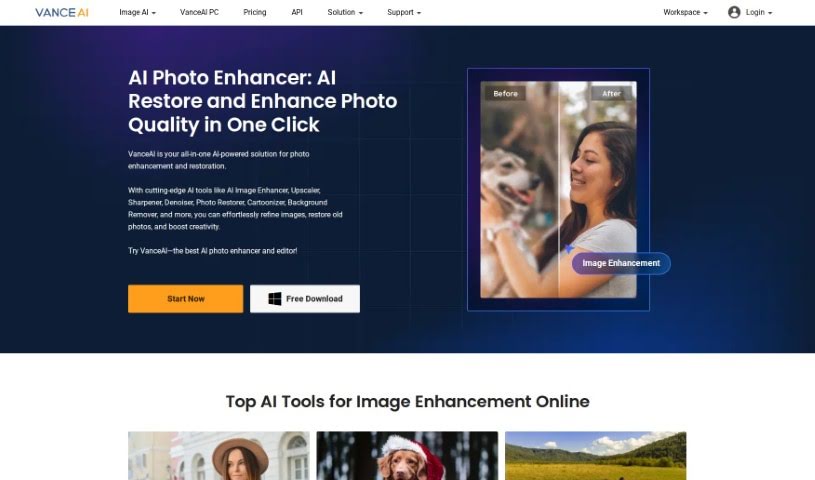
Screenshot of VanceAI

VanceAI

Freemium

VanceAI is your go-to service for all things image processing, powered by AI. It offers a suite of tools built on Deep Convolutional Neural Networks (DCNN). They are highly specialized AI systems, trained on millions of images, which means they can analyze and process your photos with remarkable intelligence and speed. What really sets VanceAI apart from older, more traditional editing tools is its deep learning technology. Instead of just using mathematical formulas, it understands and works with the actual details in your images. This allows you to easily improve your photos with features like AI upscaling to make them sharper, denoising to clean them up, and much more. VanceAI really simplifies your editing workflow by bringing together AI-powered enhancements, photo restoration, background removal, and even getting rid of unwanted objects, all in one place. It's designed to meet a wide range of needs, whether you're a graphic designer, a photographer, working in e-commerce, or involved in printing and marketing.

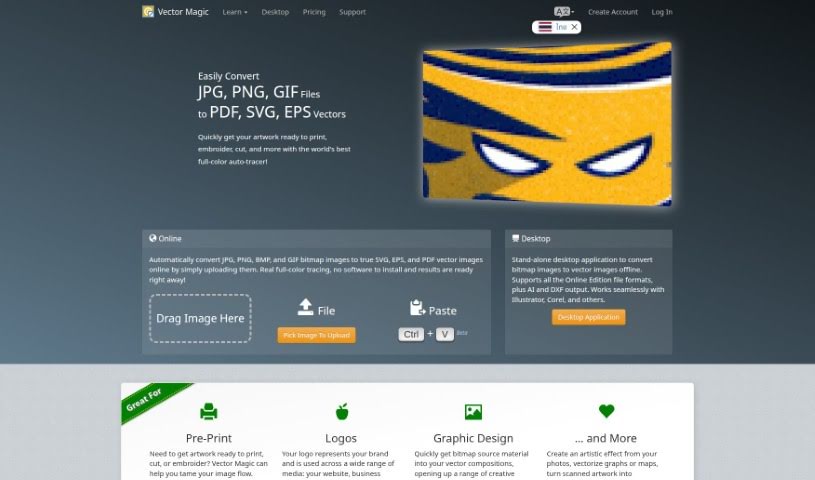
Screenshot of Vector Magic

Vector Magic

Freemium

Vector Magic is a really handy tool that's great at turning regular pictures, the kind made of pixels (we call these bitmap or raster images), into vector graphics. You do this right through their easy-to-use website. This process, often called tracing or vectorization, used to be a real chore, taking ages to do by hand. But with Vector Magic's automated service, it's now super quick and painless. The tool works automatically, figuring out the best settings itself to trace your image accurately, even in full color. It's also incredibly precise, capturing all the little details thanks to its sub-pixel accuracy. By using just the right number of points (nodes) in smart ways, Vector Magic makes sure you get top-notch results. That's why it's a go-to choice if you need to convert images to high-quality vectors without a fuss.

Screenshot of Vertexshare

Vertexshare

Freemium

Vertexshare is a software company that creates smart, user-friendly applications designed to boost your productivity and save you valuable time. They offer a suite of tools, including Photo Stitcher, which lets you combine photos vertically and horizontally with just one click. You'll also find Photo Effects for applying beautiful filters and effects, and Photo HDR for merging photos with different exposures to create stunning HDR images. Vertexshare is known for both its online and offline software, which works smoothly on Windows and Mac. Plus, they have features like Image Upscaler to keep your photos sharp and a Colorizer to bring black & white images to life. While Vertexshare's tools are great for improving how you work, they do have a few drawbacks. For instance, there isn't a mobile version, it's not supported on Linux, the converter formats are a bit limited, and it doesn't offer advanced editing capabilities. The company really values what users think, offers 24-hour customer support, and is committed to providing high-quality services at prices that make sense.

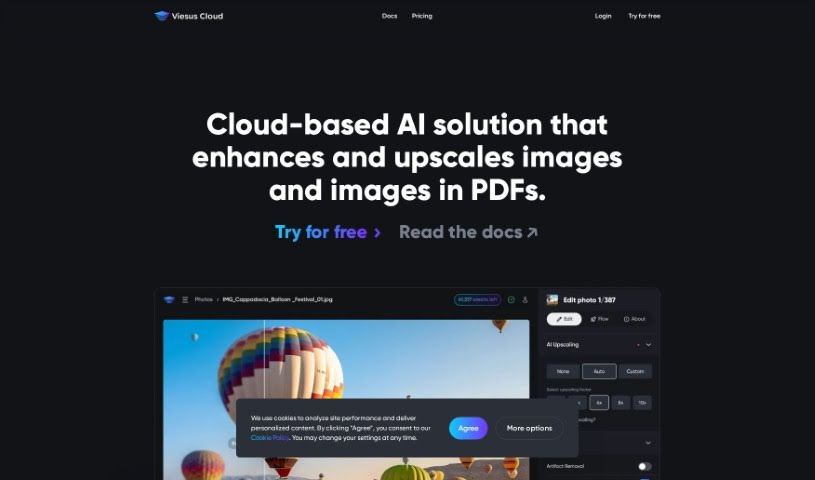
Screenshot of Viesus Cloud

Viesus Cloud

Freemium

Viesus Cloud is a smart, cloud-based AI tool designed to make your photos look their absolute best. It's packed with advanced features to enhance and upscale your images seamlessly. Think AI upscaling to make pictures sharper and clearer, API access so you can easily integrate it with your own systems, and automated workflows that handle large batches of images super efficiently. Plus, it has AI face reconstruction for incredibly lifelike results and thorough image analysis to fine-tune color, brightness, and sharpness. Lots of businesses around the world use Viesus Cloud to make sure their images are always professional and polished. The goal here is really to boost your visual content, offering accuracy, speed, and automation in how images are improved. This ultimately helps strengthen your brand's quality and overall visual appeal. Curious? You can try Viesus Cloud for free to see firsthand how much of a difference it can make in enhancing your images effectively.

Screenshot of Virtual Staging Art

Virtual Staging Art

Freemium

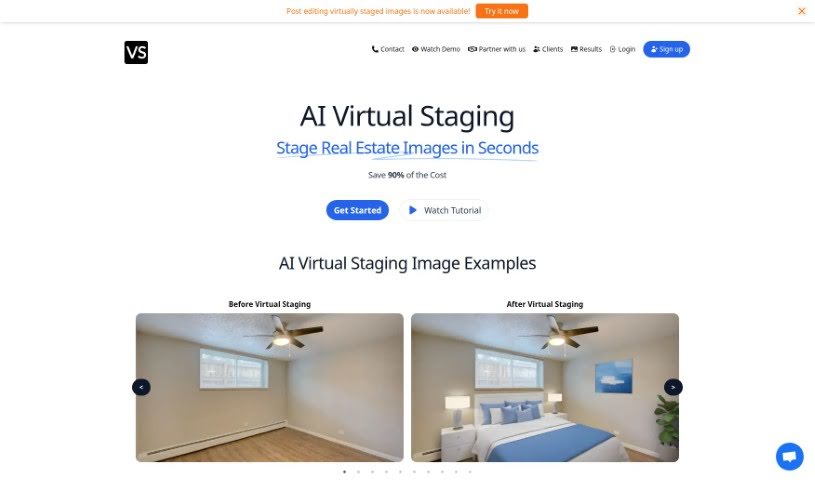
Virtual Staging Art is a really smart tool that lets you quickly stage real estate photos. You just upload high-quality pictures of empty rooms, pick out the furniture styles you like, and the AI does the rest. It's pretty amazing how fast it generates these staged images – it can save you up to 90% of the cost you'd normally spend on physical staging or having someone manually edit photos in programs like Photoshop. You can easily send in your images and then tweak the staging as many times as you need until it looks just right. Real estate pros trust Virtual Staging Art because it's a budget-friendly and time-saving way to make properties look their absolute best for potential buyers.

Screenshot of Visio Studio By Gaspard+Bruno

Visio Studio By Gaspard+Bruno

Freemium

Visio Studio, brought to you by Gaspard+Bruno, is a sophisticated tool for capturing, removing backgrounds from, and editing images. It's built for both pros and hobbyists alike. This tool really lets you create amazing images. You get precise control when you're taking pictures, background removal is a breeze, and it comes packed with a full suite of editing tools to make your images shine. Plus, it handles batch processing, which is a huge time-saver and keeps your results consistent. The Gaspard+Bruno team, known for their dedication to quality and new ideas in image processing, keeps Visio Studio updated with the latest tech. No matter if you're a visual arts pro or just love tweaking photos, Visio Studio has something valuable for all your creative work.

Stay Updated with AI Tools

Get weekly updates on the latest AI tools, trends, and insights delivered to your inbox

Join 25,000+ AI enthusiasts. No spam, unsubscribe anytime.