AI Tools for Photo Editors

Discover the best Photo Editors AI tools to enhance your productivity and creativity.

Page 21 of 23 • 273 total tools

In today’s world of social media and instant sharing, everyone wants stunning visuals. We take so many photos every day, so making yours stand out is really important. But, not everyone has the time or the skills to learn complicated photo editing software. That’s where AI photo editors come in—they’re your new best friends for creating beautiful pictures.

These smart tools have completely changed how we improve and work with our photos. Instead of spending hours tweaking every little detail, you can now get professional-quality results with just a few clicks. Thanks to AI advancements, many of these editors can automatically adjust colors, fix blemishes, and even add artistic effects, all customized for you.

I’ve spent time checking out and testing the best AI photo editing tools out there right now. Each platform has its own special features, from simple automatic fixes to more detailed creative options. So, whether you’re just looking to touch up family photos or you’re a photographer wanting to add that extra something, I’ve got you covered.

Come along as we explore the best AI photo editors that can make your images shine while saving you precious time. Let’s find out what makes editing easier and more enjoyable.

The best AI Photo Editors

  1. Canva for quick photo enhancements and edits online.
  2. Photopea for easy photo retouching and improvements.
  3. Photoroom for efficient batch editing for photographers.
  4. Pixlr for simple photo enhancement and retouching.
  5. Cutout.pro for smooth background removal for portraits.
  6. Pic Wish AI Photo Editor for easy background removal for photos.
  7. Freepik Pikaso for adding details to images.
  8. Adobe Firefly for advanced photo improvements.
  9. BeFunky to easily enhance and retouch portraits.
  10. SnapEdit to effortlessly improve and edit images.
  11. Recraft for consistent edits for brand visuals.
  12. Icons8 for removing tricky photo backgrounds.
  13. Dewatermark for quick watermark removal for editors.
  14. Topaz Labs to refine and improve image quality.
  15. AirBrush for simple, precise photo retouching.

How do AI photo editors work?

AI photo editors use smart algorithms powered by machine learning to improve and change images. Basically, these tools look at your photos, identifying things like colors, lighting, and textures. By comparing these elements to data they’ve learned from, they can suggest edits or create new features that make the picture look better overall.

Most AI photo editing software uses deep learning, especially something called convolutional neural networks (CNNs). These networks are trained on tons of images, which helps them spot patterns and tell different visual parts apart. This training lets the software do things like recognize objects, remove backgrounds, and retouch photos automatically, without you having to do it manually.

When you upload a picture, the AI checks its parts and makes them better based on what it’s learned. For instance, if a photo is too dark, an AI photo editor can brighten it up naturally. It does this by understanding the photo’s context, not just by applying a generic filter.

Lots of popular editing tools now include AI features so users can do complex edits easily. This includes automatically improving photos, suggesting styles, or even copying the editing choices professional photographers make. Because these tools learn and adapt, they keep getting better at their suggestions over time.

AI photo editors aren’t just for basic tweaks. They can also get creative, adding new features like textures or artistic effects. Using generative models, some AI tools can even create whole new backgrounds or elements that fit perfectly with the original photo. As technology keeps advancing, what these editors can do keeps growing.

If you’re curious about how AI works in photography, there are plenty of tutorials and resources available. They can help you learn how to use these tools well, whether for your personal projects or your professional work. AI has huge potential in photo editing, offering new solutions for both beginners and experts.

Our best AI photo editors at a glance

RankNameBest forPlans and PricingRating
1Canvaquick photo enhancements and edits online.N/A4.73 (11 reviews)
2Photopeaeasy photo retouching and improvements.N/A4.67 (12 reviews)
3Photoroomefficient batch editing for photographers.Paid plans start at $7.50/month.4.74 (38 reviews)
4Pixlrsimple photo enhancement and retouching.Paid plans start at $0.99/month.4.73 (11 reviews)
5Cutout.prosmooth background removal for portraits.N/A4.46 (13 reviews)
6PicWish AI Photo Editoreasy background removal for photos.N/A4.65 (43 reviews)
7Freepik Pikasoadding details to images.N/A4.67 (21 reviews)
8Adobe Fireflyadvanced photo improvements.N/A4.67 (6 reviews)
9BeFunkyeasily enhance and retouch portraits.Paid plans start at $83.88/year.4.69 (13 reviews)
10SnapEditeffortlessly improve and edit images.N/A4.73 (11 reviews)
11Recraftconsistent edits for brand visuals.N/A4.67 (3 reviews)
12Icons8removing tricky photo backgrounds.N/A3.64 (11 reviews)
13Dewatermarkquick watermark removal for editors.N/A4.67 (18 reviews)
14Topaz Labsrefine and improve image quality.N/A4.70 (10 reviews)
15AirBrushsimple, precise photo retouching.N/A4.78 (23 reviews)
Screenshot of Stockfill

Stockfill

Freemium

Stockfill is a really smart tool designed to make tagging stock images much simpler for photographers, designers, and anyone creating content. It uses AI technology to automatically create the necessary metadata for your image files, like JPG, PNG, and WEBP. It is your AI assistant for generating relevant, SEO-friendly titles and keywords. This helps your photos or illustrations get found more easily online. Basically, Stockfill handles the tedious metadata work for you, saving you time and making sure your images have the right information to be searchable. Its main features include automatically generating metadata, making it SEO-friendly, saving you time with AI, having an easy-to-use interface, and supporting common image formats.

Screenshot of Stockphotos Bg Remover

Stockphotos Bg Remover

Freemium

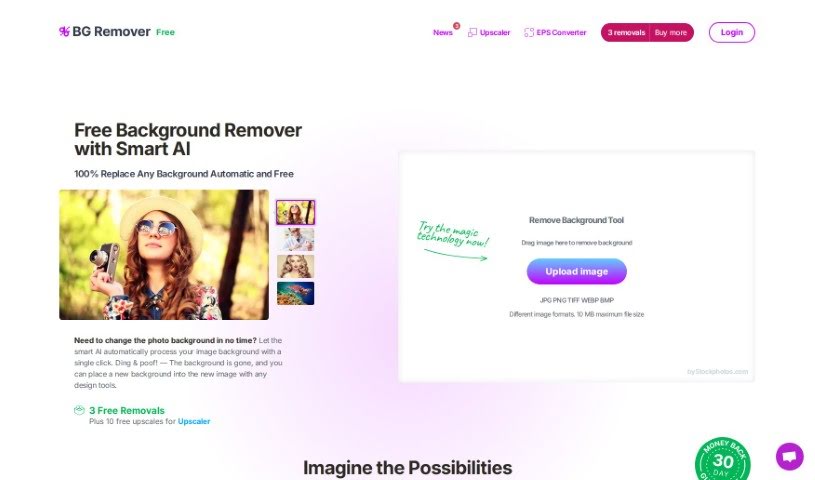
The Background Remover is a smart tool that uses Artificial Intelligence to automatically take backgrounds out of pictures. This AI-powered tool is really good at spotting objects, making edges look smooth, and getting rid of backgrounds quickly. You can use it with common image types like JPG, PNG (which keeps transparency), and BMP. If you need to handle lots of images, it even has an API connector. This lets you adjust how the tool works, like changing input and output settings, right from your own app or website. It works best when your images are clear and have well-defined edges, like logos or cartoons. It also does a great job with photos of nature. Just keep in mind, it might not handle really blurry or pixelated images as well. Plus, you can choose to add new backgrounds to your images. There's a free version that has limits on how big the images can be, but you can get higher limits if you upgrade to a premium plan.

Screenshot of Storia

Storia

Freemium

Storia is a really smart, AI-powered image editor. It offers a whole bunch of tools to make your images better, change them, or even completely transform them. You can easily get rid of or swap out objects, backgrounds, and text in your pictures, often with just a single click or a simple text description.

Screenshot of Storybeat

Storybeat

Freemium

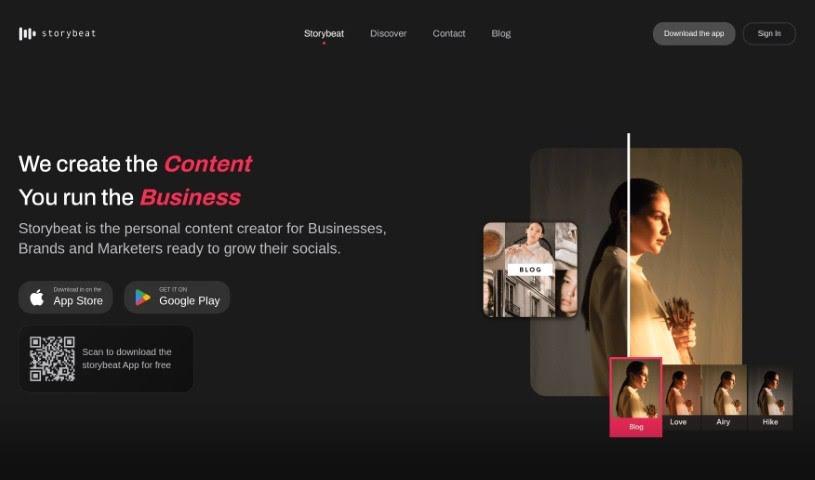
Storybeat is your go-to, all-in-one app for making incredible social media content. It's built for today's creators who want to easily whip up stunning, viral posts. It is your creative sidekick, packed with super intuitive tools, ready-to-go professional templates, and smart AI features. Storybeat really helps you craft those eye-catching stories and reels that grab attention on platforms like Instagram, TikTok, and beyond. You can even sync your visuals perfectly with music, try out cool, unique filters, transform yourself into different characters using AI avatars, and use pro editing tools to make your photos and videos look absolutely top-notch. It's no wonder over 10 million creators worldwide are already part of the Storybeat community – the creative possibilities here are pretty much endless for anyone who loves telling stories digitally.

Screenshot of Stylar AI Generative Fill

Stylar AI Generative Fill

Freemium

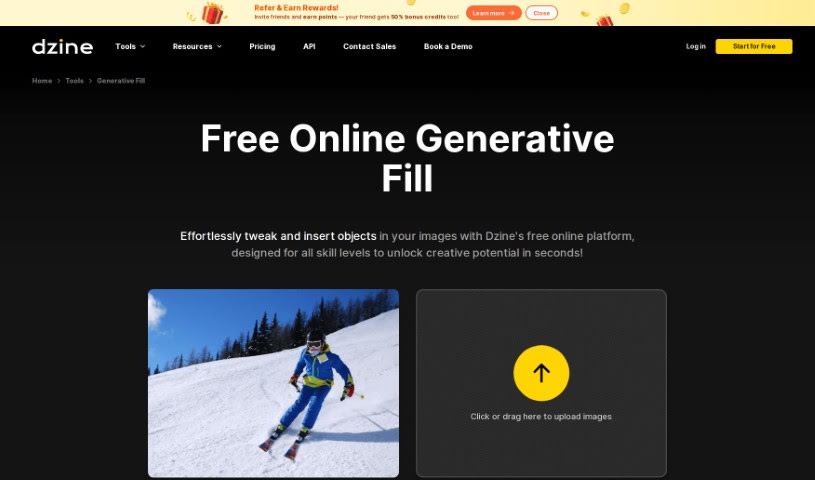
Generative Fill is a really neat technology that uses AI to change images, which is super helpful for graphic design and lots of other creative work. When you use Generative Fill, you can make your images even better with smart AI. It helps you create eye-catching designs efficiently and lets your creativity really shine. This tool can automatically add content to images based on what's already there. This means designers can easily fill in parts that are missing or improve the overall look of their visuals. For anyone working in graphic design, Generative Fill is a fantastic way to speed up your workflow and find new ways to be creative with editing and design projects.

Screenshot of Stylize

Stylize

Freemium

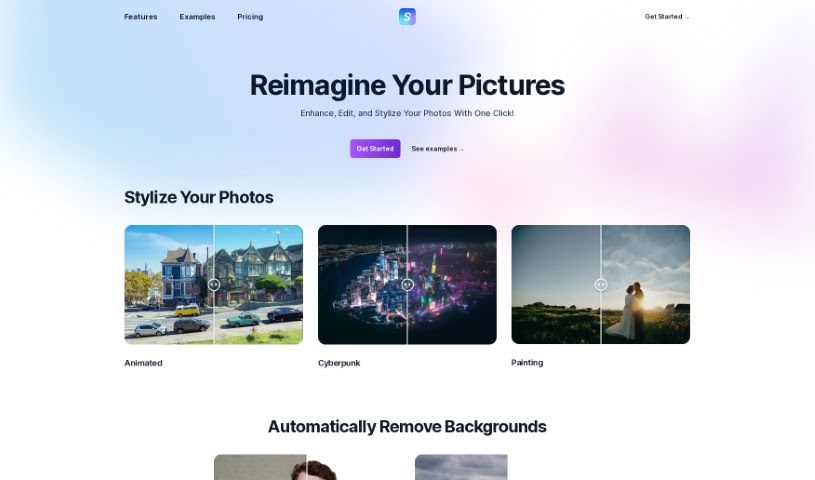
Stylize is a really neat photo editing app that gives you all sorts of tools to make your pictures look better, powered by some seriously advanced AI models. You can easily apply different artistic styles, edit your photos just by typing what you want, zap away backgrounds, add color to old black and white shots, and even make your images bigger and clearer with AI upscaling. Stylize lets you create your own editing processes, making it super simple for anyone to jump in and use generative AI for their photo editing needs.

Screenshot of Stylized

Stylized

Freemium

Stylized is a handy tool designed to help you create beautiful product photos, even if you're just using your smartphone. It is a professional photo studio that fits right in your pocket, all powered by AI. It offers a free Basic plan and a more feature-rich Pro plan for $20 a month. With Stylized, you can easily remove backgrounds, use a virtual lightbox, and even work with advanced 3D materials. Plus, you can earn free credits by referring friends! It’s all about making professional-looking product shots accessible to everyone.

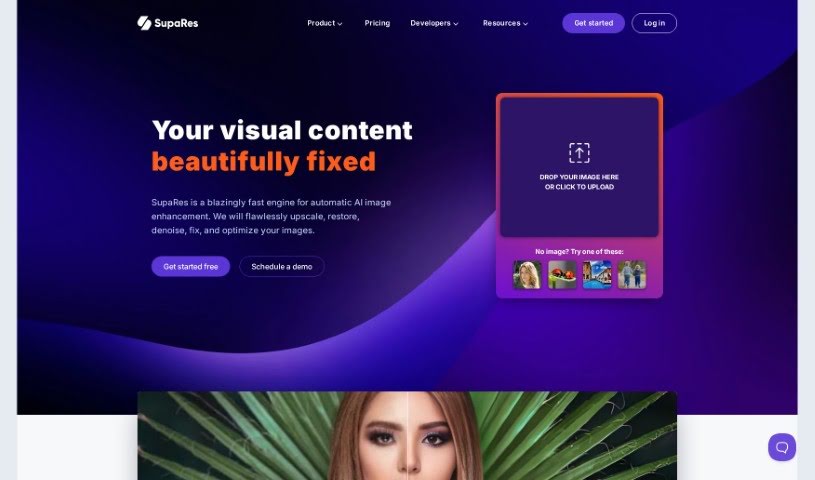
Screenshot of SupaRes

SupaRes

Freemium

SupaRes is an AI platform designed to make your visual content look its absolute best. It's packed with features to help you optimize and enhance images, whether you're dealing with low-resolution shots or need to fine-tune details. It is your go-to tool for upscaling images, making faces clearer, adjusting colors and light, fixing those annoying compression lines, brightening dark photos, and cleaning up any distracting noise. It's built to be straightforward and efficient, making it a really useful asset for anyone working with visuals, from web designers and real estate agents to marketers and publishers.

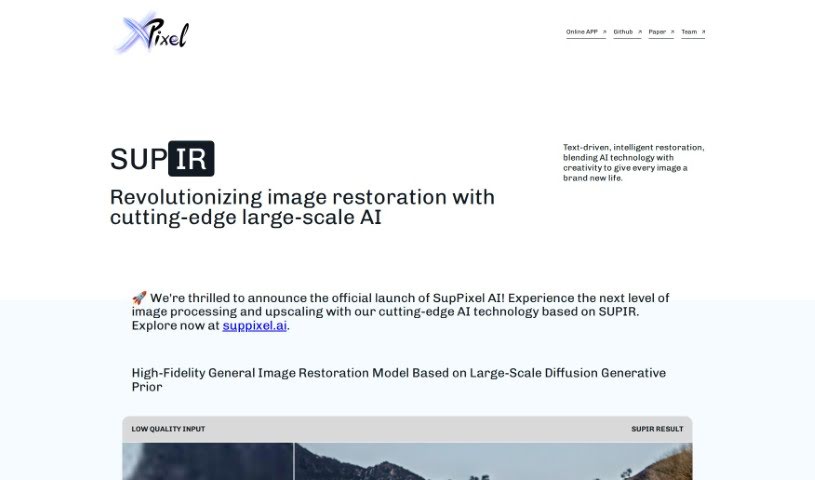
Screenshot of SUPIR - XPixel Group

SUPIR - XPixel Group

Freemium

SUPIR, which stands for "SUPIR Intelligent Image Restoration," is a really advanced AI tool from the XPixel Group. It's designed to completely change how we restore images, mixing AI smarts with a creative touch. It is a way to reimagine and seriously boost images in all sorts of categories – from beautiful landscapes and striking portraits to cute animal photos, immersive gaming visuals, classic movies, and old vintage shots. SUPIR uses a top-notch AI model that's built on massive generative data. This helps it dramatically improve image quality by bringing out finer details and making everything clearer.

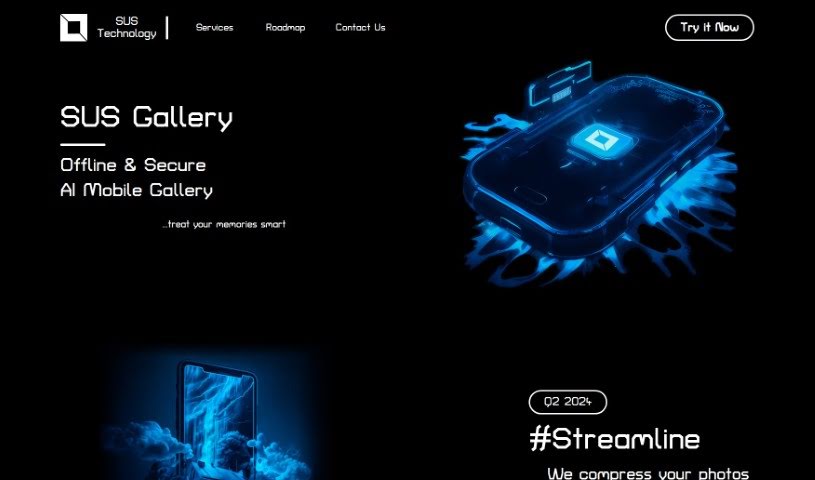
Screenshot of Sus Technology

Sus Technology

Freemium

SUS Technology is behind the SUS Gallery, an AI Mobile Gallery that's really designed to help you manage and improve your photo collections. It is a smart assistant for your pictures. It uses AI to make your photos better, shrink them down to save space, and generally make editing a breeze. What's great is that all this AI magic happens right on your phone, offline, so your photos and data stay private and secure.

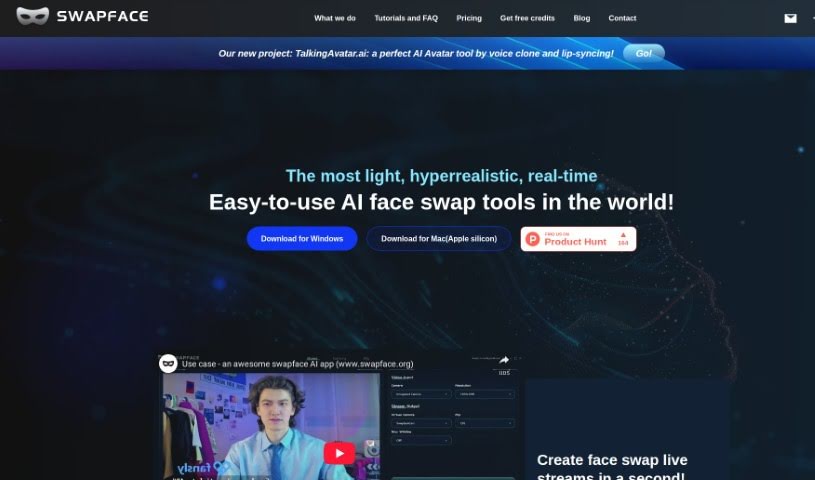
Screenshot of Swapface

Swapface

Freemium

Swapface is a really cool app that lets you do ultra-realistic faceswaps in real-time. What's neat is you can instantly look like anyone just by using a single photo – no waiting for processing at all! It's designed to be super easy to set up, and it really takes your content creation and live streaming to the next level. Swapface uses advanced AI to swap faces seamlessly as you're live, giving you a fun, creative way to digitally transform into different characters with just a click.

Screenshot of SwapFans AI

SwapFans AI

Freemium

SwapFans AI is an all-in-one Gen AI platform built for marketing, sales, and film production. This innovative technology aims to simplify and enhance various aspects of these industries with its advanced features. SwapFans AI offers tools for tasks like changing backgrounds and generating images, giving users ways to modify and create visuals easily. You can get free credits to generate and export edited images without watermarks, and there are VIP upgrades available to unlock even more features. All in all, people really like SwapFans AI because it's user-friendly and has powerful AI capabilities, making it a great tool for anyone wanting to boost their marketing reach and sales performance.

Stay Updated with AI Tools

Get weekly updates on the latest AI tools, trends, and insights delivered to your inbox

Join 25,000+ AI enthusiasts. No spam, unsubscribe anytime.