What is SUS Technology?
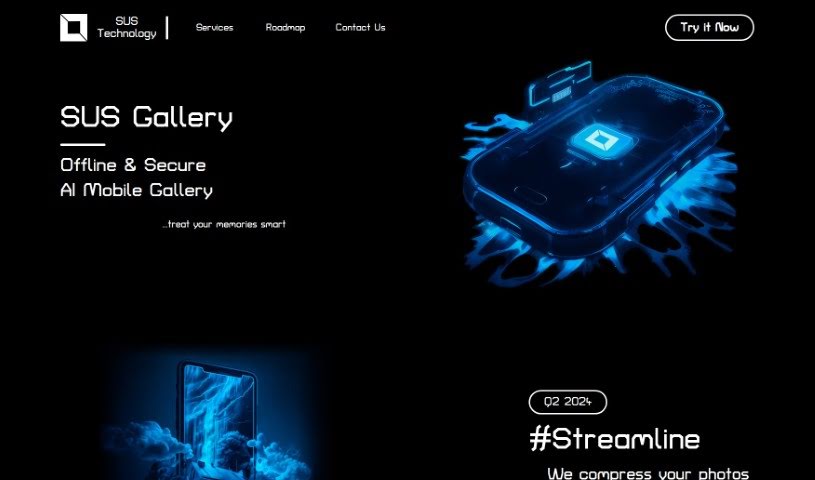
SUS Technology is behind the SUS Gallery, an AI Mobile Gallery that’s really designed to help you manage and improve your photo collections. It is a smart assistant for your pictures. It uses AI to make your photos better, shrink them down to save space, and generally make editing a breeze. What’s great is that all this AI magic happens right on your phone, offline, so your photos and data stay private and secure.
Who created SUS Technology?
SUS Technology was founded in August 2022 by Ivan and Andrii. They’re both deep-tech experts and professional ML developers, which means they really know their stuff when it comes to artificial intelligence. They officially launched the company on September 24, 2023, with a clear goal: to offer smart AI solutions for managing photos. Their SUS Gallery aims to treat your precious memories with care, focusing on features like photo compression, editing, and making it super easy to organize everything. They’re committed to keeping your data private and secure by running all the AI processes directly on your mobile device.
What is SUS Technology used for?
SUS Technology, through its SUS Gallery, is designed to help you with a variety of photo management tasks:
- Photo Compression: It uses AI algorithms to shrink your photos, which is a big help for saving storage space on your phone.
- Editing and Enhancing: You can use AI techniques to make your photos look even better.
- Efficient Storage: It helps you store your photos smartly on your mobile device.
- Streamlined Experience: It makes managing your photos much simpler and more user-friendly.
- Organization and Navigation: You can easily organize, search, and find the photos you’re looking for.
- Data Privacy and Security: A key feature is that the AI models run offline on your device, keeping your information private.
- Continuous Improvement: The tool is always being developed and improved.
- Managing Collections: It’s all about enhancing and managing your entire photo collection with AI.
- Robust Features: It offers solid features for managing your photos.
- Optimizing Collections: It helps you get the most out of your photo storage.
- Easy Navigation: Finding and moving through your photos is made simple.
- Saving Space: Compressing photos with AI helps free up storage.
- Quality Enhancement: AI techniques are used to boost photo quality.
- Simplified Management: It makes the whole process of handling photos easier.
- Ongoing Development: Expect constant updates and improvements.
Who is SUS Technology for?
- Professional ML developers will find SUS Technology particularly relevant.
How to use SUS Technology?
Using SUS Technology’s AI Mobile Gallery, SUS Gallery, is pretty straightforward. Here’s a simple guide:
- Get the App: First, download the SUS Gallery app. It’s available on the Play Market for Android phones.
- Add Your Photos: Once the app is installed, it’s time to upload your photo collection into it.
- Optimize Your Photos: You can use the AI features to compress your photos really well, which saves a lot of storage space. In fact, it can compress them about five to ten times better than usual!
- Edit and Enhance: Make your photos look their best using the advanced AI editing tools in SUS Gallery. The goal is to ensure they meet high quality standards.
- Simplify Management: Make your photo management experience smoother with SUS Gallery’s strong features. You can easily organize, search, and browse through your collection to keep your memories well-managed.
- Keep Your Data Private: You can feel confident that your data is private and secure. The AI models run directly on your phone, offline, so your privacy is a top priority.
- Stay Informed: Keep an eye on the app’s development plans. SUS Technology is committed to staying up-to-date with the latest tech advancements.
By following these steps, you can effectively optimize, enhance, and manage your photo collection with SUS Gallery, all while keeping your data private and secure.