AI Tools for Photo Editors

Discover the best Photo Editors AI tools to enhance your productivity and creativity.

Page 20 of 23 • 273 total tools

In today’s world of social media and instant sharing, everyone wants stunning visuals. We take so many photos every day, so making yours stand out is really important. But, not everyone has the time or the skills to learn complicated photo editing software. That’s where AI photo editors come in—they’re your new best friends for creating beautiful pictures.

These smart tools have completely changed how we improve and work with our photos. Instead of spending hours tweaking every little detail, you can now get professional-quality results with just a few clicks. Thanks to AI advancements, many of these editors can automatically adjust colors, fix blemishes, and even add artistic effects, all customized for you.

I’ve spent time checking out and testing the best AI photo editing tools out there right now. Each platform has its own special features, from simple automatic fixes to more detailed creative options. So, whether you’re just looking to touch up family photos or you’re a photographer wanting to add that extra something, I’ve got you covered.

Come along as we explore the best AI photo editors that can make your images shine while saving you precious time. Let’s find out what makes editing easier and more enjoyable.

The best AI Photo Editors

  1. Canva for quick photo enhancements and edits online.
  2. Photopea for easy photo retouching and improvements.
  3. Photoroom for efficient batch editing for photographers.
  4. Pixlr for simple photo enhancement and retouching.
  5. Cutout.pro for smooth background removal for portraits.
  6. Pic Wish AI Photo Editor for easy background removal for photos.
  7. Freepik Pikaso for adding details to images.
  8. Adobe Firefly for advanced photo improvements.
  9. BeFunky to easily enhance and retouch portraits.
  10. SnapEdit to effortlessly improve and edit images.
  11. Recraft for consistent edits for brand visuals.
  12. Icons8 for removing tricky photo backgrounds.
  13. Dewatermark for quick watermark removal for editors.
  14. Topaz Labs to refine and improve image quality.
  15. AirBrush for simple, precise photo retouching.

How do AI photo editors work?

AI photo editors use smart algorithms powered by machine learning to improve and change images. Basically, these tools look at your photos, identifying things like colors, lighting, and textures. By comparing these elements to data they’ve learned from, they can suggest edits or create new features that make the picture look better overall.

Most AI photo editing software uses deep learning, especially something called convolutional neural networks (CNNs). These networks are trained on tons of images, which helps them spot patterns and tell different visual parts apart. This training lets the software do things like recognize objects, remove backgrounds, and retouch photos automatically, without you having to do it manually.

When you upload a picture, the AI checks its parts and makes them better based on what it’s learned. For instance, if a photo is too dark, an AI photo editor can brighten it up naturally. It does this by understanding the photo’s context, not just by applying a generic filter.

Lots of popular editing tools now include AI features so users can do complex edits easily. This includes automatically improving photos, suggesting styles, or even copying the editing choices professional photographers make. Because these tools learn and adapt, they keep getting better at their suggestions over time.

AI photo editors aren’t just for basic tweaks. They can also get creative, adding new features like textures or artistic effects. Using generative models, some AI tools can even create whole new backgrounds or elements that fit perfectly with the original photo. As technology keeps advancing, what these editors can do keeps growing.

If you’re curious about how AI works in photography, there are plenty of tutorials and resources available. They can help you learn how to use these tools well, whether for your personal projects or your professional work. AI has huge potential in photo editing, offering new solutions for both beginners and experts.

Our best AI photo editors at a glance

RankNameBest forPlans and PricingRating
1Canvaquick photo enhancements and edits online.N/A4.73 (11 reviews)
2Photopeaeasy photo retouching and improvements.N/A4.67 (12 reviews)
3Photoroomefficient batch editing for photographers.Paid plans start at $7.50/month.4.74 (38 reviews)
4Pixlrsimple photo enhancement and retouching.Paid plans start at $0.99/month.4.73 (11 reviews)
5Cutout.prosmooth background removal for portraits.N/A4.46 (13 reviews)
6PicWish AI Photo Editoreasy background removal for photos.N/A4.65 (43 reviews)
7Freepik Pikasoadding details to images.N/A4.67 (21 reviews)
8Adobe Fireflyadvanced photo improvements.N/A4.67 (6 reviews)
9BeFunkyeasily enhance and retouch portraits.Paid plans start at $83.88/year.4.69 (13 reviews)
10SnapEditeffortlessly improve and edit images.N/A4.73 (11 reviews)
11Recraftconsistent edits for brand visuals.N/A4.67 (3 reviews)
12Icons8removing tricky photo backgrounds.N/A3.64 (11 reviews)
13Dewatermarkquick watermark removal for editors.N/A4.67 (18 reviews)
14Topaz Labsrefine and improve image quality.N/A4.70 (10 reviews)
15AirBrushsimple, precise photo retouching.N/A4.78 (23 reviews)
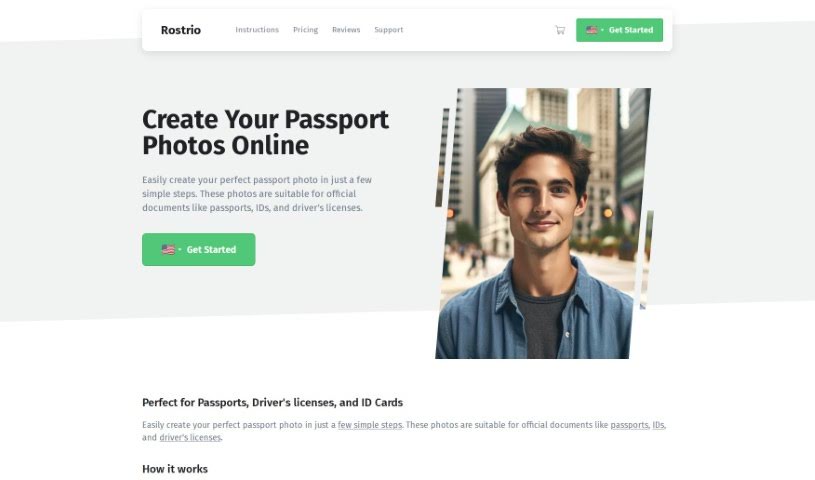
Screenshot of Rostro

Rostro

Freemium

Rostro is a company that started back in 2009, founded by internet entrepreneur Gijs Heerkens. They offer a really handy service that lets people all over the world take official passport photos right from their own homes. It's super convenient! The company is officially registered in the Netherlands with the Chamber of Commerce, under file number 17222446. Rostro's passport photos are perfect for all sorts of official documents, like passports, IDs, and driver's licenses. You can take these photos using just your smartphone, tablet, or a regular camera. What's really important to them is providing top-notch service to their customers, covering everything from placing an order, making a payment, shipping, warranty, and even their VIP program.

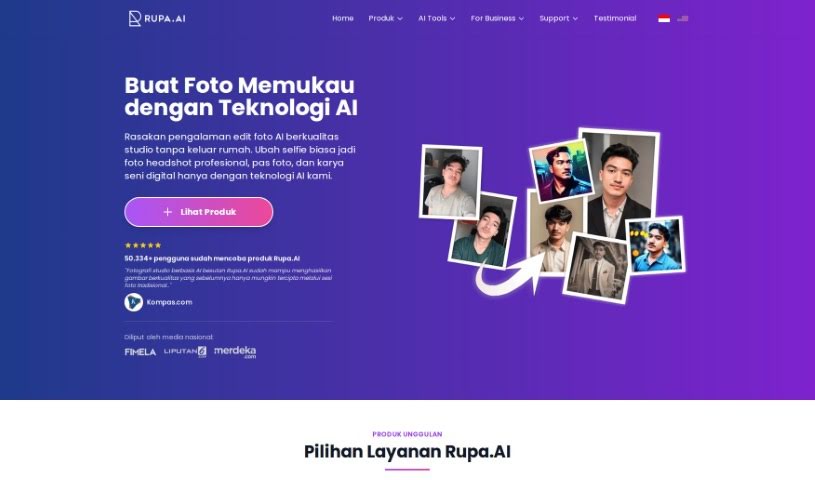
Screenshot of Rupa.ai

Rupa.ai

Freemium

Rupa.AI is an AI-powered platform that really shines when it comes to enhancing and transforming your photos and visual designs. It is your go-to tool for making images look their absolute best. It comes packed with several cool features, including Artvatar, Headshot, Potret Kenangan (which is inspired by K-Beauty), and Dreamspace. These tools let you take regular images and turn them into something extraordinary, create polished, professional profile pictures, or even help you visualize your dream interior designs.

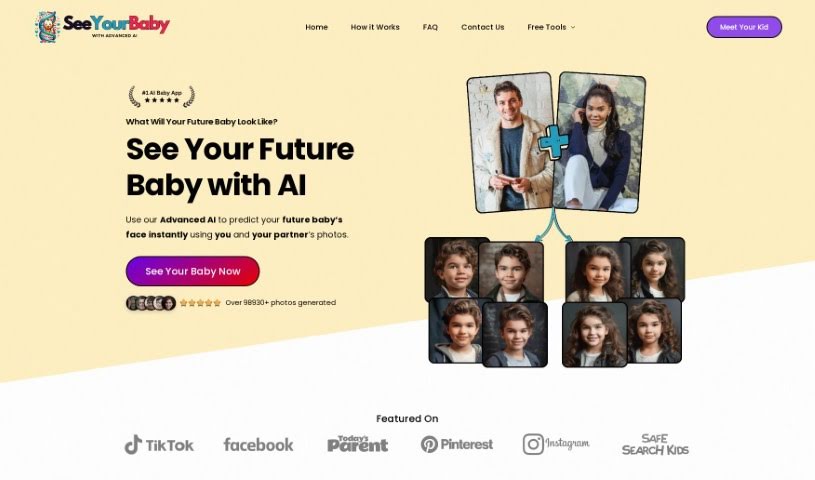
Screenshot of SeeYourBabyAI

SeeYourBabyAI

Freemium

SeeYourBabyAI is a neat service that uses artificial intelligence to take photos of parents, really look at their unique features, and then predict what their future child might look like. They say it's about 90% accurate in terms of resemblance. You just upload pictures of each parent, and the AI does its magic, blending them together to create predictions for both a future son and daughter. You get 8 photos in total – that’s 4 for boys and 4 for girls – all for a one-time payment, so no annoying subscriptions to worry about. The platform also makes a point of keeping your ethnic characteristics intact, delivering photos that are high-resolution and look quite realistic. Plus, they assure you that these images are completely yours to keep and cherish forever. Oh, and if you like it, there’s even an affiliate program where you can earn a commission by referring others. Just a heads-up, though: this service is really just for fun and shouldn't be used for anything medical or to try and figure out genetics.

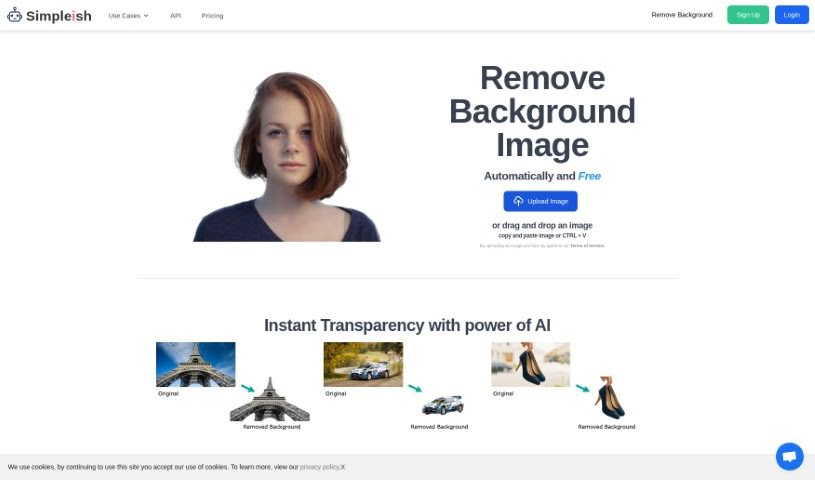
Screenshot of Simpleish

Simpleish

Freemium

Simpleish.io is a really smart tool that uses AI to help you remove backgrounds from your photos, and it does it super fast and easily. You can just upload a picture or drag and drop it right into the tool. Then, with just one click, Simpleish's clever AI figures out what to keep and what to remove, giving you a clean background. What's great about Simpleish is how simple it is to use, how much time it saves, and how easily it can fit into your current software setup thanks to its API. The goal here is to cut down your editing time a lot, so you can get your tasks done quicker and actually enjoy being creative. Simpleish.io has different pricing plans for all sorts of users – whether you're using it for yourself, for online stores, photography, marketing, news, car sales, or even if you're a developer. It's a genuinely useful tool for so many different jobs and industries.

Screenshot of Skylum

Skylum

Freemium

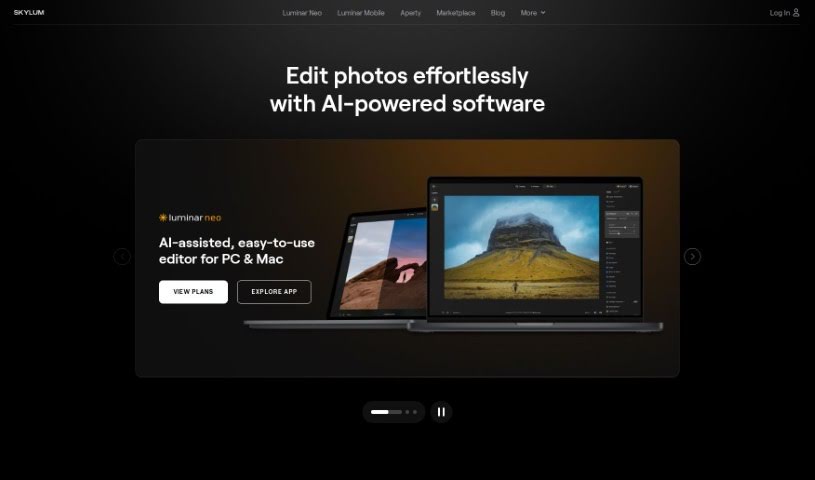
Skylum is a really advanced photo editing tool that uses smart artificial intelligence to completely change how you edit pictures. It's designed to help you get professional-quality results quickly and easily. It is a way to automate a lot of the tedious editing work, freeing up your time. It offers several automatic modes that can apply all sorts of cool effects and adjustments to your photos with just a few clicks. Some of its standout features include EnhanceAI, RelightAI, SkyAI, StructureAI, and Portrait Background. Whether you're just starting out or you're a seasoned pro, Skylum has something for you. You can get access to all its features and updates through either a subscription or a one-time lifetime purchase.

Screenshot of Snap Headshots

Snap Headshots

Freemium

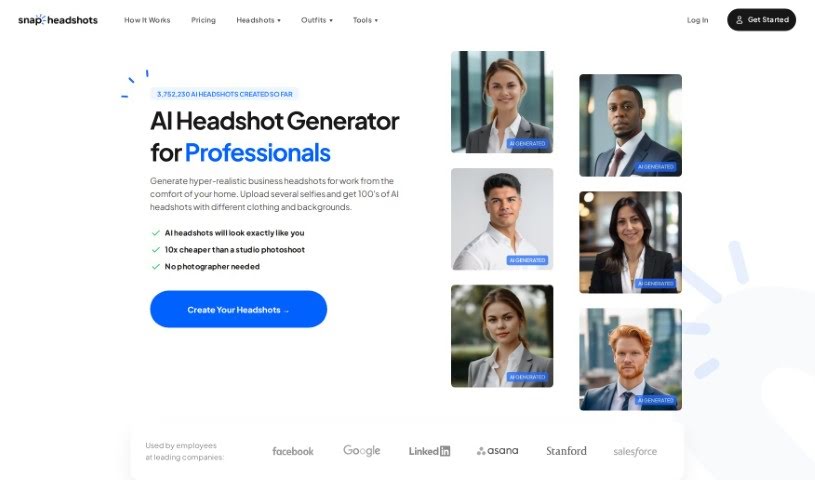
Snap Headshots is a service that creates AI-generated headshots from your high-quality profile photos. They focus on head and shoulders shots. Your privacy is a big deal to them; they store your photos securely in an encrypted environment and follow all local personal data rules. Your photos are used only for making these AI headshots, and they're deleted when you ask or after a set time. This service is also great for larger teams who need to get perfect headshots for everyone easily. The process is pretty straightforward: you upload about 8 to 10 selfies, and the AI uses them to create professional-looking headshots, usually ready in about 30 minutes. They promise really good results thanks to their new AI technology, giving you realistic headshots that look great on your CV, in emails, or on social media.

Screenshot of Snapclear

Snapclear

Freemium

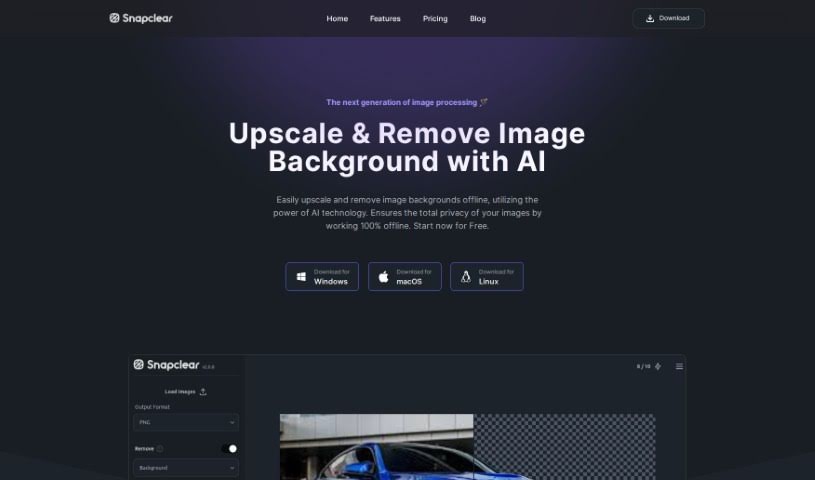
Snapclear is a desktop application that works entirely offline, using AI to automatically remove backgrounds from your images. It's a really handy tool for anyone who wants to save time and effort by letting artificial intelligence handle the tedious task of background removal. One of Snapclear's standout features is its smart cropping. The AI it uses is specially trained to accurately identify subjects in photos, which means you get precise crops perfect for things like online stores, product catalogs, or any design project. Snapclear supports a variety of image formats and, because it works 100% offline, it's available for Windows, Linux, and macOS, making background removal simple for both individuals and businesses. You can even download Snapclear for free and start enjoying automated background removal right away.

Screenshot of SnapEdit

SnapEdit

Freemium

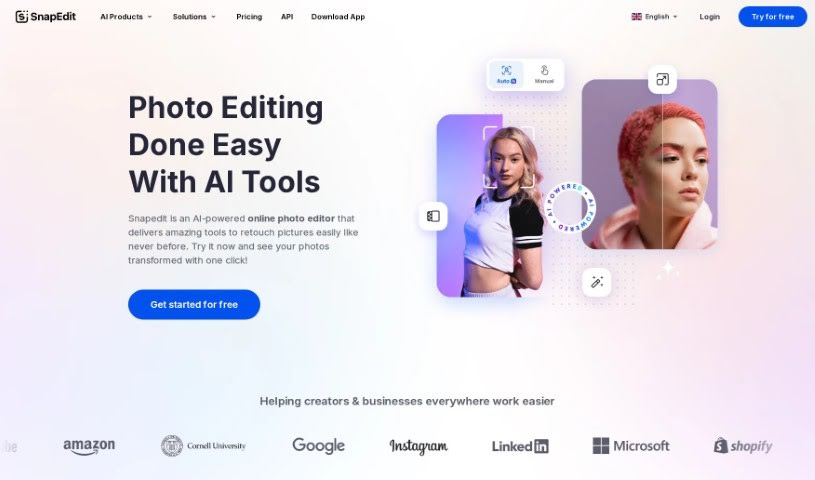
SnapEdit is an online photo editor that uses AI to make editing photos super simple, no matter your skill level. It is your go-to tool for retouching, removing backgrounds, erasing unwanted objects, and generally making your pictures look better, all thanks to smart AI technology. It's built for everyone, from hobbyists to seasoned photographers, offering a really user-friendly way to edit images without needing to be a tech wizard. You can easily get rid of objects or change backgrounds, making the whole process convenient and accessible from pretty much any device. People seem to really like SnapEdit, giving it high ratings on the App Store, and they're always working to make it even better.

Screenshot of Snapfusion

Snapfusion

Freemium

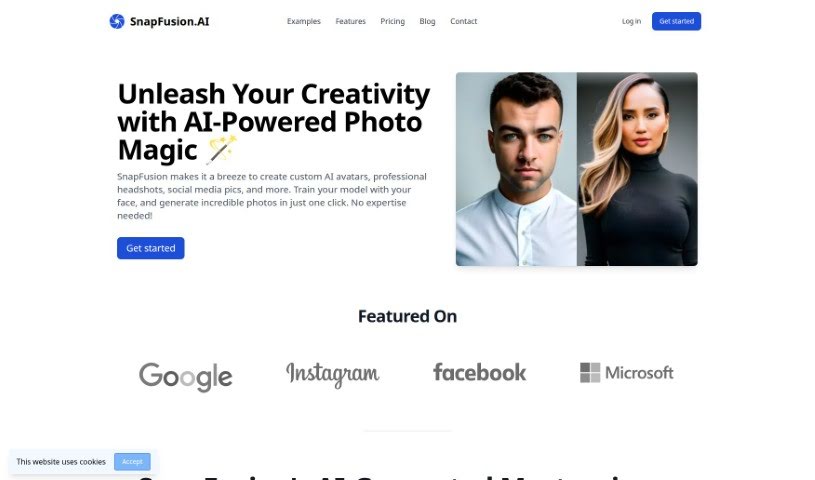
SnapFusion.AI is a really neat tool that uses artificial intelligence to help you edit photos. You can use it to create your own custom AI avatars, get professional-looking headshots, design images for social media, and so much more. The cool part is you can train the AI with your own face, and then it generates personalized photos for you in just one click. SnapFusion.AI offers a bunch of different photo styles, produces high-quality images, and has an interface that's super easy to use. They also make sure your data is handled securely and offer flexible payment options, so you don't have to worry about subscriptions. Plus, if you have a special feature in mind, you can ask for it! They even have live chat support if you need help, and you can buy extra models or photos whenever you like. Whether you're using it for yourself or for your business, SnapFusion.AI makes it simple to get creative and totally change how you look visually.

Screenshot of SocialBook AI Portrait Generator

SocialBook AI Portrait Generator

Freemium

The AI Portrait Generator from SocialBook offers a really unique way to transform your photos. It uses the latest generative AI technology, letting you upload your own selfies and watch as the AI creates new portraits. The cool part is, these AI-generated portraits really capture the essence and feel of your original picture. You've got over 500 different styles to play with, from classic Renaissance looks to super modern, avant-garde designs, so there are tons of artistic directions you can explore. Beyond just creating these AI portraits, the platform also gives you full editing tools. This means you can add text, apply special effects, or even change the background to really make your portraits your own. It's not just about boosting your social media game; it's a genuinely fun and creative way to see yourself in a whole new light, rendered in high-definition AI.

Screenshot of SocialBook Photo To Cartoon

SocialBook Photo To Cartoon

Freemium

Photo To Cartoon is your go-to tool for easily transforming everyday photos into really captivating cartoons. It's super simple – just a few clicks and you're done! What's neat is that it uses AI to add a bit of magic and creativity, turning your pictures into fun, eye-catching artwork. The process is straightforward: you upload your photo, pick from different cartoon effects, and voilà – your image is cartoonified instantly. If you want to take it a step further, you can even remove watermarks, get high-resolution images, and enjoy faster processing by making a purchase. All in all, Photo To Cartoon is a really user-friendly way to create cartoon versions of your photos, offering a variety of filters and features that anyone can use.

Screenshot of Spectre

Spectre

Freemium

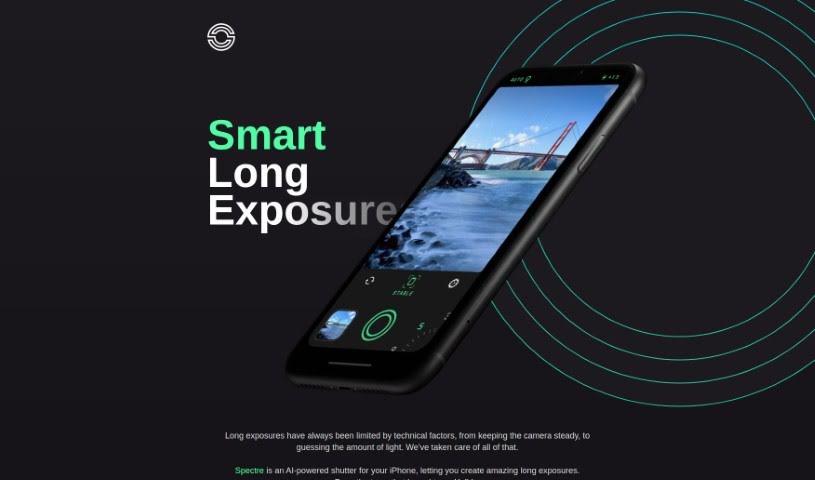
Spectre is a really neat AI-powered photography app that makes taking long exposure photos on your iPhone super simple. It uses some pretty advanced computational photography tricks, like AI that figures out what's in the scene and automatically stabilizes your shot. This really helps with the tricky parts of long exposure photography. You might know Spectre for its cool features, like creating magical light trails when you shoot at night, or its ability to remove crowds from busy places so you get a clear shot. Plus, it can save the whole process as a Live Photo, letting you replay it later. The app comes from the same team that made Halide, and they've designed it with a thoughtful dark interface, which is perfect for shooting in low light. It's also really easy to use, even on those bigger iPhones.

Stay Updated with AI Tools

Get weekly updates on the latest AI tools, trends, and insights delivered to your inbox

Join 25,000+ AI enthusiasts. No spam, unsubscribe anytime.