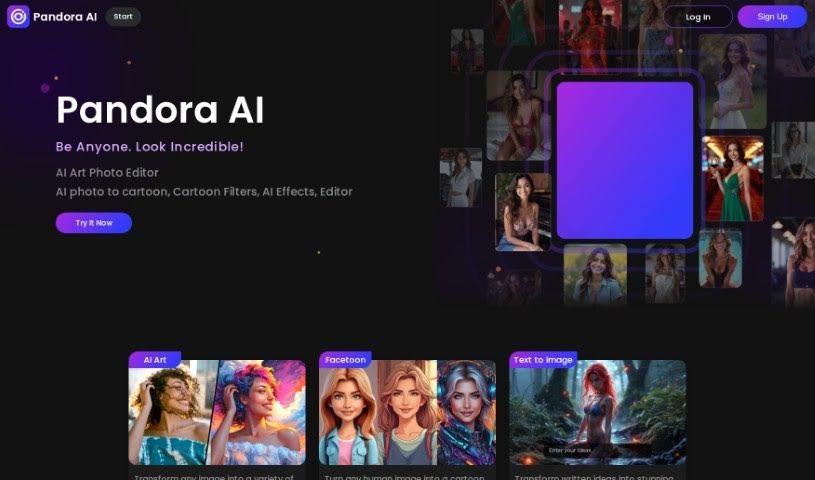
Screenshot of SocialBook AI Portrait Generator

SocialBook AI Portrait Generator

Discover what the SocialBook AI Portrait Generator is all about and learn how to use it effectively in 2025. We'll dive into its features and see how it stacks up against other photo editing tools.

Screenshot

What is SocialBook AI Portrait Generator?

The AI Portrait Generator from SocialBook offers a really unique way to transform your photos. It uses the latest generative AI technology, letting you upload your own selfies and watch as the AI creates new portraits. The cool part is, these AI-generated portraits really capture the essence and feel of your original picture. You’ve got over 500 different styles to play with, from classic Renaissance looks to super modern, avant-garde designs, so there are tons of artistic directions you can explore. Beyond just creating these AI portraits, the platform also gives you full editing tools. This means you can add text, apply special effects, or even change the background to really make your portraits your own. It’s not just about boosting your social media game; it’s a genuinely fun and creative way to see yourself in a whole new light, rendered in high-definition AI.

Who created SocialBook AI Portrait Generator?

SocialBook is the company behind the AI Portrait Generator. They’re using advanced generative adversarial networks (GANs) and deep learning models. These technologies help them analyze, understand, and then transform the images you upload into amazing AI portraits. The goal is always to create a perfect mix of looking real and being creative.

Who is SocialBook AI Portrait Generator for?

  • Social Media Managers
  • Content Creators
  • Graphic Designers
  • Digital Marketers
  • Photographers
  • Artists
  • Fashion Designers
  • Influencers
  • Advertising Specialists
  • Website Designers

How to use SocialBook AI Portrait Generator?

Using the AI Portrait Generator is pretty straightforward. Here’s how you do it:

  1. Upload Your Image: Start by uploading the photo you want to transform. This could be a close-up of your face, a full-body shot, or even a landscape. For the best results, especially when you want the AI to capture intricate details for a really captivating transformation, it’s best to use close-up or at least half-body pictures.
  2. Choose Your Style: Next, dive into the wide variety of artistic styles available. You can find everything from anime and Halloween themes to sci-fi looks and much more. Keep in mind that different styles can produce different results depending on your original image, so pick the one that you feel best suits your photo.
  3. Initiate Generation: Once you’ve picked your style, just hit the ‘Generate’ button. The AI will then get to work creating your portrait. If it’s a busy time, you might need to be a little patient. After it’s done, you’ll usually see an option to ‘Generate Again,’ which lets you try for different variations within that same style.
  4. Fine-Tune & Accessorize: After you get your AI avatar, don’t forget to use the editing tools that come with it. You can adjust the background or make other small tweaks quite easily. If you want an even smoother editing experience, consider downloading the Pandora AI app – it puts all your tools in one convenient place.

Go ahead and transform your selfies into unique AI portraits with SocialBook’s AI Portrait Generator. You’ll find a huge selection of styles and editing options to give your creations a truly personal touch.

Related AI Tools

Discover more tools in similar categories that might interest you

123RF AI Image Generator

Creative Image Generation
Learn More

Stay Updated with AI Tools

Get weekly updates on the latest AI tools, trends, and insights delivered to your inbox

Join 25,000+ AI enthusiasts. No spam, unsubscribe anytime.