AI Tools for Photo Editors

Discover the best Photo Editors AI tools to enhance your productivity and creativity.

Page 23 of 23 • 273 total tools

In today’s world of social media and instant sharing, everyone wants stunning visuals. We take so many photos every day, so making yours stand out is really important. But, not everyone has the time or the skills to learn complicated photo editing software. That’s where AI photo editors come in—they’re your new best friends for creating beautiful pictures.

These smart tools have completely changed how we improve and work with our photos. Instead of spending hours tweaking every little detail, you can now get professional-quality results with just a few clicks. Thanks to AI advancements, many of these editors can automatically adjust colors, fix blemishes, and even add artistic effects, all customized for you.

I’ve spent time checking out and testing the best AI photo editing tools out there right now. Each platform has its own special features, from simple automatic fixes to more detailed creative options. So, whether you’re just looking to touch up family photos or you’re a photographer wanting to add that extra something, I’ve got you covered.

Come along as we explore the best AI photo editors that can make your images shine while saving you precious time. Let’s find out what makes editing easier and more enjoyable.

The best AI Photo Editors

  1. Canva for quick photo enhancements and edits online.
  2. Photopea for easy photo retouching and improvements.
  3. Photoroom for efficient batch editing for photographers.
  4. Pixlr for simple photo enhancement and retouching.
  5. Cutout.pro for smooth background removal for portraits.
  6. Pic Wish AI Photo Editor for easy background removal for photos.
  7. Freepik Pikaso for adding details to images.
  8. Adobe Firefly for advanced photo improvements.
  9. BeFunky to easily enhance and retouch portraits.
  10. SnapEdit to effortlessly improve and edit images.
  11. Recraft for consistent edits for brand visuals.
  12. Icons8 for removing tricky photo backgrounds.
  13. Dewatermark for quick watermark removal for editors.
  14. Topaz Labs to refine and improve image quality.
  15. AirBrush for simple, precise photo retouching.

How do AI photo editors work?

AI photo editors use smart algorithms powered by machine learning to improve and change images. Basically, these tools look at your photos, identifying things like colors, lighting, and textures. By comparing these elements to data they’ve learned from, they can suggest edits or create new features that make the picture look better overall.

Most AI photo editing software uses deep learning, especially something called convolutional neural networks (CNNs). These networks are trained on tons of images, which helps them spot patterns and tell different visual parts apart. This training lets the software do things like recognize objects, remove backgrounds, and retouch photos automatically, without you having to do it manually.

When you upload a picture, the AI checks its parts and makes them better based on what it’s learned. For instance, if a photo is too dark, an AI photo editor can brighten it up naturally. It does this by understanding the photo’s context, not just by applying a generic filter.

Lots of popular editing tools now include AI features so users can do complex edits easily. This includes automatically improving photos, suggesting styles, or even copying the editing choices professional photographers make. Because these tools learn and adapt, they keep getting better at their suggestions over time.

AI photo editors aren’t just for basic tweaks. They can also get creative, adding new features like textures or artistic effects. Using generative models, some AI tools can even create whole new backgrounds or elements that fit perfectly with the original photo. As technology keeps advancing, what these editors can do keeps growing.

If you’re curious about how AI works in photography, there are plenty of tutorials and resources available. They can help you learn how to use these tools well, whether for your personal projects or your professional work. AI has huge potential in photo editing, offering new solutions for both beginners and experts.

Our best AI photo editors at a glance

RankNameBest forPlans and PricingRating
1Canvaquick photo enhancements and edits online.N/A4.73 (11 reviews)
2Photopeaeasy photo retouching and improvements.N/A4.67 (12 reviews)
3Photoroomefficient batch editing for photographers.Paid plans start at $7.50/month.4.74 (38 reviews)
4Pixlrsimple photo enhancement and retouching.Paid plans start at $0.99/month.4.73 (11 reviews)
5Cutout.prosmooth background removal for portraits.N/A4.46 (13 reviews)
6PicWish AI Photo Editoreasy background removal for photos.N/A4.65 (43 reviews)
7Freepik Pikasoadding details to images.N/A4.67 (21 reviews)
8Adobe Fireflyadvanced photo improvements.N/A4.67 (6 reviews)
9BeFunkyeasily enhance and retouch portraits.Paid plans start at $83.88/year.4.69 (13 reviews)
10SnapEditeffortlessly improve and edit images.N/A4.73 (11 reviews)
11Recraftconsistent edits for brand visuals.N/A4.67 (3 reviews)
12Icons8removing tricky photo backgrounds.N/A3.64 (11 reviews)
13Dewatermarkquick watermark removal for editors.N/A4.67 (18 reviews)
14Topaz Labsrefine and improve image quality.N/A4.70 (10 reviews)
15AirBrushsimple, precise photo retouching.N/A4.78 (23 reviews)
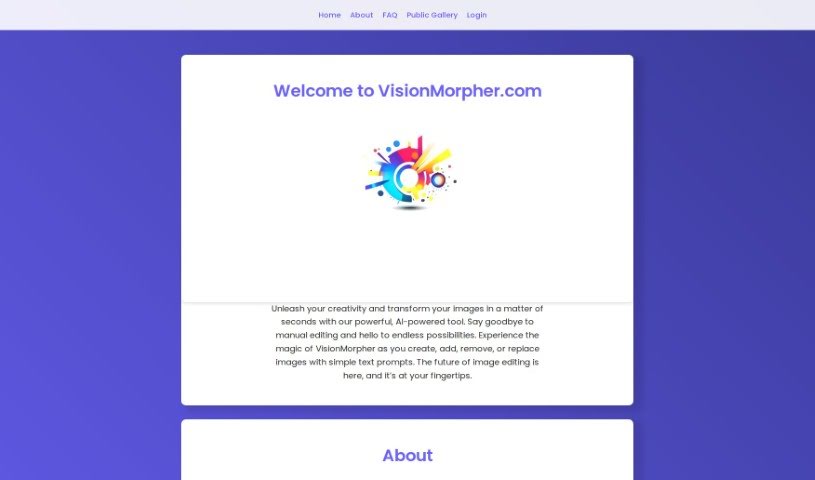
Screenshot of VisionMorpher

VisionMorpher

Freemium

VisionMorpher is an AI tool that's really changing the game for image editing. It lets you easily enhance and transform your pictures using generative image filling and simple text prompts. It is a way to create, add, remove, or swap out images without any of the usual manual editing hassle. The goal here is to make editing simpler, deliver professional-looking results, and open up a world of creative possibilities. Just a heads-up: it's a good idea to be thoughtful with your prompts to avoid unexpected results, as the tool isn't responsible for those. Also, any images you generate get saved for you, which is handy. As for refunds on credit packs, they're generally only offered if there's a server issue or a mistake on VisionMorpher's end. Right now, the tool handles images up to 512x512px, but they're planning to increase that size limit down the road.

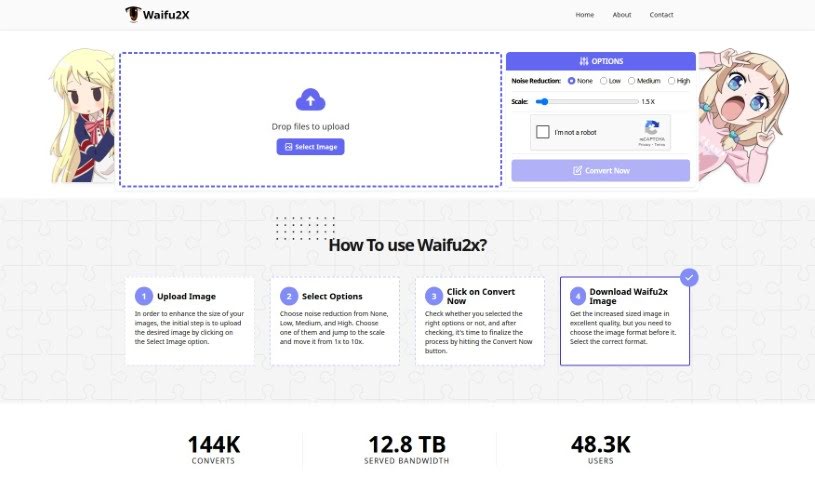
Screenshot of Waifu2X.io

Waifu2X.io

Freemium

Waifu2x.io is a handy online tool that's great for making your images bigger and better. It's designed to upscale photos and images, meaning it can increase their size without losing quality. Plus, it's really good at cleaning up any graininess or "noise" that might be in your pictures. You can easily pick how much noise reduction you want and then choose to scale your image up anywhere from 1x all the way to 10x its original size. It’s super user-friendly, making it a breeze to enhance all sorts of pictures, whether it's pixel art, anime, or just regular photos. Waifu2x uses smart image processing and AI technology to smoothly reduce noise and scale up images, which is fantastic for both professional artists and people who just enjoy creating art as a hobby. People love it because it's easy to use, gives you instant results, offers different noise reduction settings, and can make images up to 10 times larger. It's already been used for over 144,000 conversions, with more than 12.8 TB of data processed – that's a lot of happy users!

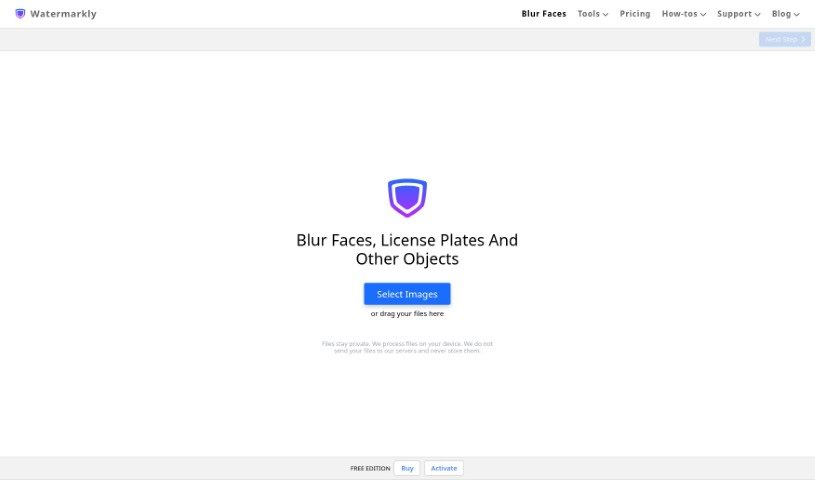
Screenshot of Watermarkly Blur Faces

Watermarkly Blur Faces

Freemium

Watermarkly Blur Faces is a handy tool designed to help you blur out faces and other objects in your pictures. It’s pretty flexible, letting you blur specific areas, adjust how big or small the blur is, and even change its shape. You can also tweak how the blurred images are saved, and the whole interface is really easy to get along with. Plus, it’s great for when you have a bunch of photos to process – you can blur them all at once. Need to blur just one face in a group shot? No problem. It also offers tools for cropping, shrinking, resizing, and adding watermarks. The blur effects have nice, smooth edges, and you have control over how intense the blur is and what shape it takes. You can even blur specific objects, not just faces. Best of all, you can use it right in your web browser on any device, so no downloads are needed.

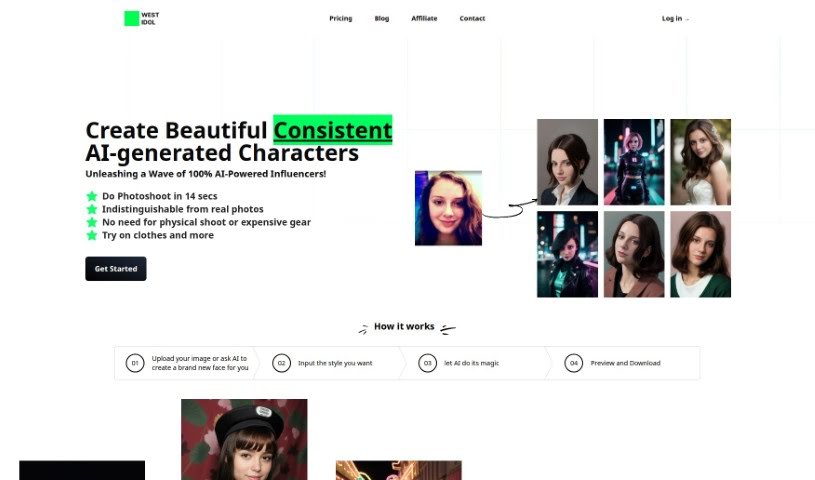
Screenshot of West Idol

West Idol

Freemium

West Idol is a platform that's really changing the game for photoshoots, all thanks to some pretty advanced AI. Imagine getting professional-looking photos from just one selfie – no more needing a photographer, a studio, or expensive gear. You can either upload a picture you already have or let the AI whip up a brand new face. Then, you just pick a style, and boom! You get a high-quality photo in seconds. They've got different pricing plans for everyone, and some really cool features too. Think AI Inpainting (which fixes up parts of your image), Image Upscaling (to make things clearer), Text to Image (turning words into pictures), Edit with Words (letting you tell the AI how to change things), and Fast Rendering. These tools are great for making images look super professional, even handling things like removing backgrounds or turning sketches into full images. West Idol really focuses on making things easy for users, with a design that's simple to navigate, super-fast processing, and a whole suite of AI tools perfect for creative projects or business needs.

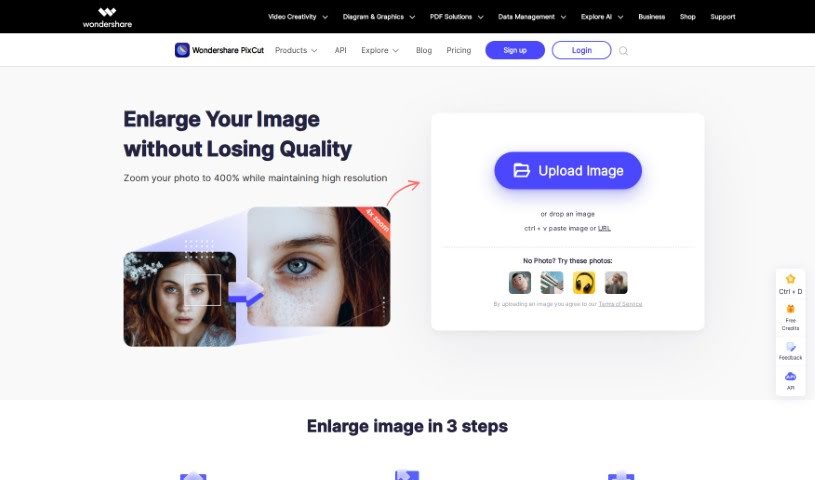
Screenshot of Wondershare Image Enlarger On Pixcut

Wondershare Image Enlarger On Pixcut

Freemium

The Image Enlarger tool on Pixcut is designed to help you easily boost your image resolution without losing any quality. It uses advanced AI technology to make sure your photos stay sharp and full of detail, making it a great choice for anyone who wants perfect visuals. This tool offers clear enhancements that don't compromise quality. It leverages cutting-edge artificial intelligence for precise upscaling, features a simple interface that's easy to navigate, delivers high-definition results, and is available online so you can use it whenever and wherever you need.

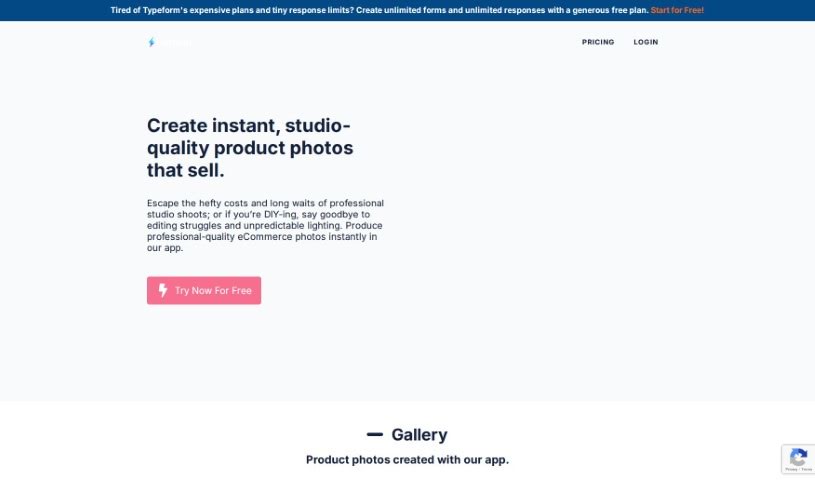
Screenshot of Wordlab.io

Wordlab.io

Freemium

Wordlab.io is an online platform that acts like an AI-powered photo studio, letting you create professional eCommerce product photos in a flash. Just upload your product pictures, type in a description for the background you want, and voilà – you get stunning results with up to four different background options to pick from. It’s super easy to swap backgrounds, remove them instantly, and even change their colors. The whole interface is designed to be user-friendly, making photo editing quick and painless. This is perfect for small business owners, freelancers, and entrepreneurs who want to make their product images shine without hiring professional photographers. Basically, Wordlab.io is here to help you save time and money while making your products look their absolute best for marketing.

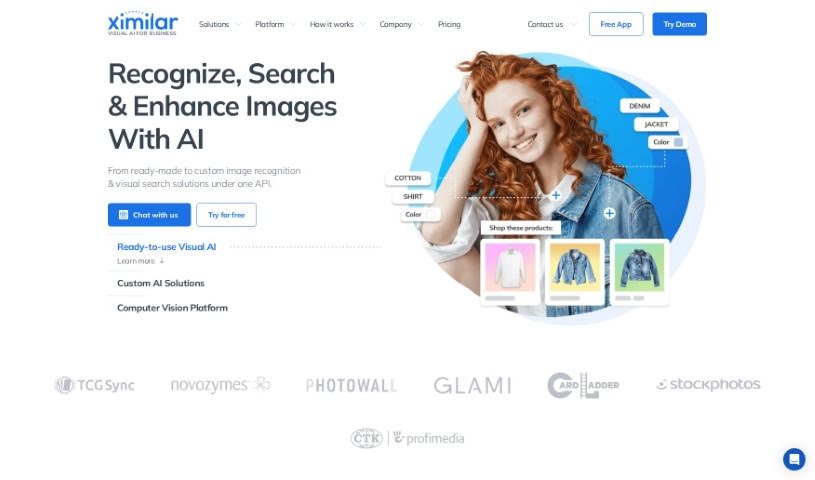
Screenshot of Ximilar

Ximilar

Freemium

Ximilar is a Visual AI platform built to automate image processing for businesses. It is a smart assistant for your images. It offers a range of services, including recognizing what's in an image, enabling visual searches, removing backgrounds, and even making images sharper with upscaling. You can use their solutions right out of the box, or they can build custom developments specifically for your business needs. Essentially, Ximilar aims to make image processing much smoother and more efficient using advanced artificial intelligence. This not only saves time but also opens up new possibilities for businesses. The company is also actively involved in research projects, which helps them stay on the cutting edge of AI technology.

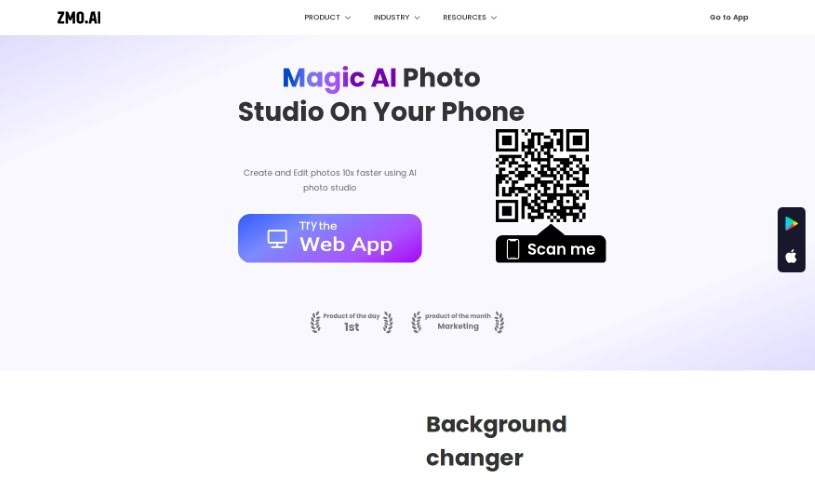
Screenshot of Zmo AI AI Backdrop

Zmo AI AI Backdrop

Freemium

AI Backdrop is a handy feature built into ZMO.AI, offering a suite of tools to help you edit and improve your images. It is your go-to for making photos look just right. It includes a background changer, a background remover, and a neat image variation tool.

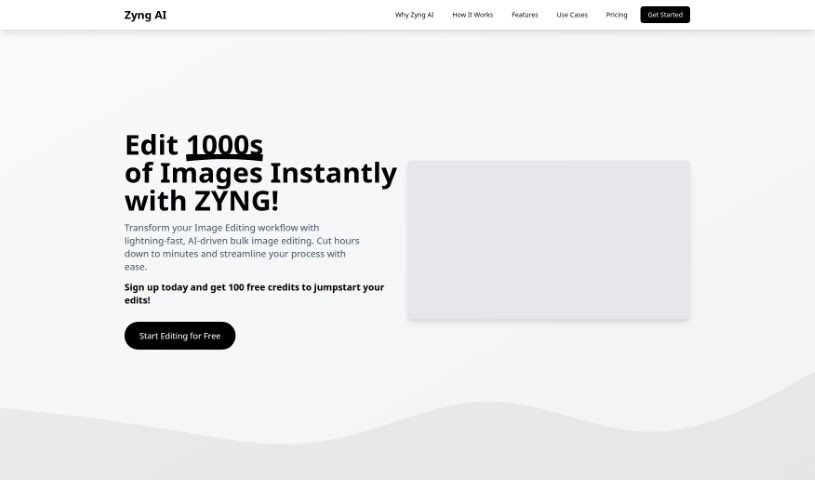
Screenshot of Zyng AI

Zyng AI

Freemium

Zyng AI is a service that really shines when it comes to creating eye-catching graphics for product marketing and e-commerce. They are your go-to for personalized visual creation, using artificial intelligence to seriously boost the quality of your images. Whether it's for social media, your online store, or any digital marketing effort, Zyng AI has you covered. You get handy features like PSD-friendly layered files, which are great for professional editing. Plus, there's a unique BluePrints mode specifically designed for product shots, and AI-powered professional lighting options to make your products pop. The platform itself is super user-friendly, offering both monthly and annual pricing plans. Getting started is a breeze, and if you ever need a hand, their Agent-ZYNG feature is there to help. With Zyng AI, you can create truly captivating visuals, get quick support, and access professional editing tools that are actually tailored to what you need. It's a great way to level up your digital content creation skills, especially as visual storytelling keeps evolving.

Previous 23 of 23 Next

Stay Updated with AI Tools

Get weekly updates on the latest AI tools, trends, and insights delivered to your inbox

Join 25,000+ AI enthusiasts. No spam, unsubscribe anytime.