AI Photo Editors

AI Tools for Photo Editors

Discover the best Photo Editors AI tools to enhance your productivity and creativity.

Page 20 of 22 • 260 total tools
Screenshot of Spectre

Spectre

Freemium

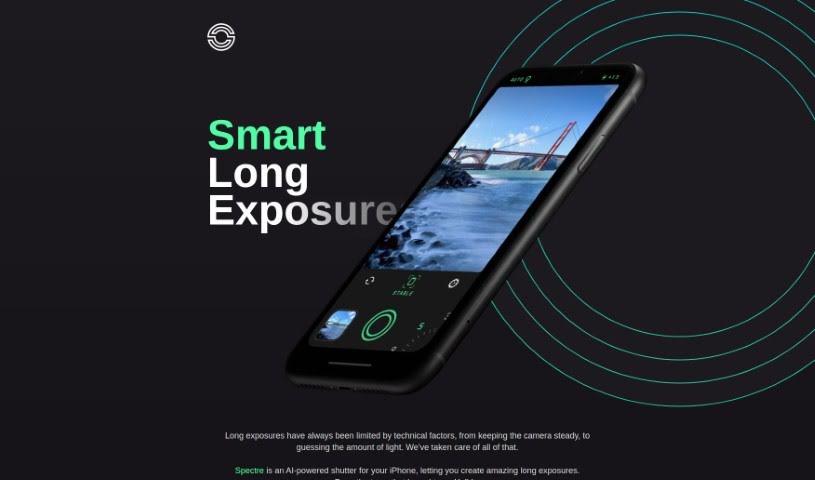
Spectre is an AI-powered photography app that makes taking long exposure photos on iPhone simple. It uses computational photography techniques, including AI scene detection and automatic image stabilization, to handle the difficult parts of long exposure photography. The app can create light trails when shooting at night and remove crowds from busy locations to produce a clear shot. It also saves the entire exposure process as a Live Photo, so you can replay it later. Spectre comes from the team behind Halide and features a dark interface designed for low-light shooting, with a layout that works well on larger iPhones.

Photo Editors View Tool →
Screenshot of Stockfill

Stockfill

Freemium

Stockfill is an AI tool that simplifies tagging stock images for photographers, designers, and content creators. It automatically generates metadata for image files—including titles and keywords optimized for search engines—so your photos and illustrations are easier to find online. It supports common formats like JPG, PNG, and WEBP.

Photo Editors View Tool →
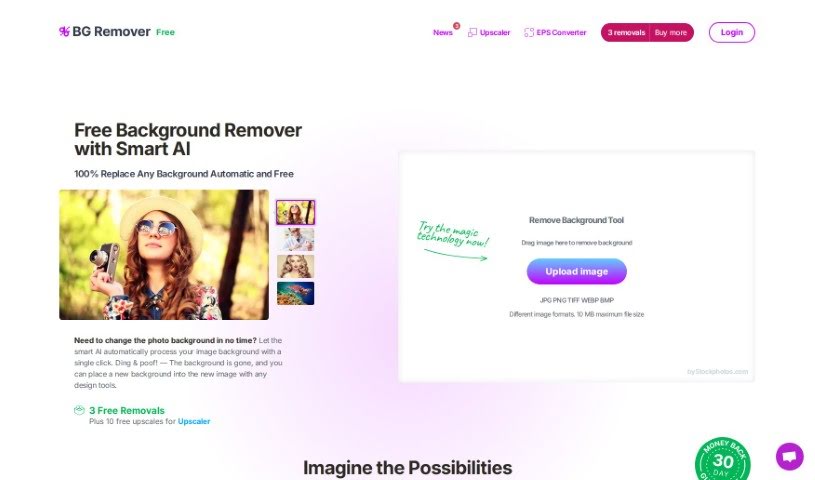
Screenshot of Stockphotos Bg Remover

Stockphotos Bg Remover

Freemium

The Background Remover is an AI-powered tool that automatically removes backgrounds from images. It identifies objects, smooths edges, and processes images quickly. It supports common formats including JPG, PNG (which preserves transparency), and BMP.

Photo Editors View Tool →
Screenshot of Storia

Storia

Freemium

Storia is an AI-powered image editor for improving, changing, or transforming images. Users can remove or swap objects, backgrounds, and text, often with a single click or a short text description.

Photo Editors View Tool →
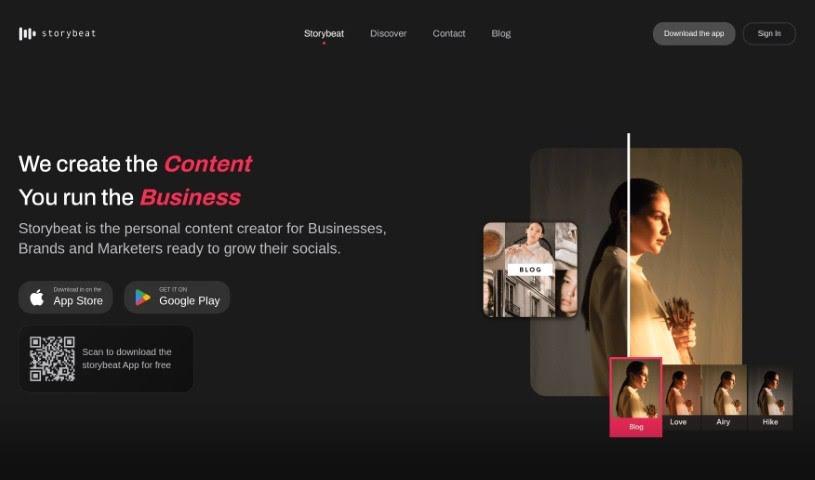
Screenshot of Storybeat

Storybeat

Freemium

Storybeat is an all-in-one app for creating social media content, built for creators who want to produce eye-catching stories and reels for platforms like Instagram, TikTok, and beyond. It combines intuitive tools, professional templates, and AI features, letting you sync visuals with music, apply unique filters, transform yourself into characters with AI avatars, and polish photos and videos with pro editing tools. More than 10 million creators worldwide use the app.

Photo Editors View Tool →
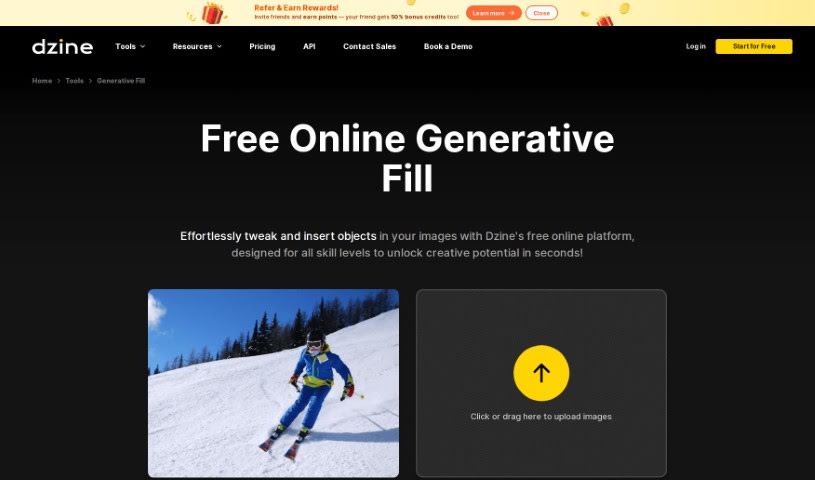
Screenshot of Stylar AI Generative Fill

Stylar AI Generative Fill

Freemium

Generative Fill uses AI to modify images, making it useful for graphic design and other creative work. The tool automatically adds content to images based on what's already there, so designers can fill in missing parts or improve the overall look of their visuals. It helps create polished designs efficiently and can speed up editing and design workflows.

Photo Editors View Tool →
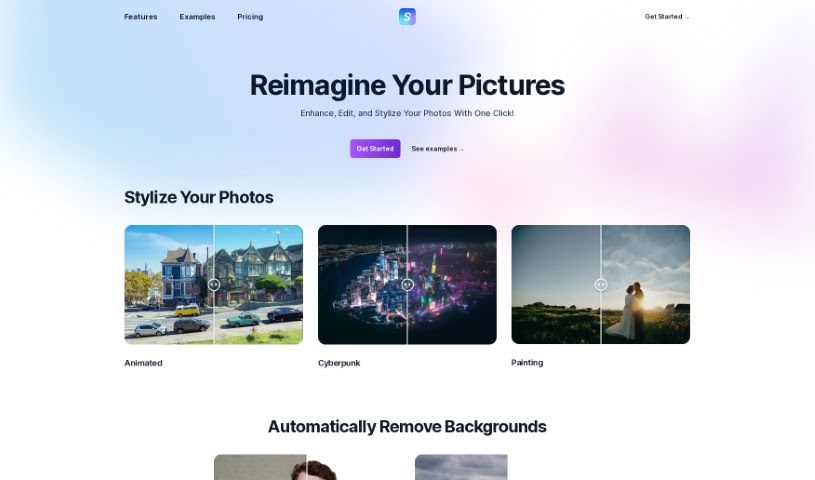
Screenshot of Stylize

Stylize

Freemium

Stylize is a photo editing app that uses AI models to improve and transform images. Its core features include:

Photo Editors View Tool →
Screenshot of Stylized

Stylized

Freemium

Stylized is an AI-powered photo studio that lets you create professional product photos using just your smartphone. It offers a free Basic plan and a Pro plan at $20 per month, with features including background removal, a virtual lightbox, and advanced 3D materials. You can also earn free credits by referring friends.

Photo Editors View Tool →
Screenshot of SupaRes

SupaRes

Freemium

SupaRes is an AI platform for optimizing and enhancing images. It handles upscaling, face enhancement, tone adjustments, artifact reduction, low-light boosting, and noise removal. It is built to be straightforward and efficient for anyone working with visuals, from web designers and real estate agents to marketers and publishers.

Photo Editors View Tool →
Screenshot of SUPIR - XPixel Group

SUPIR - XPixel Group

Freemium

SUPIR, short for "SUPIR Intelligent Image Restoration," is an AI image restoration tool from the XPixel Group. It uses a large-scale generative AI model trained on massive generative data to improve image quality, bringing out finer details and increasing clarity.

Photo Editors View Tool →
Screenshot of Sus Technology

Sus Technology

Freemium

SUS Technology develops SUS Gallery, an AI-powered mobile gallery for managing and improving photo collections. It enhances photos, compresses them to free up storage, and simplifies editing. All AI processing runs directly on your phone, offline, so your photos and data stay on your device.

Photo Editors View Tool →
Screenshot of Swapface

Swapface

Freemium

Swapface is an app that performs ultra-realistic face swaps in real time. Using a single photo, you can instantly appear as someone else with no processing wait. It is designed to be easy to set up and is aimed at content creation and live streaming, using AI to swap faces seamlessly while you are live.

Photo Editors View Tool →

About Photo Editors tools

Hours spent carefully tweaking masks, brushing away stray blemishes, and fixing uneven lighting can exhaust even the most patient photographer. Whether you’re preparing product photos for an online store, polishing headshots for a client, or trying to rescue a noisy low-light memory, meticulous pixel-level editing eats up hours of creative time.

Built for photographers, designers, and creators, these AI photo editors act as high-speed darkroom assistants. They clean up distractions, enhance resolution, and handle tedious retouching tasks in seconds without replacing your artistic vision.

Generative Fill, Noise Cleanup, and Portrait Retouching

Removing distracting background elements and extending canvas boundaries takes seconds instead of hours. Trying to eliminate unwanted tourists, power lines, or stray trash cans with traditional clone stamps often ruins natural textures. Generative AI tools scan surrounding pixels and reconstruct background elements like brick walls, foliage, or ocean waves—letting you erase distractions cleanly or expand a canvas aspect ratio with realistic detail.

Automating technical cleanup and image enhancement restores low-quality or damaged photos instantly. Dealing with digital noise from high-ISO shoots, soft focus, or low-resolution files usually means compromising on sharpness. Intelligent enhancement software applies targeted denoising, deblurring, and super-resolution upscaling to sharpen critical details like hair strands and fabric textures without introducing harsh artifacts.

Speeding up portrait retouching and color grading keeps your editing pipeline moving. Selecting complex subjects like wind-blown hair or adjusting skin tones across an entire batch of event photos used to require detailed manual masking. AI portrait editors recognize facial features, smooth skin textures naturally, adjust lighting angles, and match color profiles across hundreds of images with a single click.

Key Capabilities to Consider:

  • Generative fill and object removal: Tools that replace erased objects or extend canvas margins by synthesizing matching backgrounds.
  • Smart subject and sky masking: Features that automatically detect people, backgrounds, or skies to apply isolated edits without tedious manual selections.
  • AI-powered denoise and upscaling: Software that removes low-light noise and increases image resolution for crisp print or web displays.
  • Batch style and color matching: Applications that analyze a reference image and apply consistent color grading across entire photo shoots.
  • Non-destructive layer editing: Editors that preserve your original photo files while letting you adjust or undo AI enhancements at any point.

Developing a distinct visual style will always depend on your creative eye, composition choices, and artistic perspective. Software can remove a distraction, sharpen a noisy frame, or adjust skin tones, but capturing a meaningful moment requires human emotion.

Explore the photo editing tools below to streamline your digital darkroom.

The Best AI Photo Editors

  1. Canva: for quick photo enhancements and edits online.
  2. Photopea: for easy photo retouching and improvements.
  3. Photoroom: for efficient batch editing for photographers.
  4. Pixlr: for simple photo enhancement and retouching.
  5. Cutout.pro: for smooth background removal for portraits.
  6. Pic Wish AI Photo Editor: for easy background removal for photos.
  7. Freepik Pikaso: for adding details to images.
  8. Adobe Firefly: for advanced photo improvements.
  9. Adstronaut: Turns everyday photos into studio-quality product and fashion visuals.
  10. Aftershoot: AI culling and editing tools for photographers working through large batches.
  11. Recraft: for consistent edits for brand visuals.
  12. Icons8: for removing tricky photo backgrounds.
  13. Dewatermark: for quick watermark removal for editors.
  14. AI Color: Colorizes black and white photos with AI restoration.
  15. AirBrush: for simple, precise photo retouching.
New tools, in your inbox.

Weekly picks of the best AI tools we've researched and added — no spam, unsubscribe anytime.

Join 25,000+ AI enthusiasts. No spam, unsubscribe anytime.