AI Documentation Tools

AI Tools for Documentation

Discover the best Documentation AI tools to enhance your productivity and creativity.

Page 8 of 14 • 165 total tools
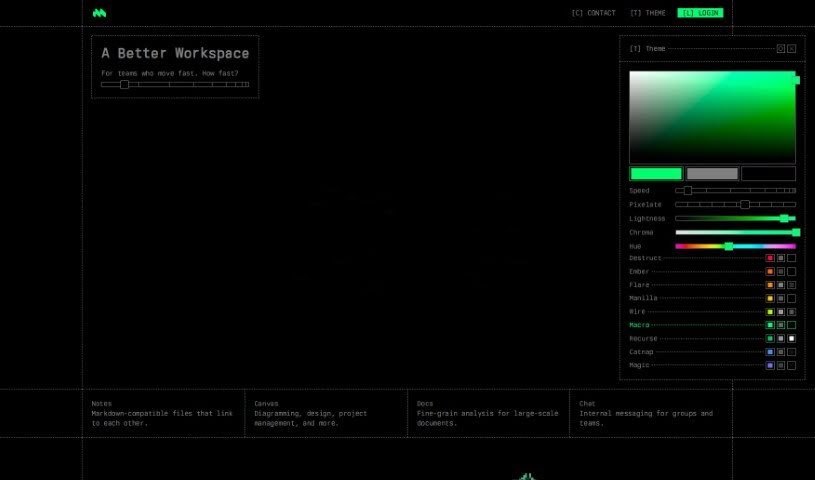
Screenshot of Macro.com

Macro.com

Freemium

Macro.com is an AI tool that automates and improves document editing. It reads complex data inside your documents, suggests improvements, and provides insights. Core features include data analysis, workflow automation, and an "Ask AI" function for getting answers directly from your documents. It supports a wide range of document types and works for both personal projects and business use. The tool is free to download, though the website does not clearly state details on premium features or pricing.

Documentation View Tool →
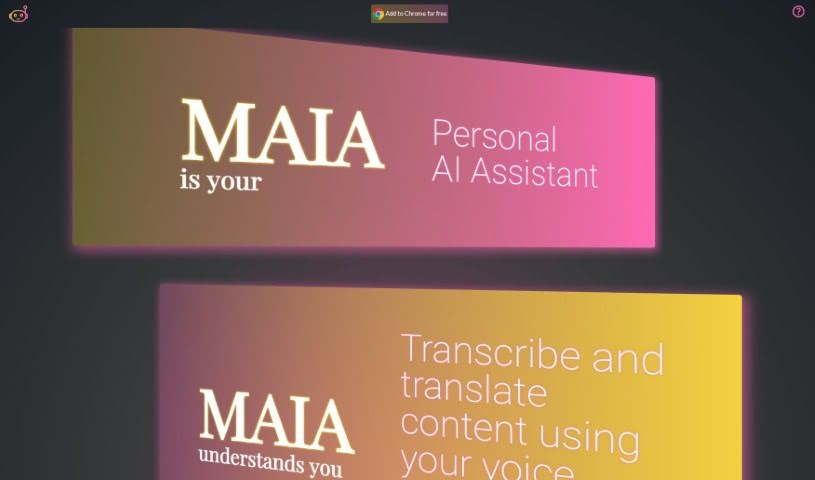
Screenshot of Maia Ai

Maia Ai

Freemium

Maia Ai, short for My AI Assistant, is a Google Chrome extension designed to make AI technology easy to use and affordable. It lets you transcribe and translate content just by speaking, improving accessibility and communication. Its features include summarizing what you're reading, generating new text, explaining complex subjects, simplifying information, translating languages, and converting speech to text. Once installed, it works on any webpage, making it a versatile way to boost what you can do online.

Documentation View Tool →
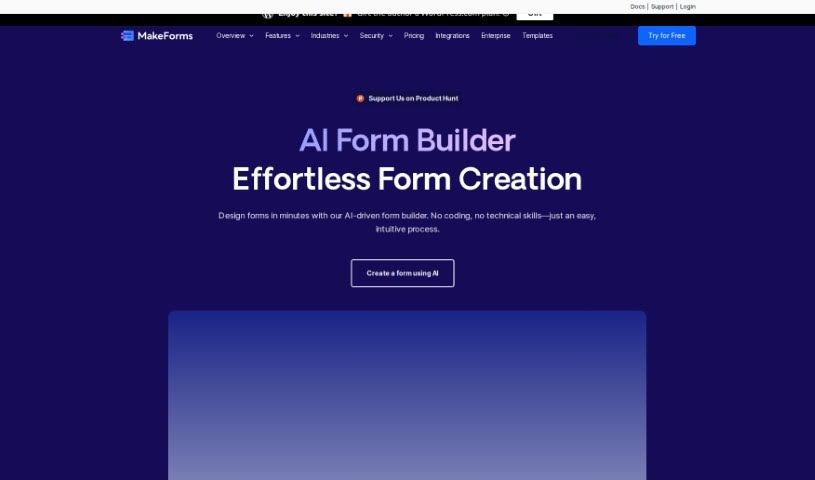
Screenshot of MakeForms AI Form Builder

MakeForms AI Form Builder

Freemium

MakeForms is a platform for building forms without code. Its notable features include no-code AMP forms that work directly in email, over 160 templates, 100+ design themes, advanced integrations, and reporting tools. Enterprise accounts include 128-bit data encryption, and respondents can fill out and submit forms without leaving their inbox.

Documentation View Tool →
Screenshot of Marauder

Marauder

Freemium

Marauder is an app designed with privacy in mind. It keeps your location history on your device — your data never leaves it. To learn more, visit the Studio Lanes website at studiolanes.com or follow them on Twitter at @studiolanes.

Documentation View Tool →
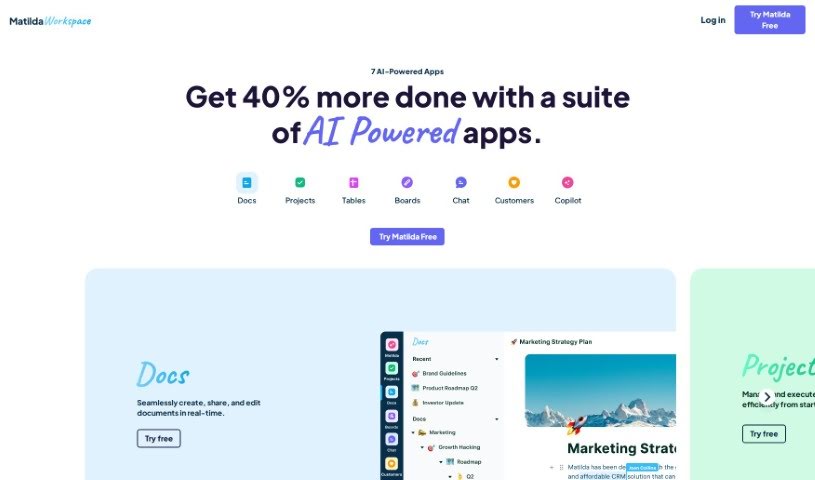
Screenshot of Matilda Workspace

Matilda Workspace

Freemium

Matilda Workspace is an AI-powered all-in-one platform for project management and team collaboration. It brings documentation, task management, meetings, and customer interaction tracking into a single workspace.

Documentation View Tool →
Screenshot of Mentalyc

Mentalyc

Freemium

Mentalyc is an AI note generator for mental health professionals, including psychotherapists, psychologists, and counselors. It is HIPAA-compliant, protecting client data in healthcare settings.

Documentation View Tool →
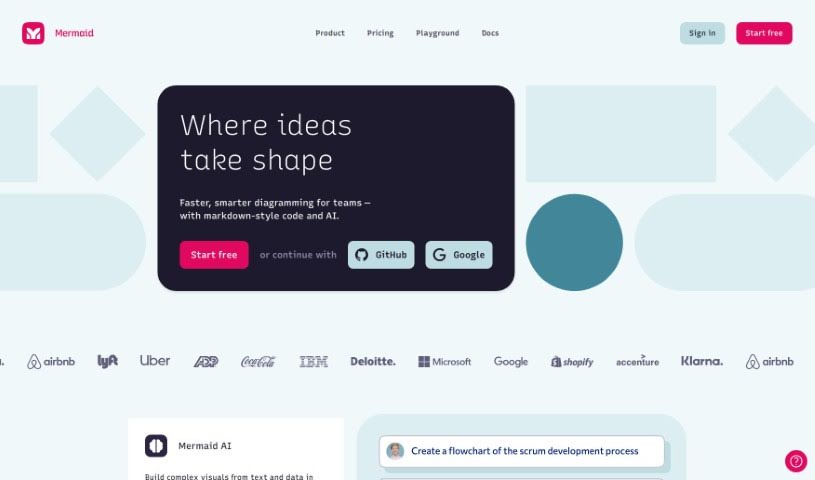
Screenshot of Mermaid Chart

Mermaid Chart

Freemium

Mermaid Chart is a platform for creating diagrams using text. It is built on the Mermaid open-source project and is designed to document code, streamline team projects, and visualize complex ideas. The platform includes Mermaid AI, which generates diagrams from a plain-text description of what you want, letting you produce clear visuals without wrestling with complex diagramming tools.

Documentation View Tool →
Screenshot of Metastory

Metastory

Freemium

Metastory is a product management tool that uses artificial intelligence to streamline requirements gathering. Built by product owners for product owners, it is organized around three core principles:

Documentation View Tool →
Screenshot of Microsoft Loop

Microsoft Loop

Freemium

Microsoft Loop is a collaborative workspace developed by Microsoft. It provides a shared space where documents and tasks stay in sync in real time, no matter where team members are working — in the office or remotely. The platform combines a dynamic canvas for generating and sharing ideas with user-friendly collaboration tools, aiming to improve communication, productivity, and transparency within teams.

Documentation View Tool →
Screenshot of Mintlify

Mintlify

Freemium

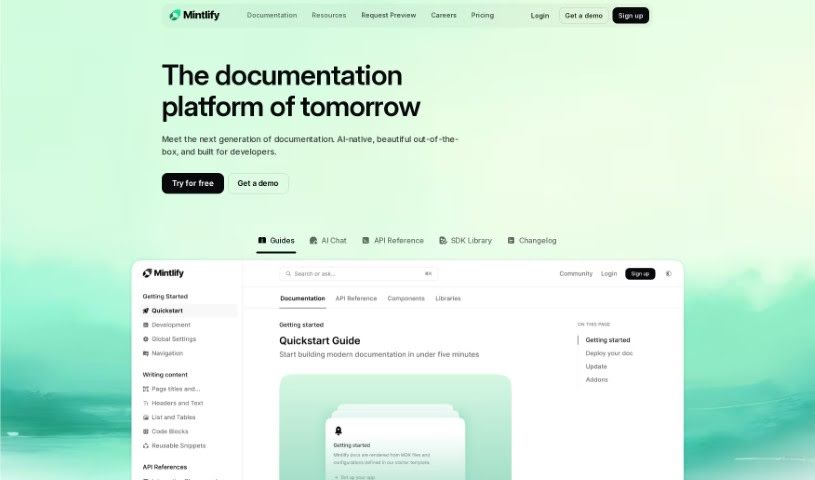
Mintlify is a platform for creating user-friendly documentation, designed for both developers and content creators. It is built on MDX and takes a developer-first approach, so documentation can be connected directly to your codebases. The platform emphasizes performance, includes built-in analytics to show how people use your docs, and offers AI features.

Documentation View Tool →
Screenshot of Monterey AI

Monterey AI

Freemium

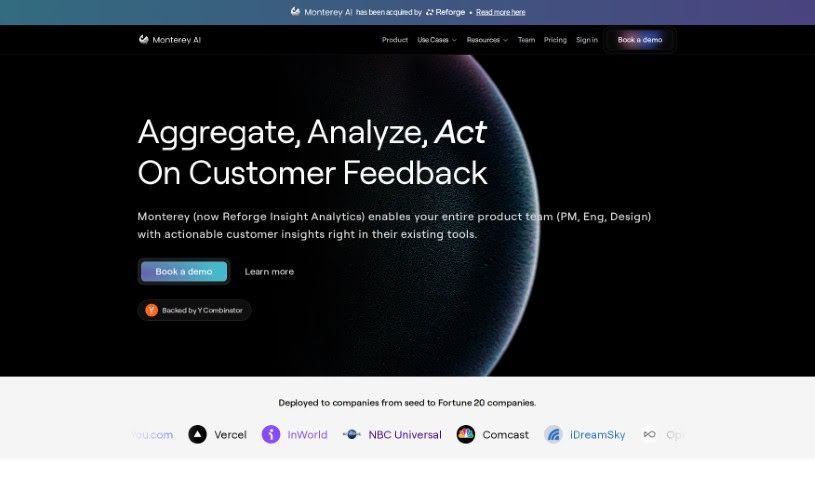
Monterey AI is an AI platform for product analytics focused on qualitative data. It automatically sorts, prioritizes, and delivers insights in real time, helping teams turn messy, unstructured feedback into actionable insights. The platform supports over 85 languages and integrates with tools like Zendesk and Slack, making it easier to manage feedback from multiple communication channels. It also includes ways to vote on new product features and organize engineering tickets.

Documentation View Tool →
Screenshot of MotionShot

MotionShot

Freemium

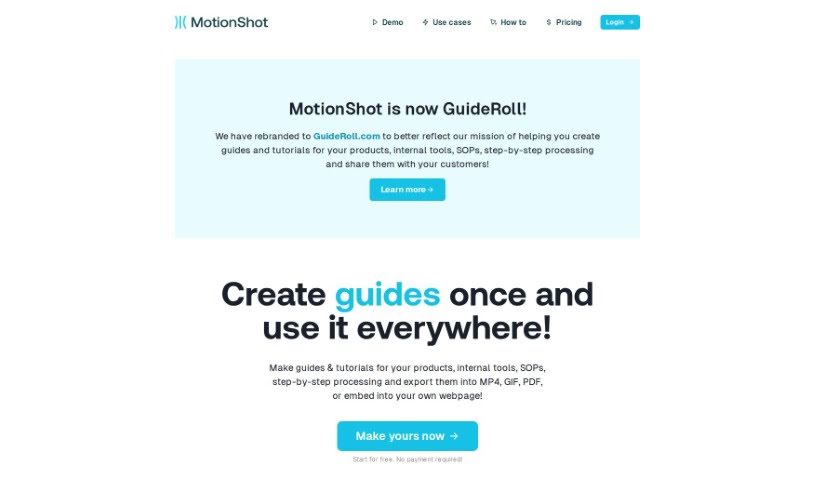
MotionShot creates step-by-step walkthrough guides for browser-based tasks. Its Chrome extension captures your screen and clicks automatically as you work, turning the process into a guide you can customize and export as MP4 video, GIF, or PDF, or embed directly on your website.

Documentation View Tool →

About Documentation tools

Writing technical documentation is often the last thing developers, product managers, or team leads want to tackle. After spending weeks building a feature or mapping out an internal process, writing user guides, API references, or wiki pages feels like a slog. Yet missing or outdated docs lead to confused users, onboarding bottlenecks, and endless support tickets.

Think of the platforms in this section as specialized technical writers. They don’t invent technical specs out of thin air, but they quickly turn raw code, screen recordings, and rough notes into clean, readable guides.

Automating Guides and Knowledge Bases

Generating technical guides straight from code repositories saves massive amounts of development time. Software engineers rarely want to pause their workflow to write comments or update API endpoints. Modern documentation assistants scan pull requests and codebases, generating clear, structured explanations of functions and endpoint changes automatically. Your technical references stay current without pulling developers away from writing code.

Creating standard operating procedures (SOPs) for internal workflows gets much faster, too. Instead of manually taking screenshots and writing step-by-step instructions for routine tasks, video-capture AI tools watch your screen while you work. They capture screenshots, write descriptive step titles, and build complete visual guides in minutes.

Keeping documentation updated is usually harder than writing it the first time. When a feature changes or a company policy updates, old docs become misleading. AI documentation platforms monitor your updated codebase or modified workflows, flagging outdated pages and suggesting quick revisions so your knowledge base remains accurate.

Useful Features for Teams:

  • Automated code parsing: Tools that read repositories and pull requests to generate API guides and technical references automatically.
  • Screen capture step building: Software that turns screen recordings into step-by-step visual guides with screenshots.
  • Knowledge base integration: Connectors that link directly to platforms like Notion, Confluence, or GitHub to keep docs updated across workspaces.
  • Multi-language translation: Features that translate user guides and help articles into dozens of languages while preserving formatting.
  • Natural language search: Search assistants that let users ask plain-English questions and get direct answers sourced straight from your docs.

Clear, helpful documentation will always depend on human context and real product understanding. While software parses code and captures screenshots, keeping guides intuitive for actual readers requires your direction.

Explore the documentation tools below to clean up your team’s knowledge base.

The Best AI Documentation Tools

  1. Tenorshare: Great for easily summarizing PDFs for research.
  2. Mermaid Chart: Perfect for creating code architecture diagrams.
  3. Git Book: A platform for editing documentation collaboratively.
  4. Craft Docs: Ideal for team collaboration and communication.
  5. Slite: Use it to centralize all your company’s knowledge.
  6. Macro.com: Helps you streamline document editing tasks.
  7. Supernormal: Makes meeting notes easy to access.
  8. Writingmate.ai: Offers automated documentation with AI help.
  9. Mentalyc: Provides seamless note-taking for therapists.
  10. Sembly AI: Generates meeting notes automatically.
  11. Document360: Helps create user-friendly product manuals.
  12. Mintlify: Streamlines the creation of developer documentation.
  13. Trickle AI: Manages project notes more efficiently.
  14. Single Store: For searching and analyzing documents in real-time.
  15. 20Paths: Creates how-to guides, interactive demos and synced help centres.
New tools, in your inbox.

Weekly picks of the best AI tools we've researched and added — no spam, unsubscribe anytime.

Join 25,000+ AI enthusiasts. No spam, unsubscribe anytime.