AI Documentation Tools

AI Tools for Documentation

Discover the best Documentation AI tools to enhance your productivity and creativity.

Page 3 of 14 • 165 total tools
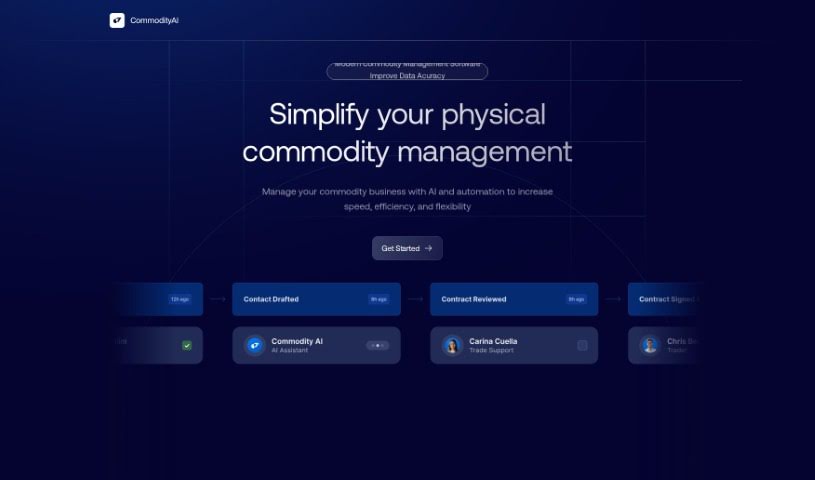
Screenshot of CommodityAI

CommodityAI

Freemium

CommodityAI is an assistant for commodity trading and shipments that automates processes from start to finish. Its core features include full shipment automation, AI-powered analytics on shipment performance, digital document management, and improved communication between stakeholders. The platform aims to increase operational efficiency, reduce costs, and raise throughput in the commodities space.

Documentation View Tool →
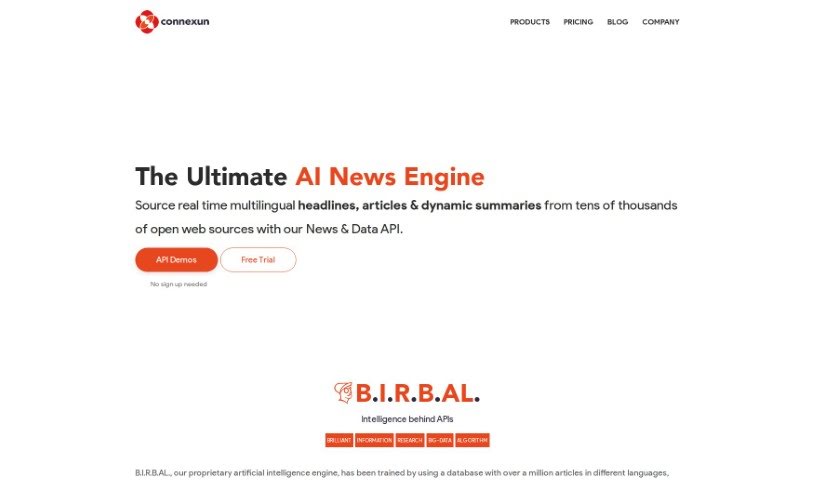
Screenshot of Connexun

Connexun

Freemium

Connexun is a platform offering News & Text Analysis APIs that scrape, classify, and summarize web content. Its core engine, B.I.R.B.AL., uses Natural Language Processing models and machine learning to analyze, group, rank, and summarize news topics across multiple languages.

Documentation View Tool →
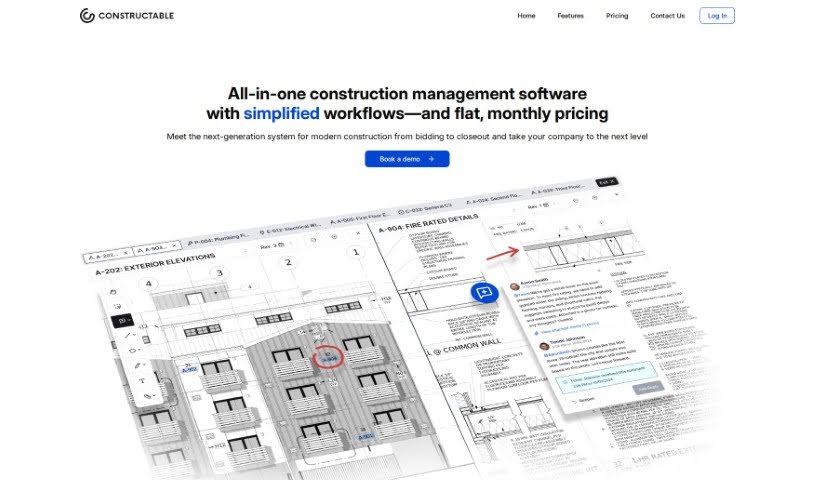
Screenshot of Constructable

Constructable

Freemium

Constructable is an AI tool built for construction teams. It serves as a central hub for project information, pulling documents and conversations from email, chat, and other software into one place. Teams can ask questions about their project data in plain language — the way they would ask a colleague — and get quick answers, with every piece of information traceable back to its source.

Documentation View Tool →
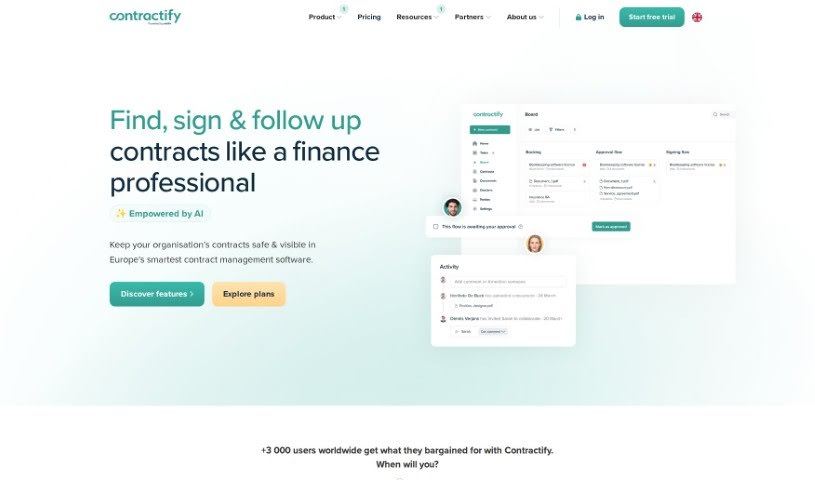
Screenshot of Contractify

Contractify

Freemium

Contractify is contract management software that simplifies e-signing, managing, and automating contracts online. It supports three types of e-signatures and includes an AI-powered drafting assistant, built-in approval workflows, automated follow-ups, and team collaboration features. Its core AI feature is Ada, an assistant that manages contracts after signing by pulling key information from contract PDFs.

Documentation View Tool →
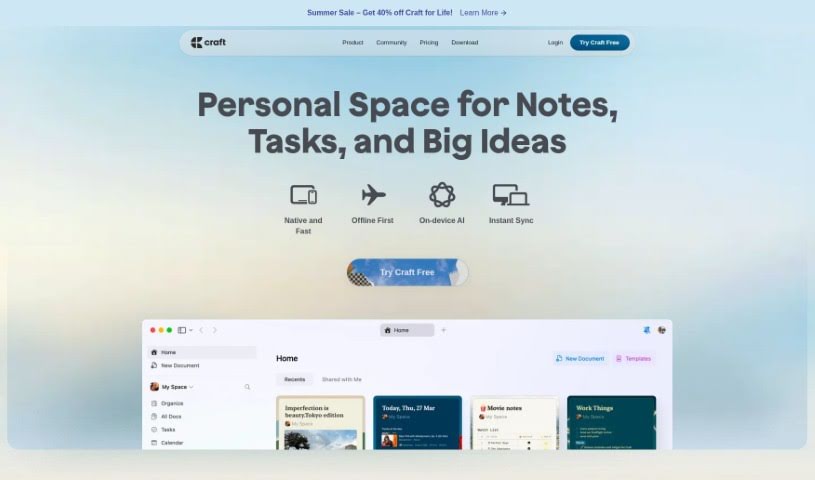
Screenshot of Craft Docs

Craft Docs

Freemium

Craft Docs is a document platform that gives individuals and teams a single place to brainstorm, collaborate, and share polished work. It's known for its design and ease of use, with features including image and video support, a built-in AI assistant, comments and reactions, code blocks, structured documents, and link previews. Craft aims to boost productivity, streamline communication, and support better decision-making. It suits a range of roles — engineering, sales, freelancing, and internal company work — and includes ready-made templates for daily team check-ins, updates, and release notes, making it useful for personal, work, and business purposes.

Documentation View Tool →
Screenshot of Cumulus Pro

Cumulus Pro

Freemium

Cumulus Pro converts standard operating procedures into digital workflows, with a focus on quality management across work activities. The platform aims to boost productivity, improve process execution, and reduce rework by ensuring workers follow the right steps and quality checks. Existing procedures can be converted into digital workflows instantly, and new procedures can be created based on industry expert recommendations.

Documentation View Tool →
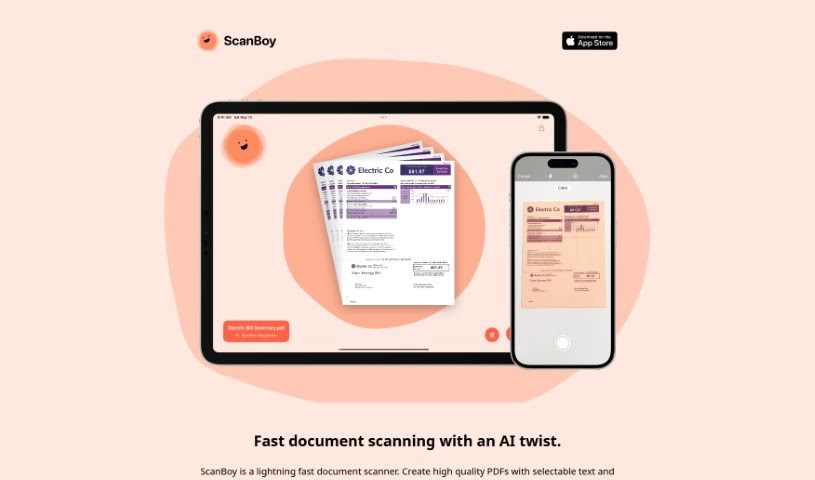
Screenshot of DeadPan Scanboy

DeadPan Scanboy

Freemium

ScanBoy is a document scanning app built specifically for iPhones and iPads, available on the Apple App Store. It creates high-quality PDFs with selectable text and uses optical character recognition (OCR) so you can extract and interact with the text inside your scans.

Documentation View Tool →
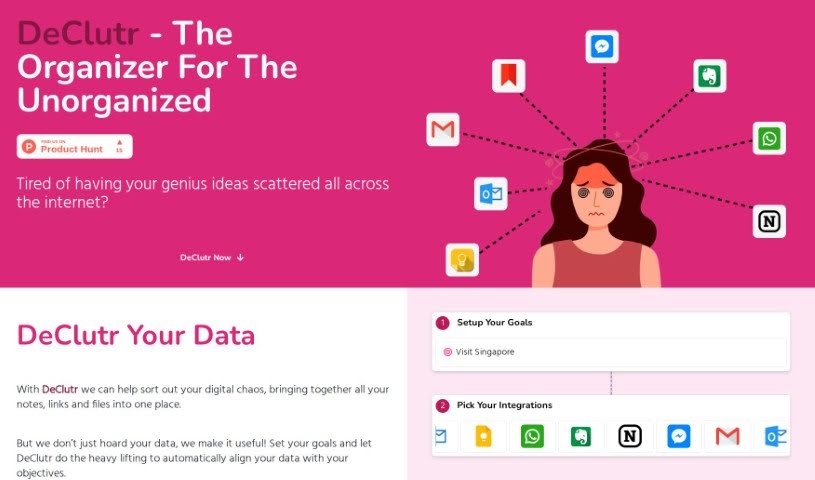
Screenshot of Declutr

Declutr

Freemium

Declutr is a digital organization tool that gathers scattered notes, links, and files into one place. It uses AI to analyze your information and offer personalized suggestions and concrete steps aligned with goals you set. Once you define your objectives, Declutr automatically matches your collected data to them, reducing manual sorting work.

Documentation View Tool →
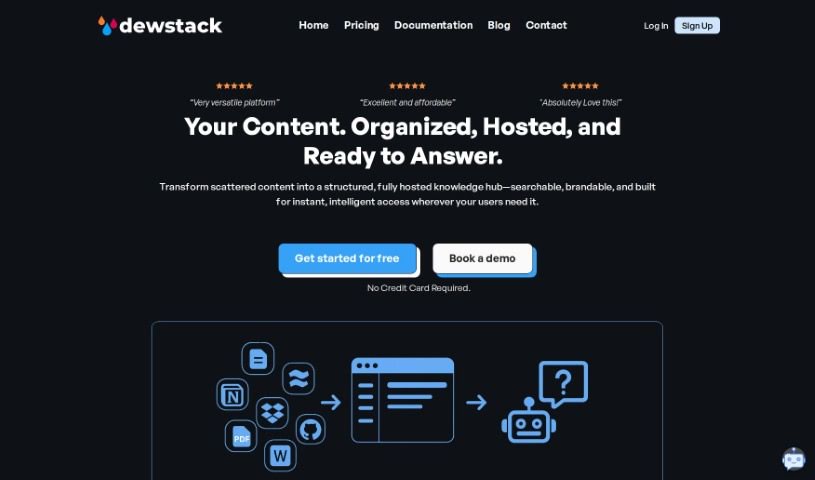
Screenshot of Dewstack

Dewstack

Freemium

Dewstack is an AI-powered documentation platform for creating and managing content. Its "Page Assist" feature helps improve your writing by clarifying text, adjusting tone, translating into different languages, and optimizing for SEO. Dewstack also provides instant answers to user questions through its "Ask a Question" feature, lets you add chatbots for support, automatically generates documentation from PDF and DOCX files, and supports custom templates. Various pricing plans are available for different needs and team sizes.

Documentation View Tool →
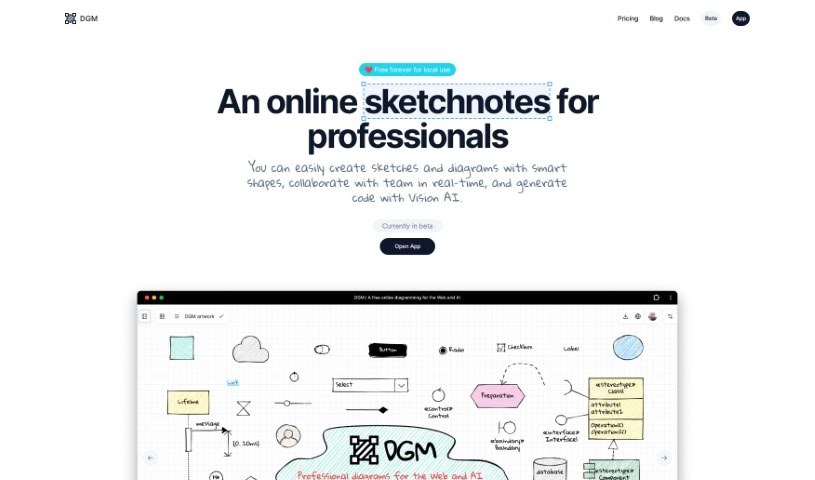
Screenshot of Dgm

Dgm

Freemium

Dgm (short for Diagram) is a diagramming tool for creating flowcharts, UML diagrams, ER diagrams, and UI wireframes.

Documentation View Tool →
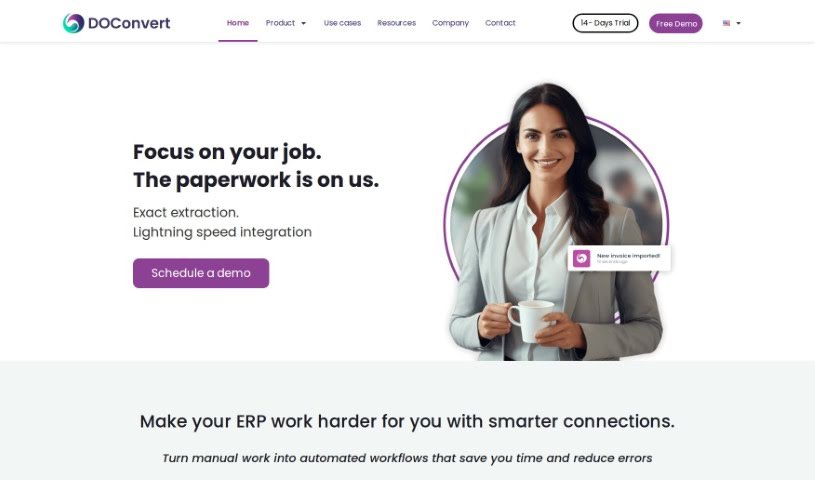
Screenshot of DOConvert

DOConvert

Freemium

DOConvert is a system designed to help businesses manage and process documents. It is quick to set up, works with a variety of ERP platforms, and can be installed either on your own servers or in the cloud. It handles document management and offers solutions for dealing with large volumes of documents.

Documentation View Tool →
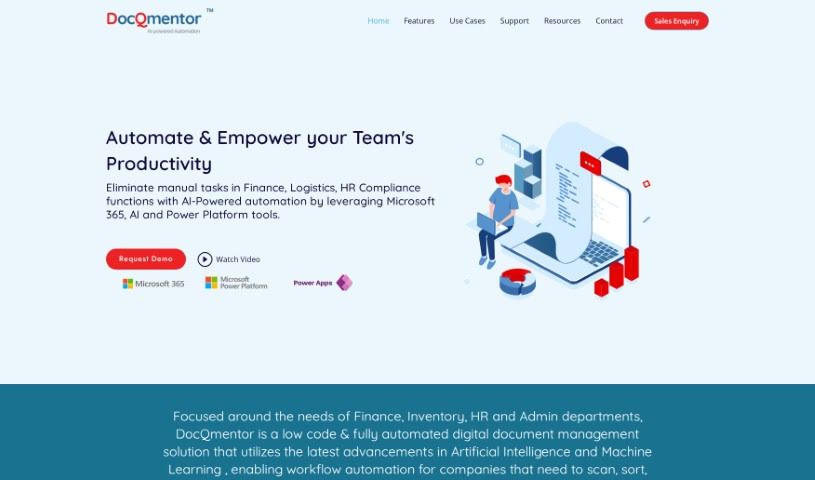
Screenshot of DocQmentor

DocQmentor

Freemium

DocQmentor is a low-code document management system that uses AI and machine learning to fully automate document workflows across departments such as Finance, Inventory, HR, and Admin. You drop files into a designated folder, and DocQmentor scans them, extracts key data, renames the files, adds metadata, and stores them securely in Microsoft 365. It also assigns confidence scores to processed forms so you can monitor data accuracy, and it connects with other major business applications.

Documentation View Tool →

About Documentation tools

Writing technical documentation is often the last thing developers, product managers, or team leads want to tackle. After spending weeks building a feature or mapping out an internal process, writing user guides, API references, or wiki pages feels like a slog. Yet missing or outdated docs lead to confused users, onboarding bottlenecks, and endless support tickets.

Think of the platforms in this section as specialized technical writers. They don’t invent technical specs out of thin air, but they quickly turn raw code, screen recordings, and rough notes into clean, readable guides.

Automating Guides and Knowledge Bases

Generating technical guides straight from code repositories saves massive amounts of development time. Software engineers rarely want to pause their workflow to write comments or update API endpoints. Modern documentation assistants scan pull requests and codebases, generating clear, structured explanations of functions and endpoint changes automatically. Your technical references stay current without pulling developers away from writing code.

Creating standard operating procedures (SOPs) for internal workflows gets much faster, too. Instead of manually taking screenshots and writing step-by-step instructions for routine tasks, video-capture AI tools watch your screen while you work. They capture screenshots, write descriptive step titles, and build complete visual guides in minutes.

Keeping documentation updated is usually harder than writing it the first time. When a feature changes or a company policy updates, old docs become misleading. AI documentation platforms monitor your updated codebase or modified workflows, flagging outdated pages and suggesting quick revisions so your knowledge base remains accurate.

Useful Features for Teams:

  • Automated code parsing: Tools that read repositories and pull requests to generate API guides and technical references automatically.
  • Screen capture step building: Software that turns screen recordings into step-by-step visual guides with screenshots.
  • Knowledge base integration: Connectors that link directly to platforms like Notion, Confluence, or GitHub to keep docs updated across workspaces.
  • Multi-language translation: Features that translate user guides and help articles into dozens of languages while preserving formatting.
  • Natural language search: Search assistants that let users ask plain-English questions and get direct answers sourced straight from your docs.

Clear, helpful documentation will always depend on human context and real product understanding. While software parses code and captures screenshots, keeping guides intuitive for actual readers requires your direction.

Explore the documentation tools below to clean up your team’s knowledge base.

The Best AI Documentation Tools

  1. Tenorshare: Great for easily summarizing PDFs for research.
  2. Mermaid Chart: Perfect for creating code architecture diagrams.
  3. Git Book: A platform for editing documentation collaboratively.
  4. Craft Docs: Ideal for team collaboration and communication.
  5. Slite: Use it to centralize all your company’s knowledge.
  6. Macro.com: Helps you streamline document editing tasks.
  7. Supernormal: Makes meeting notes easy to access.
  8. Writingmate.ai: Offers automated documentation with AI help.
  9. Mentalyc: Provides seamless note-taking for therapists.
  10. Sembly AI: Generates meeting notes automatically.
  11. Document360: Helps create user-friendly product manuals.
  12. Mintlify: Streamlines the creation of developer documentation.
  13. Trickle AI: Manages project notes more efficiently.
  14. Single Store: For searching and analyzing documents in real-time.
  15. 20Paths: Creates how-to guides, interactive demos and synced help centres.
New tools, in your inbox.

Weekly picks of the best AI tools we've researched and added — no spam, unsubscribe anytime.

Join 25,000+ AI enthusiasts. No spam, unsubscribe anytime.